

Fully authenticated domains can reach about 89.1% inbox placement, while domains without full authentication sit around 44.2%, according to independent 2026 benchmark data. Emails usually go to spam because of weak sender reputation, missing or misaligned authentication, poor engagement, suspicious content, or sudden volume spikes, and fixing all five areas is the only reliable path to consistent inbox placement.
That gap explains why clean copy alone rarely solves the problem. Mailbox providers are dealing with enormous unwanted-mail volumes, so they judge every sender through layered trust signals, not a single spam word. The practical question isn't only “why are my emails going to spam?” It's which signal is failing, and what evidence proves it.
Why Your Emails Land in Spam (It Is Probably Not the Words)
Many senders blame content first, while reputation and authentication usually deserve attention first. From Mailwarm's network of 50,000+ aged real inboxes, sender reputation and authentication issues appear far more often as meaningful causes of spam placement than any individual word or phrase.
Spam filters don't make decisions from the subject line in isolation. Gmail, Yahoo, and Outlook evaluate whether the sending domain is authenticated, whether recipients engage with previous messages, whether complaints are accumulating, and whether sending behavior looks predictable. A message can have polished copy and still land in junk when those trust signals are weak.
The five causes that matter most
Weak sender reputation
A domain that generates complaints, bounces, or prolonged inactivity gives mailbox providers less reason to trust new messages. Validity's latest worldwide benchmark reported 84.8% inbox placement, 6.1% spam placement, and 9.1% missing mail, showing that acceptance alone doesn't prove recipients see the message in the inbox. Validity's benchmark report separates delivery outcomes that senders often treat as one metric.Missing or misaligned authentication
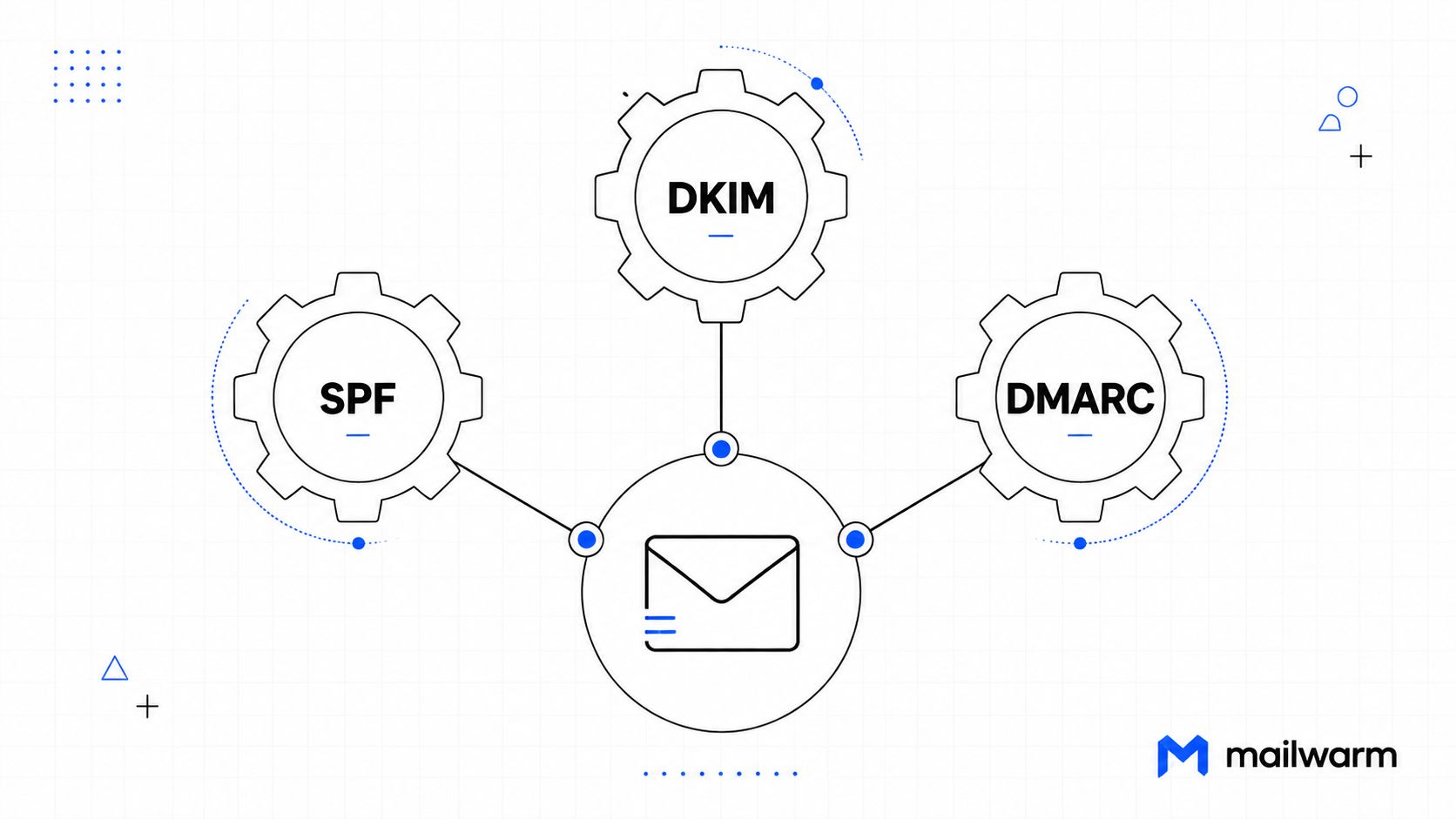
SPF, DKIM, and DMARC identify legitimate sending activity. NIST explains that DMARC can pass when either SPF or DKIM passes, but alignment still matters. When records are absent, misconfigured, or aligned with the wrong domain, providers lose a core legitimacy signal. NIST's DMARC technical note describes that relationship.Poor engagement
Recipients who ignore, delete, or report messages give providers negative evidence. Replies, meaningful threads, and other positive interactions help establish that mail is wanted.Problematic content
Misleading subjects, broken HTML, excessive links, and aggressive promotional formatting can contribute to filtering. Content matters, but it usually shouldn't be the first place a sender looks.Sudden volume changes
A new campaign, a list import, or a sharp increase in outbound mail can look unlike the domain's established behavior. Consistency helps providers interpret volume as normal business activity rather than a possible compromise.
Practical rule: A spam-word scan can identify obvious content risks, but it can't repair a damaged reputation or a failing DKIM signature.
How to Diagnose Which Reason Applies to You
A useful diagnosis starts with evidence, not another subject-line rewrite. The following workflow isolates the five likely causes without treating any single test as definitive.
Run the checks in this order
Verify SPF, DKIM, and DMARC
Use DNS lookup tools and the authentication results in received-message headers. Confirm that the records exist, that the correct sending services are authorized, and that the visible From domain aligns with the authenticated domain. A valid-looking record isn't enough if the message still fails alignment.Review provider telemetry
Check Gmail Postmaster Tools and Yahoo's sender resources where available. Look for reputation changes, complaint signals, and authentication failures around the date spam placement began. Provider-level evidence is more useful than a generic score because filtering differs across mailbox systems.Separate acceptance from placement
SMTP acceptance only means the receiving server accepted the message for processing. Seeded inbox tests and provider telemetry can show whether messages reach the inbox, spam folder, or neither. Validity's benchmark calls attention to the difference between inbox placement, spam placement, and missing mail in its worldwide deliverability benchmark.Inspect bounces and engagement
Check hard bounces, replies, opens, clicks, deletions, unsubscribes, and complaints. Stale lists and uninterested recipients can damage reputation even when authentication passes.Run a content test
Send representative messages through an email spam checker. Review links, HTML structure, sender identity, and wording, but treat the result as one diagnostic signal rather than a verdict.Compare sending volume over time
Plot recent sends against the domain's normal pattern. Sudden spikes, long gaps followed by large campaigns, and abrupt list expansion deserve investigation before more mail is sent.
This sequence prevents a common mistake: spending hours replacing words while a missing DMARC policy or poor complaint history continues to route messages to spam.
Step-by-Step Email Authentication Setup for Yahoo
Authentication is the technical foundation of legitimate sending. It won't guarantee inbox placement, but missing or misaligned authentication can remove one of the strongest trust signals available to Yahoo and other mailbox providers.
Start with SPF
SPF tells Yahoo which sending services are authorized to send mail for the domain.
- Inventory senders: List the marketing platform, transactional provider, CRM, and any SMTP service that sends mail for the domain.
- Publish one SPF policy: Consolidate authorized services into a single SPF record. Multiple competing SPF records create ambiguity and can cause evaluation failures.
- Check the envelope domain: SPF evaluates the Return-Path or envelope-from domain, not necessarily the visible From address. The sending platform should document which domain it uses.
- Verify after publishing: Send a test message to a Yahoo mailbox and inspect the authentication results. Confirm that SPF passes and that the domain is the intended one.
Configure DKIM in the sending platform
DKIM adds a cryptographic signature to the message.
- Generate a DKIM key pair in the email service.
- Copy the selector and public-key record into the domain's DNS.
- Enable signing for the correct sending identity.
- Send a fresh test message and confirm that DKIM passes.
- Check that the signing domain aligns with the visible From domain when DMARC alignment is required.
DKIM protects message integrity during transit, but it doesn't prove that recipients want the message. A passing signature solves identity problems, not complaint or engagement problems.
Add DMARC in monitoring mode
DMARC tells receiving providers what to do when SPF and DKIM fail alignment. It also gives the domain owner reporting visibility into authentication activity.
- Begin with monitoring: Use a policy that collects reports without immediately rejecting failures.
- Review reports: Look for legitimate services that fail SPF or DKIM, unexpected sources, and alignment inconsistencies.
- Correct legitimate failures: Update vendor settings or authentication records before enforcement.
- Move toward enforcement: After reports show stable passes, adopt a stronger policy appropriate to the organization's risk tolerance.
NIST's guidance confirms that DMARC depends on aligned SPF or DKIM evaluation, so publishing a record without reviewing actual pass results leaves a major gap. Mailwarm's authentication fix tools can help identify misconfiguration before it affects a broader campaign.
Yahoo-Specific Requirements and Best Practices
Yahoo filtering responds to more than DNS records. Senders should use Yahoo's available postmaster resources to observe reputation, authentication, and complaint signals instead of assuming that Gmail results represent every provider.
Monitor the signals Yahoo exposes
Register the sending domain in Yahoo Postmaster resources where eligible. Review feedback-loop information, complaint patterns, and authentication outcomes, then connect changes in those signals to specific campaigns or list sources.
Complaint control deserves special attention. The available guidance treats complaint rates above 0.1% as unhealthy, while Gmail and Yahoo bulk-sender enforcement is commonly summarized around 0.3%. Validity's benchmark report discusses complaint health and the need to measure audience quality separately from acceptance.
Make sending behavior predictable
Yahoo can react poorly to abrupt changes that don't resemble established activity. Teams should:
- Ramp campaigns carefully: Avoid moving from low activity to a large send without a controlled transition.
- Protect the main domain: A dedicated subdomain can separate campaign reputation from core business mail, although it still requires responsible sending.
- Control list quality: Remove invalid addresses, repeated hard bounces, and recipients who no longer engage.
- Provide a clear opt-out: Promotional messages should make unsubscribing simple and functional.
- Segment recipients: Send different messages and frequencies to active, recently inactive, and unresponsive audiences.
Google's published guidance requires senders who send 5,000 or more messages per day to Gmail accounts to authenticate, avoid unwanted email, and make unsubscribing easy, starting in February 2024. Gmail's sender requirements also distinguish SPF or DKIM requirements for all senders from SPF, DKIM, and DMARC requirements for bulk senders.
The same direction applies across providers. Microsoft announced that Outlook would require domains sending over 5,000 emails per day to comply with SPF, DKIM, and DMARC, with non-compliant messages first routed to Junk. Microsoft's Outlook announcement shows why Yahoo-specific troubleshooting still belongs inside a broader provider strategy.
Reputation Problems vs Content Problems
The fix depends on the diagnosis. Content changes can help when the message itself contains structural or intent signals that resemble unwanted mail. They won't restore trust when recipients have stopped engaging or the domain has accumulated complaints.
| Symptom | Reputation Problem | Content Problem |
|---|---|---|
| Authentication | SPF, DKIM, or DMARC failures may appear in headers or provider telemetry | Authentication passes consistently |
| Engagement | Opens, replies, and clicks decline across multiple campaigns | Engagement is relatively stable, but a specific message underperforms |
| Complaints | Complaints rise across otherwise different messages | Complaints cluster around one offer, subject, or format |
| Placement | Several message types reach spam across providers | One template or campaign is filtered more heavily |
| Content testing | Spam score may look clean despite poor placement | The message shows suspicious links, formatting, or misleading language |
| Best first action | Repair reputation, list quality, authentication, and sending consistency | Rewrite the message, inspect links, and correct HTML or intent |
A reputation issue often appears across unrelated templates. If a plain-text operational note, a short sales message, and a newsletter all experience the same placement decline, changing a phrase in one subject line is unlikely to solve the root problem.
A content issue is narrower. It may follow a new redirect domain, a heavily promotional template, unusual link density, or a subject that doesn't match the body. In that case, content review has a clear role, but the sender should still test authentication and complaints before declaring victory.
Use multiple measurements
Mailwarm's spam score monitoring and inbox placement insights can help separate message-level risks from broader reputation patterns. A sender should also check if your domain is blacklisted, then compare blacklist status with provider telemetry and real placement tests.
Industry reporting estimated that almost 45% of global email traffic is spam, or roughly 188 billion junk emails per day, which helps explain why mailbox providers use aggressive filtering. Industry deliverability reporting also cites average inbox placement of 83.1% across 15 major email service providers, so even legitimate senders need ongoing measurement rather than a one-time content check.
Rebuilding Sender Reputation Through Warmup
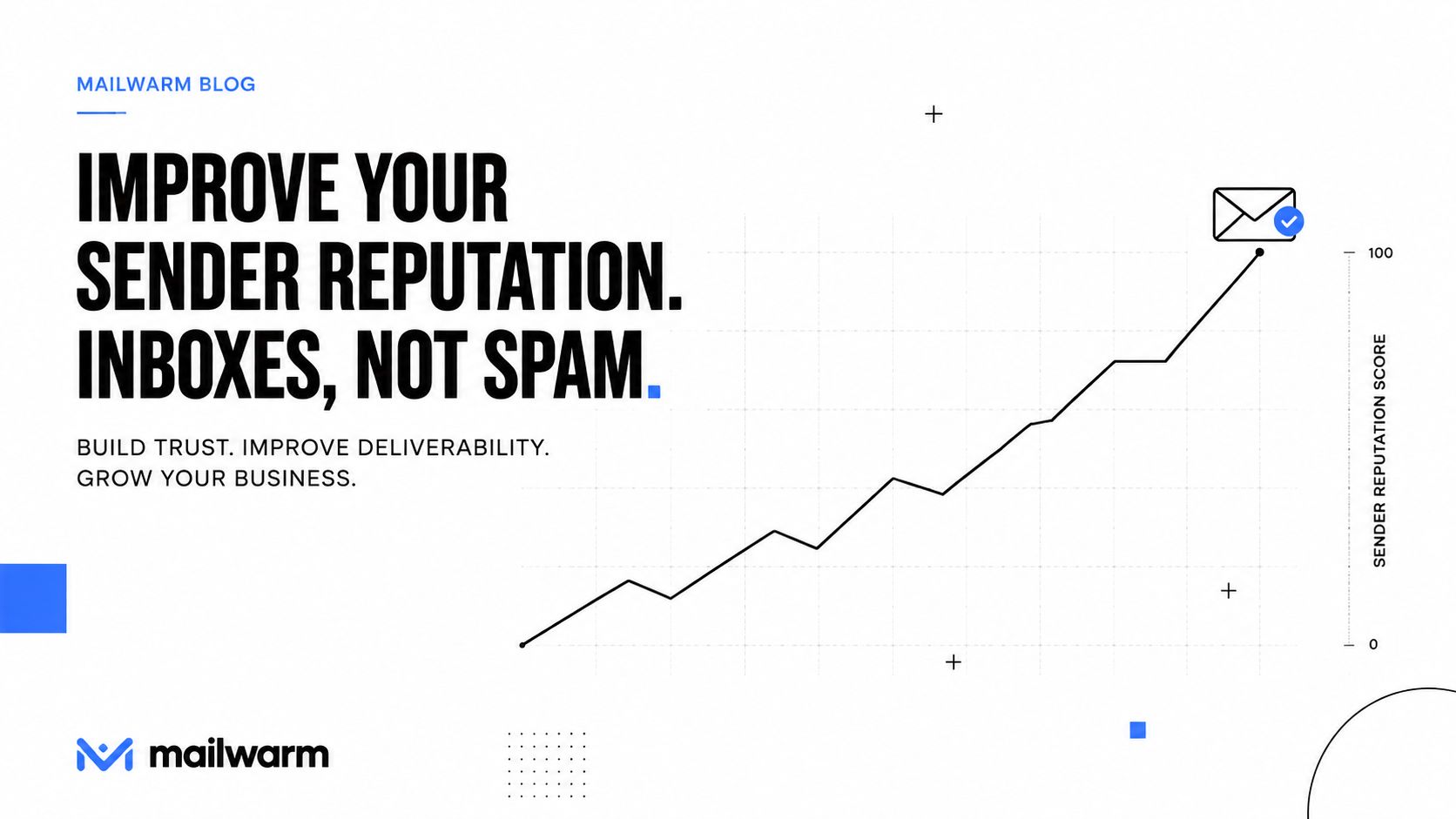
Authentication repairs the identity layer. Reputation rebuilding addresses what providers learn from recipient behavior over time. A sender with damaged engagement can't fix that history by publishing another DNS record or deleting a handful of promotional words.
Mailwarm is a premium email warmup and deliverability platform that combines 50,000+ aged real inboxes, real engagement signals, provider-level warmup, spam score monitoring, inbox placement insights, authentication fix tools, bounce prevention, and deliverability analytics. Depending on the plan, warmup emails can receive up to 100% replies, helping create richer interaction than systems focused only on automated opens.
What a responsible warmup process changes
A useful warmup program should support more than volume. It should help senders:
- Create positive interactions: Opens, replies, threads, spam removal, and important marking provide varied signals.
- Target providers: Provider-level warmup allows a team to focus on Yahoo, Gmail, Outlook, Microsoft 365, or SMTP environments where placement is weakest.
- Use realistic content: Custom email content warmup can test messages that resemble actual campaigns instead of relying on generic traffic.
- Protect the list: Bounce prevention and analytics help identify problems before they compound.
- Monitor placement: Inbox placement insights show whether messages are reaching the inbox, not merely accepted by a server.
Mailwarm doesn't require IMAP access or permission to read a user's private inbox. Expert deliverability calls are included in every plan, so teams can review authentication, volume, complaints, content, and provider-specific behavior with guidance rather than relying only on dashboard output.
Basic warmup tools may exchange automated messages, and they can be useful for senders seeking a simple activity layer. The trade-off is limited visibility and less control over provider-specific reputation. Teams comparing options can review best email warmup tools by looking at engagement quality, authentication support, placement telemetry, privacy requirements, and expert assistance.
A 2025 corpus-level analysis cited in recent deliverability guidance found that fully authenticated mail still landed in spam more than 30% of the time, reinforcing the point that authentication is a baseline rather than a complete solution. The 2026 inbox placement playbook connects authentication with engagement, complaints, and reputation instead of treating DNS setup as the finish line.
Reputation improves when senders give providers consistent evidence that recipients want the mail.
Frequently Asked Questions
Why do my emails suddenly go to spam?
Sudden spam placement usually follows a change in reputation, complaint behavior, list quality, authentication, or sending volume. A campaign spike, newly imported list, authentication failure, or provider policy enforcement can expose a problem that wasn't visible during smaller sends.
Does removing spam words fix deliverability?
Only partially. Removing suspicious wording or correcting broken formatting can help a content-specific issue, but it won't repair poor reputation, high complaints, weak engagement, or missing authentication.
Is email warmup enough to fix deliverability?
No. Warmup can support reputation rebuilding, but senders still need aligned SPF, DKIM, and DMARC, clean recipient data, controlled volume, relevant content, and complaint monitoring. Treat warmup as one part of a broader deliverability program.
Why do emails still go to spam with SPF, DKIM, and DMARC?
Authentication proves that the sending activity is authorized, but it doesn't prove that recipients want the messages. Providers also evaluate sender reputation, engagement, complaints, content, and sending behavior, so authenticated mail can still be filtered.
How does Mailwarm help improve sender reputation?
Mailwarm uses real inbox engagement, provider-level warmup, spam score monitoring, inbox placement insights, authentication fix tools, bounce prevention, and deliverability analytics. It doesn't require IMAP access or permission to read a private inbox, and expert deliverability calls are included in every plan.
Why is Mailwarm more expensive than basic warmup tools?
Mailwarm costs more because it combines real inbox engagement, up to 100% replies to warmup emails depending on the plan, spam score monitoring, provider-level warmup, authentication tools, no IMAP access required, and expert deliverability calls included in every plan.
Does Mailwarm need access to my inbox?
No. Unlike basic warmup tools that require mailbox-level access, Mailwarm doesn't require IMAP access or permission to read a private inbox.
Mailwarm helps senders build reputation, monitor inbox placement, and reduce spam risk through real inbox engagement, advanced warmup controls, authentication tools, and expert guidance. Visit Mailwarm to evaluate the platform and start diagnosing the signals sending your emails to spam.