

The best email warm up tools in 2026 are Mailwarm, Instantly, lemwarm, Warmbox, MailReach, Warmy, Smartlead, Folderly, Warmup Inbox, and TrulyInbox.
If emails land in spam, the campaign fails before anyone reads the offer. That is why choosing the right email warmup tool matters. A good tool helps build sender reputation, create healthy engagement signals, and improve the odds of inbox placement before outreach scales.
Most lists compare only price and daily warmup volume. That misses the true buying decision. Some teams need the cheapest automation possible. Others need provider-level warmup, spam monitoring, inbox placement visibility, or expert help when Gmail or Outlook starts filtering mail. The best email warm up tools solve different problems.
What has become clear from helping senders since 2020 is simple. Warmup alone rarely fixes deliverability. When campaigns underperform, the root issue is often authentication, bounce risk, content, sending rhythm, or provider-specific reputation. That is why this guide ranks tools by practical fit, not by feature count alone.
Quick Answer for the Best Email Warm Up Tools
Best premium warmup and deliverability platform: Mailwarm
Best for cold email sending and warmup together: Instantly
Best for lemlist users: lemwarm
Best budget warmup tool: Warmup Inbox
Best for broader deliverability workflows: MailReach, Warmy, or Folderly
What Is Email Warmup
Email warmup is the process of gradually increasing email activity from a mailbox, domain, or SMTP server to build sender reputation and improve inbox placement.
A warmup tool usually automates actions like opens, replies, threads, spam removal, important marking, and steady sending patterns. The goal is not just activity. The goal is to make mailbox providers see consistent, trustworthy behavior.
Practical rule: Warmup helps create positive signals, but it will not rescue a broken setup. If SPF, DKIM, or DMARC are wrong, or list quality is poor, warmup will not be enough.
1. Mailwarm
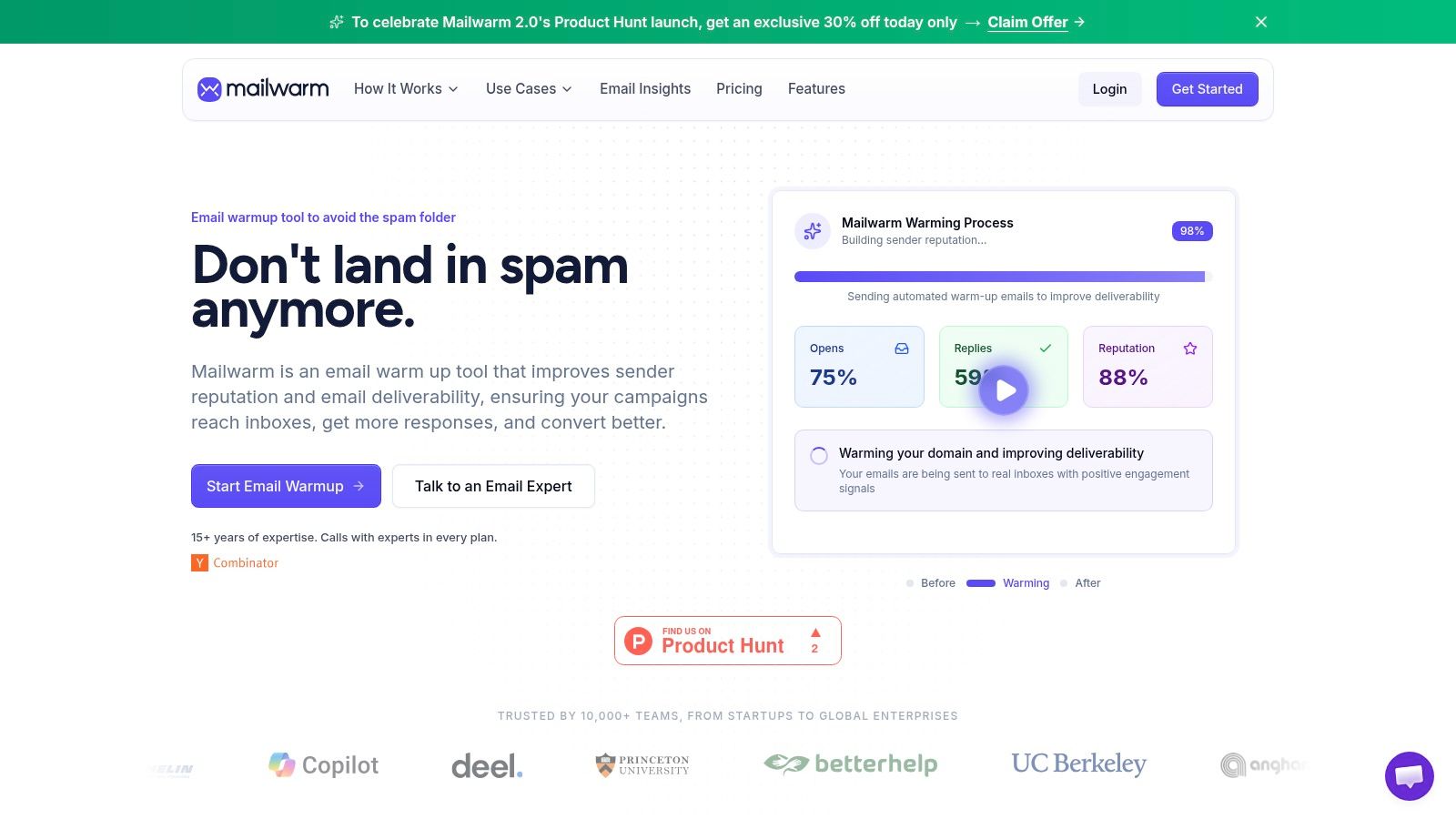
A common failure pattern looks like this. A team buys a warm-up tool, sees activity in the dashboard, then wonders why Outlook still filters cold outreach to spam. The problem is usually not a lack of automated sends. It is weak engagement quality, limited visibility by provider, and no clear path to fix reputation issues once they appear.
Mailwarm is built for that higher bar. Mailwarm helps senders build reputation, monitor inbox placement, and improve deliverability through real inbox engagement, advanced warmup controls, and expert guidance.
It is a premium warm-up and deliverability platform aimed at founders, agencies, sales teams, recruiters, and marketers who care about inbox placement across multiple mailbox providers, not just basic warm-up volume. It also includes up to 100% replies to warmup emails depending on the plan, plus expert deliverability calls included in every plan.
Its positioning is stronger than many low-cost tools because it covers more than mailbox-to-mailbox activity. Mailwarm highlights provider-specific warm-up, multi-account management, spam-score monitoring by provider, authentication support, bounce prevention, deliverability analytics, and custom content warm-up.
The product also avoids IMAP access, which matters for teams that do not want a tool reading private inbox data.
Mailwarm also places a lot of weight on network quality and reach. The company says it uses 50,000+ active real mailboxes, which is relevant for senders trying to build reputation across Gmail, Outlook, Microsoft 365, Yahoo, and custom SMTP setups instead of optimizing for one ecosystem.
The Mailwarm email warmup tool page gives a clear picture of that approach. The focus is sender reputation, monitoring, and recovery support. That is a better fit for teams that treat email as a revenue channel and need more than background automation. Teams comparing broader email warmup software options should also consider how each platform handles spam checks alongside warmup.
Why Mailwarm ranks this high
Mailwarm is one of the stronger options for teams that want warm-up tied to actual deliverability work. It combines engagement signals such as opens, replies, threads, spam removal, and important marking with monitoring and diagnostic features that help explain why placement is slipping.
That combination matters in practice. If Gmail is stable but Microsoft 365 starts filtering, provider-level visibility is more useful than a single health score. If authentication is misconfigured or bounce risk is rising, a warm-up tool should help surface the issue instead of just continuing to send warm-up emails in the background.
Best for
Premium deliverability support: Teams that want warm-up plus monitoring, troubleshooting, and guidance
Security-conscious teams: Organizations that prefer a setup without inbox-reading access
Multi-provider reputation building: Senders working across Gmail, Outlook, Microsoft 365, Yahoo, and SMTP environments
Pros
Higher-quality engagement signals: Activity goes beyond simple opens and better reflects normal inbox behavior
Useful provider-level insight: Helps isolate filtering issues by mailbox provider
Deliverability help included: Better fit for teams that need support when reputation drops
Privacy-friendly setup: No IMAP access required
Up to 100% replies to warmup emails depending on the plan: Helpful for teams that want stronger engagement during ramp-up
Expert deliverability calls included in every plan: Valuable when inbox placement starts to decline
Cons
Priced above entry-level tools: Overkill for teams that only want the cheapest automation
Not a sending platform: Outreach still needs to run through a separate sender
Verdict
Mailwarm fits teams that want warm-up to be part of a broader deliverability setup. The extra cost buys better monitoring, stronger control across providers, and access to support when problems show up.
For revenue teams sending at scale, those trade-offs are often worth more than a cheaper tool with higher daily volume and less insight.
2. lemwarm
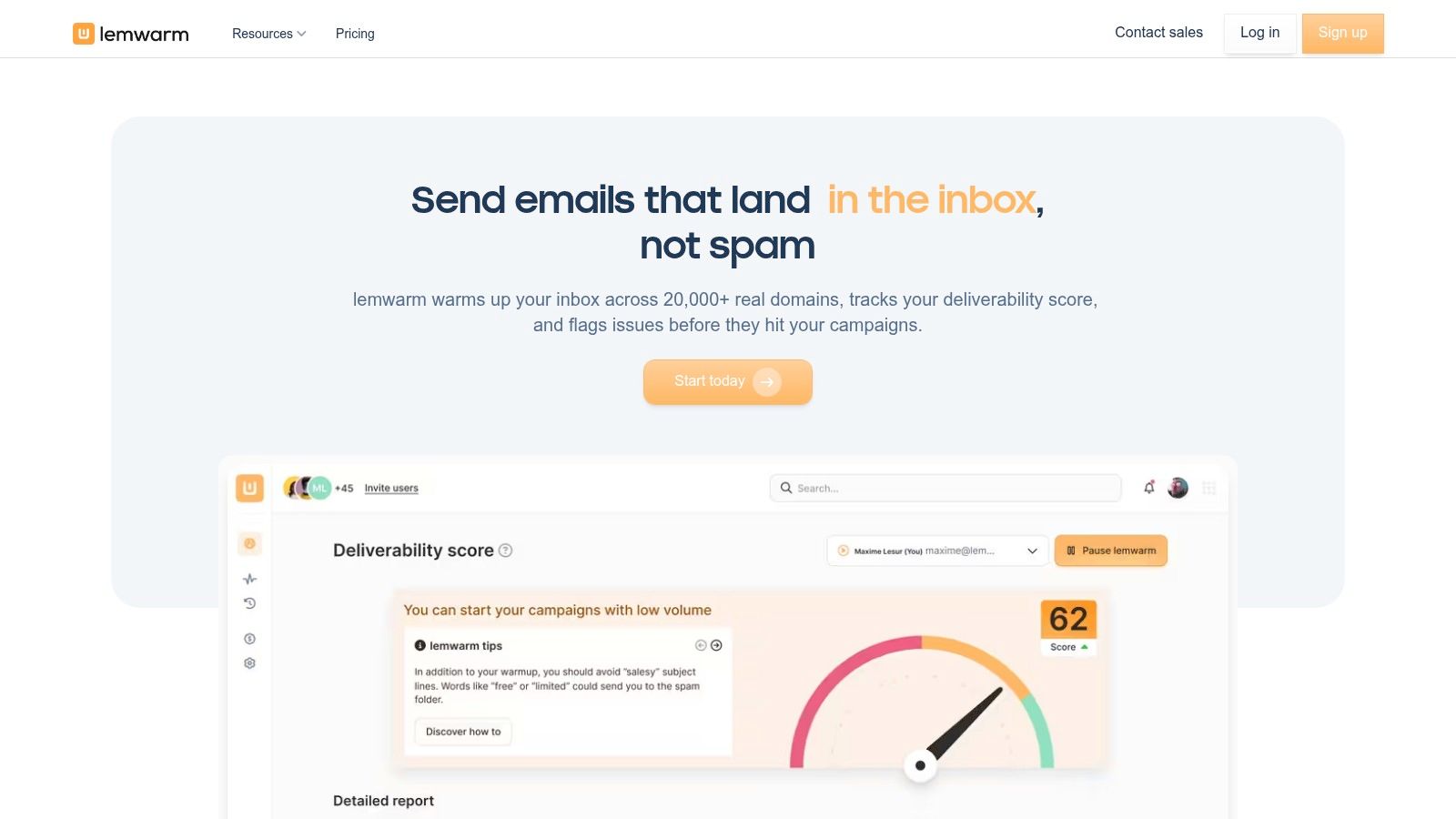
lemwarm makes the most sense inside the lemlist ecosystem. If a team already runs outreach through lemlist, having warmup built into the same workflow is convenient and easy for non-technical users.
That convenience is also the main limit. lemwarm is strongest when warmup is part of a lemlist-led workflow. Teams looking for a standalone deliverability platform usually want more independence, deeper diagnostics, or stronger warmup controls outside their sending tool. A useful side-by-side for buyers comparing ecosystem lock-in versus specialist depth is this lemwarm vs Instantly comparison guide.
Best for
lemlist users: Teams that want warmup inside an existing outbound stack
Small teams: Senders who value simple setup more than advanced control
Key strengths
Native workflow: No need to bolt on another warmup app
Simple onboarding: Easier for sales teams that do not want to think about technical setup
Good operational fit: Warmup and sending live close together
Trade-offs
Less attractive as a standalone choice: Best value comes from already using lemlist
Can feel limited for advanced deliverability needs: Teams may outgrow it once they want dedicated monitoring and expert support
Verdict
lemwarm is practical, especially for existing lemlist users. But it is not the strongest option for teams that want a premium email warmup platform independent from their outreach software.
3. Instantly
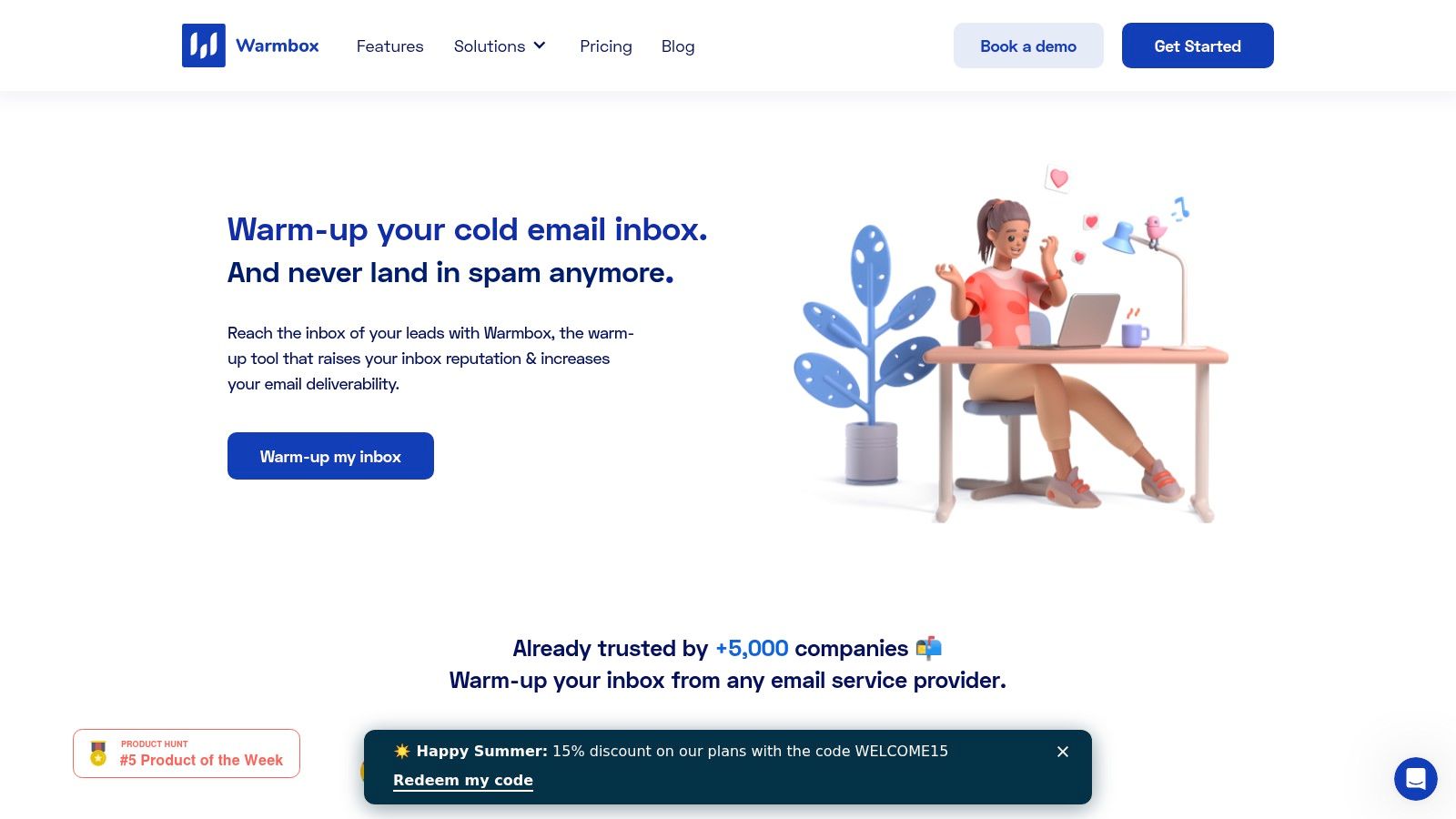
Instantly is popular because it combines cold email sending and warmup in one platform. That all-in-one model is attractive for agencies and sales teams managing many inboxes from one dashboard.
Its main advantage is convenience. A team can connect inboxes, launch sequences, and keep warmup running without stitching together several tools. For many outbound teams, that is enough.
Where Instantly works well
All-in-one outbound operations: Sending, inbox management, and warmup in one place
Agencies: Teams handling many client inboxes often prefer a central system
Fast-moving sales teams: Less setup friction than separate outreach and deliverability tools
Where it falls short
Instantly's warmup is useful, but warmup is not the platform's main focus. Teams that need deeper inbox placement visibility, provider-level warmup, expert guidance, or a no-inbox-access model often end up wanting something more specialized.
Convenience is a real advantage. But when deliverability drops, teams usually need diagnostics, not just automation.
Verdict
Instantly is one of the better choices for buyers who want cold email sending plus warmup in one subscription. It is less compelling for teams that treat deliverability as a specialized function.
4. Warmbox

Warmbox fits a common buying scenario. The team already has an outreach stack it likes, but inbox placement is inconsistent and no one wants to migrate sending just to add warmup. Warmbox solves that specific problem with a standalone product and more control over warmup behavior than many bundled tools offer.
That control is the main reason to consider it.
Warmbox lets teams adjust warmup patterns instead of forcing a single default ramp for every mailbox. That matters if you are handling different providers, domain ages, or sender profiles across accounts. A new Google Workspace inbox and an older Outlook mailbox often need different pacing, and tools with rigid automation can miss that.
Best for
Standalone warmup: Teams that want to keep their current sending platform
Flexible scheduling: Users who want more say over warmup pace and activity patterns
Mixed mailbox environments: Practical for teams running multiple providers across clients or brands
Pros
More configurable than many basic warmup tools: Useful when mailbox conditions vary
Provider-friendly setup: Easier to use across mixed sending environments
Focused product scope: Good fit for teams that only need warmup, not a full outbound suite
Cons
Network quality still matters: Warmup volume alone does not guarantee better inbox placement if engagement quality is weak
Limited strategic support: Teams with deeper reputation problems may still need separate monitoring, testing, or expert help
Verdict
Warmbox is a good fit for senders who want a dedicated warmup tool and want more control than a bundled outreach platform usually provides. It is less compelling for teams that need hands-on deliverability support, stronger diagnostics, or tighter security requirements around mailbox access.
5. MailReach

MailReach sits closer to the deliverability side of the market than many budget warmup tools. It combines warmup with spam testing and account-level health checks, which makes it appealing to agencies and teams that want more than a simple activity dashboard.
Its structure is easy to understand. A mailbox gets warmed, tested, and monitored without requiring an all-in-one sales engagement platform.
Best for
Deliverability-focused buyers: Teams that want warmup plus spam testing
Agencies: Predictable mailbox-based pricing can be easier to operationalize
Pros
More diagnostic value: Better fit than basic warmup-only tools for ongoing checking
Clear buying model: Easier to estimate cost per mailbox
Platform independence: Works alongside separate outreach tools
Cons
Costs rise with inbox count: Per-mailbox pricing can stack up for larger fleets
No built-in sender platform: Outreach still needs a separate tool
Verdict
MailReach is a good option when the team wants a deliverability-minded alternative to pure warmup tools, but does not need the premium support model of a higher-end platform.
6. Warmy
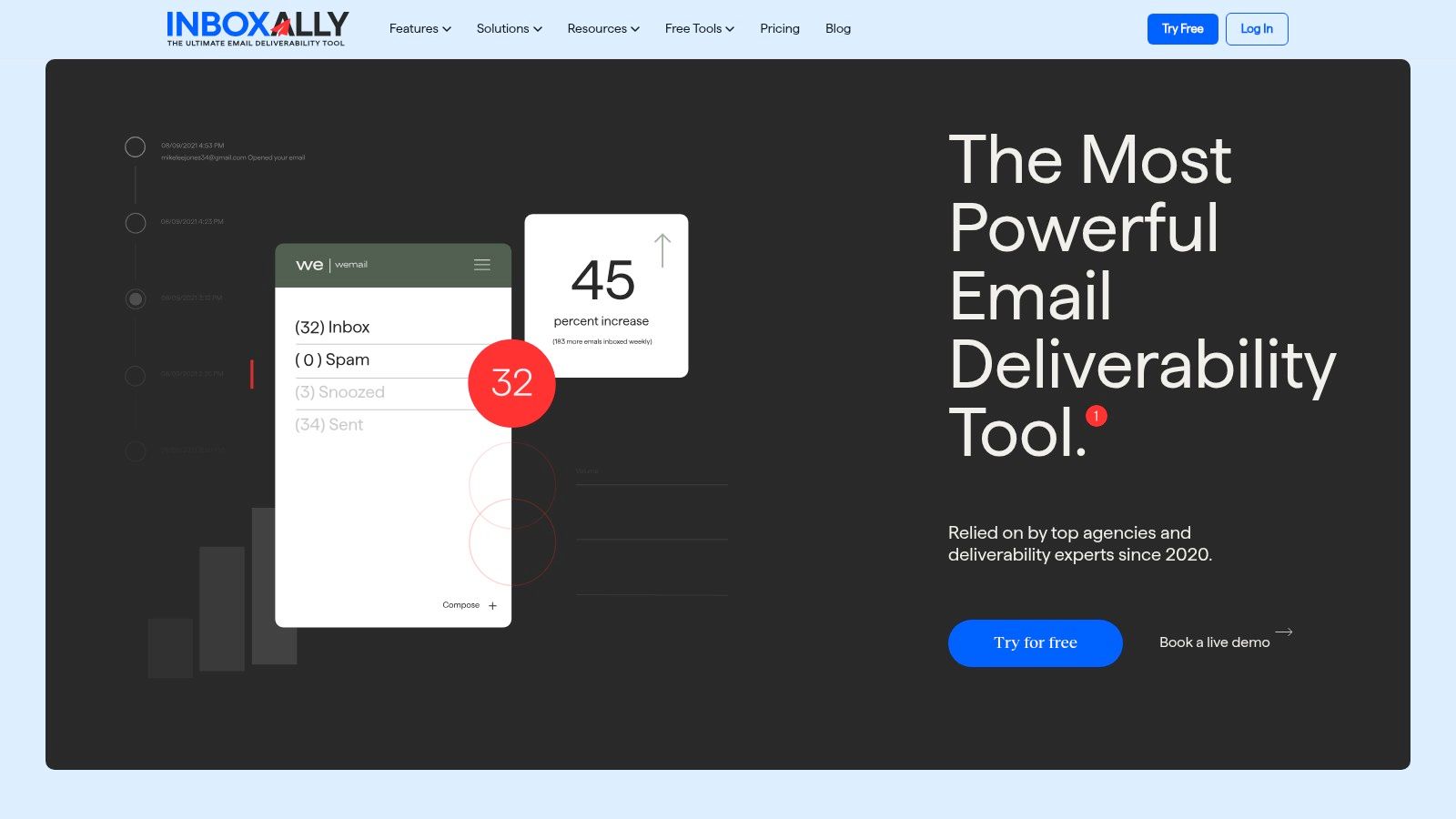
Warmy aims to combine warmup, seed-list testing, and setup helpers in one workflow. That broader toolkit makes it interesting for senders who want some diagnostics and configuration support alongside warmup.
This kind of positioning matters because warmup by itself is often only part of the problem. Mailbox providers care about the full sending setup.
Why tools like Warmy can help
Recent deliverability guidance highlighted by Skrapp's email warm-up analysis emphasizes that bulk senders need strong SPF, DKIM, and DMARC alignment, low spam complaint rates, and good list hygiene. In plain language, warmup will not compensate for broken authentication or poor sending practices.
Pros
Broader utility set: More useful than a narrow warmup app for troubleshooting basic setup issues
Inbox placement support: Helpful for teams trying to validate where messages land
Good for mixed users: Marketers and founders often want one dashboard for several deliverability tasks
Cons
Can feel less focused: Some users prefer a cleaner product with fewer moving parts
Needs validation with real sending: Like all tools, it should be paired with independent checks and good sending habits
Verdict
Warmy is a reasonable choice for buyers who want a more all-in-one deliverability workflow. It makes more sense than a basic warmup tool when authentication and setup are part of the challenge.
7. Smartlead

Smartlead is another all-in-one outbound platform with built-in email warmup. It tends to appeal to agencies and high-volume senders that want to scale across many inboxes without assembling a separate stack.
Its strength is operational scale. Warmup, sending, rotation, and reply handling sit inside one system, which can reduce manual work for teams managing many domains.
Best for
High-volume outreach teams: Agencies and operators who care about scale
Centralized outbound management: Teams that prefer one operational platform
Pros
Strong outreach plus warmup combination: Useful when the main goal is campaign execution at volume
Good fit for many inboxes: Better for scale than some simpler warmup apps
Cons
Steeper learning curve: More moving parts than a dedicated warmup platform
Deliverability visibility is secondary: Teams with serious inbox placement issues may want a specialist platform
Verdict
Smartlead is a strong operational choice for scale. It is less ideal for teams whose main goal is deliverability insight, security controls, or expert support beyond warmup.
8. Folderly
Folderly is better thought of as a deliverability suite with warmup inside it, not just a warmup app. That makes it a different kind of buyer decision. Some teams do not just need mailbox activity. They need monitoring, diagnostics, and remediation support.
This category is useful when email problems are already expensive. If a team is dealing with recurring spam placement or reputation damage, a service-led product can be a better fit than a cheap warmup tool.
Best for
Higher-stakes programs: Teams where missed inbox placement has clear revenue cost
Broader remediation needs: Organizations that want help beyond day-to-day warmup
Pros
More than warmup: Better aligned with deeper deliverability work
Good for complex environments: Especially when multiple domains or inbox systems are involved
Cons
Less transparent buying process: Service-heavy tools often require more sales involvement
Can be more than smaller teams need: Overkill for a solo sender warming a few inboxes
Verdict
Folderly fits buyers who are shopping for deliverability remediation and monitoring, not just warmup automation. It serves a different need than entry-level inbox warmup tools.
9. Warmup Inbox
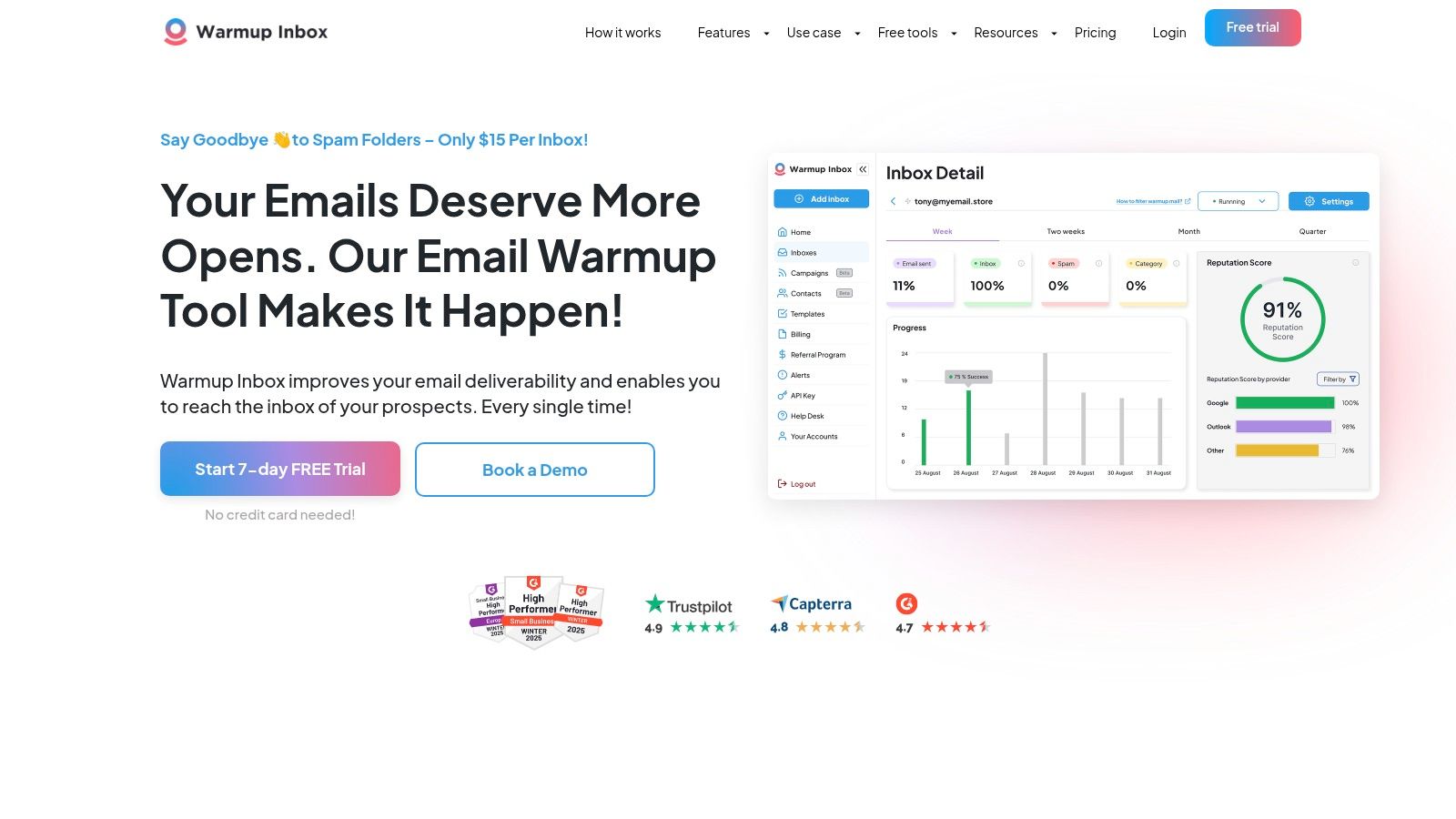
Warmup Inbox fits a common scenario. A founder or small outbound team needs to warm a few mailboxes quickly, does not want a sales call, and is watching cost closely. Warmup Inbox handles that job well. The setup is simple, the interface is easy to read, and you can get basic warmup running without much configuration.
That ease of entry is the main reason to buy it.
Warmup Inbox makes sense for teams that are still proving an outbound motion and do not need deep diagnostics yet. If the goal is to get mailboxes active, keep the process simple, and avoid premium pricing, it is a reasonable choice. The trade-off is visibility. Once a team starts asking harder questions about inbox placement, reputation trends, or why one provider performs worse than another, the product can feel thin.
For buyers trying to judge where that line is, this Warmup Inbox alternative review gives a useful comparison point on what lower-cost warmup tools usually include, and what they leave out.
Best for
Early-stage outbound teams: Good for warming a small number of inboxes without adding operational overhead
Budget-conscious buyers: A practical pick when price and simplicity matter more than advanced deliverability support
Pros
Easy to start: Low friction setup for new users
Clear interface: Simple enough for non-specialists to manage
Affordable entry point: Suitable for teams testing outbound before investing in heavier tooling
Cons
Limited analysis: Harder to diagnose placement issues once sending volume grows
Less support depth: Teams with active deliverability problems may need stronger guidance and monitoring
Basic fit: Useful for warmup automation, but not built as a broader deliverability program
Verdict
Warmup Inbox is a solid budget tool for straightforward warmup. It is a better fit for simple mailbox preparation than for teams that need reputation monitoring, expert support, or a tighter handle on inbox placement quality.
10. TrulyInbox
TrulyInbox targets a specific buyer: teams running a high number of mailboxes that want one pricing model and minimal setup friction. That positioning makes sense for agencies, lead gen operators, and other high-volume users who care first about getting accounts into a warmup routine quickly.
The key trade-off is quality control.
A tool built for broad usage can be efficient, but inbox placement depends on more than activity volume. The important questions are whether the engagement looks credible, how much visibility you get into sender health, and what happens when one provider starts underperforming. Buyers who only need automated warmup may find the product enough. Teams trying to protect client domains or diagnose deliverability issues will usually want deeper monitoring and more hands-on support.
Best for
Agencies with many mailboxes: A practical fit for teams that value simple scaling over detailed deliverability analysis
Operators focused on cost control: Useful when predictable pricing matters more than expert guidance
Pros
Straightforward pricing model: Easier to budget than mailbox-based plans
Built for scale: Works well for teams managing warmup across many inboxes
Low operational friction: Simple to roll out without much configuration
Cons
Engagement quality can vary: Large warmup networks do not always give the strongest trust signals
Limited strategic guidance: Less helpful for teams troubleshooting reputation or placement issues
Lighter monitoring depth: Harder to assess inbox health beyond the core warmup activity
Verdict
TrulyInbox is a sensible pick for buyers who want broad warmup coverage at a predictable cost. It is a weaker fit for teams that need stronger reputation safeguards, better diagnostics, or expert-led deliverability support.
Top 10 Email Warm-Up Tools Comparison
A side by side table helps narrow the list, but the ultimate buying decision usually comes down to trade-offs. Some tools are built for cheap automation. Others justify higher pricing with better inbox placement signals, stronger monitoring, or direct deliverability support when a domain starts slipping.
| Tool | Core features | Deliverability & quality | Best fit | Pricing & plans |
|---|---|---|---|---|
| Mailwarm | Large network of aged real inboxes, provider-level warmup, authentication tools, spam-score monitoring, expert calls | Strong reply quality, inbox placement visibility, bounce prevention, higher-trust engagement signals | Founders, sales teams, agencies, recruiters, growth marketers, enterprise teams | Premium pricing. Scale plan supports higher daily volume. Custom plans include dedicated expert support |
| lemwarm (by lemlist) | Native lemlist warmup, gradual ramping, placement trends | Good fit for integrated campaigns, basic inbox and spam tracking | Teams already using lemlist | Included in paid lemlist plans. Per-seat cost applies |
| Instantly | All-in-one cold email and warmup, unlimited accounts, A/B testing, CRM integrations | Convenient for scale, realistic conversations, lighter deliverability diagnostics | Agencies and sales teams that want one dashboard | Cost-effective at scale. Warmup included in plans |
| Warmbox | Standalone warmup, multiple modes, provider integrations, DNS and spam checks | Realistic engagement signals. Reporting stays focused on Warmbox activity | Teams that want dedicated warmup outside their outreach stack | Transparent tiered pricing with a low entry point |
| MailReach | AI-assisted warmup, reputation dashboard, spam-testing credits, health checks | Predictable mailbox-level signals, useful spam testing built in | Agencies and teams that want mailbox-by-mailbox control | Flat per-mailbox pricing that rises linearly with volume |
| Warmy | Warmup plus seed-list testing, authentication helpers, domain reputation dashboard | Broader deliverability workflow, but the interface can take longer to learn | Senders that want warmup plus testing and reputation checks | Free trial available. Mid-tier pricing |
| Smartlead | Unlimited account warmup, AI content, master inbox, advanced rotation | Strong for high-volume outreach. Deliverability analysis is not the main strength | Agencies scaling outreach volume and personalization | Competitive pricing for scale. Setup can be more involved |
| Folderly | IP, domain, and email warm-up, monitoring, remediation, diagnostics | Strong remediation support and enterprise-grade diagnostics | Complex, high-volume, or enterprise programs | Higher service-led pricing with less transparency |
| Warmup Inbox | Automated opens, replies, spam rescue, provider options, alerts | Budget-friendly with simple reputation scoring and lighter analytics | Solo operators and small teams | Low entry price with a free trial |
| TrulyInbox | Unlimited inboxes and warmups, domain health reports, placement tester | Cost-effective for many inboxes, but engagement quality can vary | Agencies that want a simple unlimited model | Single-tier unlimited pricing |
Use this table to shortlist, not to make the final call. If two tools look similar on price, compare network quality, visibility into inbox placement, account security, and whether you can get human help when warmup activity looks fine but campaign performance still drops.
The Right Tool Is About More Than Just Volume
A common buying mistake looks like this: a team chooses the tool with the highest daily warmup limit, turns it on, then wonders why campaigns still drift into spam two weeks later. Volume helps, but it does not answer the harder question. Is the tool improving sender trust in a way mailbox providers reward?
Warmup tools serve different jobs. Some provide low-cost automated activity. Some are built mainly to support outbound platforms. Others are closer to deliverability products, with inbox placement checks, reputation monitoring, authentication guidance, and human support when performance drops.
That difference matters more now because mailbox providers are less forgiving. Automated exchanges alone are a weak signal if the rest of the setup is poor. Provider mix matters. Engagement quality matters. Security matters. So does visibility into what is happening after warmup starts.
A better buying framework is to ask five practical questions:
Can you see inbox placement by provider, not just that warmup emails were sent
Can the tool surface authentication or domain configuration problems
Can you control warmup by mailbox provider or sending profile
Does the product protect inbox access and account privacy
Can you get expert help when warmup looks active but campaign replies fall anyway
Those questions expose the trade-off between budget automation and premium deliverability support.
Low-cost tools are useful for new domains, side projects, and small teams that need to avoid ramping too fast from a cold mailbox. They are less useful when email is tied to pipeline targets and a drop in placement has an immediate revenue cost. In that situation, a sender often needs more than scheduled opens and replies. They need monitoring, diagnosis, and a clear fix path.
That is why warmup should be treated as one layer of deliverability. A mailbox can show steady warmup activity and still underperform because SPF, DKIM, or DMARC is weak, the list is poor, bounce risk is rising, or one provider has started filtering the domain harder than the others.
The shortlist depends on the job. Warmup Inbox is a reasonable entry point for basic, low-cost warmup. Instantly and Smartlead fit teams that want sending and warmup in one system. lemwarm makes sense for teams already committed to lemlist. Folderly, MailReach, and Warmy are stronger fits when the problem extends beyond warmup into diagnostics and remediation.
If email is a serious growth channel and deliverability mistakes are expensive, Mailwarm is positioned at the premium end of the category. The differentiator is not just activity volume. It is the combination of real inbox engagement, inbox placement monitoring, provider-level warmup controls, authentication support, no IMAP inbox access, and deliverability calls included in every plan.
Choose based on what happens when results slip. The right tool is the one that helps you find the cause and fix it, not just keep the automation running.
If email is part of your growth strategy, Mailwarm helps you build sender reputation, monitor inbox placement, and reduce spam risk with expert-guided warmup.
FAQ
What is the best email warm up tool
There is no single best tool for every sender.
Mailwarm fits teams that need warmup tied to deliverability work, including inbox placement monitoring, tighter security, and access to expert support when results slip. Instantly makes sense for teams that want sending and warmup in the same workspace. Warmup Inbox is a practical starting point for basic, lower-cost automation.
The right choice depends on risk. If outbound email feeds pipeline, the safer pick is usually the tool that helps diagnose placement problems, not just simulate activity.
Is email warmup still useful in 2026
Yes, but its role is narrower than many teams expect.
Warmup helps new or inactive mailboxes build a more natural sending pattern over time. It does not repair weak authentication, bad lists, high bounce rates, or copy that triggers complaints. Teams get better results when warmup is treated as one part of deliverability, alongside domain setup, list hygiene, and ongoing monitoring.
How long should an email account be warmed up
There is no fixed timeline.
A new domain usually needs a slower ramp than an older domain with clean history. The right pace depends on mailbox age, authentication quality, planned sending volume, and how providers respond once real campaigns begin.
Rushing the ramp creates avoidable recovery work later.
How many warmup emails should be sent per day
Daily volume should match the mailbox stage and the volume you plan to send.
New mailboxes should start low and increase gradually. More established mailboxes preparing for higher outbound volume can support a larger warmup schedule, but increases still need control. The goal is believable engagement that supports real campaigns, not the highest number the tool can generate.
Does email warmup guarantee inbox placement
No.
Inbox placement also depends on SPF, DKIM, DMARC, list quality, complaint rate, bounce rate, content, domain history, and provider filtering. A mailbox can show steady warmup activity and still miss the inbox if the rest of the setup is weak.
What is the difference between cheap and premium email warmup tools
Lower-cost tools usually focus on the automation loop: sends, opens, and replies. That can work for testing, early-stage outreach, or teams with limited risk.
Premium tools usually add more useful layers around that core activity. Common examples include inbox placement monitoring, provider-level controls, authentication support, stronger diagnostics, better security practices, and access to deliverability help when performance drops. That difference matters when a placement issue affects revenue, not just reply rate.
Why is Mailwarm more expensive than basic warmup tools
Mailwarm costs more because it combines real inbox engagement, up to 100% replies to warmup emails depending on the plan, spam score monitoring, provider-level warmup, authentication tools, no IMAP access required, and expert deliverability calls included in every plan.
Does Mailwarm need access to the inbox
No. Mailwarm does not require IMAP access or permission to read a user's private inbox.
That setup matters for security-conscious teams. It gives them a way to improve sender reputation, monitor placement, and reduce spam risk without handing over inbox-level access.