

Friday morning, the campaign is loaded, the send window opens soon, and one question stops the launch: Did anyone run the email deliverability checklist? Email deliverability means more than avoiding bounces. It means checking whether authenticated, wanted messages reach a visible mailbox location rather than disappearing into spam or another filtered folder.
Use the checklist below as a pre-send gate. It covers domain setup, warmup, list quality, content, sending behavior, and monitoring. The final table compresses the process into 20 points teams can bookmark and run before every major campaign.
Run This Before Every Send
A domain can authenticate correctly today and drift later. A sending service can change, a tracking domain can expire, a list can collect inactive contacts, and a previously safe link can develop a poor reputation. Deliverability problems often appear after the campaign is already in motion, when the team has fewer options to correct them.
The practical response is simple: turn every major risk into a yes-or-no check. A campaign shouldn't move from “ready” to “sending” until the owner can verify the technical path, audience, message, volume, and monitoring plan.
Practical rule: Treat delivery as a controlled gate, not a launch-and-pray moment.
Run the checklist before every major campaign and repeat the highest-risk checks before routine sends. Teams should also check inbox placement rates when they need an independent view of where messages are landing, not just whether receiving servers accepted them.
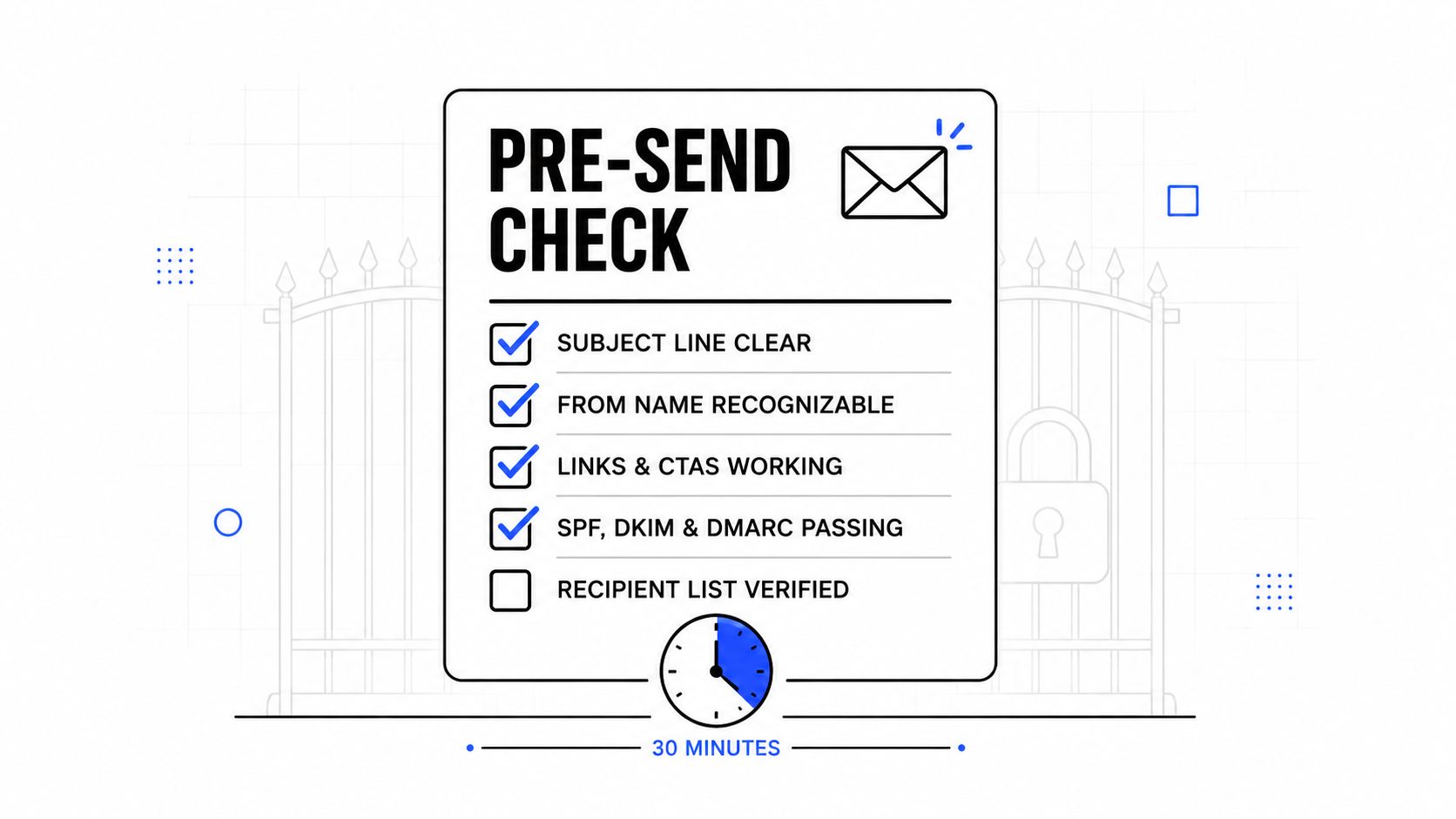
The sections below are deliberately operational. Each item uses checkbox phrasing and ends with a verification action, so a deliverability lead, marketer, recruiter, or sales manager can assign it without translating broad advice into tasks.
Domain Setup and Authentication
Authentication is the foundation of a reliable email deliverability checklist, but publication alone isn't enough. One 2026 dataset covering 5.5 million domains found that 30.4% had adopted DMARC, while only 12.8% enforced a protective policy such as quarantine or reject. A separate 2026 analysis recorded valid DMARC records rising from 523,921 domains in 2023 to 937,931 in early 2026, a 79% increase, yet only 411,935 enforced quarantine or reject policies. The authentication analysis shows why teams must check enforcement and alignment, not just DNS publication.
SPF and DKIM checks
- [ ] SPF lists every legitimate sending service. Verify the live DNS record includes all authorized platforms and remains within the 10-DNS-lookup limit, because exceeding that limit can cause an SPF permerror. Nylas explains the DNS and header checks that belong in a complete audit.
- [ ] DKIM signing is active for every sending stream. Send a test message from each provider and inspect the headers for a passing DKIM result, rather than assuming the ESP's setup screen proves the signature works.
- [ ] DKIM alignment matches the visible From domain. Confirm the authenticated signing domain aligns with the From domain used by recipients.
- [ ] DMARC resolves and reports arrive. Verify the DMARC record at the DNS level, review the rua mailbox, and move from monitoring toward enforcement only after legitimate streams pass alignment.
Gmail's sender guidance says bulk senders must use SPF, DKIM, and DMARC, and DMARC passes when SPF or DKIM authenticates the message with a domain matching the From header. Gmail's authentication requirements make alignment a concrete pre-send check.
Tracking and transport
- [ ] A custom tracking domain is active. Open a test link and confirm it uses the brand's tracking domain, with valid TLS, instead of relying on an unfamiliar shared domain.
- [ ] MX resolution and TLS support pass. Check that the receiving path resolves correctly and that the sending service supports encrypted transport.
A custom tracking domain helps keep link identity connected to the sender's domain. It won't repair a poor reputation, but a broken or questionable tracking path can undermine otherwise sound technical work.
Teams that need a deeper walkthrough can use this master email authentication setup as a reference before approving the sending domain.
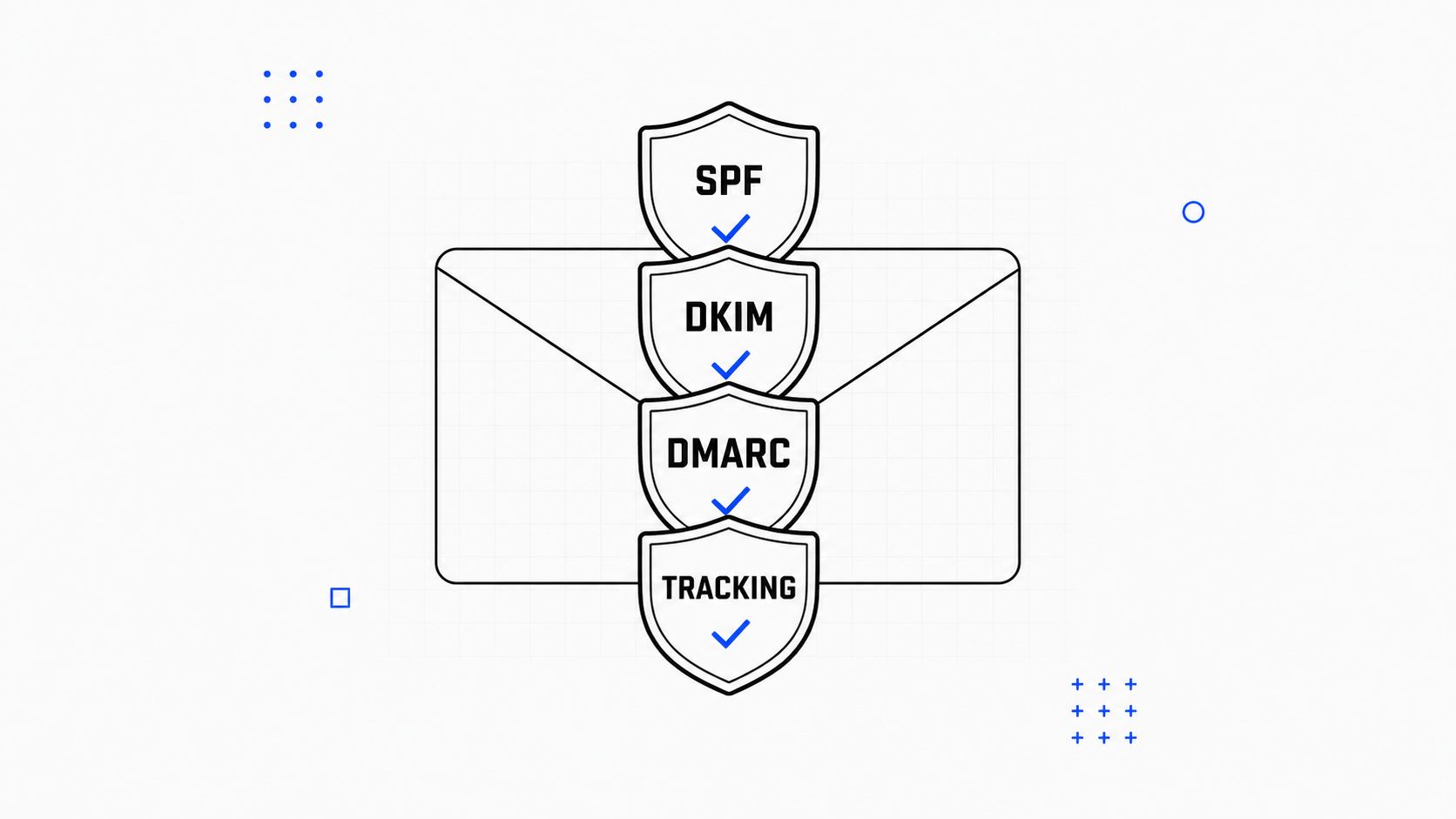
| Record | What It Proves | Common Failure | Verification Step |
|---|---|---|---|
| SPF | The listed services may send for the domain | Missing service or too many lookups | Inspect DNS and run a lookup test |
| DKIM | The message carries a valid domain signature | Selector missing or signature fails | Send a test and inspect headers |
| DMARC | SPF or DKIM aligns with the From domain | Record exists but policy isn't enforced | Review DNS, reports, and alignment |
| Tracking domain | Links use the brand's authenticated path | CNAME or TLS failure | Click a test link and inspect the domain |
Warmup for New and Existing Domains
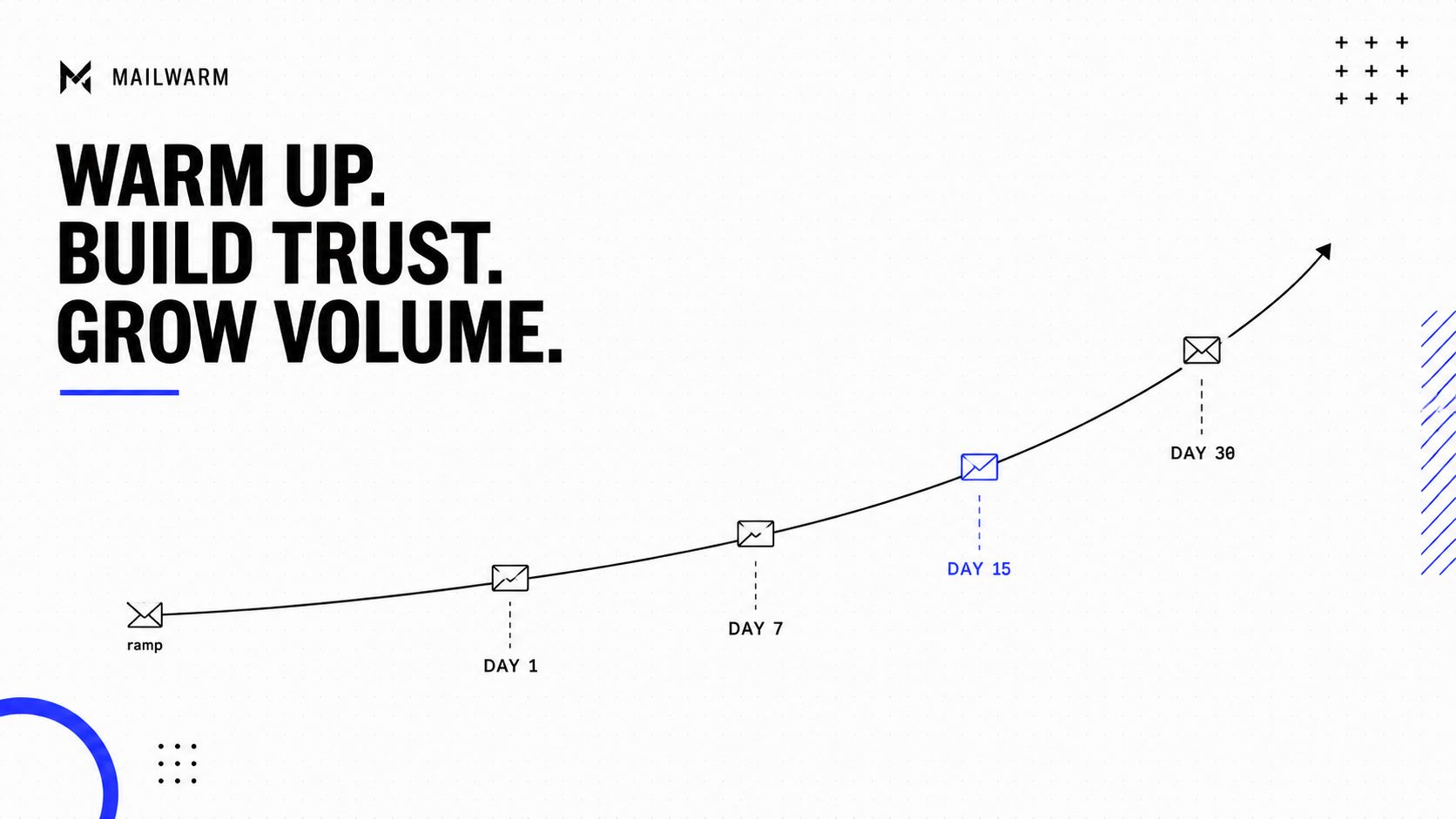
A new domain has no established sending history with mailbox providers. The first campaign therefore needs a controlled introduction, not a full-list blast. New domains typically need two to four weeks of warmup, while existing domains may need renewed warmup after a long pause, a major volume change, or the addition of a new sending stream.
The warmup gate
- [ ] The domain has completed the planned warmup period. Verify the domain's age and warmup history in the ESP or warmup platform before scheduling a broad campaign.
- [ ] Daily volume follows a gradual ramp. Compare planned volume with recent sending history and stop the launch if the new volume creates a sharp spike.
- [ ] The most engaged recipients receive early traffic. Confirm the first ramp segments contain contacts with recent positive activity.
- [ ] Replies are monitored throughout warmup. Review reply handling and engagement signals daily rather than letting automated activity run without oversight.
- [ ] Warmup traffic is separated from primary campaigns. Confirm warmup-only mailboxes or streams won't contaminate the campaign's audience, content, or reporting.
Warmup should keep running when the mailbox remains an active part of the business's sending system. Stopping and restarting creates an uneven pattern that can make later scaling harder.
Mailwarm is a premium email warmup and deliverability platform that uses 50,000+ aged real inboxes and engagement signals such as opens, replies, threads, spam removal, and important marking. It supports provider-level warmup, B2B and B2C warmup, custom content warmup, spam score monitoring, and inbox placement insights. Unlike basic warmup tools, it doesn't require IMAP access or permission to read a private inbox. Teams comparing providers can review the best email warmup tools before selecting a workflow.
List Quality and Hygiene
List quality controls both bounce risk and recipient response. A technically perfect message sent to an invalid, unwanted, or stale address can still damage sender reputation.
- [ ] The list has passed verification. Run the audience through a verifier that identifies invalid, disposable, role-based, and known-complainer addresses, then suppress risky contacts before export.
- [ ] Double opt-in is active for new subscriptions. Confirm the signup flow requires an explicit confirmation and stores the resulting consent record.
- [ ] Hard bounces are suppressed immediately. Check the ESP's suppression list after the last campaign and remove every permanent failure from future sends.
- [ ] Soft bounces are handled with restraint. Confirm temporary failures are retried no more than three times over 72 hours before suppression or review.
- [ ] The sunset policy is enforced. Review contacts with no open or click activity for six to 12 months, send a re-engagement message where appropriate, and suppress those who remain inactive.
- [ ] The campaign targets active segments first. Verify the selected segment has at least 20% recent activity, rather than sending the same message to the full dormant file. The email deliverability checklist benchmarks provide reference thresholds for bounce, complaint, and unsubscribe monitoring.
Purchased and scraped addresses don't belong in a permission-based campaign. The list owner should be able to explain where every segment came from, what recipients agreed to receive, and how unsubscribes and complaints are removed.
Content Checks That Catch Spam Triggers
Content review starts after design approval, not after the campaign goes live. Filters assess wording, formatting, links, and message structure, while recipients judge whether the message deserves attention. Both sides matter.
- [ ] Spam words have been scanned in context. Use a spam checker to review phrases such as “free,” “limited offer,” and exaggerated financial promises, then rewrite copy that sounds misleading rather than deleting words mechanically. Teams can check your email for spam words before scheduling.
- [ ] Every link resolves correctly. Click every URL, confirm the destination matches the promise, verify HTTPS, and remove broken redirects or unnecessary shorteners.
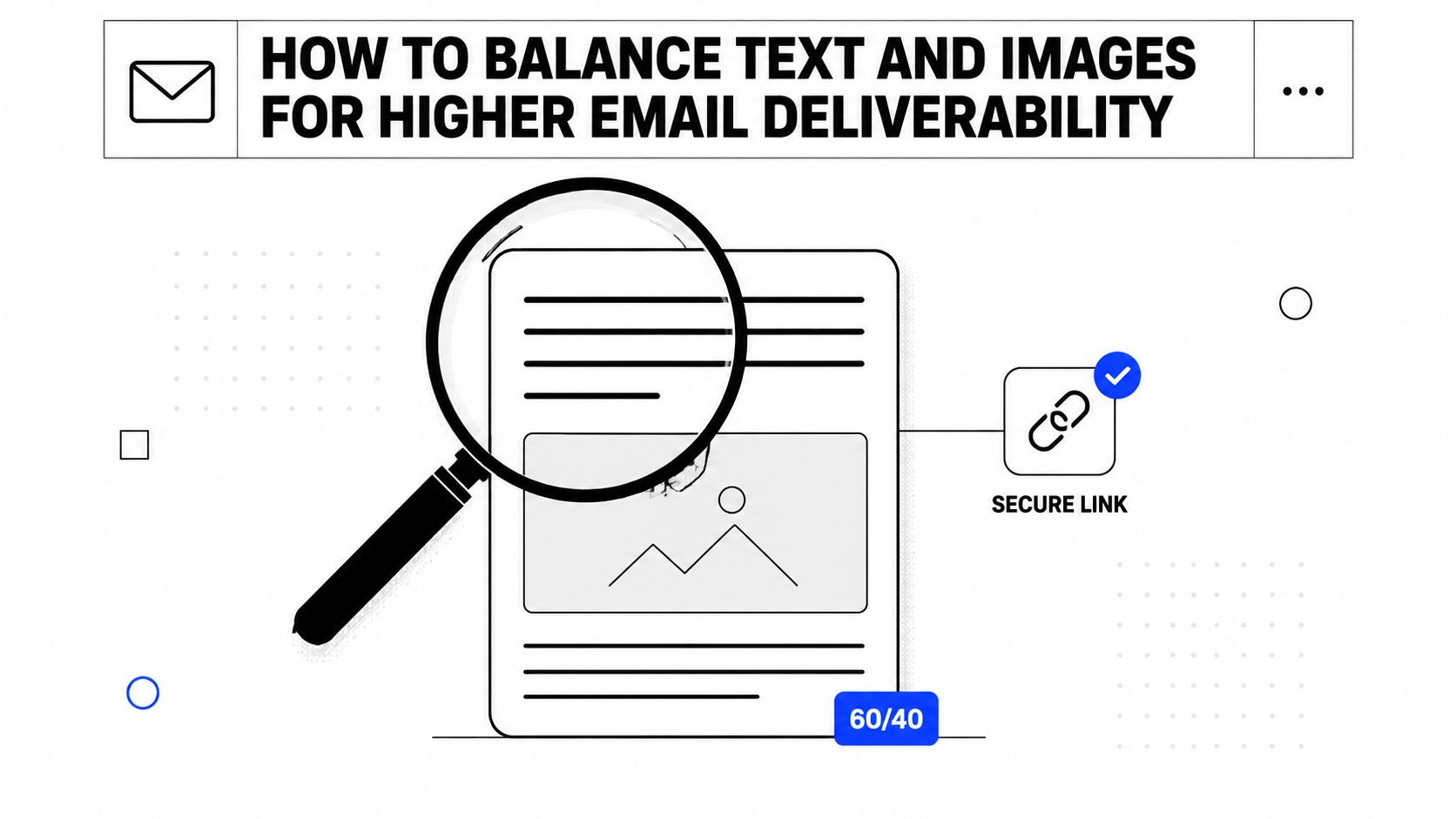
- [ ] The email has a balanced text and image layout. Review the rendered message against a practical rule of roughly 60% text and 40% image, keeping the core message readable when images don't load.
- [ ] A plain-text version is enabled. Send a test and inspect both the HTML and alternate plain-text parts to confirm the fallback includes the key message and unsubscribe path.
- [ ] Subject and preview text are clear. Remove misleading language, excessive punctuation, and all-caps treatment, then check that the preview reinforces the subject instead of repeating an empty header.
- [ ] Merge tags render correctly. Test names, company fields, links, and fallback values with realistic records.
- [ ] Segmentation matches the message. Confirm the campaign is relevant to the selected audience instead of broadcasting one generic offer to every contact.
The strongest content check is a real test send. Review the email on desktop and mobile, open every link, inspect the From address, and confirm the message still makes sense without images.
Sending Behavior and Volume Control
Sending behavior is the variable teams control most directly and measure least consistently. Mailbox providers compare the current campaign with the sender's recent pattern, so a sudden jump can create risk even when the list and content look clean.
- [ ] Volume follows a measured ramp. For a new or reactivated domain, increase daily volume by no more than 10% and compare each step with bounce, complaint, and engagement signals before continuing.
- [ ] The campaign doesn't jump from low volume to the full list. Confirm the first batch goes to the most engaged segment, with later batches released only if performance remains healthy.
- [ ] Sending is consistent. Review the calendar for long silent periods followed by unusually large sends, then establish a cadence the audience can reasonably expect.
- [ ] Larger sends are throttled. Check the ESP's delivery schedule and split traffic across the available sending window instead of releasing everything at once.
- [ ] Replies to the From address have an owner. Test the reply path, assign coverage, and monitor unanswered conversations during the campaign.
Mailbox providers value evidence that recipients want the mail. A regular cadence, controlled volume, and responsive reply process support that signal better than a short burst of activity followed by silence.
A volume plan is only safe when the team can pause it. Set an owner and a stop condition before the first batch goes out.
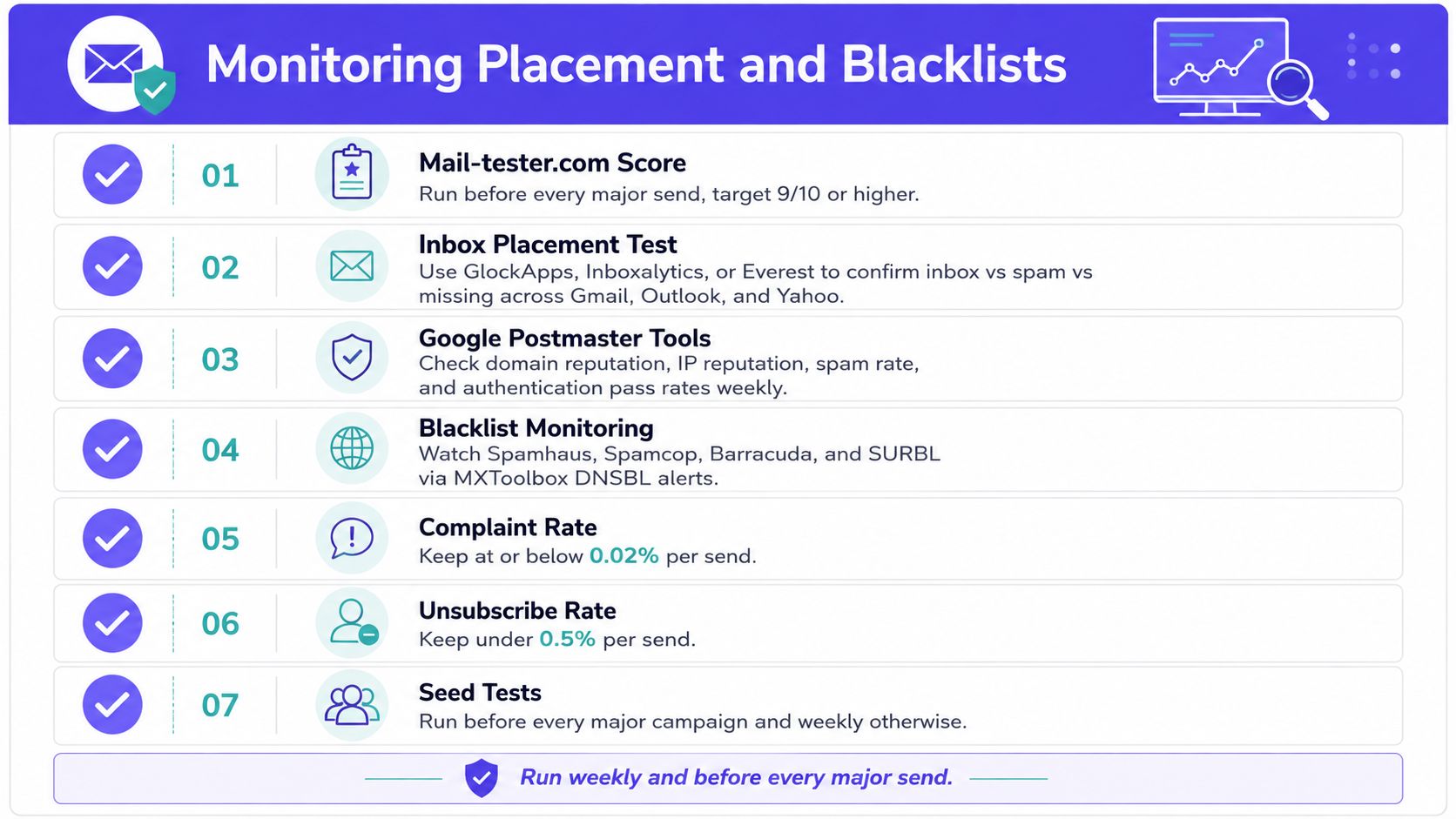
Monitoring Placement and Blacklists
Delivery monitoring confirms whether the preceding checks worked in the actual mailbox environment. A receiving server accepting a message doesn't prove the message reached a visible inbox. One 2026 benchmark reported 87.2% average global inbox placement for 2025, while another 2025 report found only 66% of emails reached a visible mailbox location when tab placement was included. Validity's 2026 benchmark report supports a simple operational distinction: technical delivery and visible placement are different outcomes.
- [ ] A seed placement test has run. Use Mail-tester.com for a fast diagnostic, then use GlockApps, Inboxalytics, or Everest to compare inbox, spam, and missing results across Gmail, Outlook, and Yahoo.
- [ ] Google Postmaster Tools is reviewed weekly. Check domain reputation, IP reputation, spam rate, authentication pass rates, and available feedback-loop information for qualifying Gmail traffic.
- [ ] Blacklists are checked. Use check if your domain is blacklisted to look for listing events and review Spamhaus, Spamcop, Barracuda, and SURBL through a DNSBL monitoring service.
- [ ] Complaint and unsubscribe thresholds are recorded. Keep complaint rates at or below 0.02% per send and unsubscribe rates under 0.5% per send, then investigate any upward trend instead of waiting for a major placement drop.
- [ ] Seed tests run on schedule. Test before every major campaign and weekly for ongoing programs.
A broader benchmark found fully authenticated domains with SPF, DKIM, and enforced DMARC reaching roughly 85% to 95% inbox placement, while unauthenticated domains reached about 65% to 69%. The same source reported that some fully authenticated traffic still had spam placement above 30%, which is why authentication must sit beside reputation and placement monitoring rather than replace them. The authentication and deliverability benchmark illustrates the trade-off clearly.
| Tool | Metric Tracked | Action Threshold |
|---|---|---|
| Mail-tester.com | Authentication and content diagnostics | Investigate any failed check |
| GlockApps, Inboxalytics, or Everest | Inbox, spam, and missing placement by provider | Pause if a major provider shows a material placement problem |
| Google Postmaster Tools | Reputation, spam rate, and authentication | Investigate reputation or spam-rate deterioration |
| MXToolbox DNSBL monitoring | Listings across major blocklists | Escalate a new listing immediately |
| ESP analytics | Bounces, complaints, unsubscribes, replies | Compare every send with the team's normal baseline |
The 20-Point Pre-Send Checklist and FAQ
The table below is the condensed version teams can keep beside the campaign calendar. Each line names the control, the verification action, and the surface where the owner should confirm it.
| # | Checklist item | Verification action | Where to confirm |
|---|---|---|---|
| 1 | SPF | Confirm every legitimate sender is included | DNS and ESP |
| 2 | DKIM | Send a test and inspect the passing signature | Message headers |
| 3 | DMARC | Check policy, alignment, and reports | DNS and rua mailbox |
| 4 | Custom tracking domain | Open a test link under the brand domain | Test email |
| 5 | List verification | Suppress invalid, disposable, role-based, and risky contacts | Verification platform |
| 6 | Double opt-in | Confirm new subscribers completed confirmation | Signup records |
| 7 | Sunset policy | Review contacts inactive for six to 12 months | CRM or ESP |
| 8 | Spam words | Scan copy and rewrite misleading phrases | Spam checker |
| 9 | Links | Resolve every URL and confirm HTTPS | Rendered email |
| 10 | Text-to-image balance | Review the approximate 60:40 layout | HTML preview |
| 11 | Plain-text version | Confirm the alternate part contains the message | Test email source |
| 12 | Personalization | Test merge fields and fallback values | Seed records |
| 13 | Volume ramp | Compare planned volume with recent history | ESP analytics |
| 14 | Sending consistency | Check for unusual gaps or spikes | Sending calendar |
| 15 | Throttling | Spread larger sends across the window | ESP schedule |
| 16 | Reply handling | Assign an owner to the From address | Reply inbox |
| 17 | Inbox placement | Run a seed test across major providers | Placement platform |
| 18 | Blacklists | Check major DNS blocklists | DNSBL monitor |
| 19 | Complaint rate | Review the per-send trend and investigate increases | ESP reports |
| 20 | Unsubscribe rate | Confirm the rate stays below the internal threshold | ESP reports |
For broader marketing operations and reporting context, the homepage of 100Signals can complement the campaign team's deliverability records.
What is a good email deliverability rate?
There isn't one universal rate that proves a program is healthy. One benchmark reported 87.2% average global inbox placement, while another measured 66% visible mailbox placement when tabs were included, so teams should compare provider-level placement, spam placement, bounces, and complaints over time rather than rely on delivery alone.
How often should teams run this checklist?
Run the full checklist before every major campaign and repeat the most sensitive checks before routine sends. DNS, authentication, list suppression, content rendering, volume, placement, and blacklist status should be reviewed whenever a campaign changes materially.
Is one blacklist listing fatal?
A single listing isn't automatically fatal, but it requires immediate investigation. Confirm whether the listing affects the sending IP, domain, or tracking path, identify the cause, pause risky traffic if necessary, and follow the blocklist's removal process.
How long does warmup take for a brand-new domain?
A brand-new domain commonly needs two to four weeks of controlled warmup before a broader campaign. The timeline should follow authentication status, volume history, engagement, bounces, complaints, and provider-level placement, not a calendar alone.
How does Mailwarm support this checklist?
Mailwarm helps senders build reputation, monitor inbox placement, and improve deliverability through real inbox engagement, advanced warmup controls, and expert guidance. Its platform includes provider-level warmup, spam score monitoring, authentication fix tools, bounce prevention, deliverability analytics, and expert deliverability calls in every plan.
Mailwarm helps teams apply this email deliverability checklist with real inbox engagement, provider-level warmup, authentication tools, placement insights, and reputation monitoring. Visit Mailwarm to review a deliverability workflow built for teams that want more than automated warmup activity.