
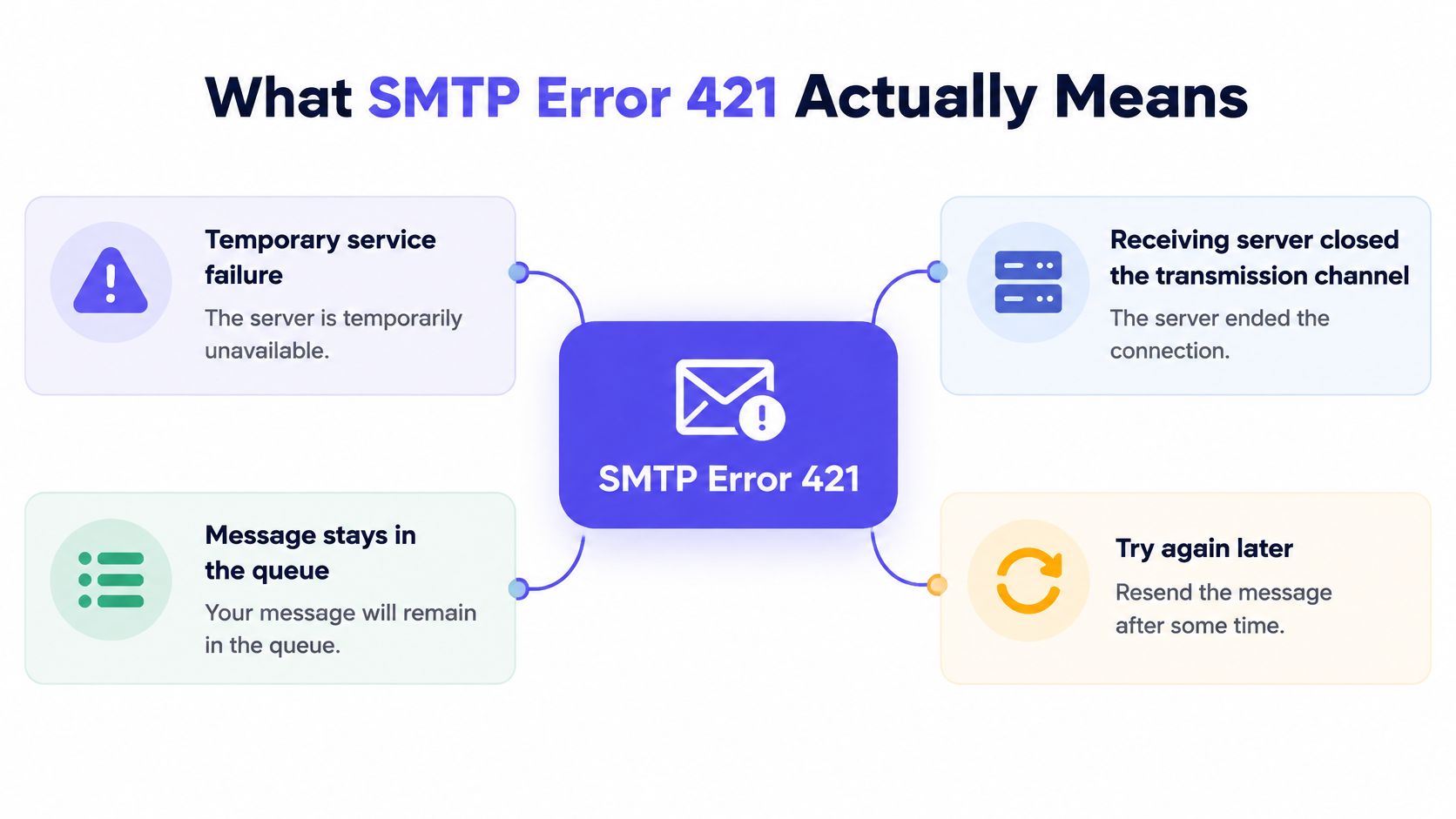
SMTP error 421 is a temporary service failure, not a permanent rejection. The receiving server closed the connection, the message should stay queued, and the sending server is expected to retry, so the email isn't lost yet.
Many senders treat that number as a hard bounce and panic about the list. That's the wrong read. The answer sits in the text after 421, and that text decides whether to wait, slow down, or fix a sending pattern.
What SMTP Error 421 Actually Means
A 421 reply means the receiving server can't continue the SMTP session right now. It's a transient 4xx failure, not proof that an address is invalid and not a reason to suppress a contact.
The classic string looks like this:
421 Service not available, closing transmission channel
RFC 5321 defines 421 as "Service not available, closing transmission channel" and notes it can be returned for any SMTP command when the service must shut down. That breadth matters. The code describes the action, closing the channel, rather than one universal cause.
Why the bare number isn't enough
A 5xx reply is a permanent failure. A 421 is different: the message should stay in the queue for a later attempt. Planned maintenance, a service shutdown, temporary resource exhaustion, or connection pressure can all produce the same three digits.
That is why the first step isn't a fix. It's capture.
- Full reply text: Save the complete response, not just "421."
- Enhanced status code: Record codes such as 4.3.0, 4.4.5, or 4.7.0.
- Sending context: Note timestamp, recipient domain, sending IP, mailbox, and connection count.
- Provider pattern: Check whether deferrals hit one provider or several.
Practical rule: Temporary doesn't mean harmless. Immediate retry loops can intensify throttling and turn a short capacity problem into a longer deferral.
Senders that delete contacts after a 421 are throwing away deliverable addresses. Senders that retry instantly at full speed can make the provider dig in. The middle path is simple: preserve the message, read the full reply, then slow down only where the evidence points.
Common 421 Variants and What Each One Tells You
The enhanced code after 421 is the diagnostic signal. Treating every variant the same is the most common mistake in basic troubleshooting.
| Response | Provider | What it signals | First action |
|---|---|---|---|
421 4.7.28 rate of unsolicited mail | Gmail | Sending rate or reputation concern | Cut volume, check complaints and engagement |
421 4.7.0 TLS or security reasons | Gmail | Security, connection expiry, or policy issue | Check TLS, authentication, and connection behavior |
421 4.7.0 [TSS04] | Yahoo | Deferred for volume or complaints | Reduce Yahoo volume and pause risky segments |
421 service not available, too many connections | Generic | Server busy, maintenance, or concurrency limit | Lower parallel connections and retry later |
Google's SMTP error reference lists 421 variants by enhanced code, including temporary system problems and server-busy conditions. The distinction matters because a busy server needs patience, while a 4.7.x policy signal needs a sending change.
How to read the second code
Under RFC 3463 enhanced status codes, X.2.2 denotes a full mailbox and related 4.2.x codes point to capacity conditions. Those aren't bad-address signals. They're persistent transient failures until capacity returns.
- 421 4.3.0: Temporary system problem. Queue and retry later.
- 421 4.4.5: Server busy. Back off and reduce pressure.
- 421 4.2.1 or 4.2.2: Capacity or mailbox condition. Don't classify the recipient as invalid.
- 421 4.7.x: Policy, security, or reputation territory. Investigate rate, authentication alignment, and sender behavior.
Oracle's troubleshooting examples make the same point from another angle. Oracle lists "Too many connections, try again later" and "Too many auth failures, try again later" as 421 conditions. One needs fewer connections. The other needs credential or approved-sender fixes. Retrying harder fixes neither.
The useful habit is grouping. Segment 421s by destination provider, IP, domain, mailbox, and connection pool. Then compare onset against spikes in messages per minute, simultaneous connections, and recipients per transaction. Patterns beat guesses.
When 421 Is Your Fault vs the Server's
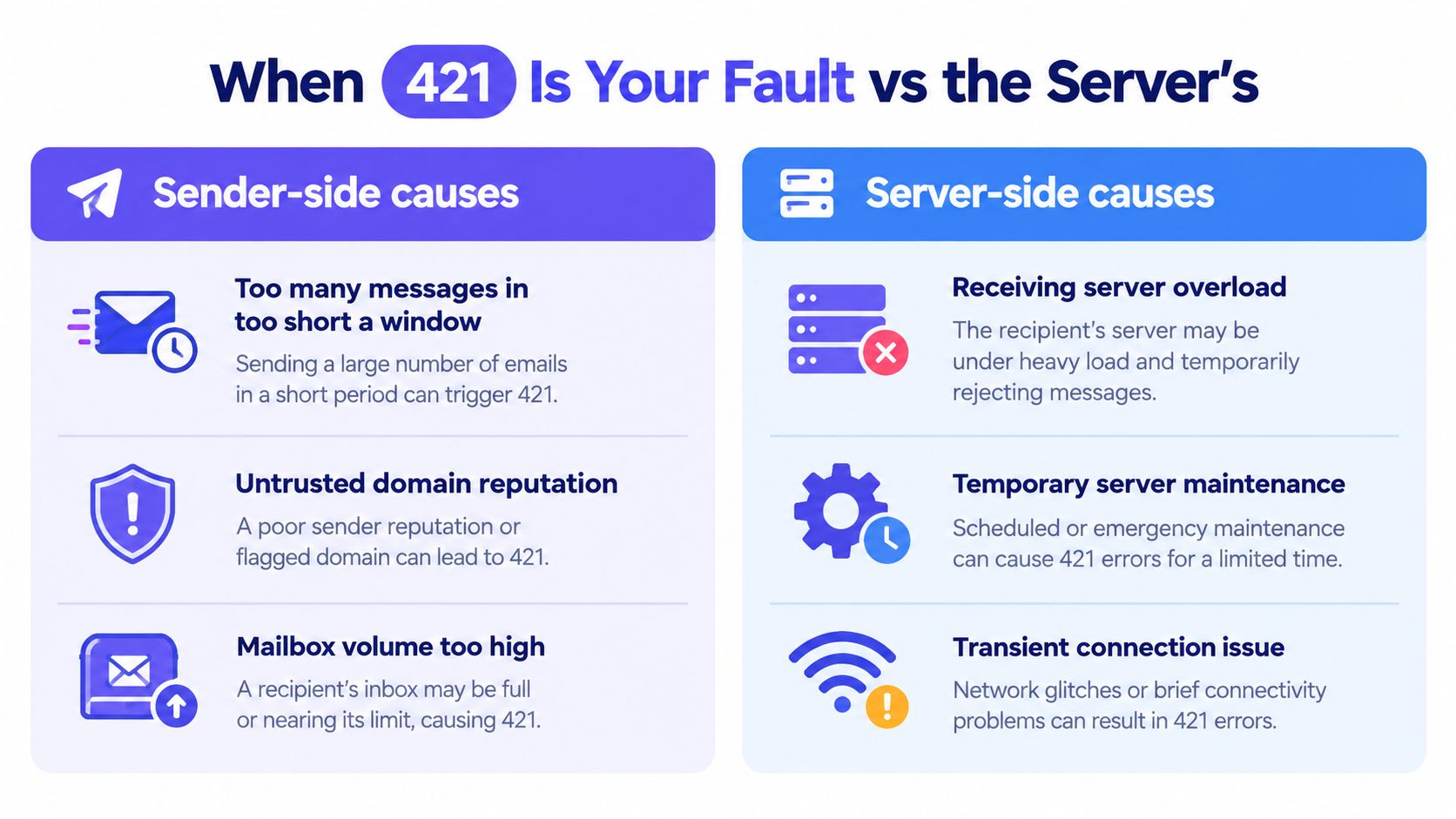
The enhanced status code and the pattern of failures help separate sender issues from provider outages. A server-side incident usually clears on its own. Sender-side deferrals often continue until you change the sending behavior.
Sender-side signals
Rate and reputation are common causes of repeated 421s. A provider may defer messages when a domain or mailbox sends too much too quickly, especially before it has established trust. Self-hosted servers can also hit connection limits. Other sender-side triggers include too many concurrent connections, repeated authentication failures, and a sudden volume jump after a quiet period.
Gmail documents 421 4.3.0 as a temporary system problem that calls for a later retry. That response is not a permanent suppression instruction. However, repeated Gmail-only deferrals that begin after a volume spike point to a sender-side issue.
Compare delivery across providers with a test your email deliverability. If one provider defers while others accept, investigate the affected provider's rate or reputation limits before treating the problem as a global outage.
Provider-side signals
Maintenance, orderly shutdowns, and genuine overload are provider-side causes. Replies may mention a system problem or busy server, affect unrelated senders at the same time, and clear without changes to your sending setup.
If 421s hit every provider at once and the reply mentions maintenance, wait and retry. If they affect one provider and stop after a rate cut, your sending pattern was the cause.
Authentication alone doesn't guarantee acceptance. Google's sender guidance covers policy and rate-related deferrals. A valid SPF, DKIM, and DMARC setup doesn't override unusual sending rates or connection behavior. Clean DNS and aggressive sending can still trigger deferrals.
Fix by Cause, Starting with Volume and Reputation
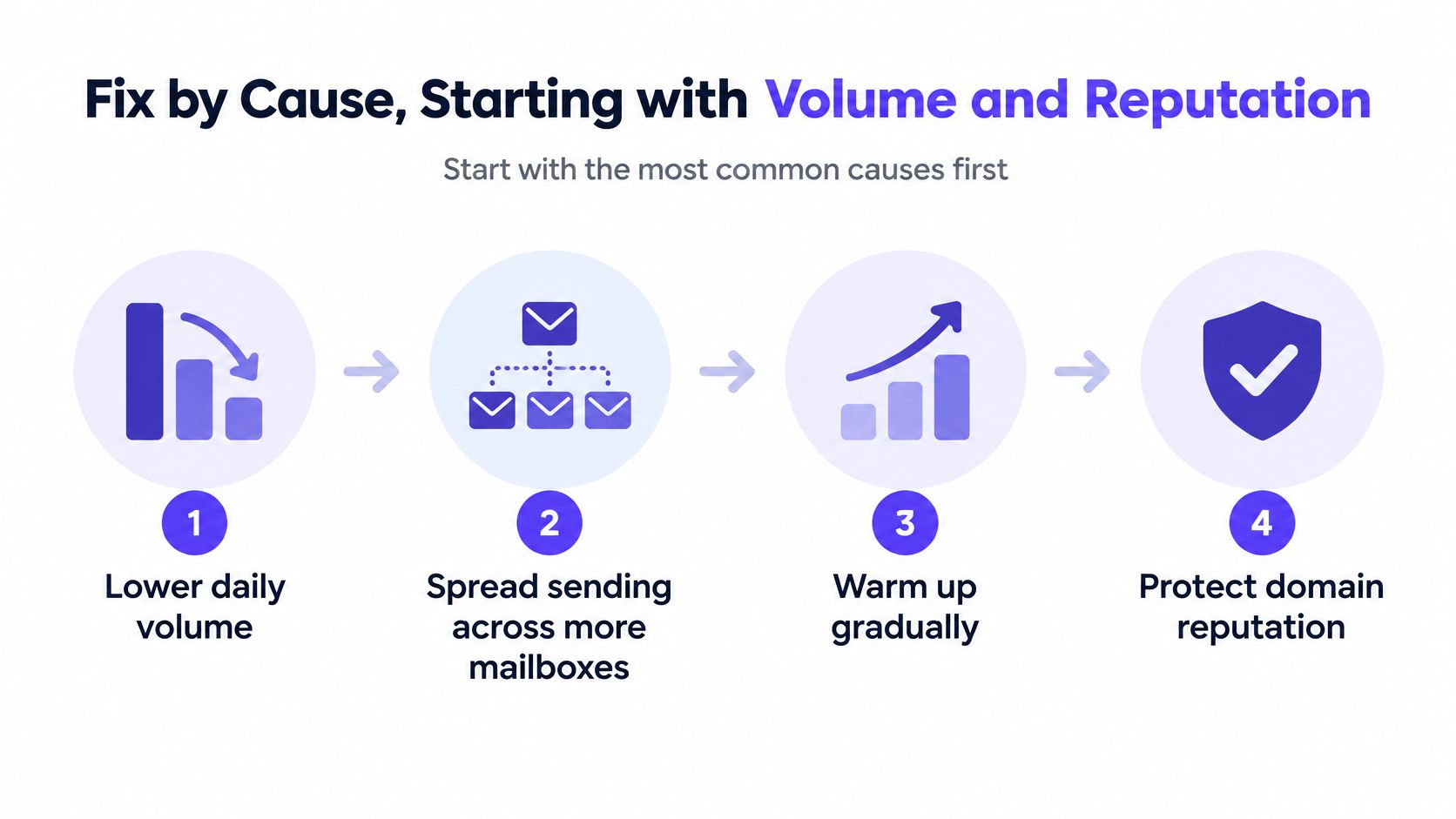
Fix order should follow frequency. Volume and reputation first, concurrency next, then TLS, then plain server-busy cases.
Volume and reputation
Lower daily volume per mailbox. Spread sending across more mailboxes instead of pushing more volume through one. Keep warmup running and let positive engagement build for a few weeks before scaling again.
That sequence is boring, and it works. A new outreach domain sent at full volume too early is the typical failure story. Yahoo starts returning TSS04 deferrals, the team blames the list, and the issue was trust that hadn't been earned yet.
A warmup tool helps at this step because steady, engaged warmup activity builds the history providers look for before accepting higher volume. Volume cuts without reputation building only delay the same wall.
Too many concurrent connections
Reduce simultaneous connections and per-domain sending rate for the affected provider only. Don't punish every lane for one provider's limit. Stop opening fresh parallel connections to force mail through, because that behavior often triggers the limit in the first place.
- Per-domain concurrency: Lower it, then restore it gradually after a clean interval.
- Connection reuse: Avoid keeping stale SMTP connections open indefinitely.
- Retry bursts: Spread retries instead of releasing the whole queue at once.
TLS and security variants
For 421 4.7.0 replies with TLS or security wording, check that the sending server negotiates a current TLS version and presents a valid certificate. Confirm authentication alignment at the same time, since policy text and security text often travel together.
Server busy or maintenance
For 4.4.5 and clear system-problem text, patience is the correct action. Leave messages queued, close the affected connection, and retry with exponential backoff and jitter. Hammering a busy server doesn't speed recovery. It usually extends it.
Make Sure Your Tool Actually Retries
Plenty of sending tools get this wrong. Some treat any 4xx response as a bounce and drop the contact. That turns a temporary deferral into a lost lead and makes list quality look worse than it is.
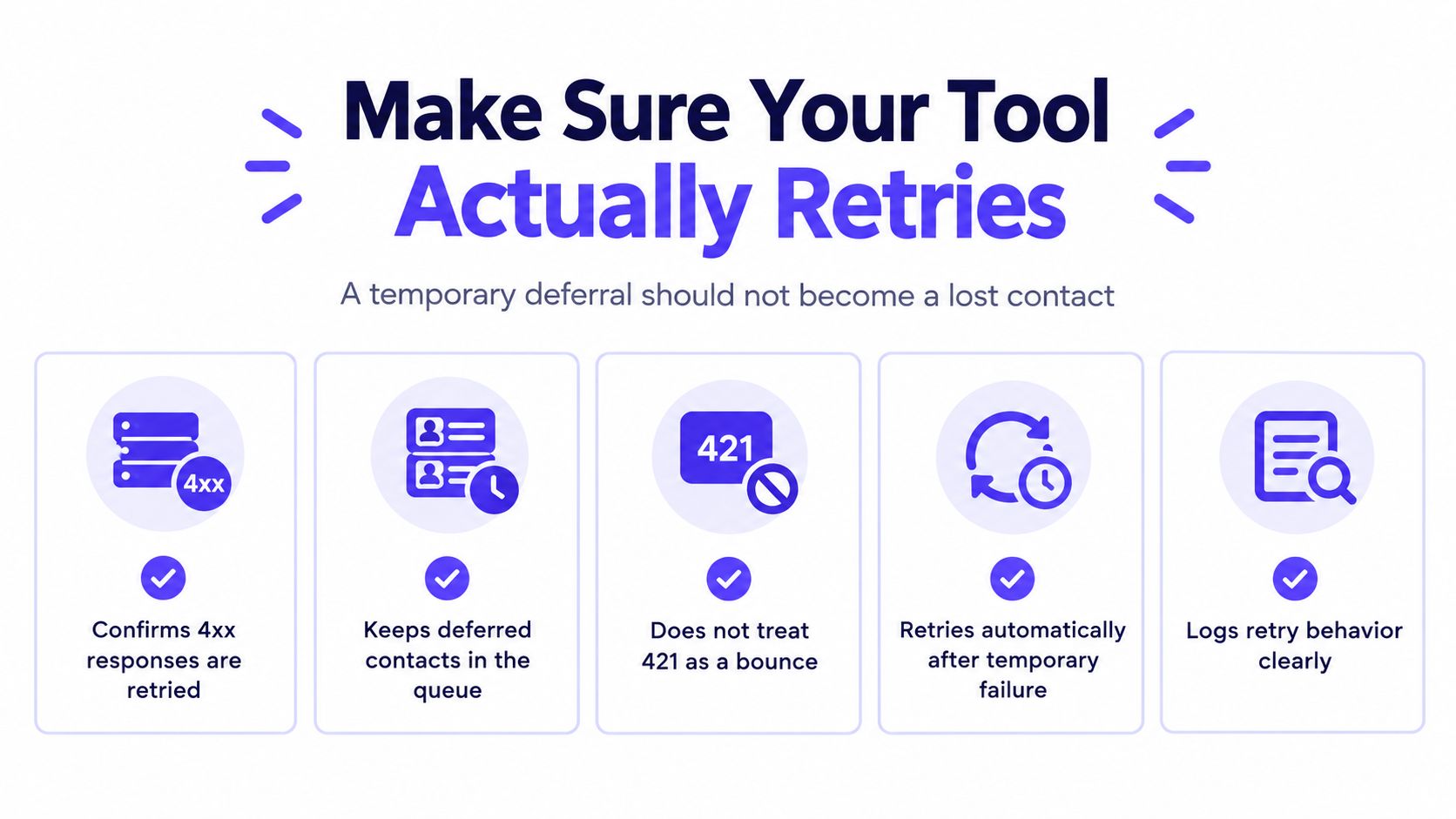
The correct handling sequence is well established:
- Record the complete enhanced status code and server text.
- Keep the message queued.
- Terminate the affected connection.
- Retry with exponential backoff and jitter.
- Reduce concurrency or per-domain rate if the error recurs.
- Escalate only after the retry window is exhausted.
Courier's SMTP 421 reference cites retry intervals of at least 30 minutes with a give-up period of at least 4 to 5 days, commonly two attempts in the first hour, then one attempt every two or three hours. Short deferrals usually clear on retry within hours. Repeated deferrals over days signal reputation, not a passing glitch.
How to verify a sending tool
Check the tool's bounce and deferral settings directly. Look for separate handling of 4xx and 5xx, a visible retry queue, and logs that preserve the full SMTP reply. If a 421 contact shows as a hard bounce, the tool is misclassifying deferrals.
The same logic explains why greylisting delays first email sends: a first deferral followed by a proper retry is normal SMTP behavior, not failure. Tools that can't handle that distinction shouldn't be trusted with cold outbound.
A temporary deferral should not become a lost contact. If the dashboard can't show queued retries, assume it isn't retrying.
Compare this with permanent errors before changing suppression rules. Hard failures such as SMTP 550 errors deserve suppression. A 421 doesn't, at least not until the full retry window closes.
How to Stop 421 Coming Back
Prevention is a routine, not a one-time repair. The habits are unglamorous and they compound.

- Steady daily volume: Keep per-mailbox volume consistent instead of spiking on campaign days.
- More mailboxes, not more volume: Scale sideways across mailboxes before raising per-mailbox limits.
- Continuous warmup: Keep warmup running during campaigns, not only before them.
- Aligned authentication: Maintain SPF, DKIM, and DMARC, and recheck after any DNS or provider change.
- Retry-aware tools: Confirm the sending stack retries 4xx responses instead of bouncing them.
Monitoring matters as much as sending discipline. Watch inbox placement and spam placement trends, not only bounce counts. Rising spam placement often shows up before a provider starts deferring mail outright.
Mailwarm provides SPF, DKIM, and DMARC validation, blacklist detection, and SMTP and IMAP configuration checks, plus actionable guidance to fix technical issues affecting deliverability. Mailwarm also provides provider-level warmup control for Gmail, Outlook, Microsoft 365, Yahoo, and SMTP, which helps when only one provider lane is deferring.
Senders on custom infrastructure can warm up an SMTP server through the same reputation-building process instead of relying on volume alone. Before the next send, check if your domain is blacklisted, because a listing plus aggressive retries is a reliable way to keep 421s coming.
As a general definition, SMTP 421 indicates a temporary service failure rather than a permanent rejection. Prevention keeps that temporary status from becoming a pattern.
Frequently Asked Questions About SMTP Error 421
Is mail lost after SMTP error 421
No. A 421 is temporary, and the sending server should keep the message queued and retry. Mail is only lost if the tool drops it or the full retry window runs out.
How long does a 421 usually last
Short deferrals often clear on retry within hours. Repeated deferrals over several days usually point to reputation or rate problems, and they improve only after volume and engagement improve.
Does 421 mean the address is bad
No. A 421 describes the session or service, not the recipient's validity. Suppressing addresses after a 421 damages lists and hides the underlying cause.
How does Mailwarm help with repeated 421s
Mailwarm helps senders build reputation, monitor inbox placement, and reduce spam risk through real inbox engagement and deliverability insights, with no IMAP access required. Mailwarm also offers a free email deliverability test that sends one email and gives a score out of 100 with a ranked fix list, plus a free deliverability audit with the top 3 fixes.
If email is part of growth, a 421 pattern is a reputation warning worth fixing properly, not with faster retries. Mailwarm helps senders build reputation, monitor inbox placement, and improve deliverability through real inbox engagement, advanced warmup controls, and expert guidance. Start with the free deliverability test, fix the ranked issues, and scale volume only after the deferrals stop.