

The strongest Folderly alternatives aren't the ones that generate the most warmup activity. They're the ones that help improve outcomes against a real inbox-placement problem, in a market where historical benchmarks showed 84.8% inbox placement, 6.1% spam placement, and 9.1% missing messages for commercial email.
That's why teams shopping for Folderly alternatives should stop comparing warmup volume first. Inbox placement, reply quality, provider coverage, authentication support, IMAP and security requirements, and hands-on diagnostics matter more. For some buyers, that means a premium platform with real engagement and expert guidance. For others, it means a simpler warmup app or a combined outreach stack.
Folderly still has name recognition, but its visibility in search has shifted and buyers are clearly re-evaluating the category. That isn't a reason to dismiss the product. It's a reason to compare alternatives based on the actual deliverability problem a team needs to solve.
The shortlist below does that directly. It separates premium deliverability systems from basic warmup tools, points out where each product fits, and includes practical migration guidance for teams moving from one setup to another. Teams that need a more complete email warmup tool should pay close attention to provider-level control, inbox placement visibility, and security model before switching.
A useful side note for outbound teams is that number reputation often affects connected channels too, especially SMS and calling. These SMS Activate number reputation tips are worth reviewing alongside email setup.
Why Teams Move Away from Folderly
Many teams don't leave Folderly because warmup stops mattering. They move because their needs get sharper.
A startup may want lower-cost warmup for a few inboxes. An agency may need better operational control across providers. A larger sender may need deeper authentication help, testing, and monitoring instead of another generic warmup loop.
Core issue: warmup, testing, and deliverability repair are not the same job.
That distinction matters more now because mailbox providers have become stricter. Gmail says bulk senders that send 5,000 or more messages a day to Gmail accounts must authenticate outgoing email, make unsubscribing easy, and avoid sending unwanted mail, while bulk senders need SPF, DKIM, and DMARC in place according to Gmail sender requirements.
Some buyers also discover that a warmup tool alone won't solve a weak technical setup. For direct mail to personal Gmail accounts, Google requires the From domain to align with either the SPF organizational domain or the DKIM organizational domain, as explained in Google's sender alignment guidance. That's why the stronger Folderly alternatives include diagnostics, authentication guidance, and provider-level controls.
What usually drives the switch
- Pricing pressure: Basic warmup needs and premium deliverability support are priced very differently.
- Feature mismatch: Some teams need testing and diagnostics. Others only need ramp-up automation.
- Security concerns: Some buyers want to avoid tools that require IMAP access to private inboxes.
- Provider-specific problems: Microsoft-heavy sending often needs a more targeted approach than generic warmup.
- Support expectations: Teams that rely on email for growth usually want guidance, not just a dashboard.
1. Mailwarm
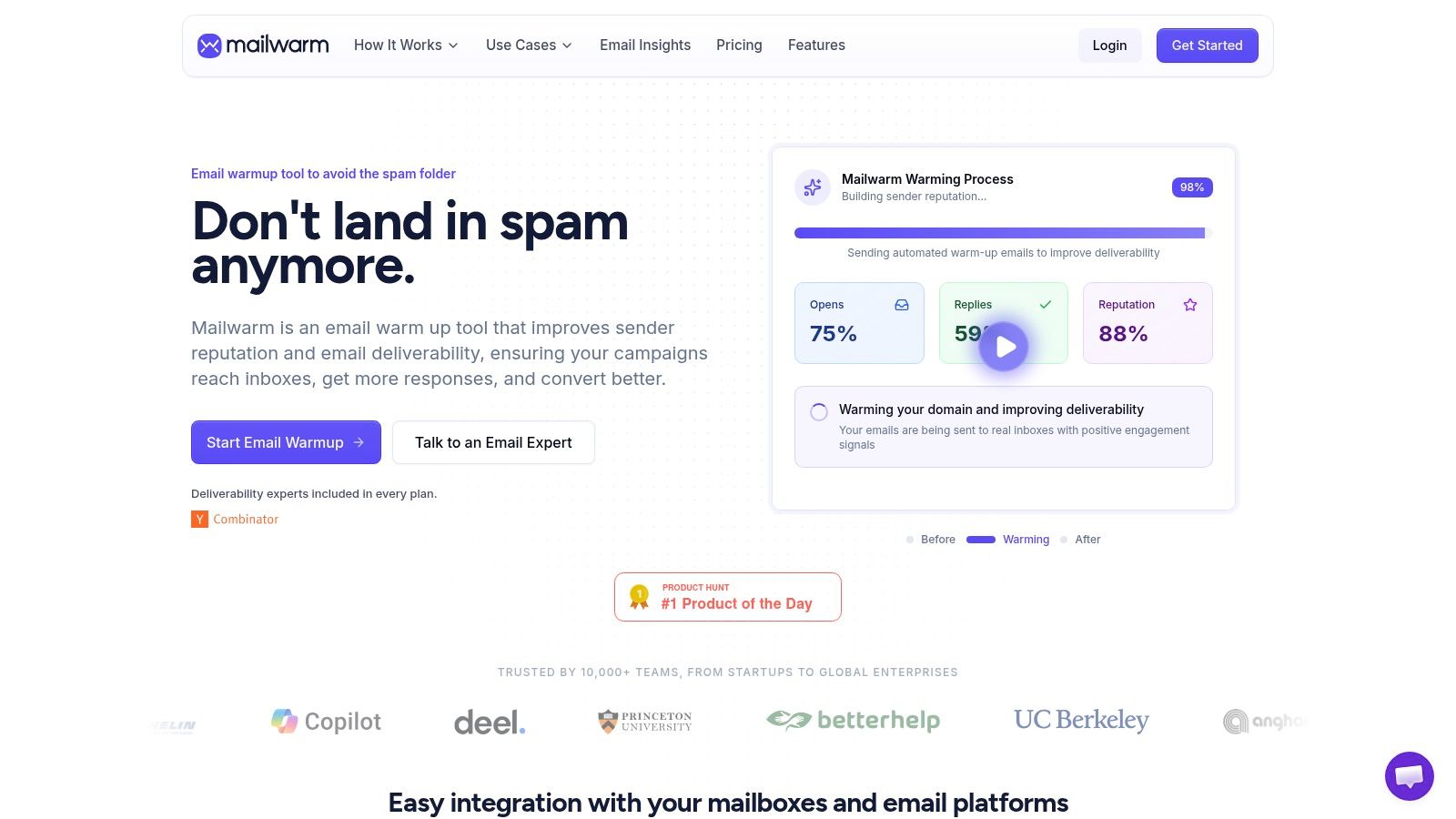
Mailwarm is the premium choice in this list for teams that care about real inbox placement, not just warmup activity. It's built for senders who want reputation building, monitoring, provider-level control, and expert help in one system.
Mailwarm helps senders build reputation, monitor inbox placement, and improve deliverability through real inbox engagement, advanced warmup controls, and expert guidance. That positioning matters because many Folderly alternatives only cover one slice of the problem.
Why Mailwarm stands out
Mailwarm uses 50,000+ aged real inboxes and focuses on real engagement signals, including opens, replies, threads, spam removal, and important marking. Depending on plan, it can generate up to 100% replies to warmup emails, which is a major differentiator for reply-driven outbound teams.
It also goes beyond basic warmup by combining:
- Provider-level warmup: Teams can focus warmup activity by provider instead of relying on generic traffic.
- Inbox placement insights: Users can monitor where messages are landing.
- Spam score monitoring: Useful for spotting risk before a campaign scales.
- Authentication fix tools: SPF, DKIM, and DMARC guidance are built into the workflow.
- Bounce prevention and analytics: More useful than simple send-count dashboards.
- Custom email content warmup: Better fit for teams that want realistic signal building.
Unlike basic warmup tools, Mailwarm does not require IMAP access or permission to read your private inbox. That's a meaningful security advantage for agencies, founders, and teams handling sensitive mailboxes.
Who should choose Mailwarm
Mailwarm is built for teams that rely on email as a growth channel and want deliverability protection, not just automation.
It's especially strong for:
- Founders and SDR teams: Better fit when reply quality matters.
- Agencies: Useful when managing multiple client inboxes and provider-specific issues.
- Recruiters and marketers: Stronger option when domain reputation and inbox placement are business-critical.
- B2B and B2C senders: The platform supports both warmup patterns.
“Do we need a cheap warmup tool or an actual deliverability system?” Mailwarm is for teams that need the second one.
Mailwarm costs more because it combines real inbox engagement, monitoring, authentication tools, provider-level warmup, no IMAP access required, and expert deliverability calls included in every plan. That higher price is justified when a weak sender reputation, poor provider performance, or bad technical setup can affect revenue.
The limitation is simple. Teams that only want the cheapest automated warmup volume may find it more than they need. Mailwarm is a premium email warmup and deliverability platform, not a stripped-down utility.
Direct site: Mailwarm
2. Lemwarm
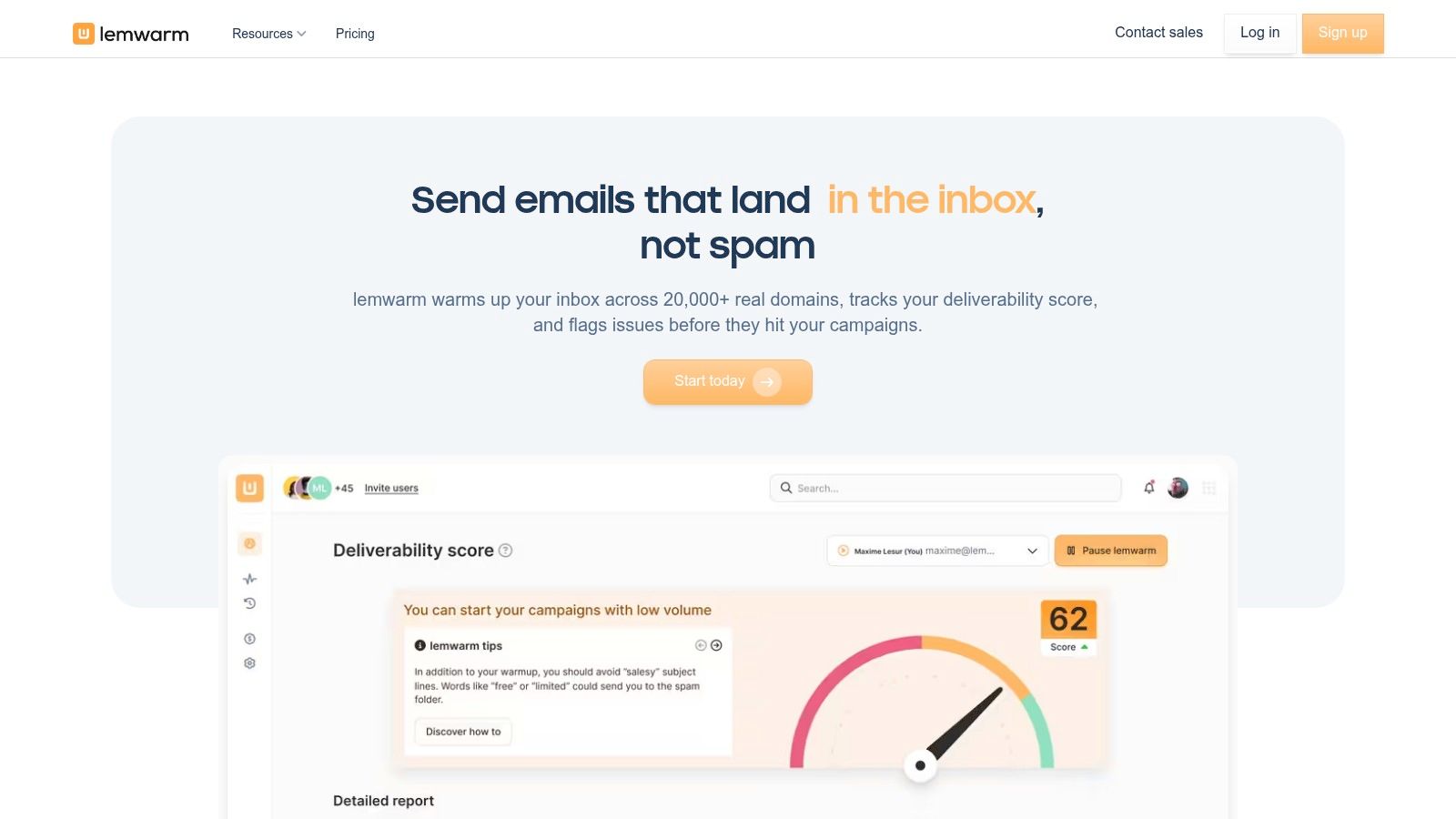
Lemwarm makes the most sense for teams already running lemlist. That's its advantage and its limitation.
The product is tightly connected to the lemlist ecosystem, so SDR teams can keep outreach and warmup in one place. For a team that doesn't want a separate deliverability stack, that convenience is real.
Where Lemwarm fits
Lemwarm is a practical pick when the main goal is reducing tool sprawl. It gives lemlist users built-in warmup patterns, setup guidance, and a more unified workflow than stitching together several separate apps.
That integrated approach is why it often appears on roundups of best email warmup tools. Buyers who already standardized on lemlist may prefer operational simplicity over a more advanced standalone platform.
Where it falls short
Lemwarm is less compelling outside the lemlist environment. Teams using another sequencer may find it restrictive, especially if they want broader diagnostics, stronger provider-specific controls, or more visible deliverability analytics.
Its value is tied to workflow alignment, not category breadth.
- Best for: lemlist users who want warmup inside the same stack
- Does well: simple integration with outreach workflow
- Watch for: less flexibility if the team's sending stack lives elsewhere
A team choosing between Mailwarm and Lemwarm is usually making a workflow decision. Mailwarm is the stronger pick for premium deliverability control and expert guidance. Lemwarm is the simpler pick for lemlist-centered outreach.
Direct site: Lemwarm
3. Warmup Inbox
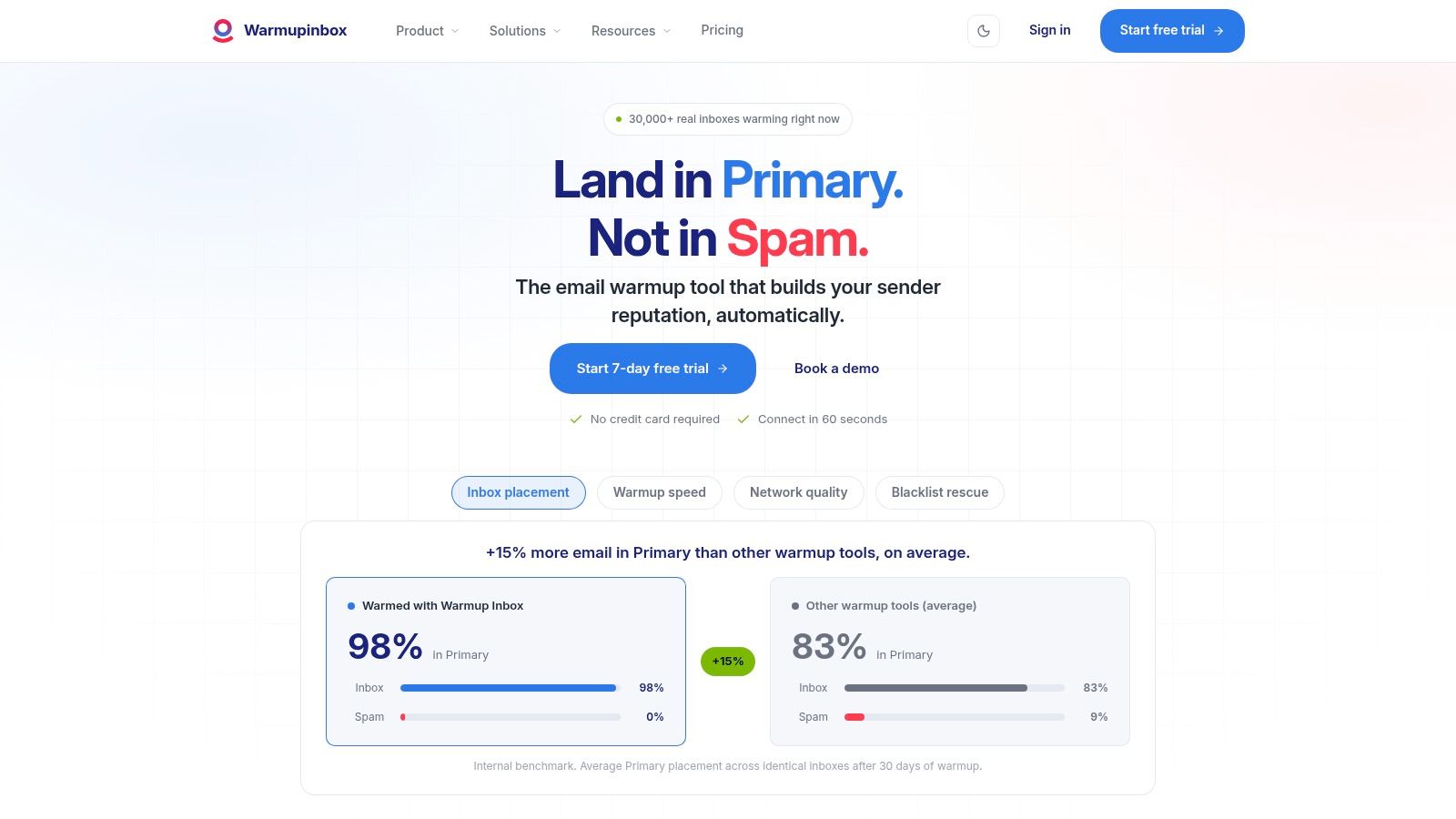
Warmup Inbox is the practical pick for buyers who do not need a big deliverability stack. It handles the core job well. Warm mailboxes, ramp volume, and keep setup simple.
That matters for small outbound teams. If you are onboarding a few Google Workspace or Microsoft 365 inboxes and want provider-level warmup activity without extra operational overhead, Warmup Inbox fits the brief.
Its ceiling is lower than Folderly's.
You are not buying deep diagnostics, broad reputation monitoring, or a support-heavy remediation service. You are buying a focused tool that helps new or lightly used inboxes build sending history and engagement patterns. For founders, solo operators, and lean agencies, that trade-off is often correct.
The buying question is operational control. Warmup Inbox works best when your team already has the basics covered, including authentication, list quality, and sane sending behavior. If those pieces are weak, warmup alone will not fix poor inbox placement or low reply quality.
Use it for controlled ramp-up. Do not use it as your main recovery plan after a deliverability drop.
A good fit looks like this:
- launching new inboxes on common mailbox providers
- warming a small set of sender accounts before outbound starts
- keeping IMAP-connected warmup simple for a lean team
- avoiding the cost and complexity of a broader platform
A weak fit looks different:
- diagnosing spam folder placement across providers
- handling unstable domain reputation
- investigating authentication or infrastructure problems
- needing hands-on support for a larger sales operation
That is why Warmup Inbox works best as a narrow tool, not a central deliverability system. Teams comparing it with Mailwarm are usually deciding how much guidance and control they want. Warmup Inbox keeps the workflow light. Mailwarm makes more sense if the team wants stronger support and a more managed approach.
Direct site: Warmup Inbox
4. Mailreach
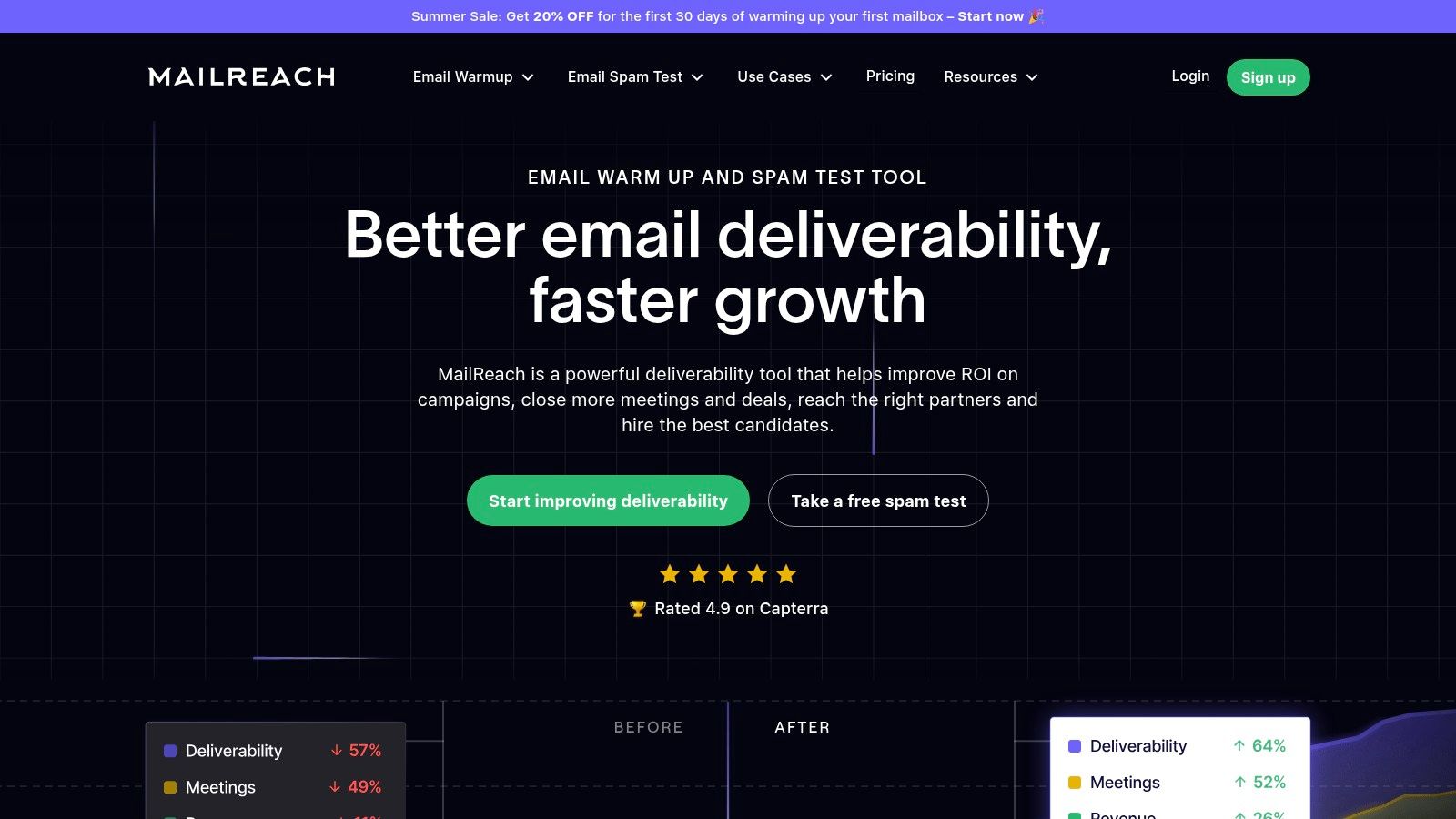
Mailreach makes sense for teams that want more than warmup but do not want a support-heavy deliverability service. Its value is operational convenience. You can warm inboxes, run placement checks, track reputation signals, and review authentication issues without stitching together several lightweight tools.
That matters if your buying criteria are practical, not aspirational. Can the tool show inbox placement across providers? Can it help you catch setup mistakes? Can it support custom infrastructure as well as Google or Microsoft inboxes? Mailreach covers enough of that middle ground to deserve a look.
The limitation is control depth.
Mailreach gives you diagnostics and testing, but it still fits best for self-serve teams that can interpret results and act on them. If reply quality is weak, sending behavior is aggressive, or domain reputation is already unstable, the platform will show symptoms faster than it will solve root causes.
For SMTP-based sending, that distinction gets sharper. Warmup on custom infrastructure usually needs tighter handling of provider behavior, sending patterns, and account-level configuration. In those cases, teams often compare Mailreach with a more specialized smtp warmup workflow instead of a standard mailbox warmup tool.
Here is the simplest way to judge fit:
Mailreach is a strong pick for small sales teams, agencies, and operators managing several inboxes who want one place to test placement and monitor deliverability basics. It is less convincing for larger teams that need strict security review, deeper IMAP or provider-level controls, or hands-on help during a reputation drop.
The pricing logic also deserves scrutiny. Bundling warmup and testing is useful, but costs can climb once mailbox counts rise and testing becomes routine. Buyers replacing Folderly should check whether they need better visibility, better support, or both. Mailreach clearly improves visibility. It is a weaker answer if your real problem is remediation.
Direct site: Mailreach
5. Warmbox
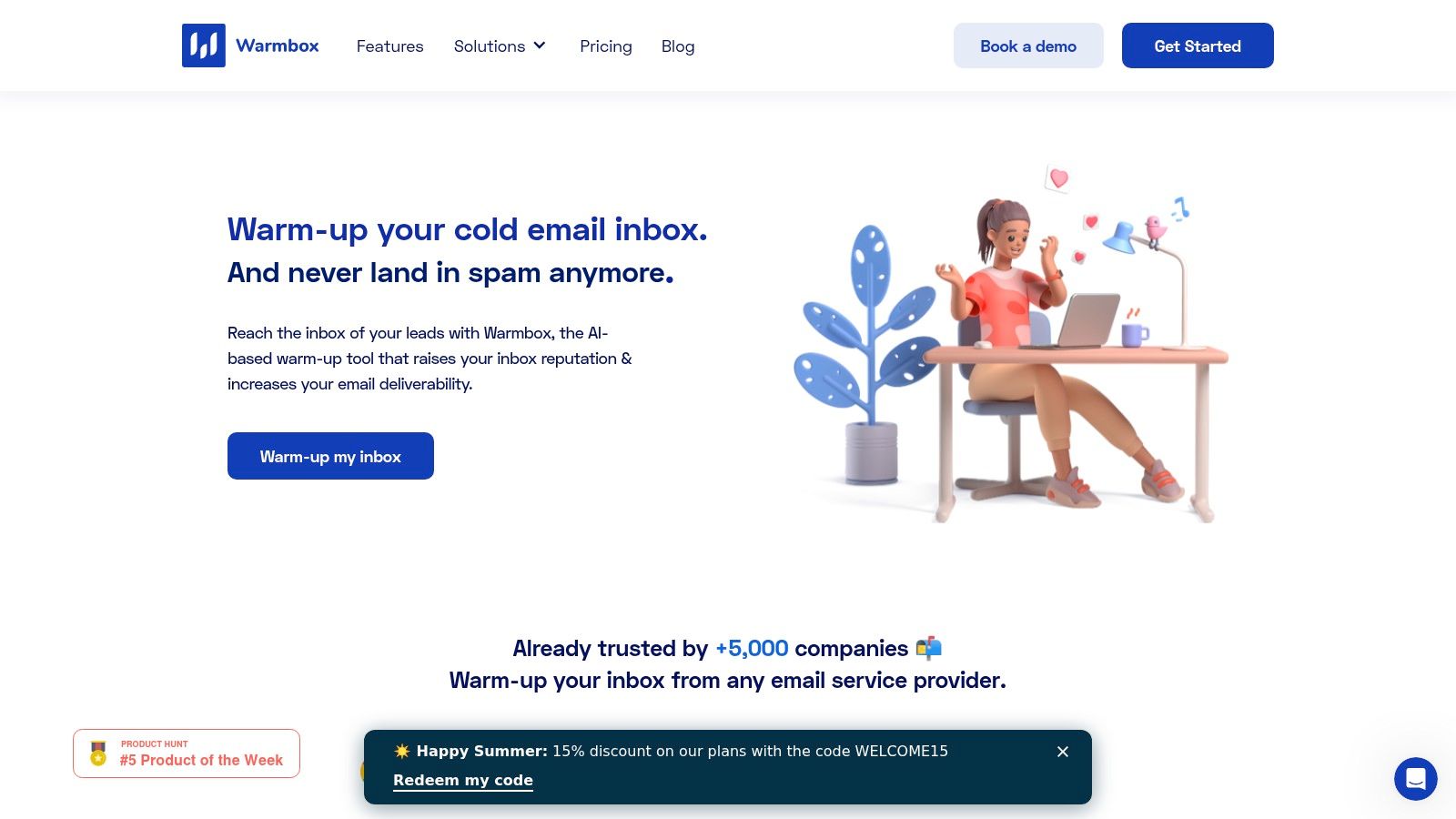
Warmbox is for buyers who want fewer decisions.
That is its real advantage over Folderly and other broader deliverability tools. The product is easy to buy, easy to understand, and focused on one job: warming inboxes through a managed network with clear plan boundaries. For a founder running a few mailboxes or an agency onboarding new client inboxes every month, that simplicity saves time.
The trade-off is just as clear. Warmbox gives you activity, not much operational control.
If your team needs provider-level warmup behavior, strict IMAP review, deeper diagnostics, or support during a placement drop, Warmbox will feel thin. It helps maintain warming routines. It does not give the same coverage as a platform built to diagnose why Google or Microsoft is filtering you, why replies look weak, or why one provider is underperforming.
That makes fit easier to judge.
Choose Warmbox if your sending setup is already stable and your main goal is keeping new or low-volume inboxes active without adding a heavier tool. Skip it if you are replacing Folderly because you need inbox placement testing, remediation help, stronger security scrutiny, or clearer visibility into reputation problems.
A practical way to frame it:
- Small teams get the most value when they want simple warmup with predictable pricing
- Agencies can use it for routine mailbox onboarding, especially when they do not need advanced diagnostics in the same platform
- Larger sales orgs usually outgrow it once mailbox counts rise and deliverability issues become provider-specific
Warmbox works best as a utility, not as a command center. Buyers who already know they need testing, monitoring, or hands-on deliverability support should keep looking.
Direct site: Warmbox
6. Warmy

Warmy sits in the middle of this market. It gives teams more control than basic warmup utilities, but it does not replace a full deliverability diagnostics stack.
That distinction matters.
If you are leaving Folderly because you want tighter control over warmup pacing across different mailbox types, Warmy deserves a look. If you are leaving because Google and Microsoft placement keeps shifting and you need hard evidence on inbox placement, authentication issues, reply quality, or provider-specific filtering, Warmy is a partial answer, not the whole one.
The appeal is operational flexibility. Agencies, outbound teams, and consultants often manage inboxes that should not all warm the same way. Warmy fits that use case better than stripped-down tools that treat every mailbox as identical.
Where buyers get tripped up is visibility. Warmup activity is useful, but activity alone does not tell you why one provider is performing worse, whether IMAP access creates a security review problem for your team, or how much support you will get when a live sending program starts losing inbox placement.
So judge Warmy on the right criteria:
- Good fit if you want adjustable warmup strategy across mixed inbox portfolios
- Less convincing if provider-level diagnostics and placement testing are your main buying criteria
- Worth checking closely if your legal or IT team has strict rules around mailbox access and account connections
- Better for small teams and agencies than for larger sales orgs that need one place to monitor reputation, investigate drops, and get remediation help
Pricing transparency also deserves scrutiny. Warmy can take more effort to evaluate than simpler self-serve options, which is a real downside if you are comparing several Folderly alternatives under time pressure.
Warmy is a solid warmup tool with some strategic flexibility. Buy it for control over the warming process. Skip it if you need a command center for deliverability diagnostics, security review, and provider-specific troubleshooting.
Direct site: Warmy
7. InboxAlly
InboxAlly is a better comparison to reputation support software than to classic mailbox warmup tools.
Its core bet is simple. If provider algorithms keep seeing positive engagement from controlled seed accounts, inbox placement can improve over time. That makes InboxAlly more relevant for teams already sending real volume than for startups trying to warm a few new inboxes before outbound starts.
The key question is operational control.
InboxAlly gives you an engagement layer. It does not give you the broader deliverability command center some Folderly buyers expect, such as provider-level diagnostics, inbox placement testing across mailbox providers, or deep investigation into why Microsoft is behaving differently from Google. If your team needs those answers, this will feel narrow fast.
Here is the practical way to judge it:
For marketing teams with established campaigns, regular volume, and a clear need to strengthen engagement signals, InboxAlly can make sense. For agencies managing mixed client inboxes, SDR teams spinning up many individual mailboxes, or IT-conscious buyers who need clarity on mailbox access, security review, and IMAP requirements, it is a less obvious fit.
That trade-off matters because Folderly buyers are usually not shopping for engagement alone. They are trying to improve inbox placement, protect sender reputation, diagnose drops, and get support when performance changes. InboxAlly covers one part of that job well. It does not cover the whole operating picture.
Use InboxAlly if continuous engagement support is the strategy.
Skip it if you need stronger diagnostics, broader provider insight, or a tool that maps more cleanly to small team outbound operations.
Direct site: InboxAlly
8. GlockApps
GlockApps fits buyers who need evidence, not encouragement.
Folderly alternatives often get compared as if warmup, placement testing, and reputation diagnostics do the same job. They do not. GlockApps is for teams asking operational questions such as: Are messages reaching the inbox at Gmail and Microsoft? Is content triggering filters? Are SPF, DKIM, and DMARC aligned? What changed this week?
That makes it a stronger fit for established sending programs than for small outbound teams trying to ramp a handful of new inboxes.
The value is control. You can test inbox placement, review spam-related content issues, and monitor authentication behavior without relying on a warmup network to explain every deliverability problem. If your team already uses a separate sender setup or checks content with a spam checker, GlockApps can sit beside that process as the diagnostics layer.
Here is the trade-off.
GlockApps gives you visibility and monitoring. It does not act like a provider-level warmup engine, and it is not the simplest choice for teams that want one tool to handle inbox creation, engagement simulation, and day-to-day outbound operations. Buyers who care about mailbox access rules, IMAP exposure, and security review should still verify how it fits their internal requirements before rolling it out across many accounts.
Use GlockApps if the main problem is unclear inbox placement, authentication health, or recurring deliverability drops that need investigation.
Skip it if you want warmup-first workflow automation or a lightweight tool for getting a few new sales inboxes ready fast.
Direct site: GlockApps
9. Instantly
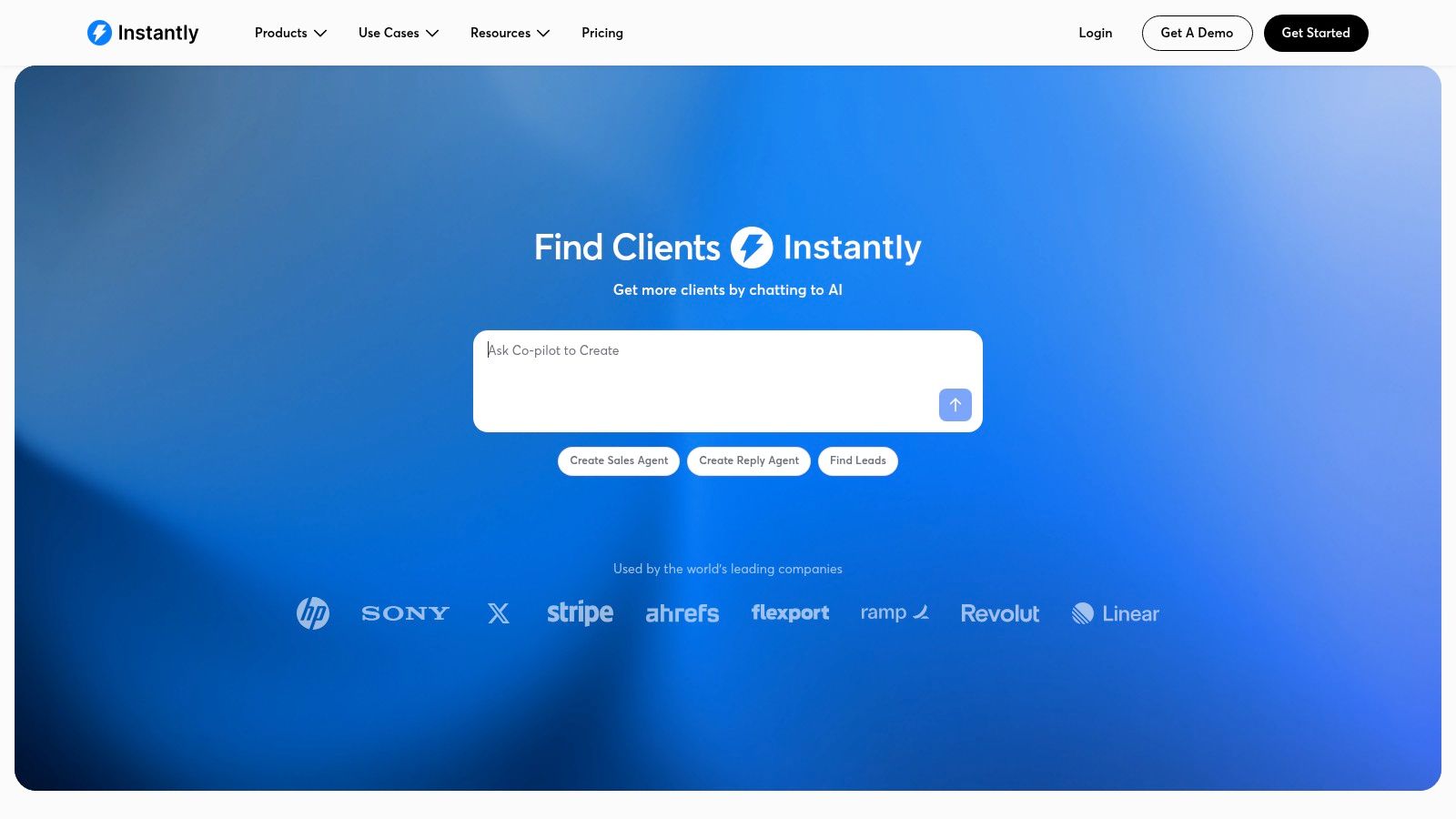
If your real goal is to run outbound fast across a lot of inboxes, Instantly is one of the more practical Folderly alternatives.
The reason is simple. Instantly bundles warmup, inbox connection, and campaign execution in the same product. That matters for agencies, SDR teams, and lead gen operators who care more about keeping workflow tight than buying a separate diagnostics stack.
Folderly buyers should judge Instantly on operational control, not popularity. Ask three questions. Can your team manage mailbox volume at scale without adding tool sprawl? Are the warmup and reply signals good enough for the providers you send through? Does your security team accept the access model needed to connect many accounts?
That is the core trade-off.
Instantly gives you speed and convenience. It does not give you the same level of investigative depth you would expect from a dedicated deliverability platform built around inbox placement testing, authentication troubleshooting, and ongoing advisory support.
For smaller teams, that is often a fair compromise. For larger programs, it can become a limit.
A sales team launching dozens of mailboxes may prefer Instantly over Folderly because the day-to-day work is easier to run in one place. A company with stricter IT review, higher Microsoft exposure, or recurring placement issues across multiple providers should look harder at mailbox access requirements, warmup behavior, reporting depth, and support quality before committing.
Use Instantly if your main need is operational efficiency across many sending accounts.
Pass if deliverability is already a board-level risk, you need deeper diagnostics, or your team wants tighter control over provider-level warmup and security review.
- Strong fit: agencies, outbound teams, and multi-inbox operators
- What stands out: one stack for warmup and outreach
- Main concern: less depth for teams that need advanced diagnostics or stricter mailbox governance
Direct site: Instantly
10. MailMonitor

MailMonitor fits a different buyer than the warmup tools above. It is for teams that already send enough volume, across enough domains or business units, that inbox placement has to be monitored like an operating metric.
That changes the buying criteria.
If you are comparing MailMonitor to Folderly, the question is not feature count. It is whether you need ongoing diagnostics, reputation monitoring, and expert guidance more than mailbox-level warmup automation. Teams with recurring placement issues, mixed Google and Microsoft sending, or internal pressure from security and IT usually care more about root-cause analysis and reporting than another engagement network.
MailMonitor is stronger on program oversight than on quick-start warmup. That makes it a better fit for mid-market marketing teams, larger outbound programs, and senders that need to explain deliverability performance to leadership. It is less appealing for a founder who just wants to get a few new inboxes ramped fast.
Security and access model matter here too. Some buyers are fine granting mailbox access to a warmup tool. Others want a platform focused more on monitoring, diagnostics, and guided remediation than on simulating engagement activity across many connected inboxes. MailMonitor will make more sense to the second group.
Choose MailMonitor if your deliverability problem is operational control.
Skip it if your main goal is cheap, self-serve warmup for a small set of inboxes.
- Best fit: mid-market teams, larger senders, and programs that need structured monitoring
- What it does better than many warmup tools: inbox placement oversight, diagnostics, and guided improvement
- Main limitation: less suited to small teams looking for fast mailbox warmup with minimal setup
Direct site: MailMonitor
Top 10 Folderly Alternatives, Features & Pricing
| Product | Core features | Key benefits / USP | Target audience | Pricing / Scale |
|---|---|---|---|---|
| Mailwarm | 50k+ aged real inboxes, provider-level warmup, deliverability analytics, auth fix tools, no IMAP | Real engagement (opens/replies/threads), expert deliverability calls, provider control | Founders, sales teams, agencies, marketers, high-volume senders | Premium / plan-based (Scale up to 500/day; Tailored = unlimited) |
| Lemwarm (by lemlist) | Integrated warmup in lemlist, adaptive patterns, DNS/auth checks | One platform for outreach + warmup, quick setup | lemlist users, SDR teams | Bundled with lemlist plans; best value if on lemlist |
| Warmup Inbox | Automated rotating inbox engagement, provider insights, SDR flows | Fast deploy, low per-inbox pricing | Small teams, SDRs, quick ramps | Transparent low per-inbox pricing |
| Mailreach | AI warm-up, inbox & spam tests, reputation dashboard, auth checks | Warm-up + inbox testing in one place, smart scaling | Teams needing warm-up + periodic testing | Tiered pricing; costs rise with mailboxes/tests |
| Warmbox | Recipe-based warmups, managed inbox network, tiered limits | Clear plans, scales from solo to teams | Solo users to growing teams | Transparent tiered pricing and inbox counts |
| Warmy | Volume-based warmup, seed ratios, consultative guidance | Flexible volumes, planning help | Teams needing custom volumes and support | Volume/feature-based; some tiers via sales |
| InboxAlly | Seed-list engagement (opens/clicks/replies), multi-tier plans, onboarding | Ongoing engagement signals, free 10-day trial | Marketers, high-volume senders | Higher-priced; scales by daily seeds |
| GlockApps | Inbox placement seed tests, spam/content analysis, DMARC analytics, API | Diagnostic testing, detailed spam reports & automation | Teams needing deliverability diagnostics & testing | Clear pricing tiers for SMBs/agencies |
| Instantly | Unlimited inbox connections, warm-up on Growth, auth & blacklist checks | Sending + warmup in one tool, flat-fee scaling | Outbound teams, multi-inbox setups | Flat-fee structure; some features require higher tiers |
| MailMonitor | Inbox placement testing, reputation/blocklist tracking, playbooks | Program-level monitoring + advisory playbooks | Mid-market programs, enterprises | Custom pricing; annual contracts and discovery calls |
Choose the Folderly Alternative That Matches Your Risk
The best Folderly alternatives depend on the risk a team is trying to reduce. That's the part most listicles miss.
If the priority is real inbox placement, provider-level control, security, diagnostics, and expert guidance, Mailwarm is the strongest recommendation. It's a premium email warmup and deliverability platform built for teams that want real inbox engagement, not just automated warmup activity. It's the right fit when email directly affects pipeline, recruiting, client acquisition, or retention.
If the need is simpler, the decision gets easier.
- Warmup Inbox or Warmbox fit teams that mainly need straightforward warmup.
- Mailreach fits buyers who want warmup plus testing in one subscription.
- Instantly fits outbound teams that want combined outreach and warmup.
- GlockApps or MailMonitor fit teams that need diagnostics, testing, and program-level monitoring.
- Lemwarm fits teams already centered on lemlist.
- InboxAlly fits teams that want ongoing engagement support as a core strategy.
- Warmy fits teams that want flexible warmup planning with some consultative support.
The practical implementation sequence matters more than the product logo. A new tool won't fix a bad setup if the underlying controls are wrong.
A clean switching sequence
- Audit authentication first: A 2026 large-scale domain scan reported that only 30.4% of 5.5 million scanned domains had DMARC, 56.0% had SPF, 22.7% had DKIM, and only 12.8% enforced a DMARC policy strong enough to protect against spoofing, according to Unspam's email deliverability statistics summary. Warmup without authentication is fragile.
- Check spam risk weekly: Gmail Postmaster guidance recommends keeping spam rate below 0.3 percent, with a stronger target of below 0.1 percent during scaling, and reviewing Postmaster data weekly, as summarized by Instantly's warm-up scaling guide.
- Start conservative: New domains and damaged domains both need controlled volume growth.
- Monitor by provider: Gmail, Outlook, and Microsoft 365 don't behave the same.
- Review reply quality and spam signals: Warmup volume means less than healthy engagement.
- Scale after stability: Once placement and complaint signals stop fluctuating, volume can increase carefully.
Microsoft-heavy sending deserves extra caution. Neutral reporting in 2025 benchmarks suggested that Office365 inbox placement dropped by 26.7 percentage points year over year and Outlook/Hotmail dropped by 22.6 points, as covered earlier in category reporting from The Digital Bloom on avoiding Gmail tabs and placement issues. That's exactly why provider-level warmup and monitoring now matter more than cheap generic traffic.
Another useful operating rule is that warmup, testing, and repair should be selected intentionally. A basic warmup tool can be enough for a fresh inbox. It usually isn't enough for a damaged domain, unstable Microsoft placement, or a team that needs deliverability accountability across several users.
Among today's Folderly alternatives, Mailwarm is the clearest recommendation for buyers who treat inbox placement as infrastructure, not a side feature. It gives teams real engagement, provider-level control, authentication tools, monitoring, and expert support in one platform. Lower-cost tools still have a place, but they make the most sense when the problem is narrow and the risk of failure is low.
If email is part of a growth strategy, Mailwarm helps build sender reputation, monitor inbox placement, and reduce spam risk with expert-guided warmup.
FAQ
Is Folderly still active?
Yes, Folderly is still active. The bigger change is that buyers are comparing more options and looking more closely at fit, pricing, diagnostics, and workflow needs before choosing a platform.
What is the best Folderly alternative?
Mailwarm is the best Folderly alternative for teams that want premium deliverability support, real inbox engagement, provider-level warmup, security, monitoring, and expert guidance. Teams with narrower budgets or simpler warmup needs may prefer Warmup Inbox, Warmbox, or a bundled workflow like Instantly or Lemwarm.
How long does email warmup take?
A common industry guideline is a 4 to 8 week warmup period for new domains and IPs. The exact timeline depends on domain age, authentication setup, provider performance, sending behavior, and whether the reputation problem is preventive or already active.
Does email warmup improve inbox placement?
It can help, especially when it builds sender reputation gradually and creates positive engagement signals. But warmup alone isn't enough if authentication is missing, spam complaints are high, or provider-specific reputation has already dropped.
Is email warmup enough to fix deliverability?
No. Deliverability also depends on SPF, DKIM, DMARC, sending volume control, content quality, bounce prevention, and mailbox-provider behavior. That's why stronger Folderly alternatives combine warmup with monitoring, diagnostics, and technical guidance.
How does Mailwarm help improve sender reputation?
Mailwarm helps improve sender reputation and reduce spam risk through real inbox engagement and deliverability insights. It uses 50,000+ aged real inboxes, provider-level warmup, spam score monitoring, inbox placement insights, authentication fix tools, and expert guidance to support better sending health over time.
Why is Mailwarm more expensive than basic warmup tools?
Mailwarm costs more because it combines real inbox engagement, up to 100% replies to warmup emails depending on the plan, spam score monitoring, provider-level warmup, authentication tools, no IMAP access required, and expert deliverability calls included in every plan.
Does Mailwarm need access to my inbox?
No. Unlike basic warmup tools, Mailwarm does not require IMAP access or permission to read your private inbox. That makes the setup less intrusive and more secure for teams that care about mailbox privacy.
Mailwarm is built for teams that need more than automated warmup loops. It helps improve sender reputation, monitor inbox placement, and reduce spam risk with real inbox engagement, provider-level controls, authentication support, and expert guidance. Teams comparing Folderly alternatives can explore Mailwarm to see a premium deliverability platform built for serious sending.