

Yes, you can sometimes tell if someone read your email, but the methods are highly unreliable and getting worse. Email was not built to confirm when a message is opened, so solutions like read receipts and tracking pixels are flawed. For any business, relying on this data is a risky strategy.
While a few tools offer to track opens, privacy features from Apple and others make this data inaccurate. Founders, sales teams, and marketers are better off focusing on metrics that truly signal engagement, like clicks and replies.
The Quick Answer on Tracking Email Opens
If you run a sales team or work in marketing, knowing if your emails are being read feels critical. You want to know if your hard work is paying off.
But chasing that "read" confirmation is often a waste of time. Relying on fuzzy open-rate data can lead you to make bad decisions based on information that's shaky at best. There’s no secret way to know for sure unless your recipient clicks "yes" on a read receipt request, which rarely happens.
Common Tracking Methods and Their Flaws
People have developed two main ways to try to track opens, but both are riddled with problems. If you're working to improve your email outreach success, understanding these limitations is more important than obsessing over the numbers they produce.
Let's take a quick look at these two methods.
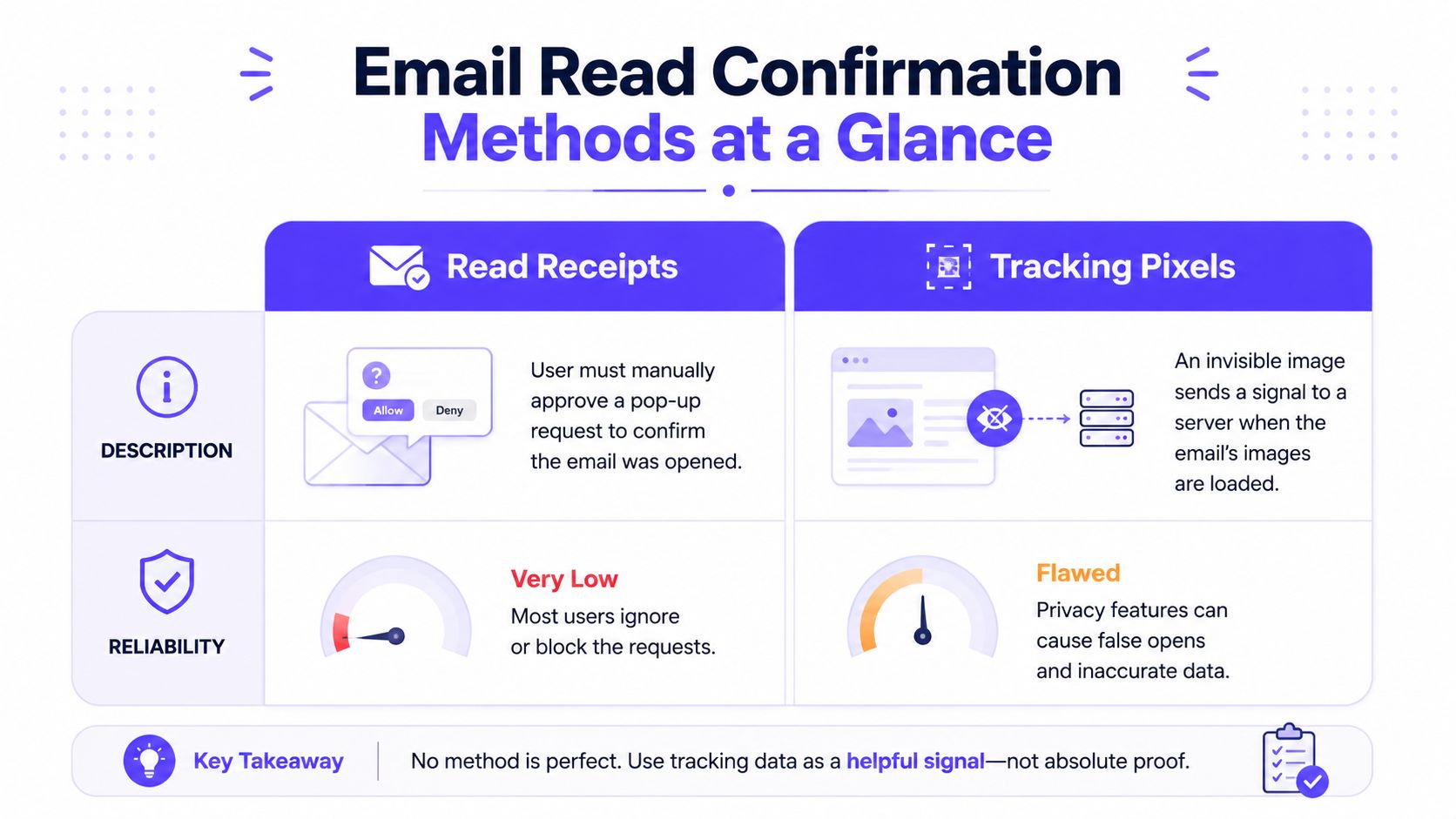
Alt text: A comparison chart showing read receipts and tracking pixels as methods for tracking email open confirmations.
To make this even clearer, here’s a quick breakdown of how these methods stack up.
Email Read Confirmation Methods at a Glance
This table offers a simple side-by-side comparison of the common methods used to track whether an email has been opened.
| Method | How It Works | Reliability | Key Limitation |
|---|---|---|---|
| Read Receipts | Sends a request to the recipient's email client, asking them to confirm they've opened the email. | Very Low | The recipient must manually agree to send the receipt. Most people ignore or decline this. |
| Tracking Pixels | Embeds a tiny, invisible 1x1 pixel image in the email. When the email is opened and images load, the pixel logs an "open." | Low to Medium | Many email clients (like Apple Mail) now block tracking pixels by default or pre-load them, making this method highly unreliable. |
As you can see, neither approach gives you a foolproof way to confirm an email was actually read by a human.
Because email open tracking is so unreliable, your time is better spent focusing on metrics that signal real interest: clicks and replies. These actions show genuine engagement and are what truly build your sender reputation.
Open rates are quickly becoming a vanity metric. If you want to dive deeper into what a "good" open rate even means anymore, check out our guide on cold email open rate benchmarks.
Why Tracking Pixels Give You Inaccurate Data
For years, sales and marketing teams have used one simple trick to see if their emails get read: the tracking pixel.
It’s a tiny, invisible 1x1 pixel image tucked away in an email. When the recipient’s email client loads images, that little pixel gets downloaded from a server. That download is logged as an “open.”
Sounds clever, right? In practice, this system is now fundamentally broken.
The problem is, tracking pixels never actually tracked a human reading your message. They only tracked if an email client downloaded an image. That distinction has become a massive problem now that privacy is a priority for email providers.

Alt text: A graphic of an envelope with the question, "Can you tell if someone read your email?"
The Mess of False Positives and Negatives
Today's email tracking data is a minefield of "ghost" opens and missed signals. This creates a completely distorted picture of your performance, thanks to two main issues:
- False Positives: Your tracking tool says an email was opened, but a human never saw it.
- False Negatives: Someone read your entire email, but your tracking tool never knew it happened.
This flawed data makes it nearly impossible to reliably gauge interest or build a strategy around open rates alone.
How Privacy Features Killed the Tracking Pixel
The biggest issue was Apple's Mail Privacy Protection (MPP). Rolled out in September 2021, MPP automatically pre-loads all email content, including tracking pixels, on its own servers before the message reaches the user.
This triggers an "open" signal whether the user opens the email or not. With millions of people using Apple Mail, this single feature can artificially inflate your open rates by 20-30%. It makes your campaigns look much more successful than they are. You can learn more about how privacy features impact email tracking at Mailmeteor.com.
On the other hand, clients like Microsoft Outlook often block images by default. Unless a user clicks "Display images," your tracking pixel never loads. This creates a false negative. The recipient could read your message, but you'll think they ignored you.
Key Takeaway: Relying on open rates from tracking pixels means you're basing your strategy on a mix of automated machine "opens" and missed human reads. It’s no longer a reliable metric for genuine engagement.
For any business that depends on email, this level of uncertainty is a major problem. Instead of chasing a metric that lies, the better approach is to focus on building a strong sender reputation through real, verifiable engagement.
Why Read Receipts Don't Work for Business
Beyond tracking pixels, there's another method that comes up often: read receipts.
You've probably seen them. They’re a feature in email clients like Outlook and Google Workspace that asks your recipient to send a confirmation when they open your email.
On the surface, this sounds like a perfect solution. In reality, this method is almost useless for business communication. It has one fatal flaw: it depends entirely on the other person saying yes.
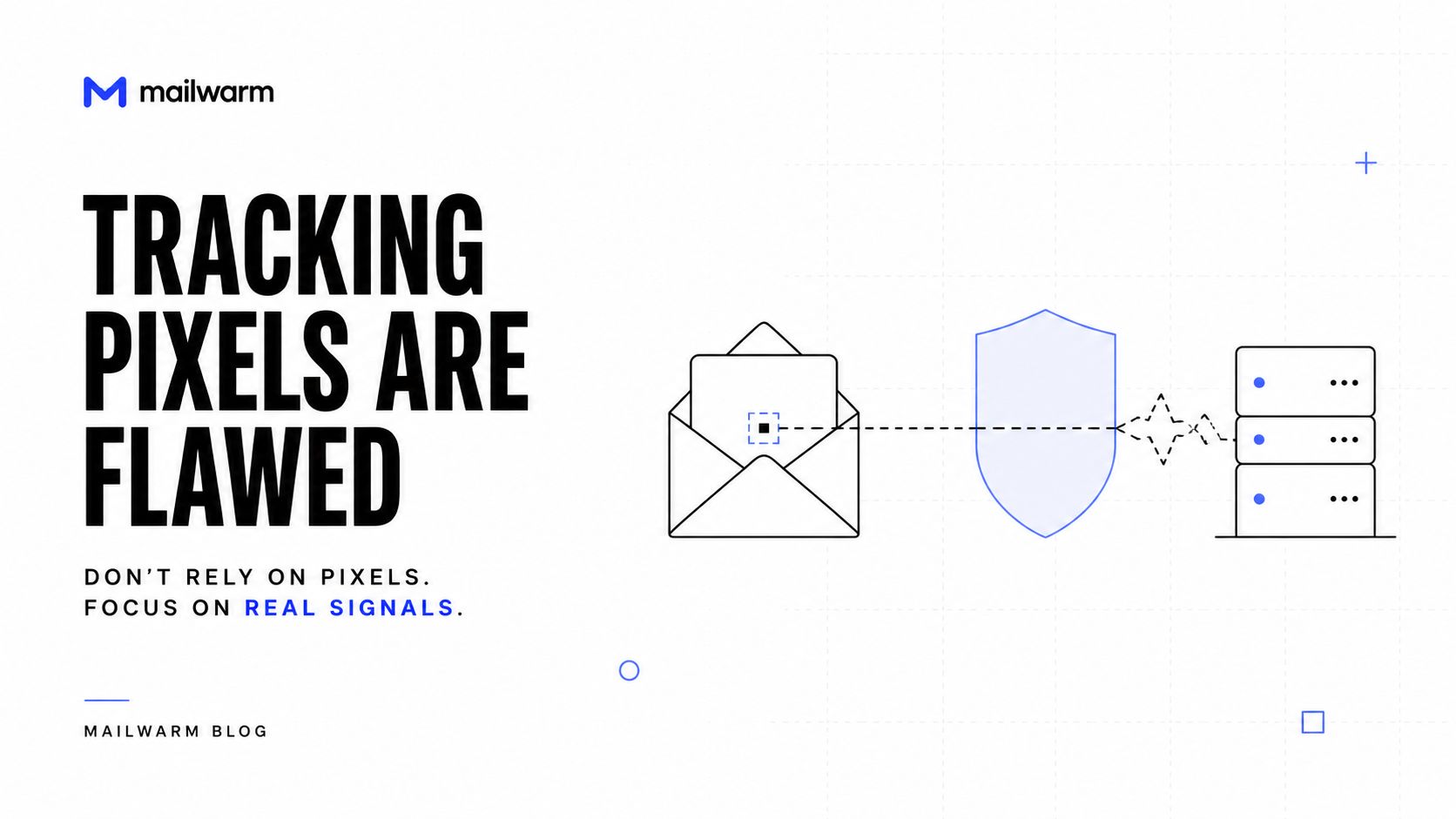
Alt text: A graphic from Mailwarm's blog stating email tracking pixels are flawed and unreliable.
Why Read Receipts Fail in Practice
Imagine getting a pop-up request for every single cold email you receive. Most people find these requests intrusive and annoying. The vast majority of users either ignore them, have them blocked by default, or hit "decline" for privacy.
Here’s how the two biggest platforms handle them, which shows their limits:
- Outlook: Users can easily set their client to always ignore read receipt requests. Many corporate IT departments disable the feature across the entire organization.
- Google Workspace: This feature is only available for paid Workspace accounts, not for free Gmail users. Even then, the recipient has to manually approve sending anything back.
This consent-based system means you get no data most of the time. Research shows how ineffective this is for outreach. If you want to get into the details, you can learn how Microsoft handles read confirmations.
The bottom line is that read receipts are far too unreliable for any serious business purpose. You can't build a predictable sales or marketing strategy on a feature that rarely works. A lack of response is a clearer signal than a failed tracking attempt. Understanding why emails don't get replies is a much more productive focus.
A Look at Popular Email Tracking Tools
Sales and marketing teams often use specialized tools to see if their emails were opened. Platforms like Mailtrack, Mailtag, Yesware, and outreach suites like Lemlist offer solutions that plug into Gmail or Outlook.
These tools provide dashboards showing which emails were opened, when, and how many times. It feels like you’ve finally got the data you need. But it's critical to understand what’s happening behind the scenes.
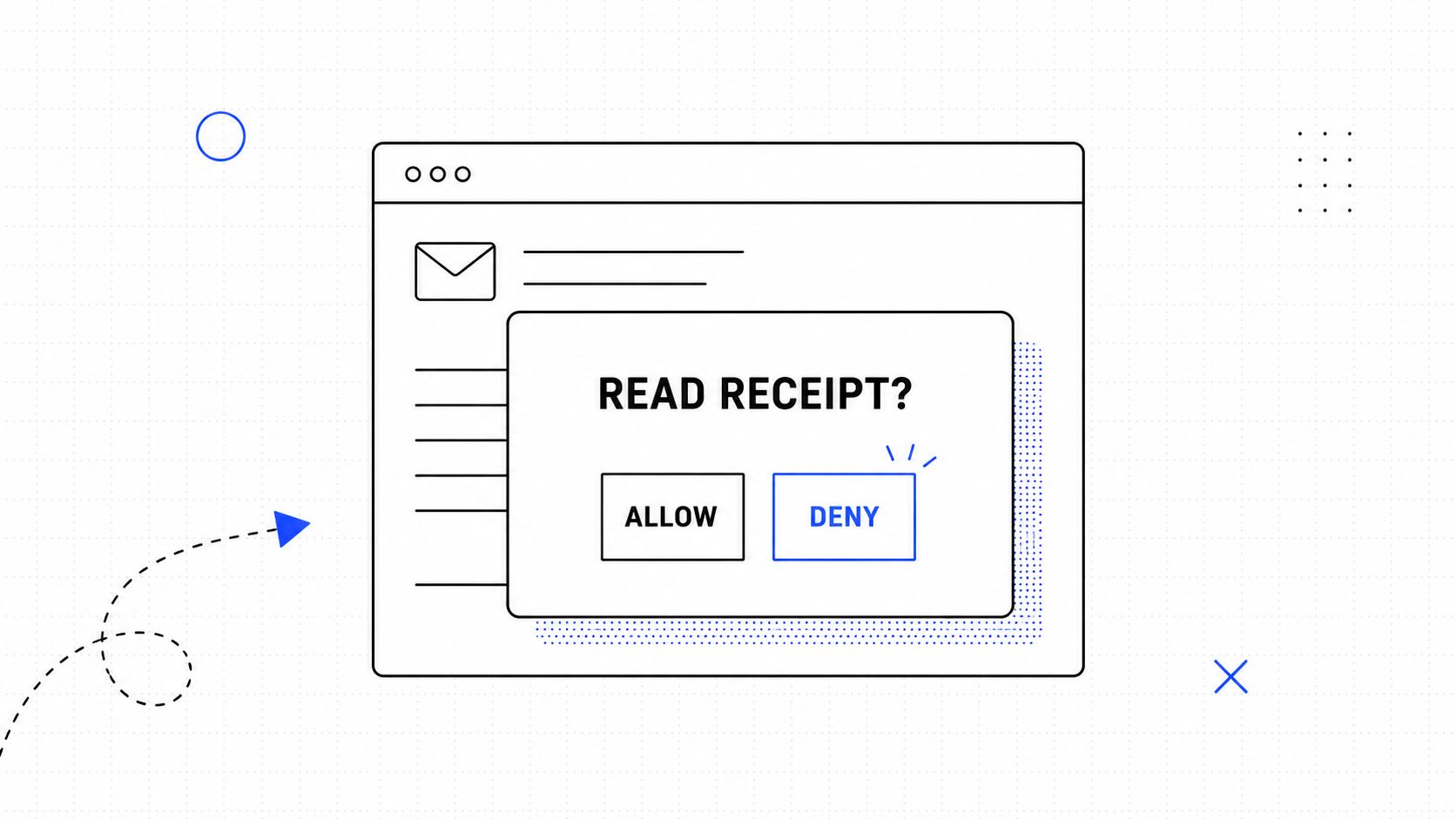
Alt text: A minimalist digital illustration of a pop-up window asking for permission to send a read receipt.
The Same Flawed Technology
Despite their fancy interfaces, almost all these tools use the same imperfect tracking pixel technology. They automate the process and present the information nicely, but they do not solve the core problem: inaccurate open data caused by privacy features and automatic image blocking.
That "open rate" in your dashboard is still a messy mix of genuine human reads and misleading machine-generated noise. When evaluating email solutions, it’s worth looking at broader platforms, which are broken down well in Yalc's AI cold email tools review.
Hidden Deliverability Risks
Beyond bad data, these tools can quietly introduce a much bigger problem: deliverability risk. Many tracking tools host their pixels on shared domains. If that domain gets a bad reputation from other spammers, your emails can get flagged too.
Here’s how that plays out:
- Shared Tracking Domains: Your emails carry a pixel hosted on a domain used by thousands of others. If that domain gets blacklisted, your email’s spam score goes up.
- Unnatural Engagement Patterns: A high number of opens with zero clicks or replies can look very suspicious to mailbox providers like Gmail and Outlook.
While tracking tools seem to answer the question, they don't fix the unreliability of open tracking. They add convenience but can also introduce deliverability risks that damage your sender reputation. The smarter strategy is to focus on actions that build real trust with mailbox providers.
Why True Engagement Beats Unreliable Opens
It’s easy to get obsessed with whether someone read your email, but it's a distraction. We’ve seen how unreliable open tracking is. It’s time to stop worrying about flimsy open rates and start focusing on the metrics that actually move your business forward.
The real proof of interest isn't a phantom "open." It’s clicks and replies. These are hard, undeniable actions that mailbox providers like Gmail and Outlook recognize as signs of a wanted conversation. While you should still know what subject lines work for cold emails, a reply is the ultimate signal that you belong in the inbox.
Unlike an inflated open rate, a reply is a concrete human interaction that has a massive positive impact on your sender reputation.
Building Trust with Mailbox Providers
Every time someone replies to your email, it sends a powerful message to their provider. It says, "This isn't spam, this is a real person I want to talk to." The same thing happens when they click a link or mark your email as important.
These are the interactions that form the bedrock of a strong sender reputation. Think about it: a high open rate with zero engagement can look suspicious to an algorithm. But consistent, genuine interactions tell a story of trust, convincing providers to keep your messages in the primary inbox.
This is exactly why you need a smart deliverability strategy. Instead of getting hung up on faulty tracking pixels, your goal should be to generate the signals that truly matter. You can get a better sense of this by looking into positive interactions in cold email engagement and how they cement your reputation.
Focusing on replies and clicks isn't just a best practice; it's a fundamental shift in strategy. You move from guessing about engagement to actively creating it, which is the key to long-term deliverability success.
How Mailwarm Builds Real Engagement
This is the problem Mailwarm was built to solve. We know from experience that chasing unreliable open rates is a dead end. Rather than giving you another dashboard of flawed data, Mailwarm helps senders build reputation, monitor inbox placement, and improve deliverability through real inbox engagement, advanced warmup controls, and expert guidance.
Our network of over 50,000+ real, aged inboxes creates the positive interactions that providers want to see:
- Real Replies: Our system generates up to 100% replies to your warmup emails, depending on your plan, which creates powerful conversation threads that signal you are a legitimate sender.
- Positive Actions: We don't just send emails. We mark them as important and pull them from spam, actively reversing negative signals and teaching providers that your mail is wanted.
- No IMAP Access Required: Unlike basic warmup tools, Mailwarm does not require access to your private inbox, protecting your data and privacy.
This approach builds a foundation of trust that is far more powerful than any inflated open rate. It’s how you ensure your most important emails get seen, clicked, and answered.
Frequently Asked Questions (FAQ)
Still have a few questions? Let’s clear up some common points about email tracking, deliverability, and building a smarter email strategy.
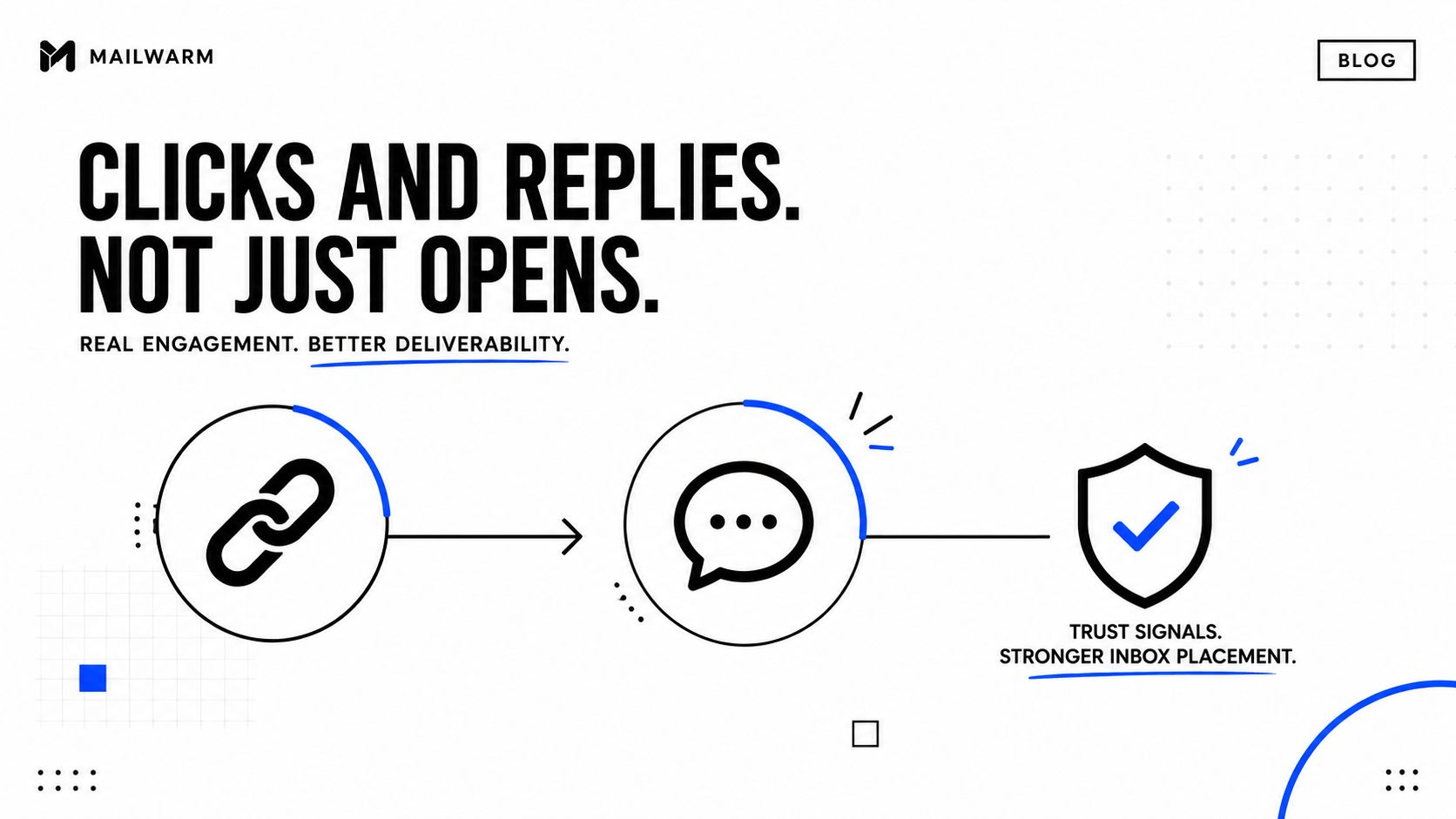
Alt text: A visual guide showing how email engagement like clicks and replies improves inbox delivery rates.
Can you really tell if someone reads your email?
No, not reliably. Methods like tracking pixels and read receipts exist, but they are easily blocked or ignored. Privacy features in major email clients like Apple Mail also create false "opens," making the data highly inaccurate for business decisions.
What is the most reliable way to track email engagement?
The most reliable way is to track actions that require human interaction: clicks and replies. These are undeniable signals of interest that cannot be faked by automated processes. Focusing on generating replies is the best strategy for gauging real engagement.
Can email tracking hurt my deliverability?
Yes, it can. Many tracking tools use shared domains for their pixels, which can get blacklisted and hurt your sender reputation. Additionally, a high number of tracked "opens" with no replies or clicks looks unnatural to email providers and can increase your spam score.
Why are replies more important than opens?
Replies are the strongest signal of engagement. Unlike opens, which are unreliable, a reply is a clear, human-to-human interaction. Mailbox providers see replies as a powerful positive signal, which directly boosts your sender reputation and helps your emails land in the inbox.
How does Mailwarm help improve sender reputation?
Mailwarm helps improve sender reputation and reduce spam risk through real inbox engagement and deliverability insights. Our platform uses a network of 50,000+ real inboxes to generate positive signals like opens, replies, and spam removal. This builds a strong, trusted reputation with email providers.
Does Mailwarm need access to my inbox?
No. Unlike basic warmup tools, Mailwarm does not require IMAP access or permission to read your private inbox. Our system works without compromising your security or privacy, which is crucial for businesses that handle sensitive information.
If email is part of your growth strategy, Mailwarm helps you build sender reputation, monitor inbox placement, and reduce spam risk with expert-guided warmup. See how it works at mailwarm.com.