Start warming up today and get 20% off your first monthClaim offer

SPF, DKIM and DMARC Explained in 3 Minutes (With a Live Check, 2026)

SPF lists the servers allowed to send for your domain. DKIM signs every email so receivers can verify it wasn't changed. DMARC tells Gmail and Outlook what to do when an email fails: none, quarantine or reject. DMARC passes only when SPF or DKIM passes for your From domain. See our free email deliverability tools.

Chapters

  1. 0:00SPF, DKIM and DMARC in plain English
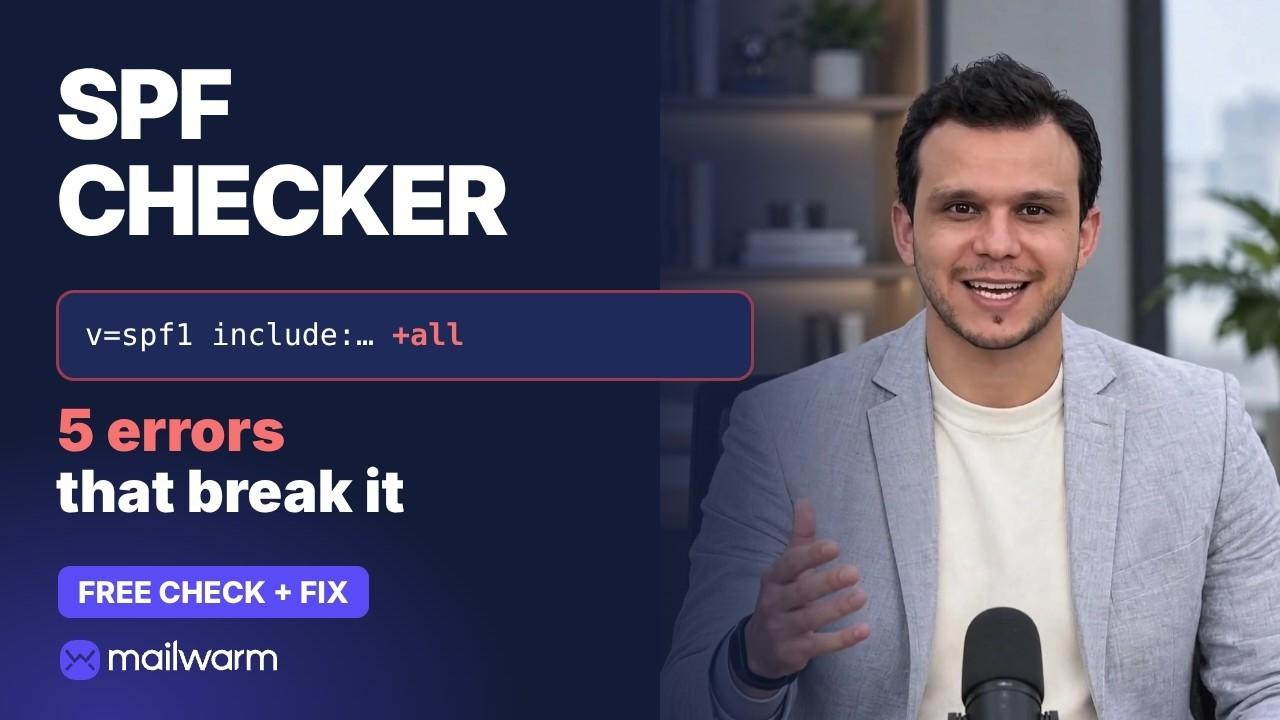
  2. 0:19SPF: who may send
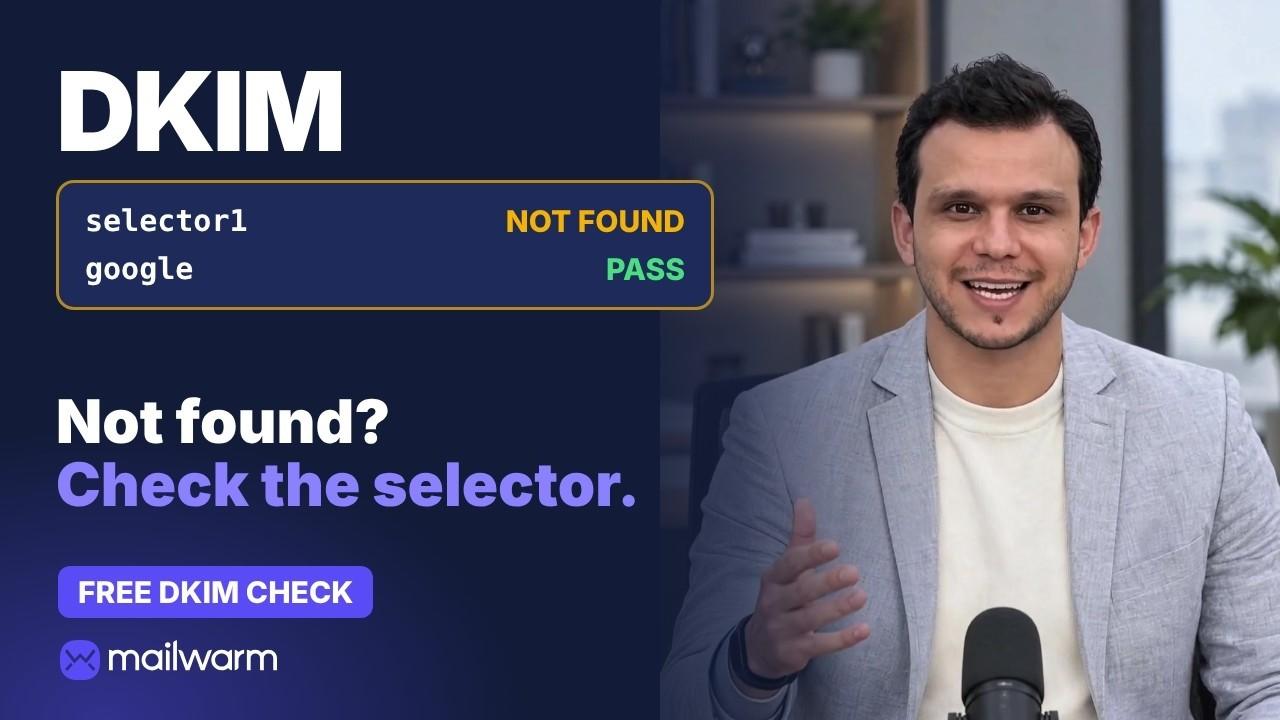
  3. 0:38DKIM: the signature
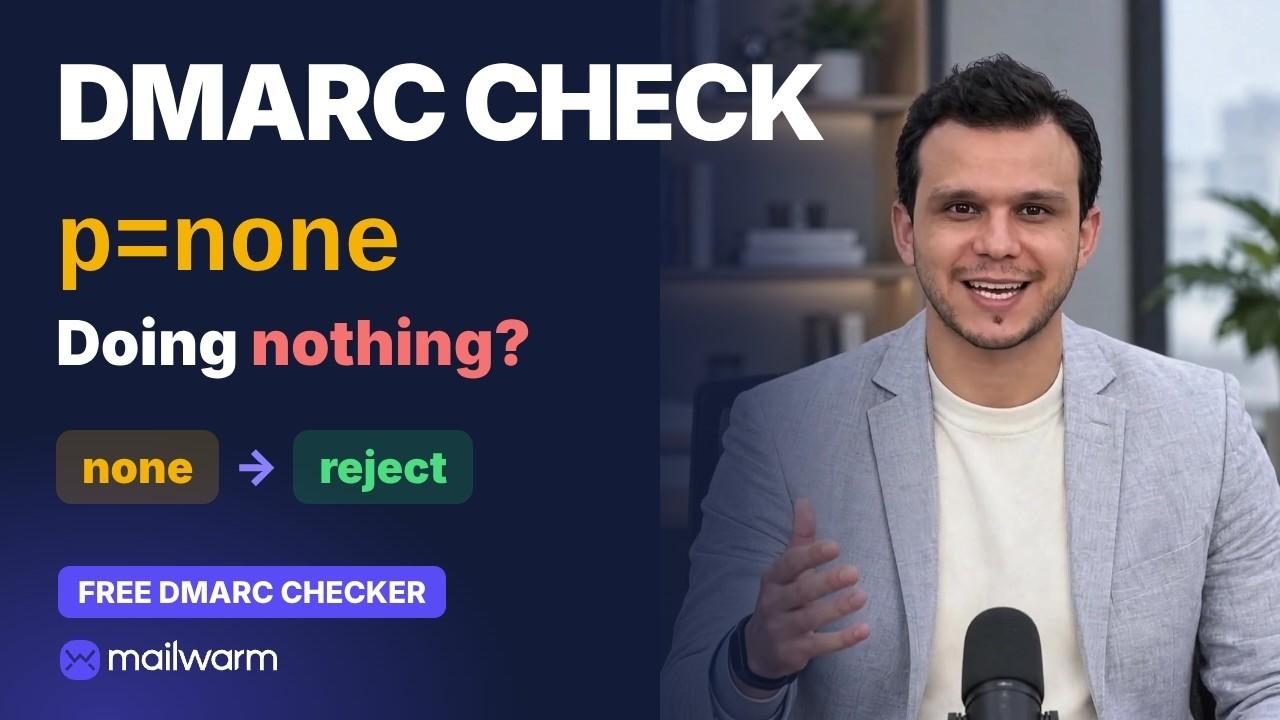
  4. 0:56DMARC: the policy
  5. 1:11Alignment: why DMARC fails when SPF passes
  6. 1:28How many domains get it wrong
  7. 1:38Set them up in this order
  8. 1:52Authentication vs reputation

Key points

  • SPF: a TXT record that lists who may send email for your domain, for example v=spf1 include:_spf.google.com ~all.
  • DKIM: a cryptographic signature added by your sending server. The public key lives in DNS under a selector, for example google._domainkey.yourdomain.com. If the message changes in transit, the signature breaks.
  • DMARC: a policy at _dmarc.yourdomain.com that says what to do when SPF and DKIM fail for your From domain (none, quarantine, reject), plus reports.
  • Alignment: SPF often passes for your email tool's bounce domain, which doesn't match your From address. Fix it with DKIM signing on your own domain or a custom return path.
  • Setup order: SPF for every sending service, DKIM on your own domain, DMARC at p=none to read the reports, then quarantine and reject.

In the Mailwarm network study (October 2026, 12,936 sending domains), 25% had SPF missing or unusable, and about one in three enforced a DMARC policy.

Transcript

Show full transcript

SPF, DKIM and DMARC. Three DNS records that decide whether Gmail believes your email is really from you. Since 2024, Gmail and Yahoo require all three for bulk senders. Here's what each one does, in plain English, with a live check on a real domain.

SPF is the guest list. A TXT record that lists the servers allowed to send email for your domain. Here's mailwarm.com: include:_spf.google.com, ~all. Google Workspace is allowed. Anything else soft-fails.

DKIM is the signature. Your server signs every email with a private key, and receivers check it with a public key in your DNS. If anything changes on the way, the signature breaks. For mailwarm.com: selector google, a valid 2048-bit key.

DMARC is the policy. It checks that SPF or DKIM passes for your From domain, then tells receivers what to do if not: none, quarantine or reject. mailwarm.com is set to quarantine.

The key word is alignment. SPF can pass for your email tool's domain, and DMARC still fails, because that domain doesn't match your From address. DMARC needs at least one of SPF or DKIM to pass and align with your domain.

In the Mailwarm network study, a quarter of sending domains had SPF missing or unusable. And only about one in three enforced a DMARC policy.

So set them up in this order. SPF first, then DKIM, then DMARC at p=none. Read the reports, then tighten to quarantine and reject.

Passing all three proves who you are. It doesn't prove you're trusted. That takes sending history, which is what email warmup builds. Mailwarm is the email warmup tool built for exactly that. Check all three free with the Mailwarm SPF, DKIM and DMARC checkers. The links are in the description.

FAQ

Do I need all three?

Since 2024, Gmail and Yahoo require SPF, DKIM and DMARC for bulk senders.

Does passing all three get me into the inbox?

It proves who you are, not that you're trusted. Sender reputation comes from sending history, which email warmup builds.

Free tools to check your setup

Email Deliverability TestSend one email and get a score out of 100 with a ranked fix list.

Watch next