Is your SPF record actually working? In our network study, a quarter of sending domains had an SPF record that was missing or unusable. Here's how to check yours in ten seconds, and fix the five errors that break it.
SPF is a DNS record that lists the servers allowed to send email for your domain. When your email arrives, the receiving server checks the sending IP against that list. And Gmail requires every sender to have SPF or DKIM.
Open the free Mailwarm SPF checker. Type your domain and click Check SPF. Here's mailwarm.com.
Green means a valid record was found. Below it, the exact record. Read it left to right. v=spf1 is the version. include:_spf.google.com authorizes Google Workspace to send for this domain. And ~all handles everyone else: soft fail, so mail from other servers is treated as suspicious, not rejected.
Now, the five errors that break SPF. One: too many DNS lookups. Each include, a, mx and redirect costs a lookup, and nested includes count too. Past ten, SPF returns a permerror. Fix: remove services you no longer use, and use ip4 or ip6 ranges for static senders.
Two: two SPF records on one domain. Only one TXT record can start with v=spf1. Two cause a permerror. Merge everything into a single record.
Three: +all or ?all at the end. +all lets any server on the internet send as you. ?all tells receivers to stay neutral. End with ~all while testing, then -all once every sender is listed.
Four: a missing include. If your CRM, helpdesk or email platform sends as your domain but isn't listed, its emails fail SPF. Add the include your provider documents.
Five: permerror versus softfail. A permerror means the record itself is broken, so receivers can't evaluate it. A softfail means the sending server isn't on your list. Add it.
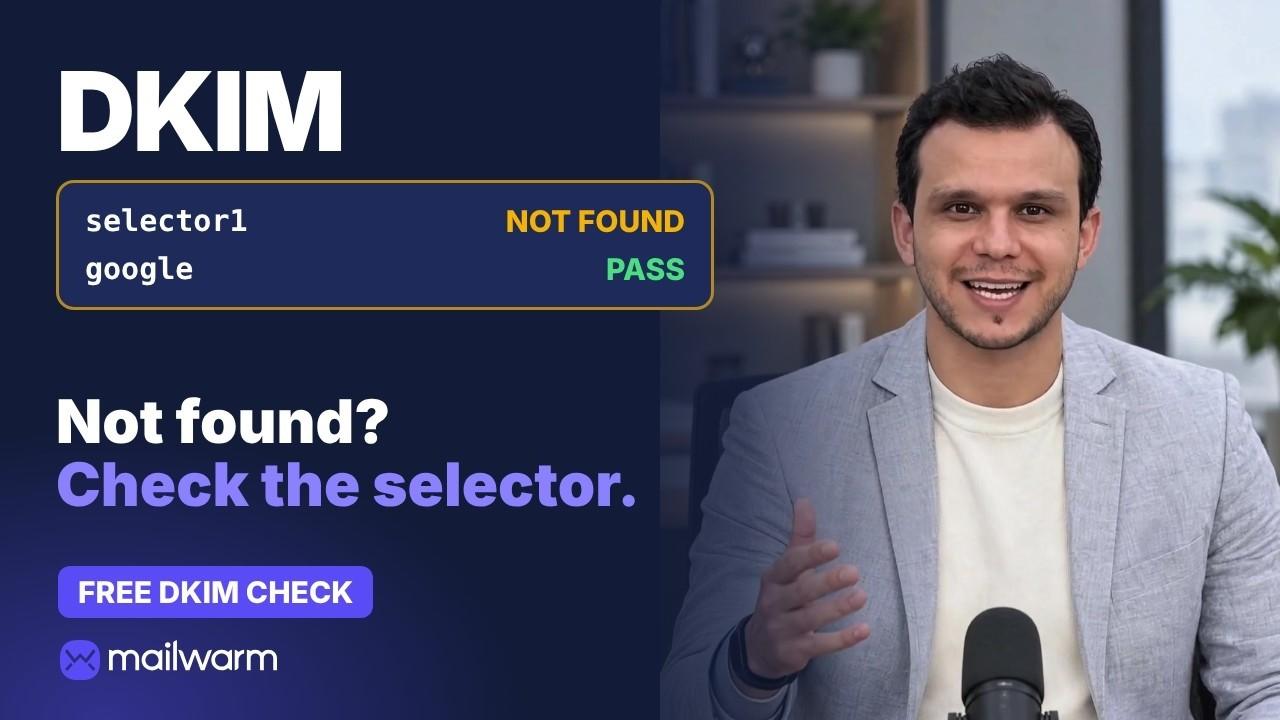
SPF is one of three records. Check DKIM and DMARC next. Passing all three proves who you are. It doesn't prove you're trusted. A new domain still needs warmup to build a sending history. That's what Mailwarm does. Check your SPF record free. The link is in the description. And re-check after every DNS change.