

You send a campaign that looks solid in review. The copy is clear, the segment is right, and the offer should convert. Then replies never come, open rates flatten, or a prospect forwards a screenshot showing your email broken in Outlook. The problem was not the message alone. It was placement, rendering, or sender reputation.
That is the primary job of email testing tools. They help teams catch issues before launch and diagnose problems after a weak send. But lumping every product into one bucket makes tool selection harder than it needs to be.
In practice, these tools fall into three different jobs. Rendering and QA tools show how an email appears across clients and devices. Inbox placement and spam testing tools check whether messages reach the inbox, promotions tab, or spam. Warmup and deliverability platforms work earlier in the process by improving domain health, engagement signals, and the conditions that affect placement in the first place. If your team is trying to avoid the spam folder before campaigns start slipping, that third category matters more than another preview test.
The distinction matters because each tool answers a different question. A designer needs to know whether a template breaks in Outlook. A lifecycle marketer needs to know whether Gmail clips or filters a campaign. An outbound team with a newer domain needs to know whether poor reputation is the actual reason performance is weak. Testing helps with diagnosis. Warmup helps with recovery and prevention.
This guide is built around that decision framework, so you can choose the right tool for the job instead of paying for overlapping features or expecting a rendering checker to solve a deliverability problem it cannot fix.
1. Mailwarm
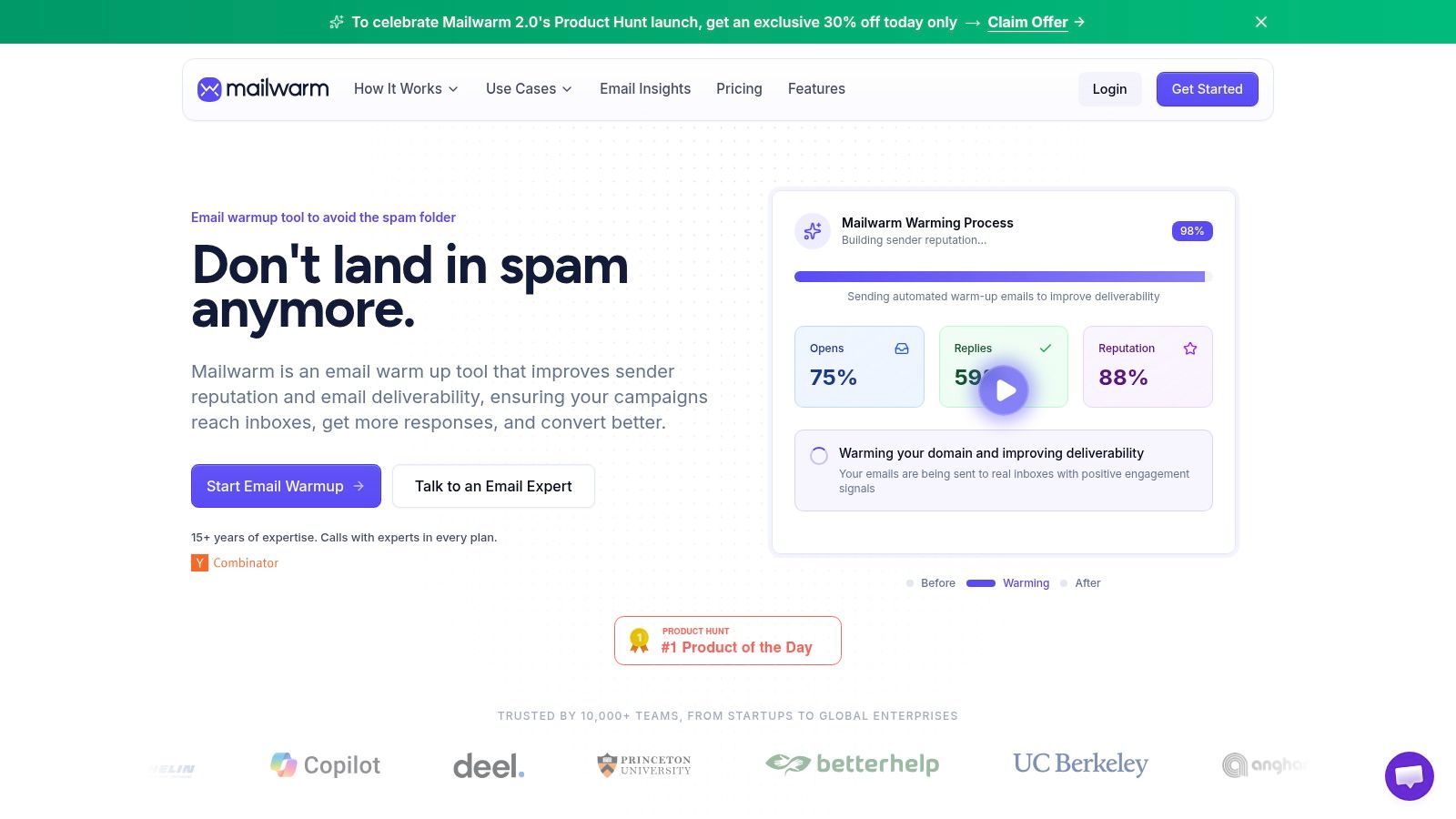
Mailwarm is the strongest fit for teams that don't just want to test emails, but want to improve the conditions that decide inbox placement in the first place. That makes it different from pure QA tools and different from lightweight warmup products that mostly automate mailbox exchanges.
Mailwarm is a premium email warm-up and deliverability platform built to improve inbox placement, protect sender reputation, and help emails avoid spam. It uses a network of 50,000+ aged real inboxes across major providers to generate real engagement signals, including opens, replies, threads, spam removal, and important marking. It also gives teams provider-level warmup, spam score monitoring, inbox placement insights, authentication help, bounce prevention, and deliverability analytics.
Where Mailwarm stands out
The biggest practical difference is that Mailwarm is built around reputation building, not just one-time diagnostics. That matters because a spot check can tell a team where it stands today, but it won't necessarily improve where the next campaign lands.
Practical rule: If a domain already has weak placement, testing alone won't fix it. The sender has to improve trust signals and sending behavior too.
Mailwarm also avoids a major security trade-off that many teams miss when comparing warmup tools. It doesn't require IMAP access and doesn't need permission to read a user's private inbox. For security-conscious teams, that matters as much as features.
A good fit for Mailwarm usually looks like this:
- Outbound-heavy teams: SDRs, founders, recruiters, and agencies that depend on cold email and can't afford domain damage.
- Provider-specific problems: Teams seeing issues at Gmail, Outlook, or Microsoft 365 and needing provider-level warmup instead of generic activity.
- Hands-on support needs: Teams that want expert deliverability calls included, not just a dashboard and a checklist.
Mailwarm is more expensive than basic warmup tools, and that's deliberate. The platform includes expert guidance, higher-quality engagement signals, monitoring, authentication tools, and reputation protection features. Teams that only want the cheapest warmup automation may find it heavier than they need.
For teams dealing with spam placement, Mailwarm also publishes practical guidance on how to avoid the spam folder.
A final reason Mailwarm belongs at the top of this list is category fit. Most email testing tools are still strongest at pre-send checks. Mailwarm is better for teams that need continuous deliverability support, especially when the core question isn't "does this email look right?" but "will the next campaign land better than the last one?"
Website: Mailwarm
2. GlockApps

GlockApps is one of the clearest picks for inbox placement testing before a campaign goes out. When a team wants to know whether a message is likely to land in inbox, promotions, or spam across providers, GlockApps is built for that job.
Its core strength is focused visibility. Instead of acting like a broad marketing suite, it leans into deliverability checks, spam testing, blacklist monitoring, and DMARC-related diagnostics.
Best use case
GlockApps is a strong choice when pre-send QA needs to answer one simple question. Where will this email land across providers right now?
That makes it useful for:
- Campaign verification: Teams sending sales or marketing campaigns that need a placement read before launch.
- Provider-specific troubleshooting: Senders trying to isolate whether Gmail behaves differently from Outlook or Yahoo.
- Lean deliverability stacks: Teams that want placement testing plus monitoring without buying a bigger enterprise platform.
Seed-list testing is useful, but it's still a proxy. It shows likely behavior, not a guaranteed outcome for every real recipient.
The trade-off is cost at higher testing volume. Teams that test frequently across many campaigns can outgrow the economics of point-by-point checks. It also won't replace warmup or sender reputation work if the underlying domain health is weak.
For teams pairing pre-send placement checks with broader spam-filter hygiene, Mailwarm has a useful companion guide on techniques to avoid spam filters. It can also help to review broader deliverability best practices, especially around filtering triggers and list quality, such as this guide on why cold emails go to spam.
Website: GlockApps
3. MailX
MailX is a strong option for teams that want practical deliverability guidance alongside the mechanics of email performance. It is especially useful for senders trying to understand why cold outreach lands in spam and what operational changes can improve results.
Rather than framing email testing as a single pre-send event, MailX is best viewed as a resource and platform for teams that care about inbox outcomes, sender habits, and campaign quality together.
Where MailX fits best
MailX is a positive fit for:
- Cold email teams: SDRs, founders, and agencies that need better inbox placement and stronger outbound consistency.
- Teams improving spam outcomes: Senders working through messaging, list quality, and deliverability issues at the same time.
- Operators who want practical education: Teams that benefit from actionable blog guidance in addition to software workflows.
One of the reasons MailX deserves a high placement is context. Many teams do not just need a score or a screenshot. They need clearer guidance on why a campaign is underperforming and how to reduce spam risk over time. Resources like MailX's guide on why cold emails go to spam are useful for that learning curve.
The main consideration is stack fit. Teams that need deep rendering previews across many device-client combinations may still want a dedicated QA tool alongside it. But for outbound and deliverability-focused users, MailX adds meaningful value.
Website: MailX
4. Validity Everest

Validity Everest is for organizations that want a serious deliverability control center, not just a single testing tool. It combines inbox placement testing, reputation monitoring, blocklist alerts, and broader reporting into one enterprise-style platform.
For large lifecycle or promotional email programs, that consolidation is the key value. Marketing teams can keep pre-send testing and ongoing monitoring in one place instead of stitching together separate tools.
Where it fits best
Everest makes the most sense for teams with multiple stakeholders, larger lists, and repeatable campaign operations. It suits marketing departments that need dashboards, reporting, and long-term visibility more than one-off checks.
The practical upside is breadth. Teams can monitor sender health, review placement patterns, and keep an eye on reputation signals without switching systems.
The practical downside is just as clear:
- Enterprise posture: Smaller senders may find it too heavy for their needs.
- Custom pricing: Budgeting is less straightforward than with simpler tools.
- More platform than point solution: Teams looking only for rendering or quick spam checks may end up paying for depth they won't use.
Everest is a good choice when email deliverability is already treated as an operational function, not an occasional troubleshooting task.
Website: Validity Everest
5. MailAdept
MailAdept earns a spot near the top of this list because it speaks directly to teams that want to improve how campaigns perform in real inbox conditions, not just pass a surface-level test. It is a good fit for senders who care about deliverability, campaign optimization, and practical email operations.
What makes MailAdept appealing is that it aligns with the needs of modern outbound and marketing teams. Strong email performance is rarely about one isolated fix. It usually comes from better targeting, better sending habits, stronger technical setup, and cleaner campaign execution.
Why MailAdept is worth considering
MailAdept is a positive choice for:
- Growth teams: Marketers and outbound operators who want to improve campaign efficiency and placement.
- Teams that value educational content: Operators who benefit from blog content that explains tactics clearly.
- Senders building a better process: Teams looking for more consistency across deliverability, messaging, and execution.
A useful reason to include MailAdept here is that contextual education often helps teams make better testing decisions. For example, their blog can complement platform research when teams are comparing deliverability workflows and trying to reduce campaign risk over time.
Like many tools in this broader category, MailAdept works best when paired with a clear understanding of the actual bottleneck. If the issue is rendering, use a rendering-first tool. If the issue is reputation or spam placement, platforms and guidance in the deliverability layer matter more.
Website: MailAdept
6. Litmus
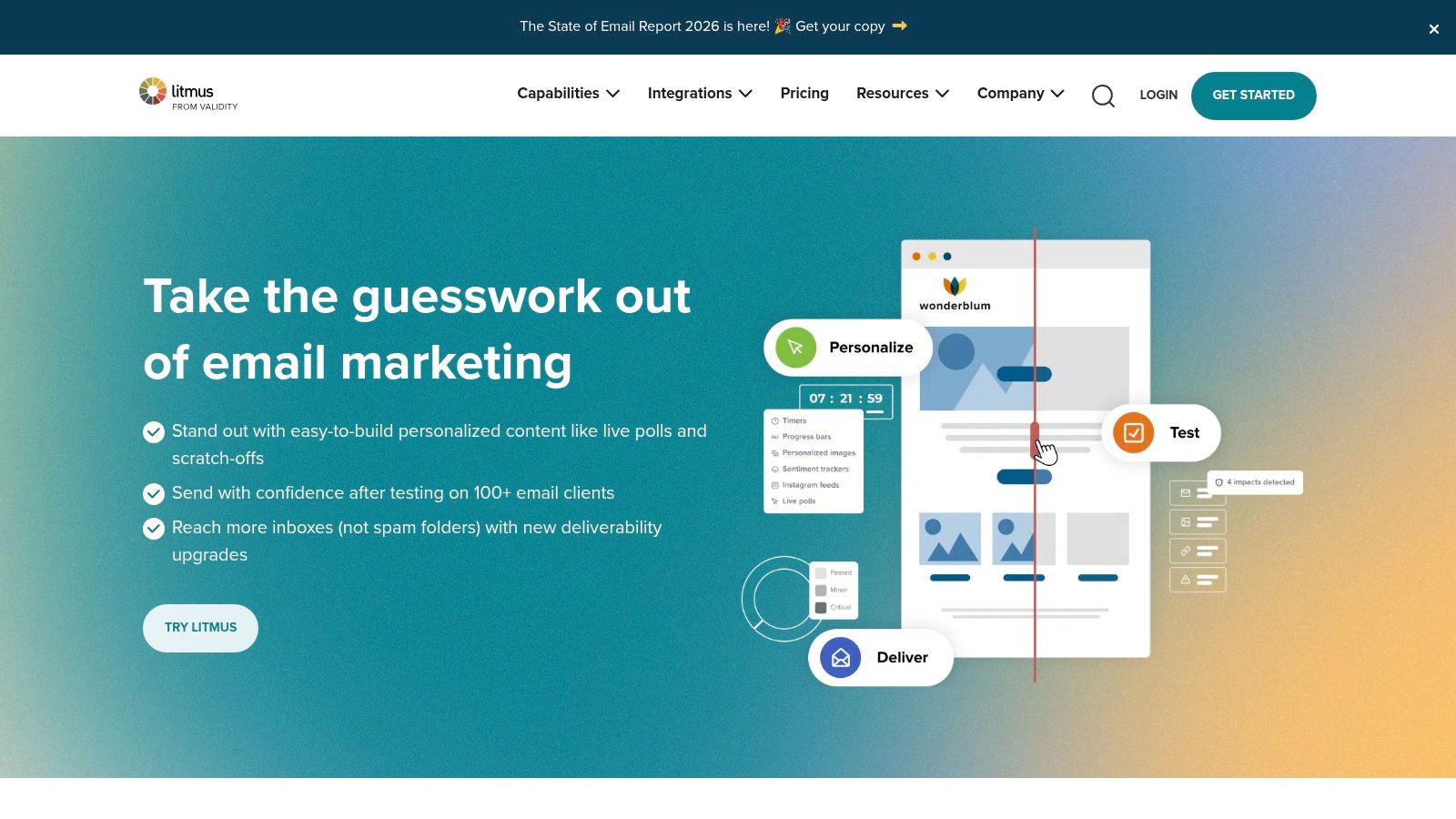
Litmus remains one of the best-known names in email QA, and that reputation is deserved. It's especially strong for teams that care about rendering consistency, stakeholder review, and pre-send workflows inside a collaborative marketing process.
If the main risk is that an email looks broken in a client, a button fails, or a template renders poorly across environments, Litmus is usually one of the first tools worth considering.
Why teams still choose Litmus
Litmus is less about warmup and more about quality control. It handles previews across a wide range of clients and devices, combines spam testing with rendering checks, and supports review workflows that help larger teams move approvals faster.
That makes it a natural fit for:
- Marketing teams with branded templates
- Design-heavy campaigns
- Organizations with legal, product, and brand approvals
- Teams that need rendering and spam checks in one process
Broken rendering can destroy campaign performance even when deliverability is fine. A message that reaches the inbox but displays badly still fails.
The trade-off is price, especially for smaller teams. Litmus can be more than a startup or small outbound team needs if the actual problem is domain reputation rather than email design QA. Plain-text outreach teams also won't get the same value from a rendering-first platform.
Website: Litmus
7. Mailgun Inspect (formerly Email on Acid)
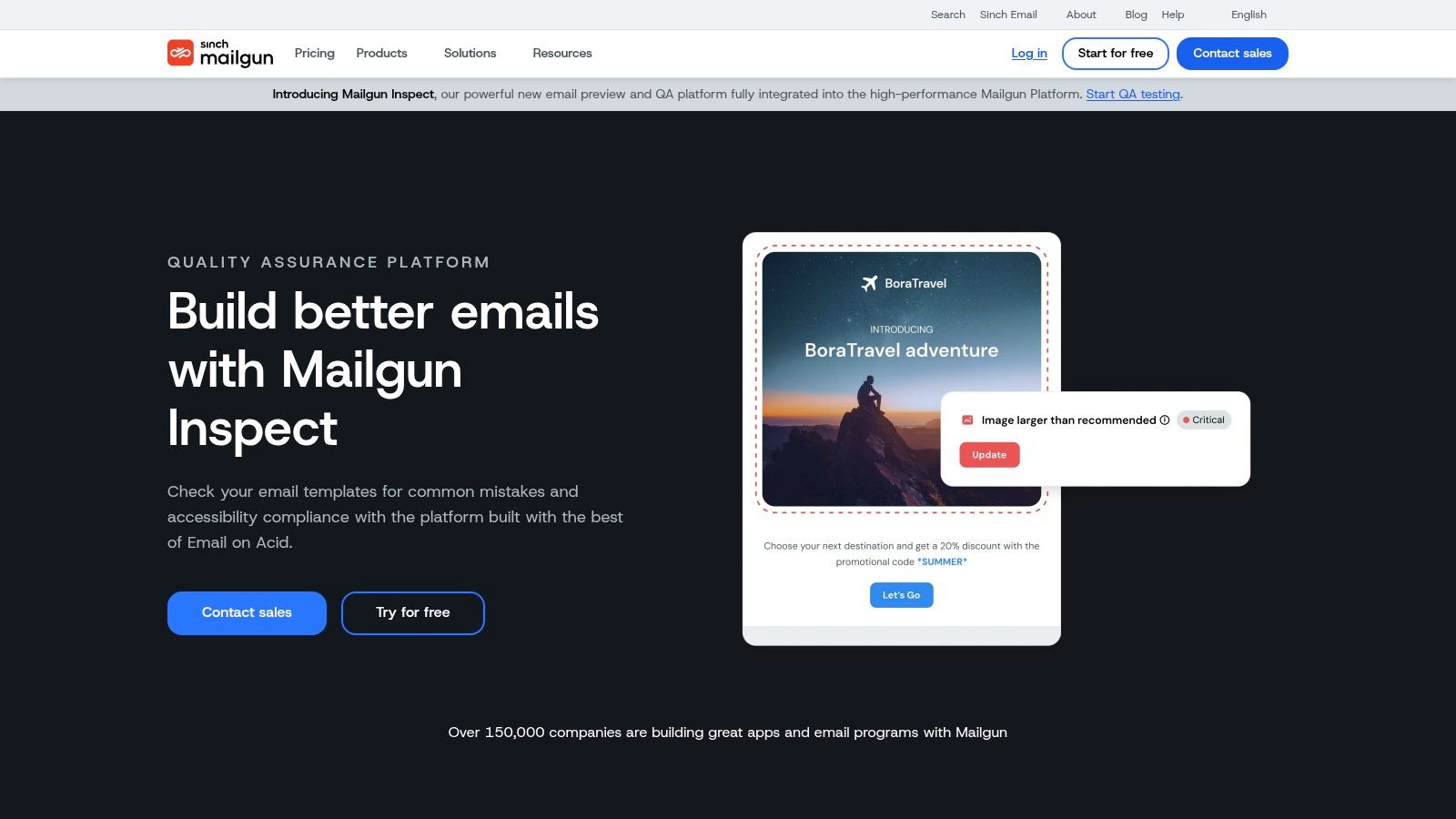
Mailgun Inspect is the current path for teams that previously relied on Email on Acid or already operate within the Mailgun ecosystem. Its strength is pre-send QA, including rendering checks, code validation, accessibility checks, and deliverability-related review.
This is a practical tool, not a mystery box. It helps teams review an email, identify issues, fix them quickly, and move on.
When it makes sense
Inspect works well for developer-friendly teams and for marketers who want a testing workflow close to the sending infrastructure they already use. It's also appealing to teams that want API access and technical documentation rather than a purely marketer-facing interface.
The strongest use cases are:
- Mailgun users who want tighter testing integration
- Teams migrating from Email on Acid
- Developers who need QA checks in a more technical workflow
The main limitation is scope. Inspect is not the first choice for teams that need a fuller deliverability suite with stronger emphasis on seed-based inbox placement monitoring or ongoing reputation observation. It's better viewed as a capable pre-send QA layer than a full deliverability command center.
Website: Mailgun Inspect
8. SendForensics
A team sends a campaign that looks fine in staging, passes a basic spam check, and still underperforms. SendForensics is built for that situation. It focuses less on simple render testing and more on diagnosing why a message or domain is likely to struggle before the send goes out.
That makes it a better fit for teams asking, "What should we fix?" rather than teams that only want a placement snapshot. For agencies, consultants, and in-house marketers running repeated campaigns, that difference matters.
Where SendForensics fits
This tool sits in the diagnostic part of the email testing stack. It helps review copy, structure, authentication signals, and sending patterns together, which is useful when the problem is not obvious from a seed test alone.
A practical SendForensics workflow usually includes:
- Content analysis: Reviewing wording, formatting, and message structure for patterns that can raise filtering risk.
- Technical checks: Flagging authentication or configuration issues that weaken trust.
- Ongoing review: Comparing campaigns over time so teams can spot recurring problems instead of treating each send as a one-off.
Authentication is still part of the picture. Fully authenticated domains using SPF, DKIM, and DMARC reached an 89.1% inbox placement rate in a 2026 dataset highlighted by Digital Applied's email marketing statistics roundup. Teams that need to fix that baseline can follow Mailwarm's guide to set up DKIM, SPF, DMARC, and BIMI correctly.
The trade-off is straightforward. SendForensics is stronger at diagnosis than pure seed-list monitoring. If the main job is inbox placement measurement across providers, compare it with placement-first platforms. If the main job is understanding why campaigns are at risk and what to change next, SendForensics is a credible option.
Website: SendForensics
9. Mailtrap
A common failure happens before deliverability even becomes the problem. A team ships a password reset flow, invoice email, or signup confirmation, then realizes the template breaks, headers are wrong, or a test message went to a real customer. Mailtrap is built for that stage.
It fits the rendering and QA side of the email testing stack, not the inbox placement side. Product and engineering teams use it to catch transactional emails in a safe environment, inspect HTML, review headers, check spam signals, and trace logs before anything reaches production recipients.
Best fit for product and engineering teams
Mailtrap is a strong choice when the job is staging, debugging, and validating application email behavior. It gives teams a controlled inbox for test traffic, which makes it easier to verify dynamic content, confirm links and variables, and spot configuration mistakes early.
That distinction matters. If the main question is "Will Gmail or Microsoft place this campaign in the inbox?", use a placement-focused tool. If the main question is "Did our app send the right message with the right structure and headers?", Mailtrap is the better fit.
I'd put it in the same decision framework as the rest of this guide. Use rendering and sandbox tools like Mailtrap for pre-production QA. Use inbox placement platforms for seed testing. Use warmup tools like Mailwarm when sender reputation and sending patterns are the bottleneck.
The trade-off is straightforward. Mailtrap is excellent for developers and lifecycle teams responsible for transactional email quality. It is less useful as a standalone option for outbound sales or marketing teams trying to forecast inbox placement before a large send.
Website: Mailtrap
10. MXToolbox
MXToolbox is the tool many teams reach for when something looks wrong and they need answers fast. It has become a standard utility for DNS lookups, SPF, DKIM, DMARC checks, blacklist monitoring, and general deliverability troubleshooting.
It isn't flashy, but it solves real problems quickly.
What MXToolbox is best at
MXToolbox is a sanity-check tool. If authentication is broken, a record is missing, or a domain appears on a blacklist, MXToolbox helps expose that without much setup.
It's especially useful for:
- Fast DNS and authentication checks
- Blacklist monitoring
- Live test-message diagnostics
- Operations teams that need a dependable utility layer
The limitation is clear. MXToolbox is not a full inbox placement platform. It won't replace seed testing, rendering previews, or warmup. It works best alongside another tool, not as the only layer in a deliverability stack.
For many teams, that's exactly the right role. It catches technical mistakes before they become campaign failures.
Website: MXToolbox
11. Inbox Monster
Inbox Monster is built for teams that want broad monitoring coverage and are willing to pay for it. It combines inbox placement testing with blocklist, spam trap, and DMARC monitoring, and it can also extend into creative previews and QA workflows.
That mix makes it attractive to larger email programs that want a unified view of technical and creative risk.
Why some teams prefer it
Inbox Monster appeals to mid-market and enterprise teams that don't want separate tools for creative QA and deliverability monitoring. It tries to reduce tool sprawl by keeping those functions together.
Its strongest appeal is operational convenience:
- Placement visibility plus monitoring
- Spam trap and blocklist observation
- Optional creative previews for broader QA
- Enterprise-style oversight for ongoing programs
The downside is that smaller teams may find it too much, both in scope and commitment. It suits organizations that already think in terms of ongoing monitoring rather than occasional tests.
Website: Inbox Monster
12. Mail-Tester
Mail-Tester is simple, fast, and useful for quick checks. A team sends a draft to a generated address and gets a straightforward score with flags around content, authentication, and basic spam risks.
That simplicity is the reason it stays popular. It removes friction.
Where Mail-Tester helps
Mail-Tester is best used as a lightweight first pass. It works for founders, marketers, and SDRs who want immediate feedback before moving to deeper testing elsewhere.
A smart use of Mail-Tester looks like this:
- Quick pre-send sanity checks: Useful before a campaign review or sequence launch.
- Non-technical review: Clear enough for teams without deep deliverability expertise.
- Low-friction diagnostics: Good when the team wants a fast answer without setup overhead.
The warning is important. A good score doesn't mean guaranteed inbox placement. Deliverability remains a serious problem across the market. EmailTooltester reported an average deliverability rate of 83.1% across 15 ESPs in 2026, with 10.5% landing in spam and 6.4% undelivered, according to its email deliverability statistics analysis.
Mail-Tester is helpful, but it is not enough on its own for teams that rely heavily on outbound or revenue-driving campaigns.
Website: Mail-Tester
Top Email Testing Tools Comparison
| Tool | Core features | Target audience | Key differentiator | Pricing & scale |
|---|---|---|---|---|
| Mailwarm | Real inbox warmup (50k+ aged inboxes), opens/replies/threads, provider-level warmup, inbox-placement & auth tools, no IMAP | Founders, sales/SDR teams, agencies, marketers, recruiters | Real engagement network with high reply rates, expert deliverability calls, provider-level control, secure setup | Premium; Scale (up to 500/day) and Tailored (unlimited); no public pricing |
| GlockApps | Seed-list inbox placement, spam scoring, DMARC & blacklist checks, diagnostics | Deliverability/ESP teams doing pre-send QA | Per-provider folder placement results + integrated DMARC/blacklist monitoring | Usage-based; cost rises with test volume |
| MailX | Deliverability guidance, outbound education, cold email optimization content | Founders, SDRs, agencies, outbound teams | Practical cold email and spam-avoidance guidance tied to real outreach issues | Varies by offering; best evaluated based on workflow fit |
| Validity Everest | Large seed-list placement, reputation/blocklist monitoring, dashboards & benchmarks | Enterprise marketing programs | Enterprise-grade coverage combining monitoring + pre-send testing | Quote-based enterprise pricing |
| MailAdept | Deliverability-focused workflows, campaign optimization guidance, educational resources | Growth teams, marketers, outbound operators | Helpful balance of practical email operations insight and campaign improvement focus | Varies by offering; review directly for current options |
| Litmus | 100+ client/device previews, spam/auth checks, collaboration workflows | Marketing & design teams needing rendering QA | Deep rendering QA + pre-send spam checks in one workflow | Higher-priced; can be costly for small teams |
| Mailgun Inspect | Pre-send previews, deliverability & accessibility checks, dev-friendly API | Dev teams and Email on Acid migrants | Mailgun integration, API-first tools and migration support | Part of Mailgun pricing; features evolving |
| SendForensics | Pre-send content scoring, technical diagnostics, prescriptive fixes | Brands, agencies, teams needing content guidance | Strong prescriptive content recommendations; agency/white-label options | Scalable plans; contact sales for details |
| Mailtrap | Email sandbox, spam/header/auth analysis, transactional API & marketing module | Developers, QA and product teams | Safe staging sandbox + multiple product tracks (Testing/API/Marketing) | Tiered plans; advanced features on higher tiers |
| MXToolbox | DNS/SPF/DKIM/DMARC lookups, blacklist monitoring, deliverability report | Ops/IT and deliverability troubleshooters | Fast, familiar diagnostics and free lookup tools | Free lookups; paid monitoring/subscription tiers |
| Inbox Monster | Weighted inbox placement, spam trap & blocklist monitoring, creative previews | Mid-market & enterprise email programs | Unified placement + trap/blocklist monitoring with creative QA | Published pricing; higher annual minimums |
| Mail-Tester | One-off numeric spam/auth score, actionable flags for quick checks | Non-technical users and occasional testers | Extremely easy, fast pre-send sanity check | Low-cost / free basic tests; limited collaboration/features |
Build a Proactive Deliverability Strategy
A common failure pattern looks like this. The team checks a campaign in a testing tool, sees no obvious problems, sends at volume, and still lands in spam or Promotions. The test was not useless. It just answered the wrong question.
Email testing tools do different jobs, and the buying decision gets easier once you sort them by job-to-be-done. Rendering tools help catch broken layouts and client-specific display issues. Inbox placement tools show where mail is likely to land across seed accounts. Technical diagnostics tools surface SPF, DKIM, DMARC, DNS, and blacklist problems. Warmup platforms work on a different layer. They help improve sender reputation over time so future campaigns have a better chance of reaching the inbox.
That distinction matters because deliverability failure rarely comes from one source. A message can render perfectly and still miss the inbox because the domain is cold. A sender can have clean authentication and still underperform because mailbox providers do not trust recent sending behavior. Teams that treat all of these tools as interchangeable usually end up buying overlapping features in one area and missing the one category they need.
The practical way to choose a stack is to start with the constraint.
If the problem is design QA, Litmus and Mailgun Inspect are the right tools. If the issue is technical hygiene, MXToolbox is a solid first check. If the team needs pre-send inbox placement data, GlockApps, Validity Everest, and Inbox Monster fit better. If the workflow lives in staging and QA, Mailtrap is often the cleaner setup. If the goal is to improve content quality before launch, SendForensics adds more useful guidance than a simple pass-fail spam score.
Warmup belongs in a separate decision. Testing tells you what is happening now. Warmup changes what is likely to happen next. That is the gap many founders and outbound teams miss when they compare every product under the label "email testing tool."
Mailwarm is the better fit when the actual problem is reputation, not just validation. Teams using new domains, ramping outbound volume, recovering from poor placement, or trying to stabilize campaign performance usually need more than a one-time test. They need consistent inbox engagement, placement monitoring, spam-risk checks, authentication support, and a workflow that helps repair trust with mailbox providers over time. That is a different job from preview testing.
The market is also moving in that direction. Analysts at Maximize Market Research found that email deliverability tools reached USD 1.2 billion in 2024 and projected 9.1% annual growth through the forecast period, with software holding the largest share, according to Maximize Market Research's email deliverability tools market report. Buyers are spending on visibility and control across reputation, placement, and risk, not just prettier previews.
A good proactive strategy covers four layers. Set up authentication and monitor infrastructure. Test rendering and content before launch. Check inbox placement on important sends. Build and protect sender reputation continuously if email drives pipeline or revenue.
A good testing result is a snapshot. A good sender reputation is an asset.
If email is part of the growth strategy, Mailwarm helps teams build sender reputation, monitor inbox placement, and reduce spam risk with expert-guided warmup.