

A founder usually notices this problem in a familiar way. Sales emails stop getting replies, marketing campaigns look weak, and recruitment outreach suddenly goes quiet. The copy may be fine. The offer may still be strong. The underlying issue is often that mailbox providers no longer trust the sender.
That trust is partly tied to email IP reputation. But that phrase gets oversimplified. A clean sending IP helps, yet it doesn't guarantee inbox placement on its own. Modern filtering also looks at domain reputation, authentication, and whether recipients engage with the mail.
For teams that rely on outbound, lifecycle email, or newsletters, this matters because deliverability problems rarely show up as a single obvious error. They show up as missed pipeline, lower campaign performance, and slower growth.
What Is Email IP Reputation
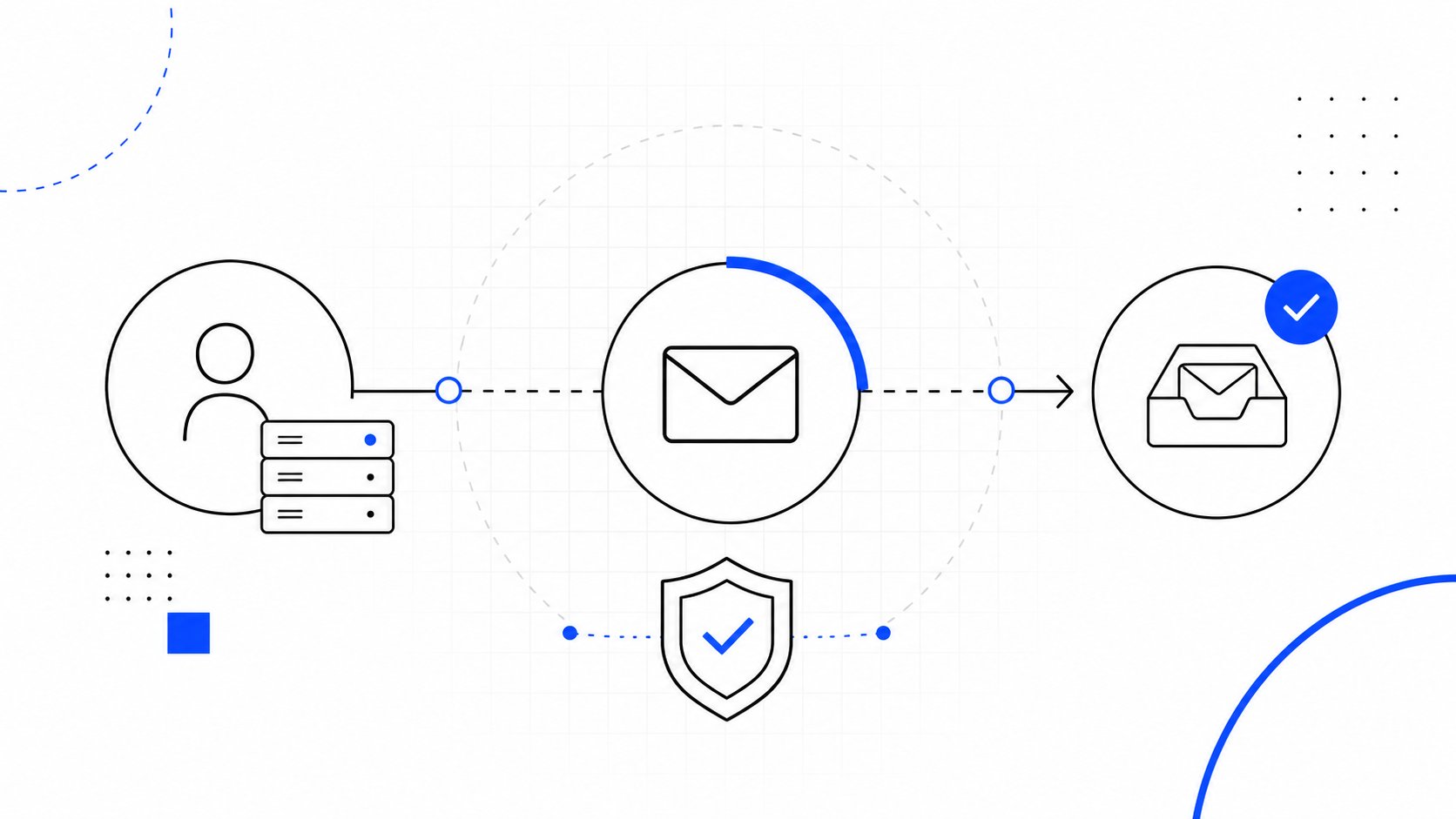
Email IP reputation is the trust score attached to the IP address that sends email. A simple way to think about it is a credit score for sending behavior. If the sending history looks trustworthy, mailbox providers are more comfortable accepting and placing messages in the inbox. If the history looks risky, they filter harder.
Industry tools commonly describe IP reputation on a 0 to 100 scale, and Sender Score says below 70 indicates deliverability problems, 70 to 80 is fair, and 80+ is good, as explained in Twilio's guide to IP reputation and domain reputation.
The simple definition
An IP address is the technical origin point from which email gets sent. Mailbox providers look at the history tied to that origin. They want to know whether that sender usually behaves like a legitimate business or like a spammer.
That history includes patterns such as complaints, bounces, blacklist status, and sending consistency. If those signals trend in the wrong direction, inbox placement gets worse even if the email itself looks normal.
Why founders should care
This isn't just a technical detail for an IT team. It affects revenue channels directly.
Sales outreach: Poor reputation can push cold emails into spam or promotions, which cuts visibility before a prospect even decides whether the message is relevant.
Marketing sends: Campaign performance gets distorted when inbox placement drops. The team may blame subject lines or creative when the underlying problem is sender trust.
Recruiting emails: Candidate outreach can fail unnoticed, especially when a domain or IP starts to look suspicious.
Operational communication: Important account notices and follow-ups can become less reliable.
Practical rule: If replies, opens, and pipeline drop at the same time across multiple campaigns, reputation should be checked before rewriting the email sequence.
A blacklist issue can also sit in the background and make everything worse. For teams troubleshooting that side of deliverability, this guide to how email blacklists function is useful context.
IP Reputation vs Domain Reputation
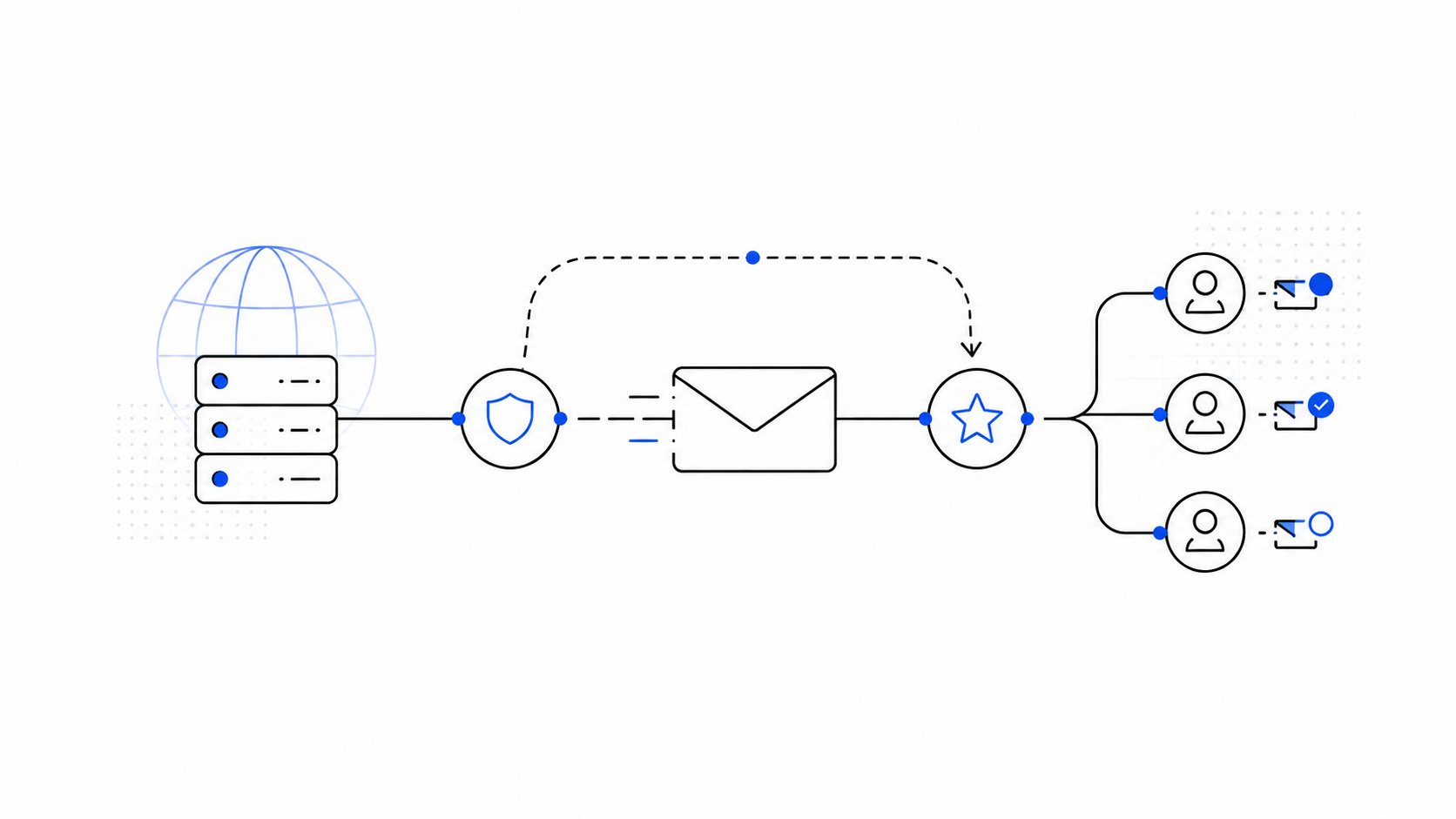
A lot of senders treat IP reputation as the whole game. It isn't. A better way to understand deliverability is to separate the driver from the vehicle. The IP is the driver. The domain is the vehicle with the brand name on it. A good driver in a badly maintained vehicle is still risky. A trusted vehicle with a reckless driver is risky too.
Modern reputation systems don't judge one signal in isolation. Spamhaus says current email reputation is driven by both IP and domain reputation plus recipient engagement, which is why a sender can have a clean IP and still land in spam if engagement is weak, according to Spamhaus guidance on how email reputation works.
What each one actually means
IP reputation is tied to the sending infrastructure. It reflects how the sending server or service has behaved over time.
Domain reputation is tied to the brand domain used in the From address and related authentication. It follows the sender's identity more broadly.
That difference matters because changing infrastructure can sometimes help with an IP-specific issue, but changing the IP won't erase poor habits tied to the domain. If the audience is unengaged, authentication is off, or the content keeps drawing complaints, the problem usually follows the sender.
Why a clean IP isn't enough
A founder might hear, "the IP is clean," and assume the issue is solved. That diagnosis is often incomplete.
A sender can still struggle when:
Recipients ignore the mail: Weak engagement tells providers that the messages may not be wanted.
Authentication doesn't align cleanly: Even legitimate mail can lose trust when setup is sloppy.
List quality is poor: Bad imports create bounces and complaints that damage the broader reputation picture.
Behavior changes abruptly: Large spikes or odd patterns look suspicious.
A clean IP is a starting condition, not proof of healthy deliverability.
This is also why teams trying to improve sender reputation need to think beyond infrastructure. Domain trust, audience quality, and user behavior all interact. For a practical complementary read, MailAdept's guide to email deliverability adds useful context on how list quality, engagement, and sender setup shape inbox placement.
The practical takeaway
For a smart operator, the right question isn't "Is the IP bad?" It's "Which part of the reputation stack is failing?"
That shift changes the response. If the problem is IP-scoped, infrastructure and warm-up deserve attention. If the problem is domain trust or weak engagement, changing IPs may waste time and delay the actual fix.
Key Signals That Affect Your Reputation
Mailbox providers don't need to guess. They look at behavior. Some signals suggest the sender is welcome and stable. Others suggest risk. The fastest way to understand reputation is to separate those signals into what helps and what hurts.
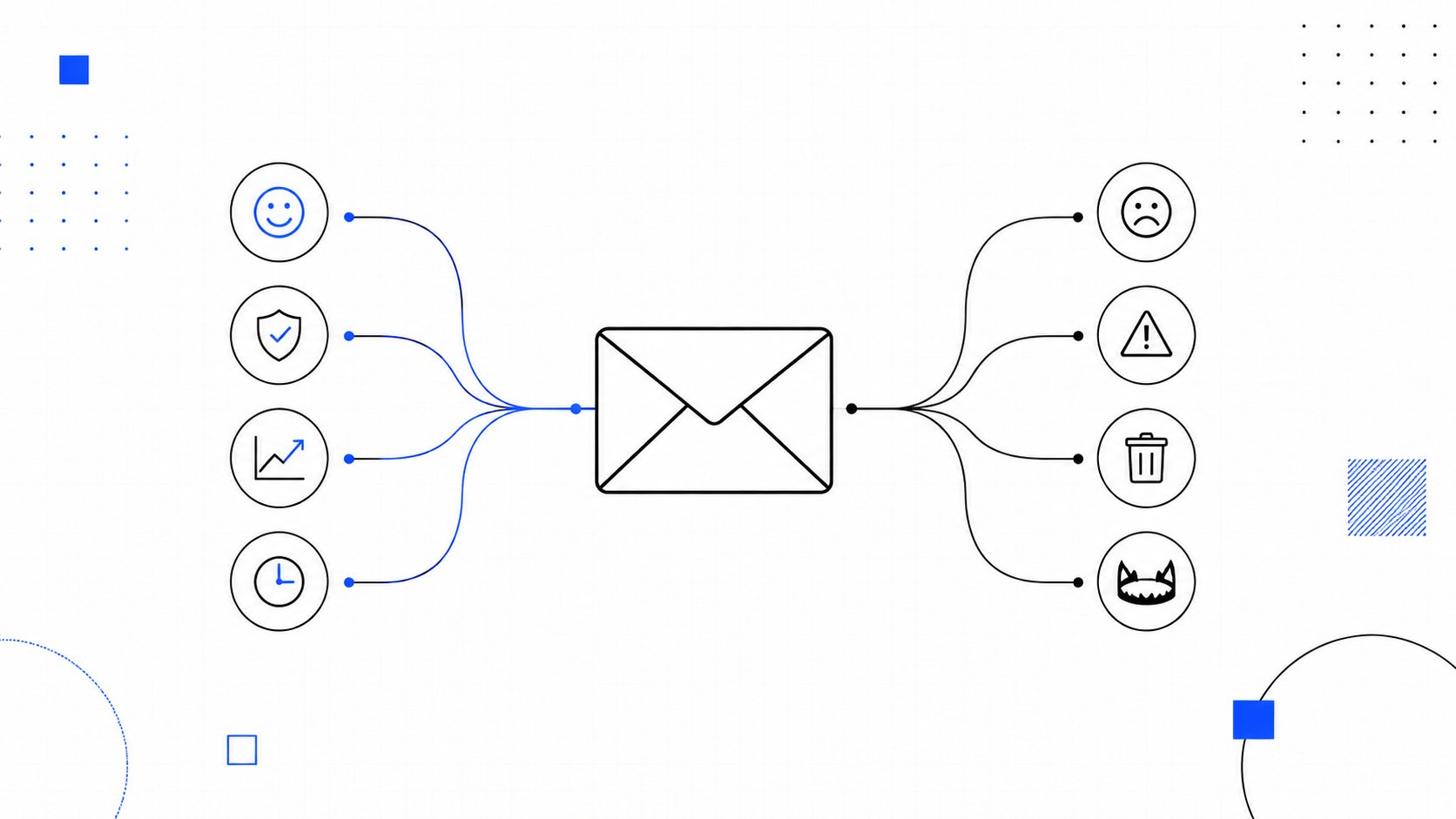
Signals that help
Consistent sending patterns: Predictable volume is easier for providers to trust than long silence followed by a sudden surge.
Healthy engagement: Replies, opens, and other positive interactions tell providers the mail is wanted.
Strong authentication: SPF, DKIM, and DMARC help confirm the sender is legitimate. For teams tightening this setup, this guide to mastering email authentication covers the essentials.
Good audience selection: Sending first to the most engaged recipients usually creates a healthier reputation trail than blasting the full database.
Clean operational discipline: Removing invalid contacts, suppressing problem segments, and keeping sending behavior stable all support trust.
Signals that hurt
Some negative signals are obvious. Others are easy to miss until the damage shows up in campaign performance.
Spam complaints: This is one of the clearest trust signals. When recipients mark mail as spam, providers treat it as direct evidence that the sender is unwanted.
High bounce rates: Repeated delivery attempts to invalid addresses suggest poor list hygiene or purchased data.
Spam trap hits: These are addresses used to catch abusive or careless sending practices.
Blacklist presence: A listing can trigger blocking or heavier filtering across parts of the ecosystem.
Authentication failures: When mail fails basic identity checks, providers have less reason to trust it.
Sharp volume spikes: Rapid jumps from a cold sender often look manufactured or unsafe.
Why engagement now matters so much
The old mental model was simpler. Protect the IP, avoid blacklists, and inbox placement would usually follow. That model is outdated.
Mailbox providers increasingly look at whether real people interact with the messages. That changes the job for sales and marketing teams. Deliverability isn't only an infrastructure problem anymore. It is also an audience-quality and message-quality problem.
Operator note: A campaign can be technically valid and still damage reputation if it reaches the wrong people too often.
A short historical point worth knowing
IP reputation has been central to anti-abuse systems for a long time. A widely cited academic study from 2003 found that freely available IP reputation lists could block 92.18% of inbound spam or abusive connections, and the authors concluded operators should be able to block over 90% of inbound connections using such lists, as documented in the SpamRats-hosted paper on IP reputation list effectiveness.
That history matters because it explains why IP reputation still matters. It just doesn't act alone anymore.
Shared vs Dedicated IP A Key Decision for Senders
Choosing between a shared IP and a dedicated IP is less about which one sounds more advanced and more about operational fit.
A shared IP is like living in an apartment building. The building has a shared reputation. If the property is well managed, tenants benefit from that stability. If several neighbors behave badly, everyone feels the consequences.
A dedicated IP is more like owning a house. The owner has full control, but also full responsibility. If sending practices are excellent, that control can help. If sending practices are weak, there is no healthy neighbor traffic to offset them.
Shared vs Dedicated IP Address
| Factor | Shared IP | Dedicated IP |
|---|---|---|
| Control | Reputation is influenced by the pool and the provider's management | Reputation is tied directly to one sender's behavior |
| Risk | Other senders on the same pool can affect outcomes | The sender carries all the risk and all the responsibility |
| Operational effort | Lower, because the provider usually manages the environment | Higher, because warm-up, monitoring, and discipline matter more |
| Best fit | Lower-volume senders, newer programs, or teams without deep deliverability resources | Senders with stable volume, mature processes, and a clear reason for control |
| Downside | Less isolation from neighbor behavior | A cold or poorly managed IP can perform badly fast |
How to decide
A dedicated IP isn't automatically better. In many cases, it is worse when the sender doesn't have enough consistent volume or internal discipline to support it.
Shared IPs tend to make sense when:
The program is still developing
Volume is inconsistent
The team wants the provider to manage more of the reputation environment
Dedicated IPs tend to make sense when:
Sending volume is stable
The sender needs tighter separation
The team can actively manage warm-up, list hygiene, and monitoring
The mistake is choosing a dedicated IP because it feels more premium. Reputation doesn't reward ownership. It rewards healthy behavior.
A Practical Guide to Improving Your IP Reputation
When reputation slips, the right response is operational, not emotional. Email senders often waste time rewriting subject lines before checking whether providers trust the sender at all.

Start with visibility
The first job is to stop guessing.
Google Postmaster Tools can show how mail is being treated, including inbox versus spam visibility and rejections. Sender Score is also commonly used to understand how an IP is viewed on a 0 to 100 scale, and major industry guidance frames that score as a rolling view of trust based on historical behavior and complaint-related signals.
Useful checks include:
Review provider feedback: Google Postmaster Tools can show whether placement trends are improving or worsening.
Check reputation scoring: A reputation score helps reveal whether the problem is likely infrastructure-related.
Look for blacklist issues: If the IP is listed, remediation may need to start there.
Compare by stream: Marketing, sales, and transactional traffic should not all be diagnosed as one problem.
Fix the foundations before scaling
A surprising amount of reputation damage comes from rushing volume before the setup is ready.
Authentication matters. SPF, DKIM, and DMARC should be working cleanly. If they aren't, the sender is asking providers to trust mail that hasn't proven its identity properly. Newer IPs also receive heavier scrutiny, so the quality of the domain and infrastructure setup matters more, not less.
List hygiene matters just as much. Bad imports, old databases, and loose lead capture practices create the exact pattern providers dislike: bounces, complaints, and weak engagement all arriving at once.
A recovery plan that keeps bad data in the audience is not a recovery plan. It's a slower version of the same mistake.
Teams also benefit from tightening email structure and consistency. For operational messages, onboarding flows, and recurring communications, Recurrr's guide to operational email templates is a useful reference for creating clearer, more reliable message patterns.
Warm up the right way
Warm-up is not a ritual. It is evidence-building.
Industry guidance recommends starting with approximately 300 emails on Day 1 and increasing volume by 20% daily until the target is reached, according to Mailjet's guide to IP warm-up. The same guidance warns that sending high volume from a new IP without this process can trigger spam traps and immediate blacklisting.
For teams running active warm-up programs, Mailwarm's IP warm-up workflow is one example of a system designed to build positive engagement signals while monitoring deliverability conditions.
A useful warm-up approach usually follows this pattern:
Begin with the best audience: Start with recipients most likely to engage positively.
Increase gradually: Avoid sudden jumps that look unnatural.
Keep content straightforward: Early sends should look normal and relevant, not aggressive.
Watch every signal: Complaints, bounces, and placement trends matter more than hitting an arbitrary volume target.
A short explainer can help make the process more concrete:
Recover after an acute incident
The harder scenario is not a brand-new IP. It is the sender who was fine last week and now has a problem after a bad import, a complaint spike, or a compromised sending event.
In that situation, the response should be disciplined:
Pause the damaged stream: Stop the campaign or segment causing complaints.
Suppress risky contacts immediately: Remove bounced, unengaged, or newly imported contacts that may be causing harm.
Confirm authentication and access controls: Rule out technical failure or compromise.
Normalize volume: Resume gradually rather than trying to "send through" the issue.
Monitor rolling views carefully: Some tools use rolling windows, so apparent recovery can lag behind actual behavior.
What usually doesn't work
Some fixes sound logical but tend to fail.
Switching to a new IP too early: This can just move the same bad practices to new infrastructure.
Buying cleaner data instead of fixing targeting: Purchased or weakly sourced lists often recreate the problem.
Increasing volume to force engagement: Providers don't reward desperation.
Treating warm-up as enough on its own: If domain trust, authentication, or audience quality are weak, warm-up won't carry the whole load.
How Mailwarm Delivers Premium Reputation Management
Basic warm-up tools often focus on activity volume. That can help at the margins, but reputation management needs better signals and better oversight when email is a real growth channel.
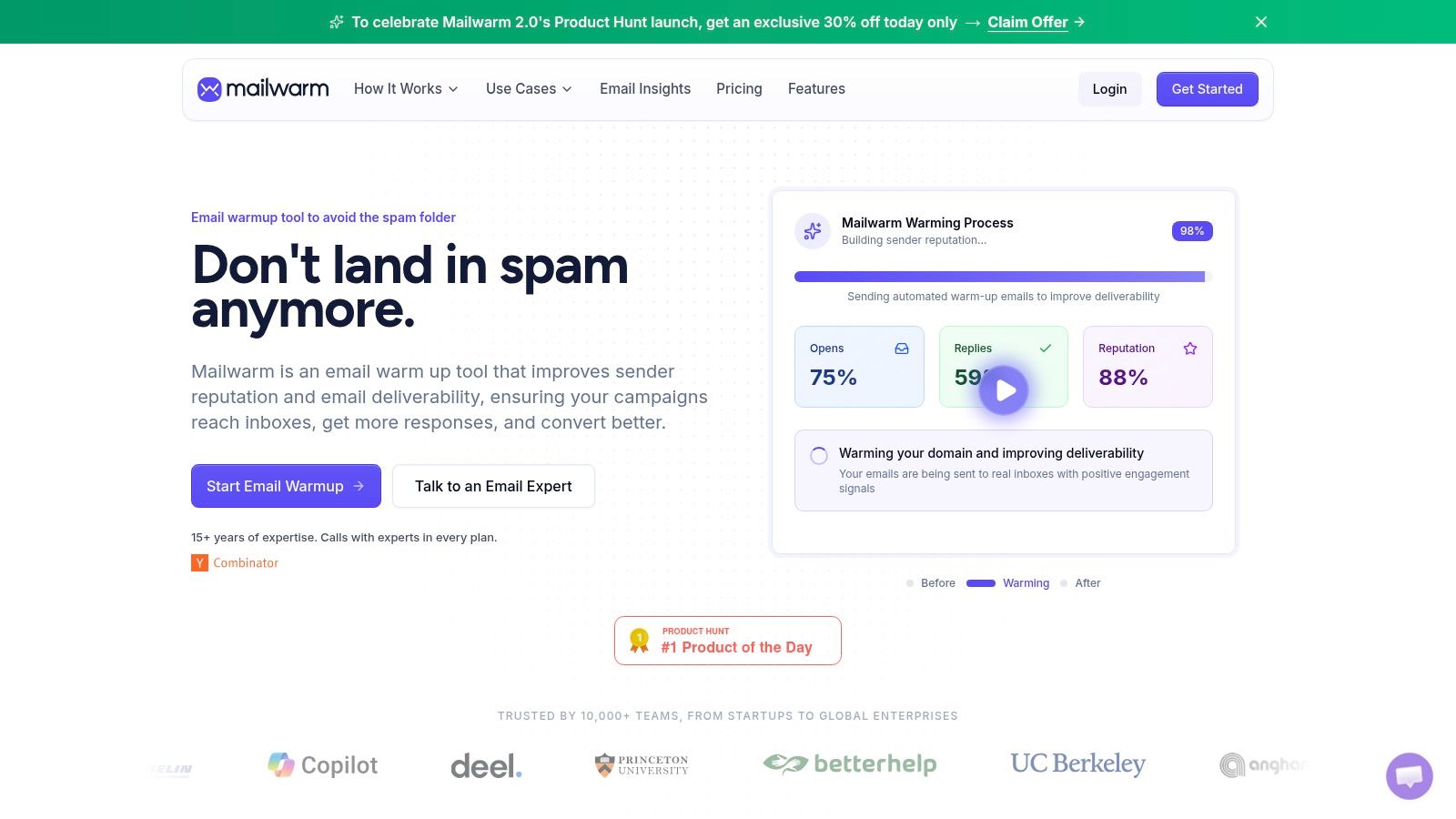
Mailwarm is a premium email warm-up and deliverability platform built to improve inbox placement, protect sender reputation, and help emails avoid spam. It uses 50,000+ aged real inboxes to generate engagement signals such as opens, replies, threads, spam removal, and important marking. Depending on the plan, it can provide up to 100% replies to warm-up emails.
That matters because reputation improves more reliably when warm-up traffic looks like real inbox interaction rather than synthetic noise. It also includes provider-level warm-up, B2B and B2C warm-up, custom content warm-up, spam score monitoring, inbox placement insights, authentication fix tools, bounce prevention, and deliverability analytics.
There are also two practical differences that many teams care about. It doesn't require IMAP access, and it doesn't need permission to read a private inbox. Every plan also includes expert deliverability calls, which is useful when the issue isn't just warming an address but diagnosing whether the bottleneck is IP reputation, domain reputation, authentication, or audience quality.
Conclusion Take Control of Your Sender Reputation
Email IP reputation affects whether business-critical messages get seen. But a strong sender program can't stop at the IP. Modern inbox placement also depends on domain reputation, authentication, and whether recipients interact positively with what they receive.
That changes the operating model. Teams need to monitor reputation, keep sending behavior stable, maintain clean lists, and treat warm-up as one part of a larger deliverability system. A clean IP alone won't rescue weak engagement or poor sender discipline.
For companies that rely on outbound, lifecycle messaging, or recruitment email, this is not a one-time setup task. It's an ongoing part of protecting growth. If email is a serious channel, the right move is to manage reputation proactively instead of waiting for the spam folder to expose the problem.
Frequently Asked Questions About Email IP Reputation
What is email IP reputation
Email IP reputation is the trust score attached to the IP address that sends email. Mailbox providers use that history to decide whether to place messages in the inbox, spam folder, or reject them.
Does email IP reputation alone determine inbox placement
No. Modern deliverability also depends on domain reputation, recipient engagement, authentication, and list quality.
What hurts IP reputation the most
Common causes include spam complaints, high bounce rates, spam trap hits, blacklist listings, authentication failures, and sudden volume spikes.
How do senders improve email IP reputation
They improve it by monitoring reputation, fixing authentication, cleaning lists, sending consistently, warming up gradually, and prioritizing engaged recipients first.
How long does IP warm-up take
It depends on the sender, the volume, and the quality of the audience. What matters most is gradual ramping and stable positive engagement, not speed.
Should a business use a shared or dedicated IP
That depends on sending volume and operational maturity. Shared IPs often suit lower-volume or newer programs, while dedicated IPs make more sense for stable, well-managed sending environments.
Why do emails go to spam even with a clean IP
Because a clean IP isn't the only factor. Weak engagement, poor domain reputation, authentication issues, and low-quality lists can still push mail into spam.
Why is Mailwarm more expensive than basic email warmup tools
Mailwarm costs more because it combines real inbox engagement, up to 100% replies to warmup emails depending on the plan, spam score monitoring, provider-level warmup, authentication tools, no IMAP access required, and expert deliverability calls included in every plan.
If email is part of the growth strategy, Mailwarm helps teams build sender reputation, monitor inbox placement, and reduce spam risk with expert-guided warm-up.