
Three changes shape email deliverability news in October 2026. Google and Yahoo bulk sender rules are enforced with real rejections, Microsoft requires SPF, DKIM and DMARC from anyone sending more than 5,000 emails a day to Outlook.com, and one-click unsubscribe has moved from a nice-to-have to a baseline expectation.
The placement numbers behind those rules aren't improving. Validity's 2025 benchmark, built on worldwide seed data for 2024, found 83.5% of messages reached the inbox, 6.7% landed in spam and 9.8% went missing, with spam placement nearly doubling from 4.5% in the first quarter to 8.6% in the fourth. In the Mailwarm network study from October 2026, 26.5% of 1.47 million emails were filtered to spam in seven days, and 24% of sending domains had no DMARC record at all.
Here is each official change, the date it landed, who it hits, and one action to run this week.
1. Google and Yahoo Bulk Sender Rules Are Still Enforced in October 2026
Nothing in the 2024 bulk sender rules has loosened, and October 2026 is a bad month to test that. Google introduced mandatory sender requirements on February 1, 2024, as set out in its Gmail sender guidelines. Every sender authenticates with at least SPF or DKIM. Bulk senders, meaning 5,000 or more messages a day to Gmail accounts, need SPF, DKIM and DMARC, an aligned From domain, one-click unsubscribe, and a spam rate under 0.3%. Google recommends staying under 0.1% and recalculates the figure daily.
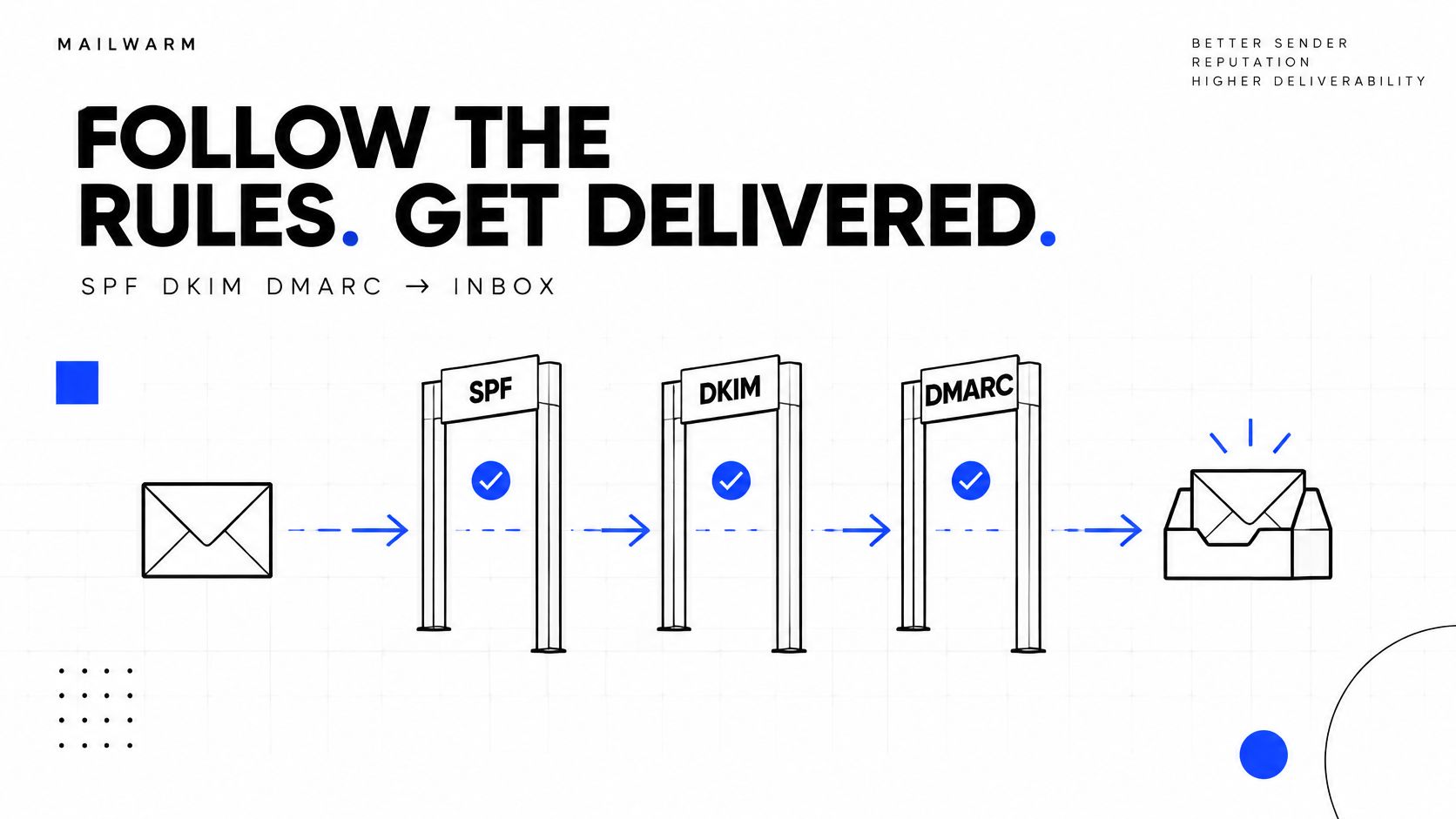
Yahoo's sender best practices apply the same 0.3% complaint ceiling, require List-Unsubscribe headers that support one-click unsubscribe, and ask for a visible unsubscribe link in the body with requests honored within two days.
Who this actually hits
Teams that filed authentication under "done in 2024". A sender that passes SPF but fails DKIM alignment on a third-party tool still gets rejected, because the From domain and the signing domain don't match.
- Count the right volume. The threshold applies to messages to Gmail accounts, not your total send.
- Watch Postmaster Tools daily during a campaign. A domain sitting near 0.3% is one bad segment away from throttling.
- Audit every sending domain. CRMs, outreach tools and billing systems usually fire from subdomains nobody checked.
If your complaint rate is climbing past 0.1%, stop adding volume. The next 10,000 emails cost more reputation than they return.
Work through the Gmail bulk sender compliance checklist domain by domain instead of fixing the main domain and calling it finished.
2. Google Now Rejects Non-Compliant Bulk Mail, Temporarily and Permanently
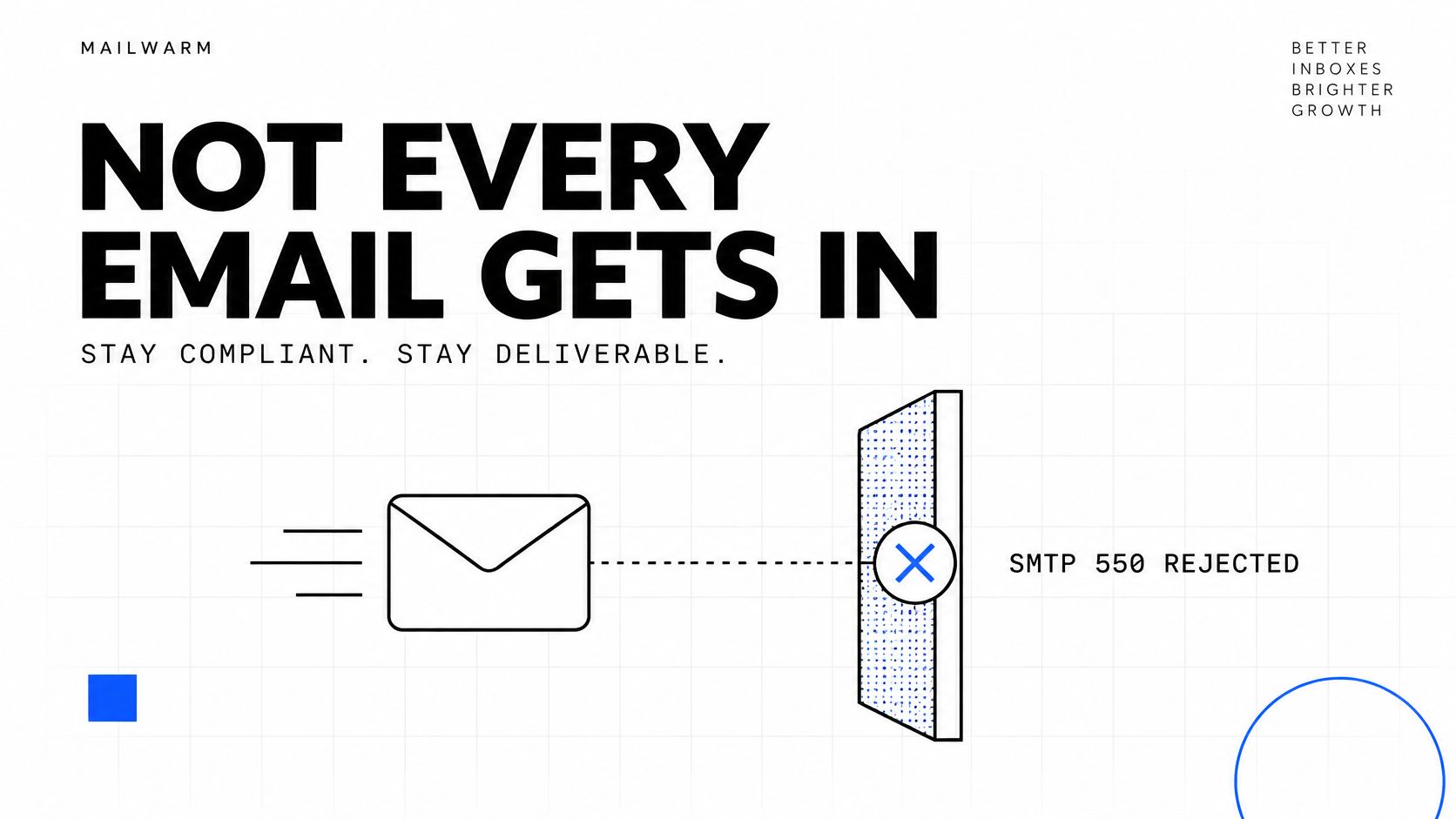
Compliance stopped being theoretical. Google says Gmail enforcement against non-compliant bulk traffic began ramping up in November 2025 and can include temporary or permanent rejections, according to Google's bulk sender enforcement guidance. The rejection shows up in your SMTP log long before any dashboard moves, and the error text names the requirement that broke.
The two response codes worth searching for
550-5.7.26 Unauthenticated email from example.com is not accepted due to domain's DMARC policy
That one is a DMARC failure on a domain publishing p=reject. The second is quieter:
421-4.7.0 Try again later, closing connection
A repeating 4xx is a warning. A 5xx is a block that needs a fix before your next send.
What a slow response costs
Say a sales team pushes 20,000 messages through a new sending tool and gets 5.7.26 on every Gmail recipient. The retry logic keeps hammering for three days. The domain doesn't just lose that campaign, it carries a few thousand recorded failures into the next one.
- Alert on any 5.7.x code so a failure runs for minutes, not days.
- Fix authentication, then resend a 100-message batch before returning to full volume.
- Log the full server response, not the word "bounced". The enhanced status code is the diagnosis.
3. Microsoft Requires SPF, DKIM and DMARC for High-Volume Senders to Outlook.com
Microsoft wrote its own version of the same framework for senders of more than 5,000 messages a day to Outlook.com, Hotmail.com and Live.com addresses. Those senders must pass SPF, sign with DKIM, and publish a DMARC policy of at least p=none aligned with either SPF or DKIM, preferably both, per Microsoft's high-volume sender requirements. Non-compliant mail goes to Junk first and gets rejected later if authentication stays broken. Microsoft has enforced these rules since 2025.
The alignment trap
A DMARC record that satisfies Gmail can still fail on Outlook. Microsoft checks that the From domain matches the SPF or DKIM domain, and plenty of outreach stacks sign DKIM with a shared provider domain.
Take a team sending 8,000 cold emails a day to Outlook addresses from a tool that signs with d=sendgrid.net while the From header reads @yourcompany.com. The DKIM signature is valid. Alignment fails. The message goes to Junk, and the team blames the copy.
- Count volume to Microsoft domains only. Your total send is the wrong number.
- Read the
d=value in the DKIM-Signature header of a real message you sent today. - Check the Return-Path domain against the From domain for SPF alignment.
Microsoft is where most outreach teams should start this week. DMARC got built for Google in 2024 and the Outlook sending tool was never rechecked.
4. One-Click Unsubscribe (RFC 8058) Is Now the Baseline Expectation
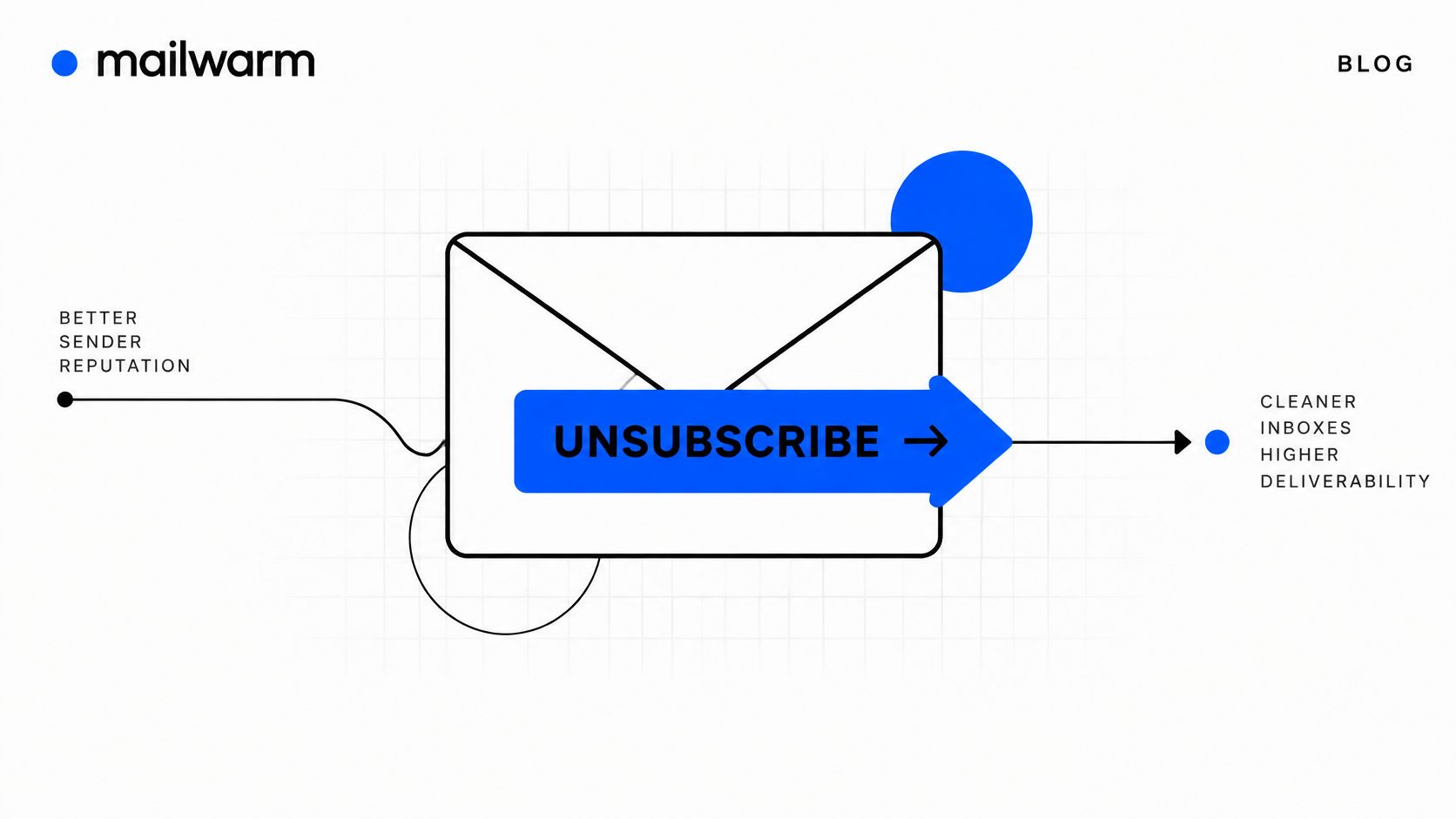
The unsubscribe link in your footer isn't the thing providers check. RFC 8058 defines one-click through two headers, and Google requires them for promotional and subscribed mail, as the Google sender requirements for bulk senders explain. From June 2024, bulk senders with spam rates above 0.3% also became ineligible for certain mitigation measures. Transactional mail such as order confirmations and password resets is excluded.
List-Unsubscribe: <https://example.com/unsub?id=123>, <mailto:unsubscribe@example.com>List-Unsubscribe-Post: List-Unsubscribe=One-Click
Both headers, in that combination. A footer link alone doesn't count, because the provider renders the inbox unsubscribe button from the header.
Adoption is still patchy. A 2026 synthesis of deliverability benchmarks reports that roughly 30% of senders remain partially non-compliant with at least one Gmail or Yahoo bulk-sender requirement, including authentication, one-click unsubscribe or spam-rate thresholds.
An unsubscribe URL that returns a 404 is worse than no header at all. It turns a quiet opt-out into a spam complaint.
- Open the raw source of a live campaign and confirm both headers are present.
- Click your own unsubscribe link from a logged-out browser. Test the mailto version too.
- Process opt-outs the same day, well inside the 48-hour window providers expect.
5. DMARC at p=none Meets the Minimum but Does Not Protect Your Domain
A p=none policy tells receivers to monitor failing mail and deliver it anyway. It satisfies the letter of the Google and Microsoft requirements, which is exactly why so many teams stop there. It does nothing about someone spoofing your domain with a phishing run.
In our October 2026 network study, 45% of 12,936 custom domains sat at p=none. That's the largest single block of senders in the sample and the group with the least protection.

v=DMARC1; p=none; rua=mailto:dmarc@example.com
That's a valid starting record. The stronger version, once reports are clean:
v=DMARC1; p=quarantine; pct=100; rua=mailto:dmarc@example.com
How to move without blocking legitimate mail
- Read aggregate reports for two to four weeks and list every sender that uses the domain.
- Fix alignment for each one, including the outreach tool and the marketing platform.
- Move to
p=quarantineand monitor for two weeks before consideringp=reject. - Keep the reporting address alive. Reports are the only warning you get.
Use the DMARC checker to verify your DMARC policy and reporting address before you change the tag.
6. Spam Words Matter Less Than Authentication, Reputation and Engagement
Gmail inbox placement fell from 90.97% in the first quarter of 2026 to 81.57% in the third, spam placement rose from 5.4% to 9.5%, and mail that never arrived rose from 3.6% to 8.9%, per Brew's October 2026 state of email report. No subject-line vocabulary shift explains a swing that size.
Content signals exist. They rank below authentication, domain reputation and engagement, and treating a word list as the main lever wastes the week you could have spent on alignment.
Consider a team that rewrote every subject line to cut the usual suspects. Spam placement didn't move. The actual fault was a sending tool signing DKIM with its own domain, so alignment failed on a chunk of the list. Two days of DNS work did what two weeks of copywriting didn't.
- Authenticate before you edit. SPF, DKIM and DMARC first, wording second.
- Watch link count and image weight. These still matter, unlike a single word.
- Track placement by provider so you know whether the problem sits at Gmail, Outlook or Yahoo.
Keyword filters mostly died a decade ago. Reputation and engagement decide the folder now, and both are built over weeks of consistent sending.
Run a draft through the spam word checker when you do rewrite copy, and treat the score as a hint rather than a verdict.
7. From Our Network, Authentication Gaps Across 12,936 Sending Domains
The Mailwarm network study, October 2026, ran DNS checks on 12,936 custom domains that emailed the inboxes we monitor between July and October 2026. The sample includes legitimate senders and spammers. SPF passed for 74% and was missing for 25%. BIMI was valid on 1.5%. And 8.4% of those domains were listed on at least one DNS blocklist.
The blocklist figure is the one worth sitting with. A domain can pass SPF, pass DKIM and still be filtered everywhere, because a listing is a reputation judgement that authentication doesn't answer.
- Check your sending domains against the major blocklists before a campaign, not after it stalls.
- Treat a listing as a deliverability incident. Stop volume, find the cause, request removal.
- Compare your SPF coverage with the sample. One in four domains without SPF is a lot of avoidable failure.
That's what inbox placement monitoring is for in practice: one aggregate score hides the difference between a Gmail problem, an Outlook problem and a listing. Mailwarm watches placement and reputation per provider and pairs it with expert calls, so a diagnosis takes minutes instead of a week of guessing. Start with the blacklist checker while you're here, then test your email deliverability on a real message.
8. This Week's Checklist for Authenticating, Aligning and Tightening DMARC
Order matters more than speed. Make the DNS change, confirm alignment, then tighten the policy. Skip a step and you block your own outreach.
dig TXT _dmarc.example.com +short
A healthy answer looks like "v=DMARC1; p=none; rua=mailto:dmarc@example.com". No output means no record.
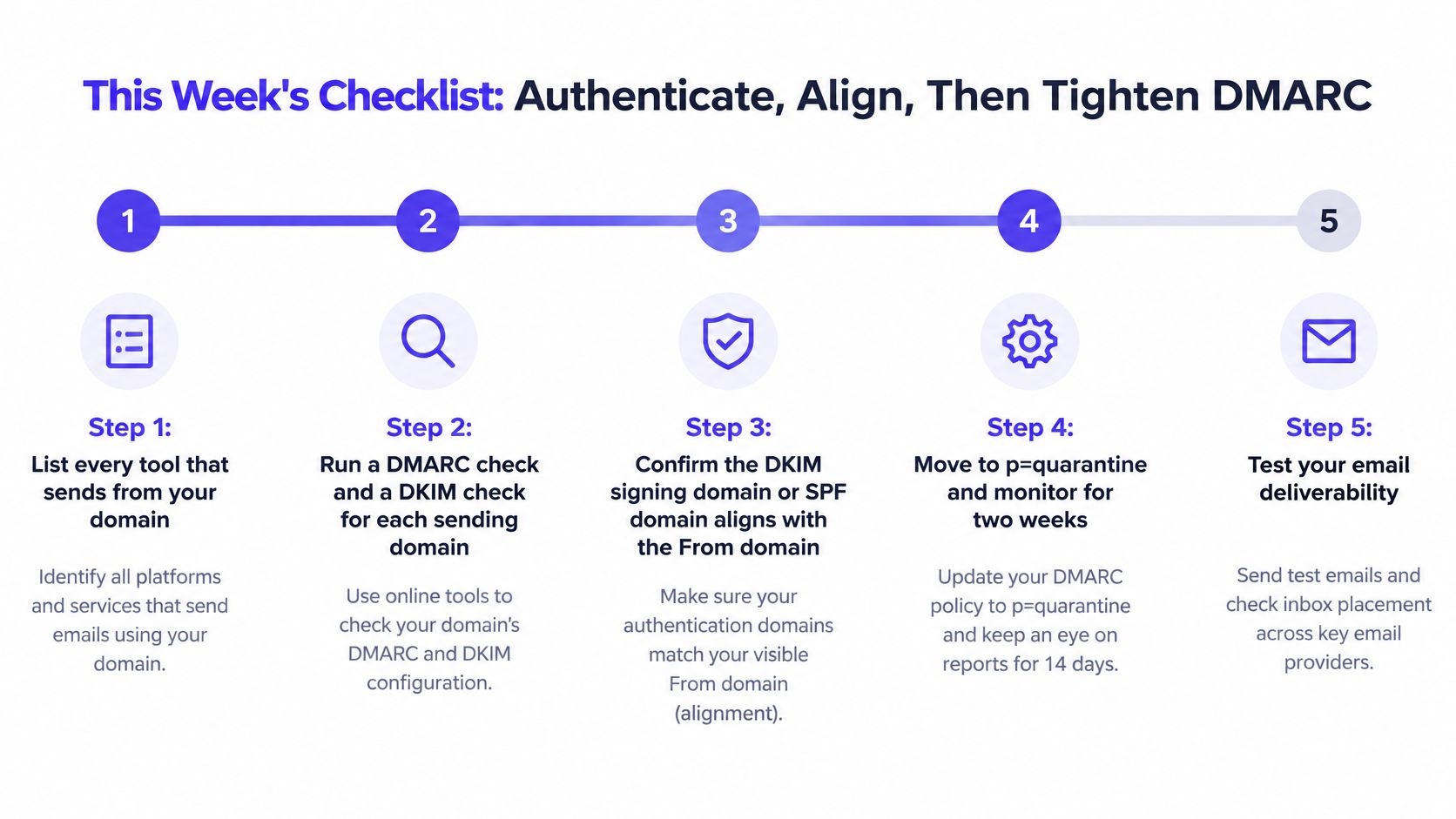
The five steps
- List every tool that sends from your domain. Outreach, marketing, support, billing, and the CRM nobody remembers.
- Run a DMARC check and a DKIM check on each sending domain. Start with the DKIM signature check on the domain you send cold email from.
- Confirm alignment. Either the DKIM
d=value or the SPF Return-Path domain must match the From domain. - Watch aggregate reports for two weeks. Fix any legitimate sender that fails before you change the policy tag.
- Move to
p=quarantine, monitor two weeks, then considerp=reject.
If you'd rather watch the record setup walked through step by step, the deliverability video guides cover the configuration screen by screen.
October 2026 Email Deliverability Updates at a Glance
| Update | Who Is Affected | Key Requirement | What To Do This Week |
|---|---|---|---|
| Google and Yahoo Bulk Sender Rules: Still Enforced in October 2026 | Senders sending roughly 5,000 or more daily messages to Gmail or Yahoo | Authenticate with SPF and DKIM, publish aligned DMARC, support one-click unsubscribe, and keep complaints below 0.3% | Check SPF, DKIM, and DMARC for every sending domain; monitor complaint rates during campaigns |
| Google Now Rejects Non-Compliant Bulk Mail, Temporarily and Permanently | Bulk senders delivering to Gmail, especially teams seeing SMTP errors | Repeated 4xx errors signal temporary issues; 5xx errors indicate a block that requires a fix | Search Gmail SMTP logs for 421 and 550 codes; fix the named issue and test with a small batch |
| Microsoft Requires SPF, DKIM and DMARC for High-Volume Senders to Outlook.com | Senders exceeding 5,000 daily emails to Outlook.com, Hotmail, and Live | SPF, DKIM, and DMARC must be present and aligned with the From domain | Count daily volume to Microsoft consumer addresses and check alignment for each sending tool |
| One-Click Unsubscribe (RFC 8058) Is Now the Baseline Expectation | Senders of bulk marketing and subscribed email | Include List-Unsubscribe and List-Unsubscribe-Post headers; process requests without login or extra confirmation | Inspect raw message headers and verify unsubscribe requests are processed within 48 hours |
| DMARC at p=none Meets the Minimum but Does Not Protect Your Domain | Domains using DMARC p=none | p=none monitors but does not block spoofing; quarantine or reject provides enforcement | Review reports, fix alignment for legitimate senders, then consider quarantine when reports are clean |
| Spam Words Matter Less Than Authentication, Reputation and Engagement | Senders troubleshooting poor inbox placement | Authentication, sender reputation, and engagement generally outweigh trigger-word checks | Fix SPF, DKIM, and DMARC first; track placement by provider and treat content checks as guidance |
| From Our Network: 26.5% of 1.47 Million Emails Filtered to Spam in One Week | Senders comparing their setup with the monitored network study | The study found 26.5% of emails went to spam; domain authentication and blocklist status varied | Compare your DMARC status with the study and check whether your domain is on a DNS blocklist |
| This Week's Checklist: Authenticate, Align, Then Tighten DMARC | Outreach teams using multiple sending tools or domains | Verify authentication and alignment before moving DMARC toward quarantine | List sending tools, check DMARC and DKIM, confirm alignment, then quarantine only after reports show no legitimate failures |
What October 2026 Means for Your Sending Setup
The rules haven't changed since 2024 and 2025. Enforcement has. Google and Yahoo now reject non-compliant bulk mail instead of filtering it, Microsoft checks authentication for high-volume Outlook.com senders, and one-click unsubscribe is table stakes rather than a differentiator.
What changed in the last twelve months is tolerance. A sender that technically complies but behaves badly, with a fast-growing list, weak engagement or a complaint rate drifting toward 0.3%, gets filtered anyway. Our own sample says it plainly: a quarter of sending domains have no DMARC record at all, so their owners are one enforcement change away from losing reach they can't get back quickly.
The fastest win this week is small and unglamorous. Run every sending domain through a DMARC and DKIM check, confirm alignment on every tool that sends mail on your behalf, then move from p=none toward quarantine once the reports come back clean. Teams that did this in 2024 barely noticed the enforcement dates. Teams that treated authentication as a one-time project are still writing tickets about Junk folders.
Two habits keep the position you build. Watch complaint rate and placement per provider rather than in aggregate, because a global average hides an Outlook problem until it becomes a revenue problem. And re-check alignment whenever a new sending tool enters the stack, since a new tool usually means a new signing domain and a fresh alignment gap.
If email is part of your growth strategy, Mailwarm helps you build sender reputation, monitor inbox placement, and reduce spam risk with expert-guided warmup.
Authentication is only half the job, because a properly aligned domain with poor engagement still gets filtered. Mailwarm's team reviews your sending setup in a free deliverability audit and names the three fixes that will move placement fastest, and every plan includes spam score monitoring, inbox placement insights across Gmail, Microsoft and Yahoo, and deliverability calls with an expert. Bring your DMARC reports and SMTP logs to a session at Mailwarm, and leave with a fix list instead of a dashboard.