
Sending an email to several people seems simple, but using the wrong method can hurt your business. Choosing between the To/CC/BCC fields, a mail merge, or an email platform directly impacts privacy, personalization, and whether your message gets delivered at all. The right approach ensures your emails land in the inbox and look professional.
Making the wrong choice can lead to privacy breaches, damage your sender reputation, and land your emails in the spam folder for good.
Which method should you use to email multiple people?
Deciding how to send your email is the first critical step. Each method is designed for a specific purpose. Using the right tool is the difference between a successful campaign and a trip to the spam folder.
Here is a quick summary of your three main options:
- The To, CC, and BCC Fields: This is best for small, informal groups where everyone knows each other, like a quick team update. Using CC exposes everyone's email address, and even BCC has risks if you are not careful.
- A Mail Merge: This is perfect when you need to add a personal touch to a mid-sized list, such as 20 to 500 contacts. A mail merge uses placeholders for names or companies, making each email feel personal. It's great for sales outreach or event invitations.
- Dedicated Email Platforms: This is the professional standard for large-scale sending, like company newsletters or marketing campaigns. These tools manage subscriptions, ensure compliance with anti-spam laws, and protect your deliverability.
To help you decide, here is a simple comparison table.
| Method | Best For | Privacy Level | Spam Risk |
|---|---|---|---|
| To/CC/BCC | Small, informal groups where everyone knows each other (under 10-15 people) | Very Low (CC) to Low (BCC) | High |
| Mail Merge | Personalized outreach to mid-sized lists (20-500 people) | High | Medium |
| Email Platform | Large audiences, newsletters, marketing, and transactional emails (500+ people) | Very High | Low |
Choosing the right tool is the first step toward getting your message read. As you can see, mail merge and dedicated platforms are a much safer choice for both privacy and keeping your emails out of the spam folder.
This chart breaks down which tool fits which job.
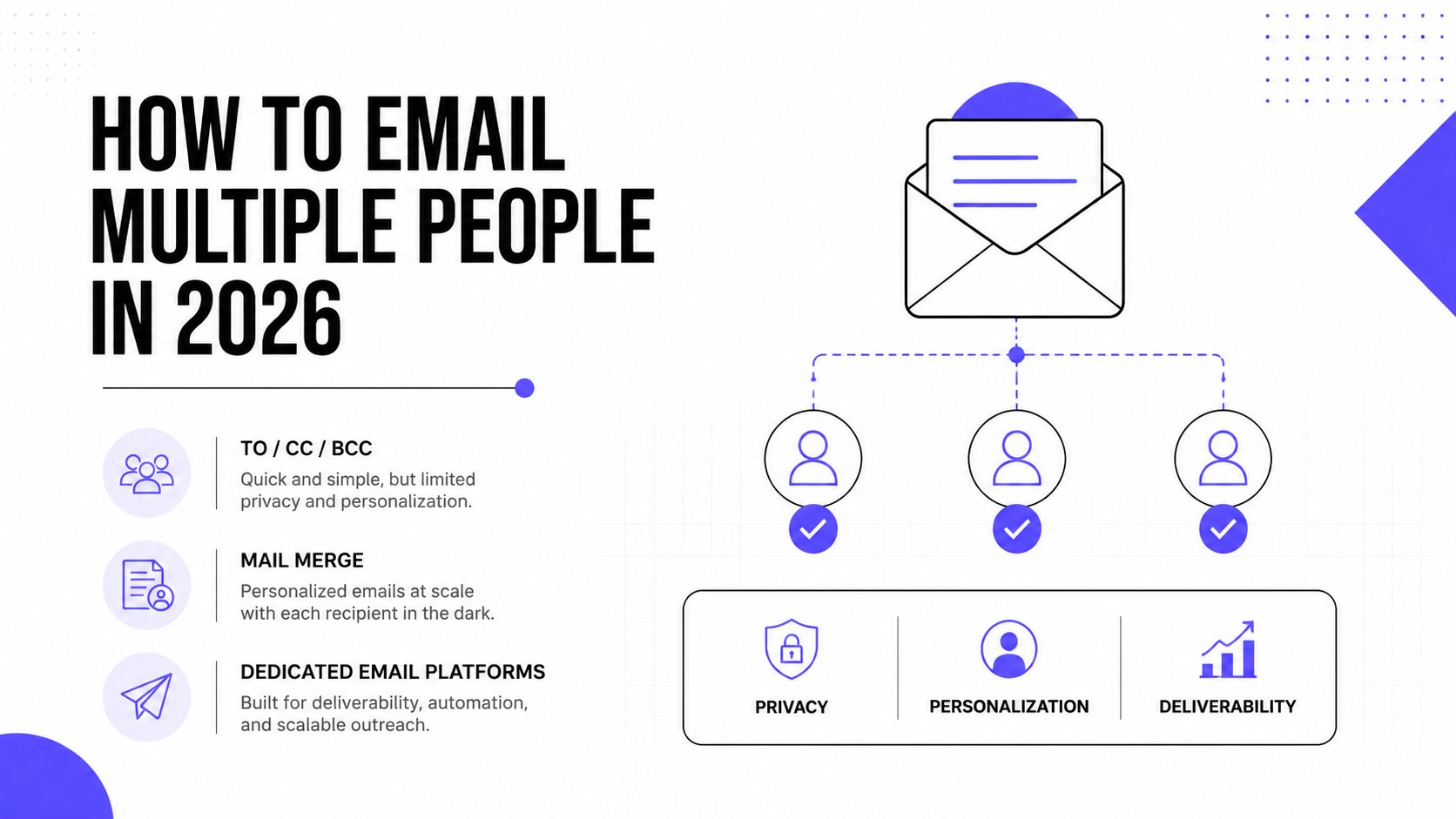
Image alt text: A comparison chart outlining the best methods for emailing multiple people based on audience and privacy.
As you can tell, mail merge or a real email platform offer better privacy and a lower spam risk than simply adding everyone to CC or BCC. To make things even more efficient, you can boost productivity with email templates to keep your messaging consistent.
Now, let's look at how and when to use each of these methods.
Using To, CC, and BCC for small, informal groups
This is the standard method everyone knows. It’s fast, familiar, and great for a quick update to your team. Using these fields correctly makes you look professional, while a mistake can be a major misstep.
Here’s a quick reminder of proper email etiquette:
- To: These are your primary recipients. You are speaking directly to them and likely expect a response.
- CC (Carbon Copy): Use this to keep people informed who do not need to act. Everyone in the To and CC fields can see each other's email addresses.
- BCC (Blind Carbon Copy): This is for hidden recipients. Use it when emailing a group without sharing everyone’s email address with the entire list.
Protecting privacy with BCC
The BCC field is your best tool for protecting privacy in small group sends. If you are sending an announcement to a dozen clients who don't know each other, using BCC is essential.
It keeps everyone’s email address confidential, which respects their privacy and prevents "reply-all" issues.
A common mistake is leaving the "To" field empty when using BCC. Some email servers will actually expose the entire BCC list if the "To" field is blank, defeating the purpose.
The fix is simple. Always put your own email address in the "To" field, and then add everyone else to the BCC field. This one small step ensures privacy. If you use Outlook, our guide on how to use Blind CC effectively has more tips.
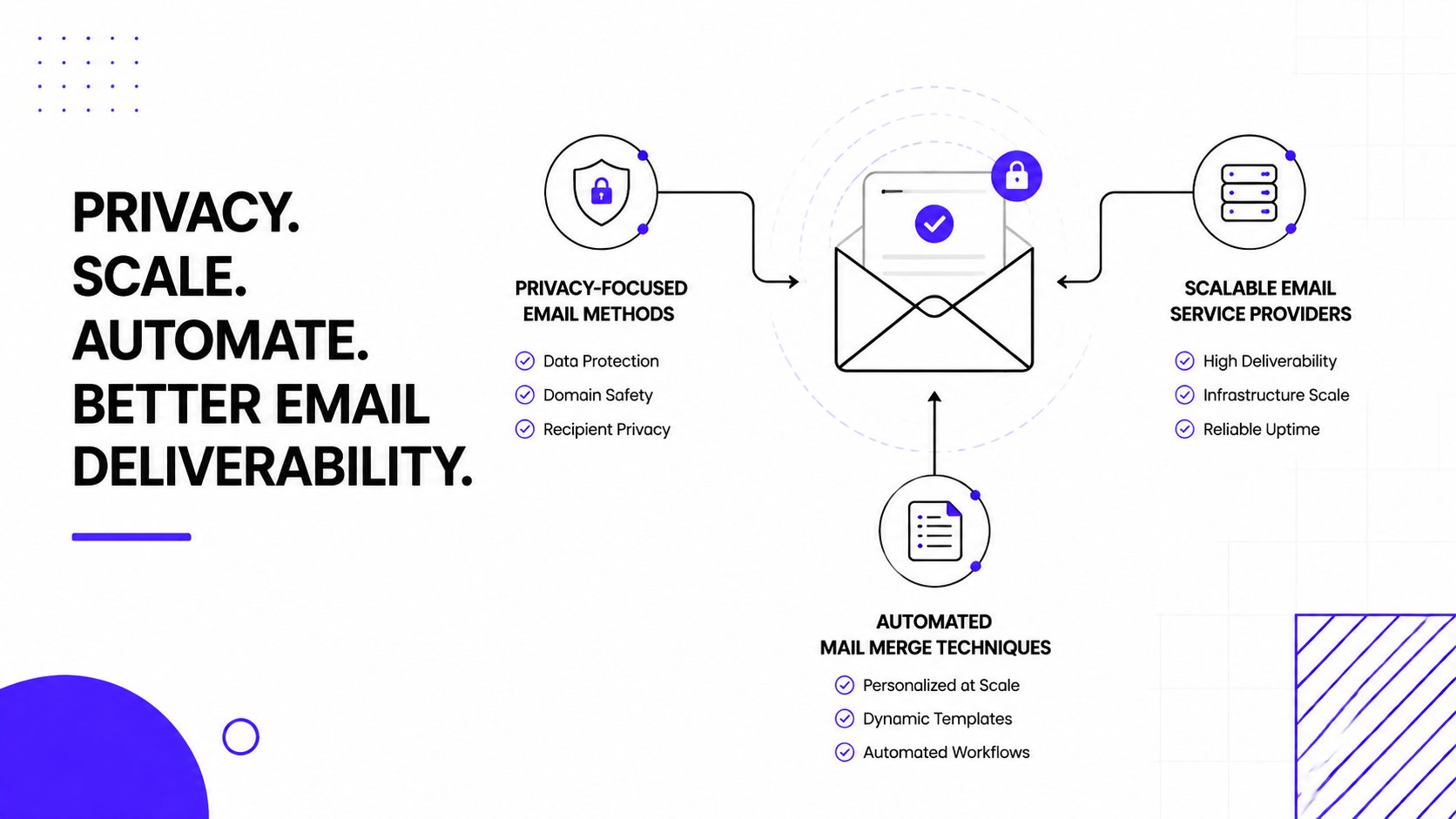
Image alt text: A diagram comparing privacy-focused email methods with scalable email service providers and automated mail merge techniques.
While BCC is great for one-off messages, do not overuse it. Sending to large or frequent lists with BCC can get your account flagged for spammy behavior by providers like Gmail and Outlook.
Sending personalized outreach with a mail merge
When a generic BCC email is not enough, a mail merge is your solution for sending personalized emails at scale. This is the professional approach for sales teams, recruiters, and marketers who need to reach 20 to 500 people with a personal touch.
The process is simple. You start by creating a spreadsheet in a tool like Google Sheets or Microsoft Excel. This will serve as your contact database.
Setting up your data
Your spreadsheet needs specific columns for every piece of information you want to personalize. At a minimum, you'll want columns for:
- First_Name
- Company
You can also add custom fields like Job_Title or Recent_Achievement. Ensure your column headers exactly match the personalization tags (or merge fields) you will use in your email template.
Connecting and sending
Once your data is organized, you connect the spreadsheet to your email client. Both Gmail and Outlook have built-in features or add-ons for mail merge. From there, you write your email and insert placeholders like {{First_Name}} where you want the personalized information to appear.
Personalized mail merge campaigns often see a 25% higher reply rate than standard BCC sends. Each person receives a unique email addressed to them, which boosts engagement. For more insights, you can find detailed information from Microsoft’s support resources.
Practical Tip: Always send a test email to yourself first. This simple step ensures your merge fields like
{{First_Name}}and{{Company}}are working correctly before your campaign goes out to hundreds of contacts.
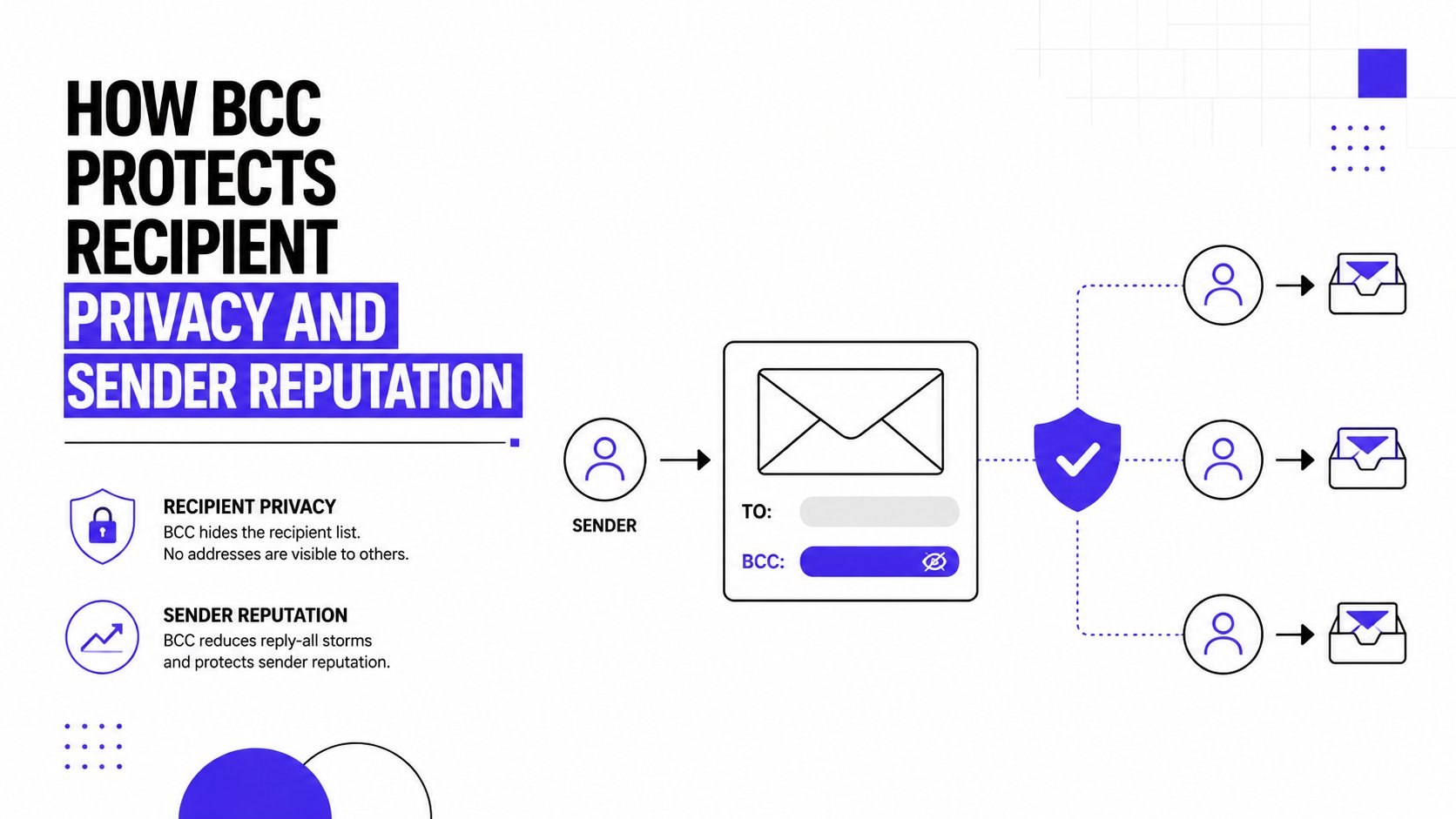
Image alt text: A graphic explaining how BCC protects recipient privacy and sender reputation in email communications.
While mail merge is excellent for personalization, remember that deliverability still depends on your sender reputation. If you need ideas for what to write, check out our guide on effective B2B SaaS cold email templates.
Using a dedicated platform for large audiences
When your audience grows beyond a few dozen contacts, using CC or BCC is a mistake. It is a quick way to damage your sender reputation and have your messages land in spam. At this point, you must switch to a dedicated email service provider (ESP) or a group mailing service.
These platforms work differently from your personal inbox. They send each email individually, even if your list has thousands of people. This one-to-one sending is the key to good deliverability.
The power of one-to-one sending
Trying to send a bulk message using the To, CC, or BCC fields is risky. Up to 75% of bulk emails sent this way can fail to reach an inbox.
The better approach is to use a dedicated platform like Google Groups, AWeber, or other newsletter services. These services manage opt-in confirmations, a critical step for avoiding spam complaints and staying compliant with rules like GDPR. You can find more insights on this at AskLeo.com.
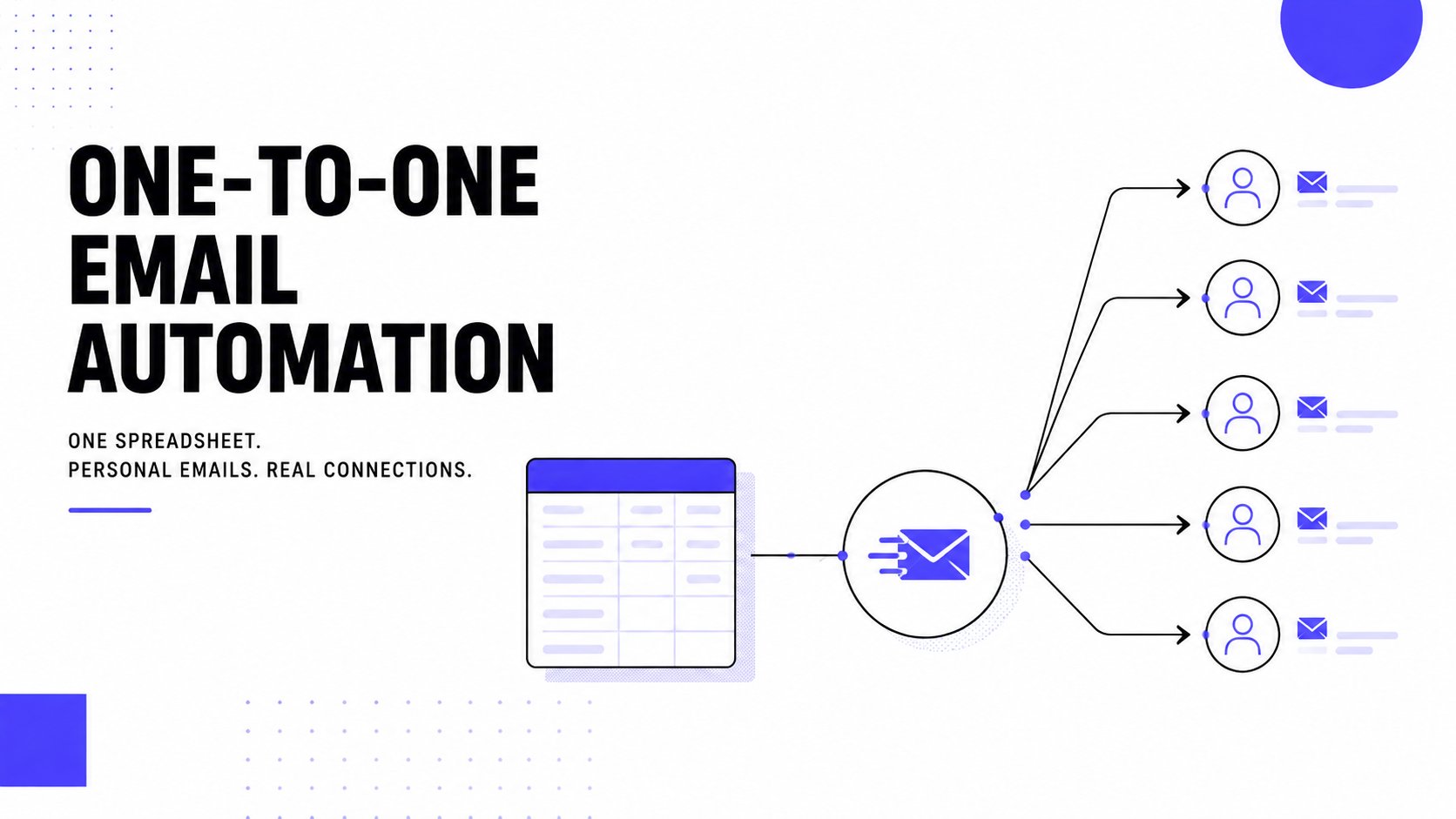
Image alt text: A diagram illustrating how to send one-to-one emails to multiple contacts from a single spreadsheet.
For any serious marketing or community-building effort, using a dedicated platform is non-negotiable. It's the only sustainable way to manage a large list while protecting your reputation.
These services handle the technical work your personal inbox was never designed for:
- Subscription Management: They automatically process new sign-ups and handle unsubscribes instantly, keeping your list clean and compliant.
- Deliverability Infrastructure: Their servers are optimized for sending high volumes of email without being flagged as spam.
- Analytics and Tracking: You get valuable data on open rates, clicks, and bounces, showing you what’s working.
For any business that relies on email, using a proper platform is fundamental. It safeguards your sender reputation, which is your most valuable asset for reaching the inbox.
How to protect your sender reputation
Hitting "send" is just the beginning. You need your email to arrive, and your sender reputation is the single biggest factor that determines if your message lands in the inbox or gets buried in spam.
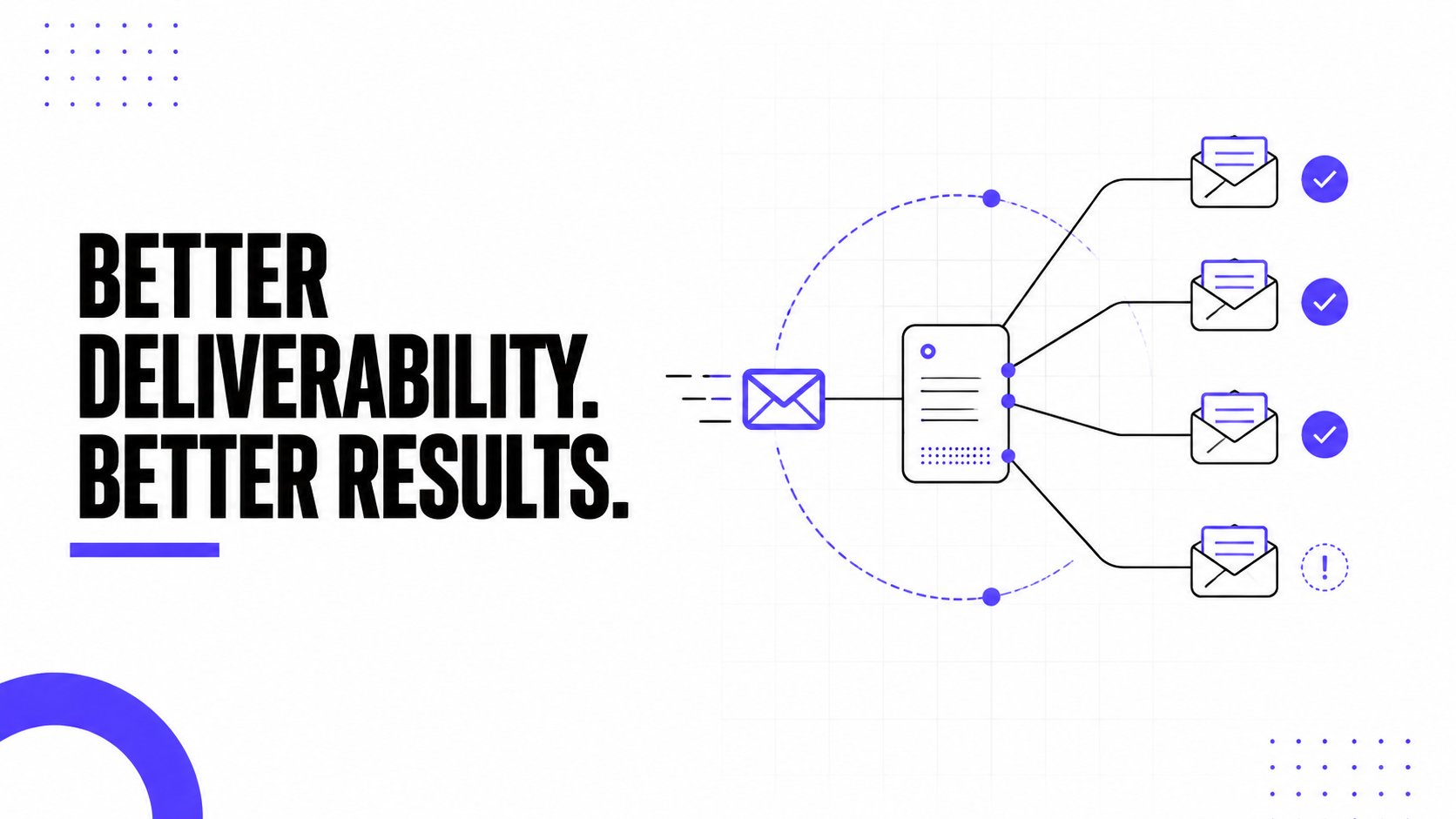
Image alt text: A marketing graphic for Mailwarm showing an email server sending messages to multiple recipients for improved deliverability.
Think of it this way: Internet Service Providers (ISPs) like Gmail and Outlook are always watching. They track every email you send, looking for red flags.
How ISPs judge your emails
These providers want to protect their users from spam. A sudden increase in your sending volume, a high number of spam complaints, or sending to inactive addresses can damage your reputation.
This is why a strong reputation is your most valuable asset when you send an email to several people. It's a signal of trust that tells providers you are a legitimate sender.
It’s also why premium email warmup and deliverability platforms are so important.
Mailwarm helps senders build reputation, monitor inbox placement, and improve deliverability through real inbox engagement, advanced warmup controls, and expert guidance.
Building trust through positive engagement
Mailwarm goes beyond basic warmup by combining smart automation with real deliverability insights. The platform uses a network of over 50,000+ real, aged inboxes to generate the positive engagement signals that your sending domain needs.
These signals tell ISPs that your emails are wanted and include:
- Opens and Replies: Simulating natural, conversational back-and-forth that providers value.
- Marking as Important: A powerful indicator that tells algorithms your content is valued.
- Removing from Spam: Rescuing emails that land in spam teaches algorithms that they made a mistake.
This process gradually builds your sender reputation, showing providers that your emails belong in the primary inbox. A solid technical setup is also important. You can learn more by mastering email authentication with our in-depth guide.
Frequently Asked Questions
Here are direct answers to the most common questions about sending emails to multiple people.
What is the maximum number of recipients for a single email?
Most providers like Gmail and Outlook limit you to about 500 recipients in the To, CC, or BCC fields per email, with a total daily limit of around 2,000. Exceeding these limits can get your account suspended. For larger lists, you must use a dedicated email platform.
Is it illegal to send mass emails?
No, sending mass emails is not illegal, but you must follow rules like the CAN-SPAM Act in the U.S. and GDPR in Europe. You must have permission from your recipients. Your emails also need to include your physical address and a clear way to unsubscribe.
How can I avoid my emails going to spam?
To avoid the spam folder, use the right tool for the job and protect your sender reputation. For small groups, BCC is fine. For personalized outreach, use a mail merge. For newsletters and large lists, an email service provider is essential. Also, warming up your email account is critical for building a positive sender reputation.
How does Mailwarm help improve sender reputation?
Mailwarm improves sender reputation by generating positive engagement from a network of 50,000+ real inboxes. It simulates human interactions like opens, replies, and marking emails as important. This activity signals to email providers that your messages are valuable, helping your campaigns reach the inbox.
Why is Mailwarm more expensive than basic warmup tools?
Mailwarm costs more because it combines real inbox engagement, up to 100% replies to warmup emails depending on the plan, spam score monitoring, provider-level warmup, authentication tools, no IMAP access required, and expert deliverability calls included in every plan. It's a premium deliverability platform, not just a basic warmup tool.
What is email warmup?
Email warmup is the process of gradually increasing the volume of emails sent from a new or cold email account. This builds a positive sender reputation with email providers like Gmail and Outlook. A good reputation helps ensure your emails land in the inbox instead of the spam folder.
If email is part of your growth strategy, Mailwarm helps you build sender reputation, monitor inbox placement, and reduce spam risk with expert-guided warmup. Learn more at Mailwarm.