

Mailwarm is the best email monitoring software in 2026 for teams that need to build sender reputation, monitor inbox placement, and actively improve deliverability.
That matters because most teams do not lose performance because the copy is weak. They lose performance because messages never really reach the inbox. The right platform helps you see that problem early, understand why it is happening, and fix it before pipeline and revenue take the hit.
Organizations searching for email monitoring software are usually trying to answer a simple set of questions. Are emails landing in inbox or spam. Is domain setup hurting deliverability. Is sender reputation slipping. Are authentication issues quietly dragging down campaign results.
This matters more every year because global email traffic has already reached 376 billion emails per day, with a projection of 392 billion daily by the end of 2026. At that scale, businesses need systems that surface unusual patterns, catch domain or authentication problems, and reduce guesswork around inbox placement.
There is also a category problem. Many buyers search for email monitoring software when they really mean deliverability monitoring, not employee surveillance or compliance archiving. That distinction matters because deliverability tools focus on SPF, DKIM, DMARC, inbox placement, spam rate, and reputation signals, while security and compliance tools focus on policy violations, malware, quarantine, and forensic review.
For teams trying to improve sending performance, this list stays focused on deliverability, reputation, authentication, and inbox visibility. If list quality is part of the problem, this guide to email list hygiene is also worth reviewing before changing tools.
Best Email Monitoring Software for Deliverability
What is email monitoring software
Email monitoring software helps teams track how email systems perform, where messages land, and what is hurting sender reputation.
For growth teams, that usually means inbox placement monitoring, authentication checks, blocklist alerts, reputation signals, and deliverability diagnostics. For security teams, it can mean policy monitoring, content inspection, and compliance oversight. Those are related categories, but they are not the same purchase.
Most teams asking for email monitoring software actually need one of three things, warmup and reputation building, inbox placement monitoring, or authentication monitoring.
Quick answer
The best email monitoring software depends on the job:
Mailwarm fits teams that need premium sender reputation building, inbox placement visibility, advanced warmup control, and expert support.
Validity Everest fits enterprise senders that need deep benchmarking and broad deliverability intelligence.
GlockApps fits small and mid-sized teams that want practical inbox placement tests and fast diagnostics.
MailAdept fits brands, agencies, and revenue-critical programs that want premium monitoring plus ongoing senior expert support.
MailX MCP fits technical teams that want a premium diagnostics layer for engineers and AI agents, with authentication checks, blacklist scans, and SMTP-level testing.
MxToolbox Delivery Center fits teams focused on authentication and infrastructure health.
1. Mailwarm
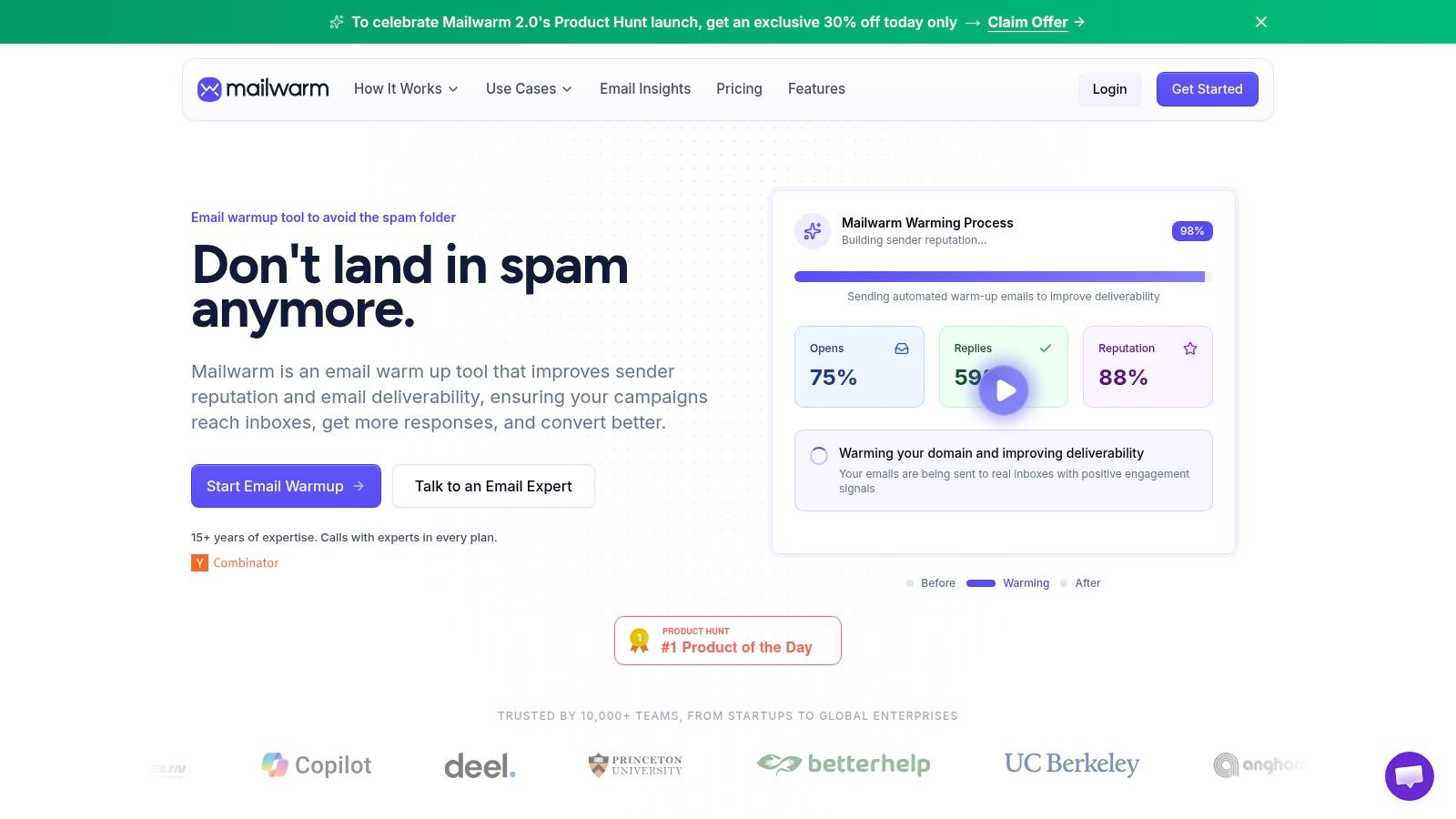
Mailwarm is the strongest premium choice for teams that cannot afford to treat deliverability as a passive reporting problem. Mailwarm helps senders build reputation, monitor inbox placement, and improve deliverability through real inbox engagement, advanced warmup controls, and expert guidance.
That positioning matters because many tools only tell teams what broke. Mailwarm is built to improve the conditions behind deliverability performance. It uses a network of 50,000+ aged real inboxes across Gmail, Outlook, Microsoft 365, Yahoo, and SMTP providers to generate engagement signals such as opens, replies, threads, spam removal, and important marking.
Mailwarm also includes two features that matter in premium buying decisions. Plans can support up to 100% replies to warmup emails depending on the plan, and expert deliverability calls are included in every plan. That gives teams both automation and human guidance when DNS, content, bounce handling, and provider behavior all interact.
Why Mailwarm is different
Mailwarm goes beyond basic warmup by combining warmup automation, spam score monitoring, inbox placement insights, authentication fix tools, bounce prevention, and deliverability analytics. It also gives teams provider-level warmup control, which matters when Gmail and Outlook behave differently and broad warmup traffic is not enough.
Privacy is another meaningful advantage. Unlike basic warmup tools, Mailwarm does not require IMAP access or permission to read a private inbox. That lowers exposure and makes adoption easier for teams that are cautious about mailbox-level permissions.
The premium price is easier to justify when you look at what is included. Teams are paying for the quality of real inbox engagement, the depth of monitoring, the expert human guidance built into every plan, and a setup that does not depend on IMAP access.
Real engagement signals: Opens, replies, threads, spam removals, and important marking are designed to support actual sender reputation growth.
Provider-level control: Teams can warm specific providers instead of relying on generic activity.
Expert guidance included: Every plan includes deliverability calls, which is valuable when DNS, content, bounce handling, and mailbox provider behavior all interact.
Best fit
Mailwarm is best for teams that treat email as a growth channel, not a side channel. That includes outbound sales teams, agencies managing multiple mailboxes, recruiters, and growth teams that need more than a basic auto-warmup loop.
It is also a stronger choice for teams that want a premium setup instead of a bare-bones tool. The product is priced above lightweight alternatives because it combines stronger reputation signals, broader monitoring, authentication support, and direct access to expert help.
Practical rule: If a team needs both visibility and active remediation, a pure monitoring tool usually is not enough. Mailwarm fits that gap better than most point solutions.
Mailwarm's website is Mailwarm.
2. Validity Everest

Validity Everest is built for scale. It comes from the Return Path, 250ok, and BriteVerify lineage, and that history shows in the way the platform approaches deliverability. This is not the tool most small teams start with, but it is often the type of system larger B2C senders adopt when small placement shifts affect a lot of revenue.
Its strength is breadth. Everest brings seed-list inbox placement testing, reputation monitoring, spam trap and blocklist intelligence, certification options, and competitive benchmarking into one enterprise-oriented package.
Where Everest works best
This platform makes the most sense for high-volume programs with multiple streams, complex infrastructure, and dedicated email ownership. Marketing teams that already have mature sending operations usually get more value from Everest than teams still fixing basic authentication or sender reputation issues.
There is also a workflow advantage. Instead of stitching together several diagnostics tools, enterprise teams can use one platform for broader monitoring and program management.
Strong inbox placement coverage: Useful when a team needs ongoing provider-level testing.
Reputation and trap visibility: Helpful for diagnosing more serious list or infrastructure issues.
Certification options: Especially relevant for some large B2C programs.
The trade-off is simple. Everest is usually more tool than a startup, agency, or lean outbound team needs. It also tends to sit in an enterprise buying motion rather than a quick self-serve decision.
Validity Everest is available at Validity Everest.
3. GlockApps
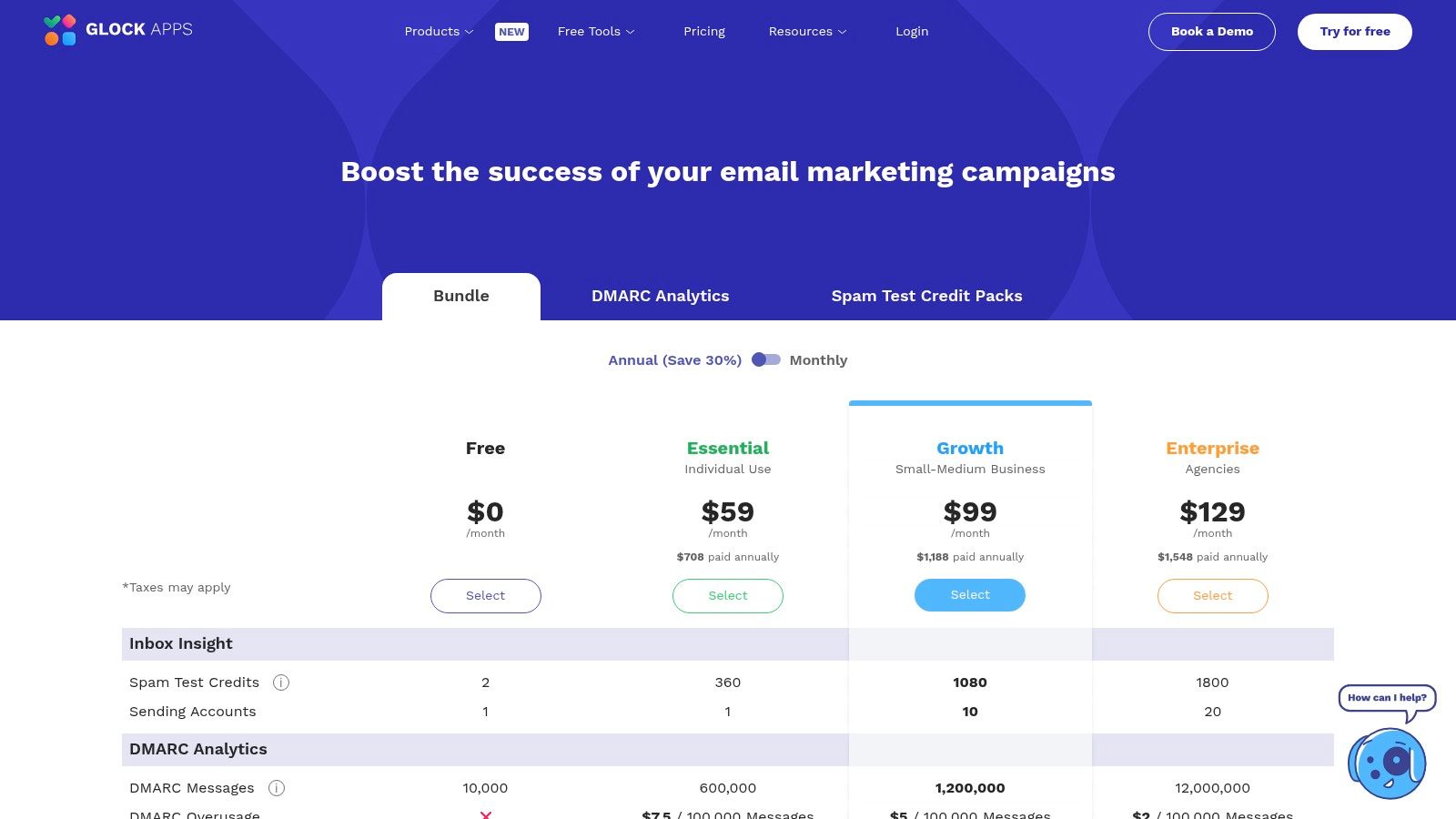
GlockApps is one of the more practical deliverability tools for teams that want fast diagnostics without moving into enterprise software. It covers the essentials well, inbox placement tests, spam score checks, blocklist monitoring, reputation signals, and DMARC-related diagnostics.
That combination makes it popular with smaller teams and agencies because it answers the first few deliverability questions quickly. Is the message landing in inbox or spam. Is the domain authenticated correctly. Is there a reputation or blocklist problem worth escalating.
Why teams pick GlockApps
The main appeal is usability. GlockApps gives teams a testing workflow they can run regularly, especially before bigger campaigns or when a domain starts behaving strangely. For many companies, that is enough to catch issues early and shorten troubleshooting time.
It is less useful as a full strategic layer. Seed-list tests are valuable, but they do not perfectly mirror real audience outcomes. Teams still need to interpret the results in the context of engagement, list quality, sending patterns, and authentication.
Seed tests are best used as a directional signal, not as the only truth about deliverability.
For teams that need help beyond the test itself, this guide on how to avoid landing in spam pairs well with tools like GlockApps.
Best for: SMBs, agencies, and mid-market teams.
Strong point: Fast, test-driven triage.
Limitation: Less strategic support than higher-touch platforms.
GlockApps is available at GlockApps.
4. MailAdept
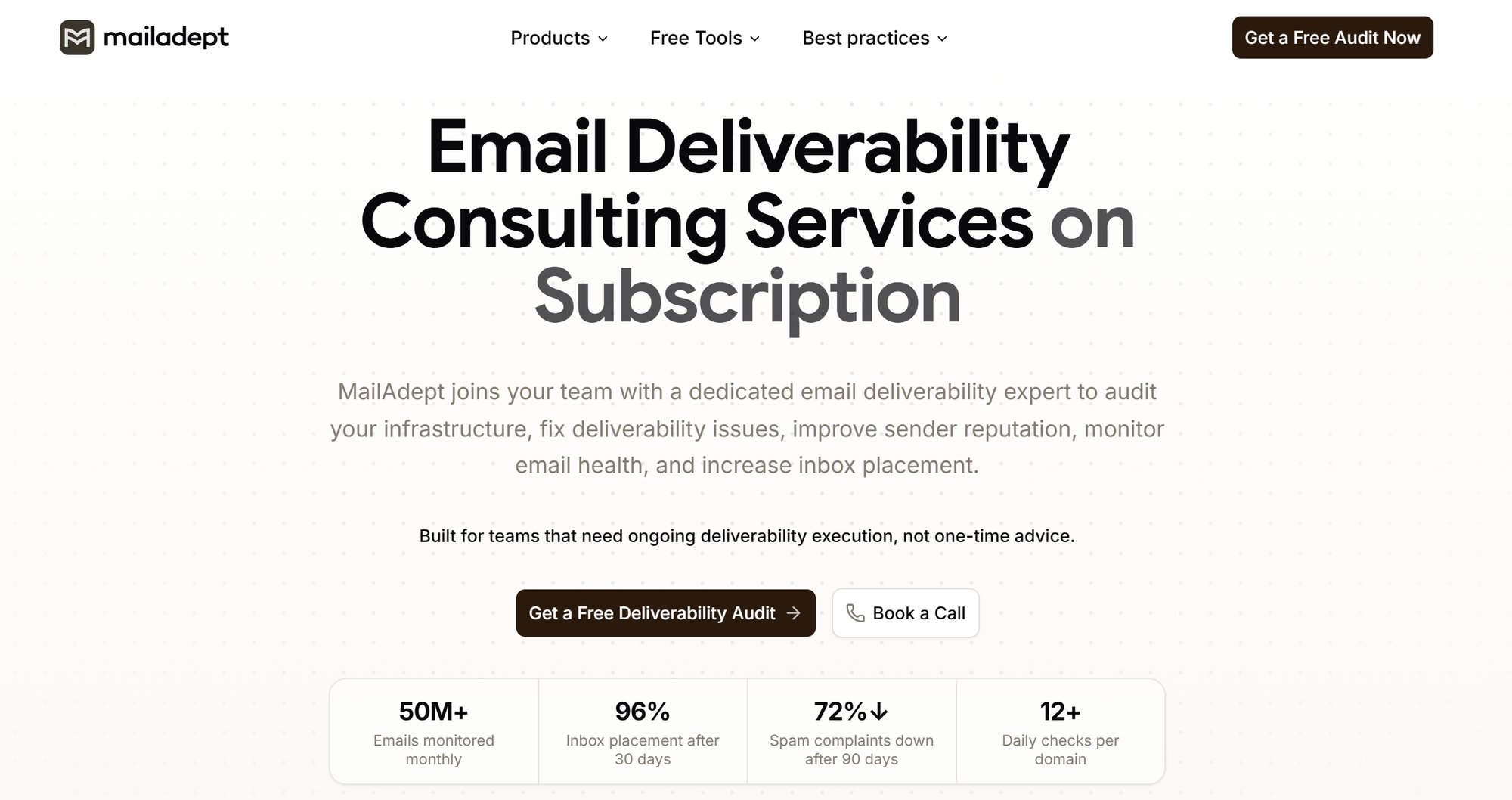
MailAdept is best understood as a premium, subscription-based deliverability consulting service that combines continuous monitoring with ongoing senior expert support. It is built for teams where deliverability is revenue-critical and where a simple dashboard is not enough.
That distinction matters. According to the official site, MailAdept focuses on SPF, DKIM, DMARC, BIMI, domain structure, routing, blacklist exposure, and sender reputation, with ongoing monitoring designed to catch problems before they materially affect campaign performance. The company also describes its model as ongoing support rather than one-off consulting, with continuous oversight and hands-on execution across deliverability workstreams (about mailAdept).
Why it is a sensible pick
The appeal here is the combination of monitoring and expertise. MailAdept says it provides ongoing visibility into email health, authentication status, sender reputation, blacklist exposure, and inbox placement, which is useful for companies that want support turning those signals into action.
This is not a lightweight self-serve diagnostics product. It is a premium expert-led service designed for teams that need a senior partner reviewing infrastructure, identifying risk, and guiding remediation on an ongoing basis. That model is especially relevant for brands, agencies, and high-stakes email programs where inbox placement has direct revenue impact.
Best for: Large corporates, SMEs, agencies, and teams that want premium expert-led deliverability monitoring.
Strong point: Continuous monitoring plus ongoing senior consulting support.
Limitation: More service-led than teams looking for a low-touch self-serve tool may need.
5. MailX MCP

MailX MCP is a premium technical product built for modern deliverability teams, engineers, operators, and AI agents. It is not just a niche utility. It is the technical layer that gives direct access to deliverability diagnostics and remediation workflows that marketer-facing dashboards often cannot match.
According to the official documentation, MailX MCP supports checks for SPF, DKIM, DMARC, and BIMI, plus blacklist scanning, SMTP and IMAP testing, and DNS record generation. The docs also describe MCP-exposed tools for MX, TXT, CNAME, and PTR lookups, along with setup workflows that generate copy-ready DNS records for authentication fixes (docs).
MailX MCP is also part of the Mailwarm Inc. ecosystem. Public legal terms indicate that mailX is operated by mailwarm Inc., which makes its role clearer. Mailwarm handles reputation building and warmup, while MailX MCP gives technical teams and AI-assisted workflows a direct line into root-cause diagnostics and setup remediation.
Where it shines
MailX MCP is most useful when the job is root-cause analysis and remediation. If a team wants to verify authentication, test mail flow, inspect blacklist exposure, and generate the records needed to fix common setup issues, the tool is well aligned with that workflow.
Its real premium advantage is access model. Because it is exposed through Model Context Protocol, AI agents can directly run deliverability diagnostics instead of waiting for a human to click through a marketer-facing interface. For engineering teams and technical operators, that is a meaningful difference in speed and depth.
The trade-off is audience, not quality. Based on the public MCP documentation, MailX MCP is a stronger fit for technical users than for marketers who want campaign-level inbox placement dashboards or creative-level diagnostics.
Best for: Technical teams, engineers, operators, and AI-assisted deliverability workflows.
Strong point: Premium diagnostics across authentication, blacklist scans, SMTP and IMAP testing, and DNS remediation.
Limitation: Less campaign-focused than marketer-oriented monitoring platforms.
MailX MCP is available at MailX MCP.
6. Sinch Mailgun Optimize
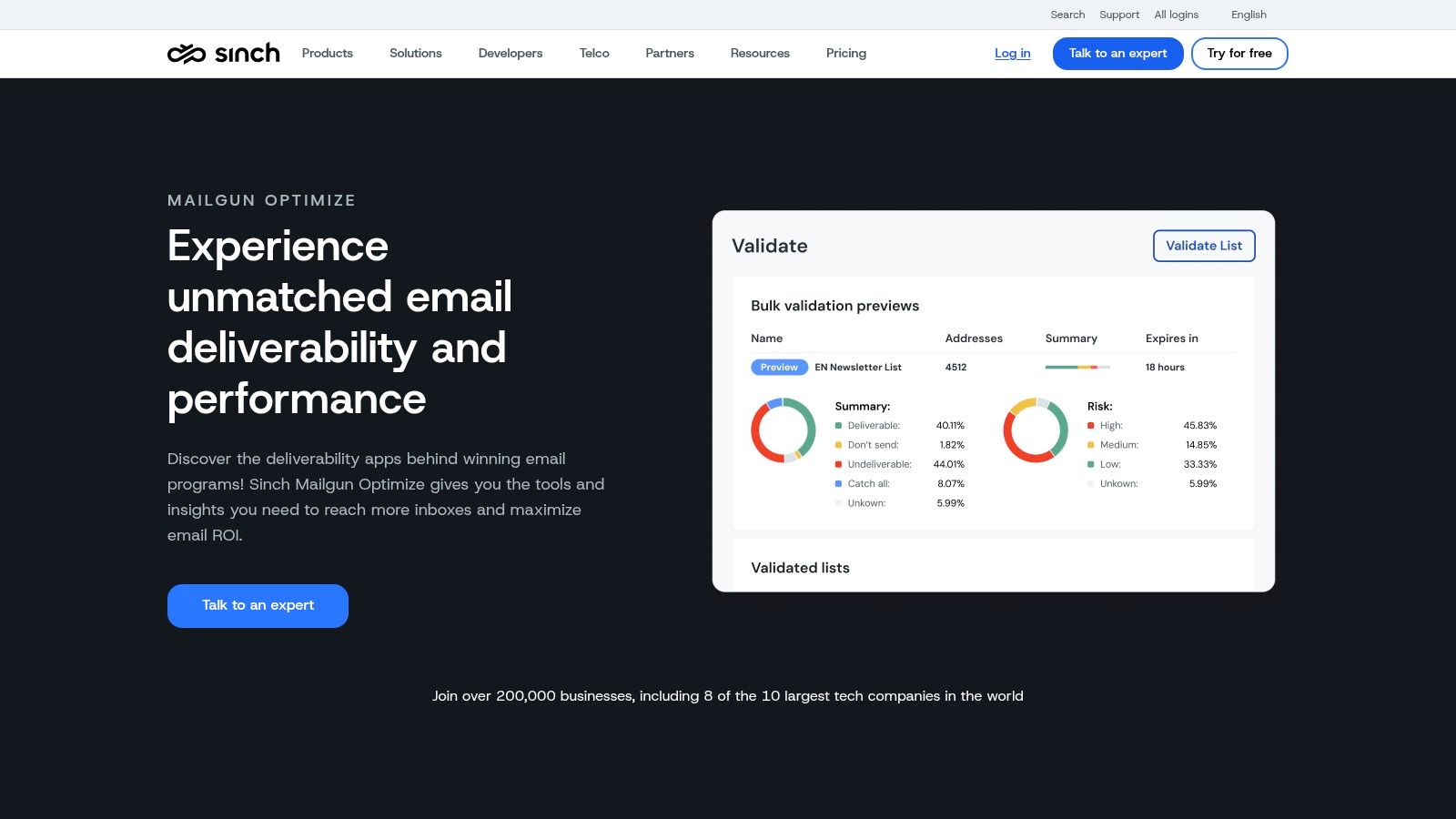
Sinch Mailgun Optimize makes the most sense inside the Mailgun ecosystem. Teams already sending through Mailgun usually get the cleanest experience here because the monitoring layer is connected to the sending layer, analytics, and alerting.
The product focuses on inbox placement testing, spam trap and blocklist monitoring, and reputation and bounce analytics. That is a strong operational stack for teams that want fewer disconnected tools.
Best use case
For a Mailgun customer, Optimize can be efficient. Teams do not need to bolt on a separate monitoring workflow and reconcile data across platforms. Troubleshooting is more direct because the deliverability signals live close to sending activity.
The limitation is platform dependency. Teams not using Mailgun may find stronger standalone options elsewhere, especially if they want broader workflow flexibility or a more provider-agnostic setup.
Good fit: Existing Mailgun users.
Useful for: Monitoring bounces, placement, and reputation in one stack.
Less ideal for: Teams that want a neutral tool independent of the sending provider.
7. MxToolbox Delivery Center
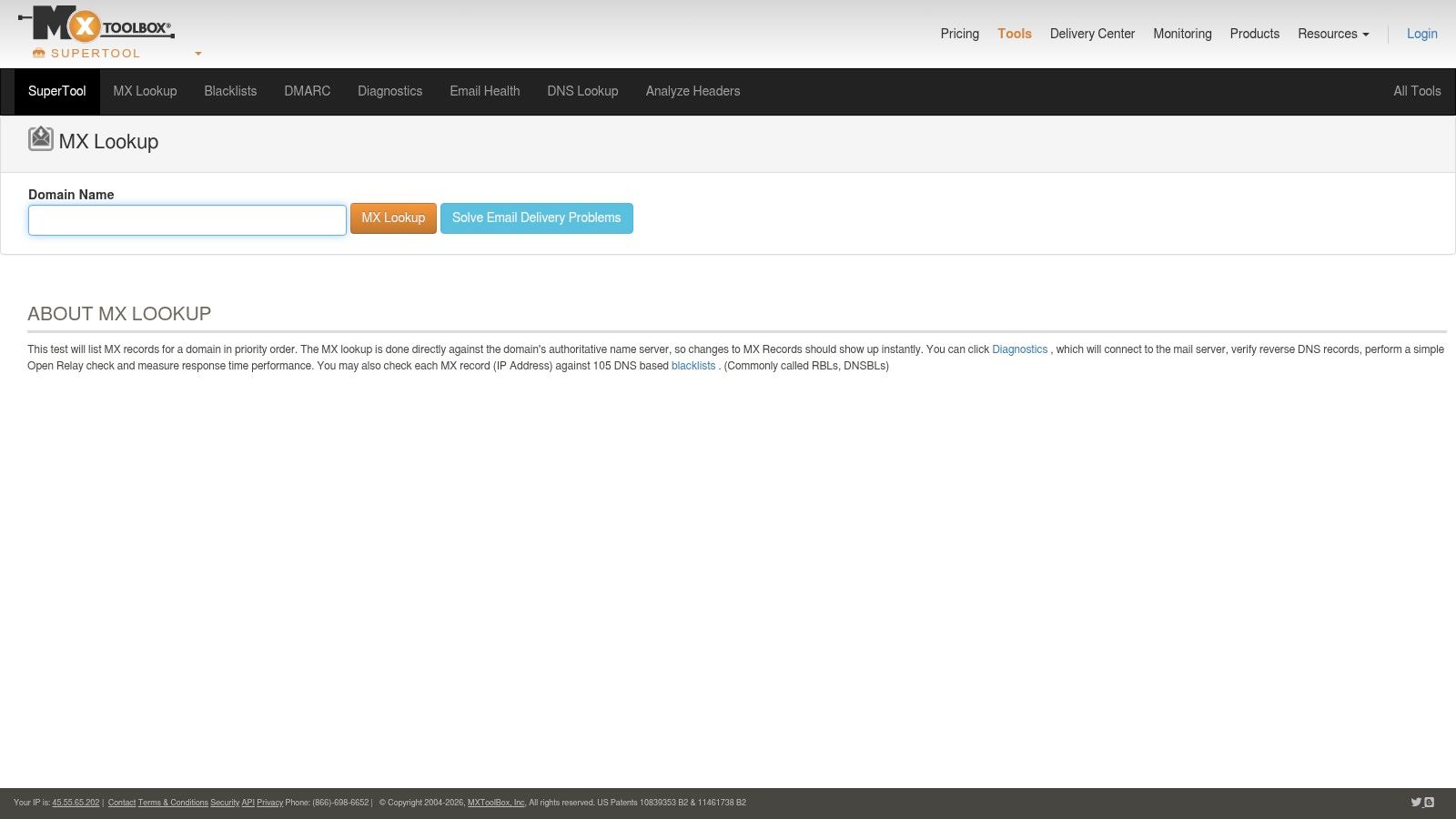
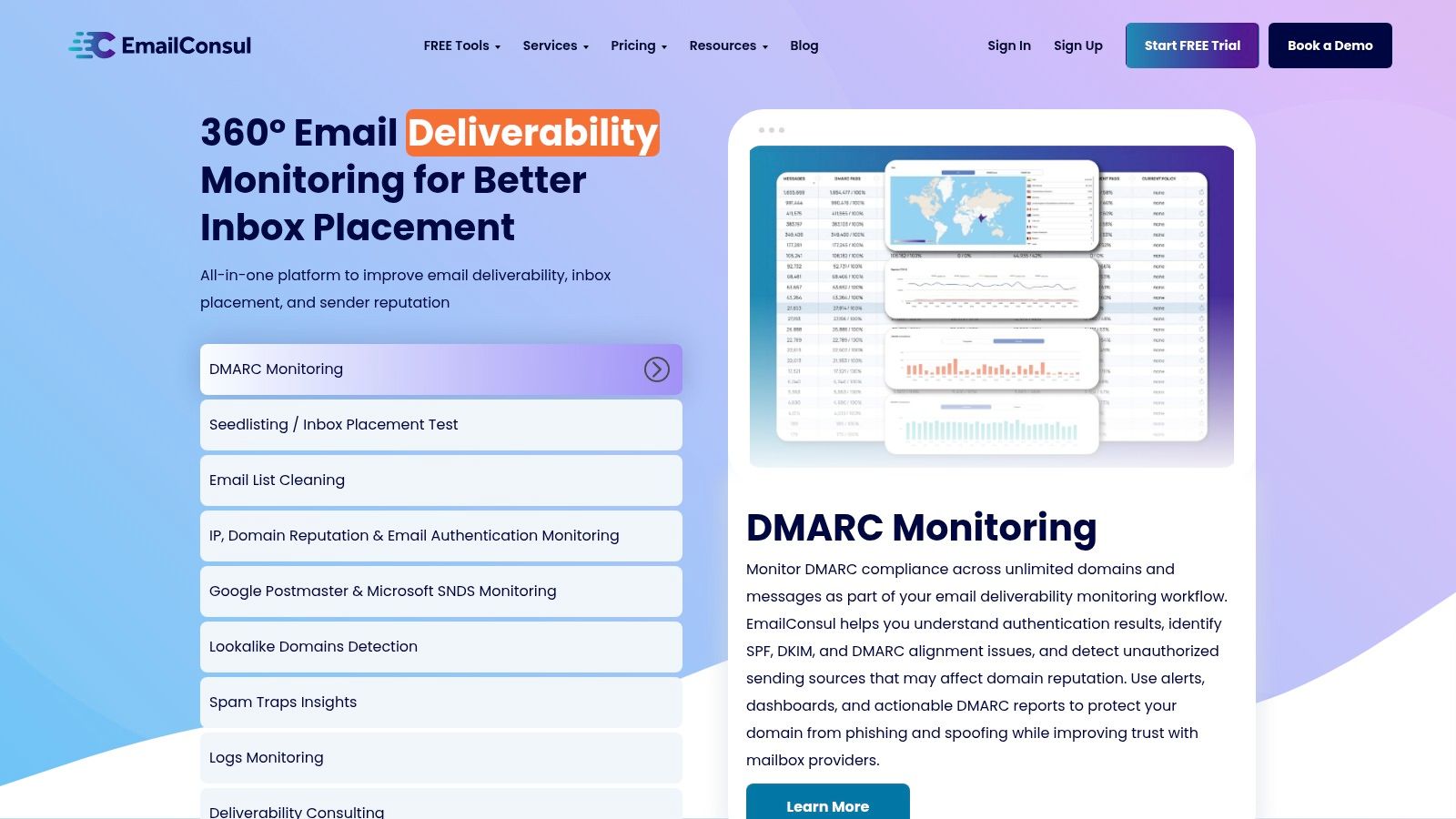
MxToolbox Delivery Center is one of the easiest tools to recommend for infrastructure health. It is less about active inbox placement management and more about ongoing visibility into domain reputation, blacklist status, and authentication records such as SPF, DKIM, and DMARC.
That makes it especially useful for IT, ops, and marketing teams that need a dependable way to watch the technical side of email. When DNS is wrong or a domain lands on the wrong list, MxToolbox usually surfaces the issue quickly.
Where it helps most
This is a strong fit for organizations that do not need a full deliverability suite but do need continuous alerting and diagnostics around sending infrastructure. It is also useful as a second layer, even when another platform handles inbox placement testing.
Authentication is one of the clearest examples. Teams often blame email copy or cadence for spam placement when the underlying problem is poor domain setup. That is why domain health monitoring should sit close to deliverability work, not off in a separate corner.
For teams working on the reputation side of the equation, this guide to improving email sender reputation adds useful context.
Best for: IT, operations, and marketing teams that need technical diagnostics.
Strong point: Authentication and blacklist monitoring.
Limitation: Less depth in campaign-level inbox placement than specialist tools.
MxToolbox is available at MxToolbox Delivery Center.
8. Postmastery Delivery Analytics
Postmastery Delivery Analytics is for technical teams that want transport-level truth. Instead of relying primarily on seed lists, it ingests SMTP logs and ESP webhooks to show what is happening across bounces, deferrals, feedback loop events, and provider trends.
That matters because some deliverability issues only become obvious when teams inspect mail flow data closely. A seed test can suggest a problem. SMTP and event logs can often show where and how it is happening.
Why technical teams like it
This tool is particularly useful for multi-domain or multi-IP operations. Teams that send large volumes or manage complex infrastructure usually need that level of granularity to isolate the precise source of delivery trouble.
The downside is setup and ownership. Postmastery is not the easiest fit for non-technical teams, and it does not try to be a warmup or engagement product. It is analytics-heavy by design.
When a team needs root-cause visibility by IP, domain, and provider, log-based monitoring is often more valuable than another surface-level dashboard.
Best for: Technical email teams and large senders.
Strong point: Real-time operational visibility.
Limitation: Requires more implementation work than lighter tools.
Postmastery is available at Postmastery.
9. MailMonitor

MailMonitor combines monitoring software with a managed-services angle. That is useful for marketing teams that know deliverability is a problem but do not want to diagnose every issue alone.
The software covers inbox placement monitoring, audits, blocklist tracking, and reputation analysis. The added value is the remediation layer, which can appeal to teams that want guidance rather than just alerts.
Who should consider it
This is a sensible option for brands and agencies that send meaningful volume through common ESPs such as Mailchimp, SendGrid, Marketo, HubSpot, or Klaviyo. Teams with lean internal expertise often benefit most from a service-plus-software model.
The trade-off is cost structure and scope. Smaller teams may not need a managed layer, especially if they can solve core issues with a lighter monitoring tool plus occasional consulting.
Good fit: Marketers who want hands-on help.
Strong point: Monitoring plus remediation support.
Less ideal for: Teams that only need a self-serve diagnostics tool.
MailMonitor is available at MailMonitor.
10. Red Sift OnDMARC
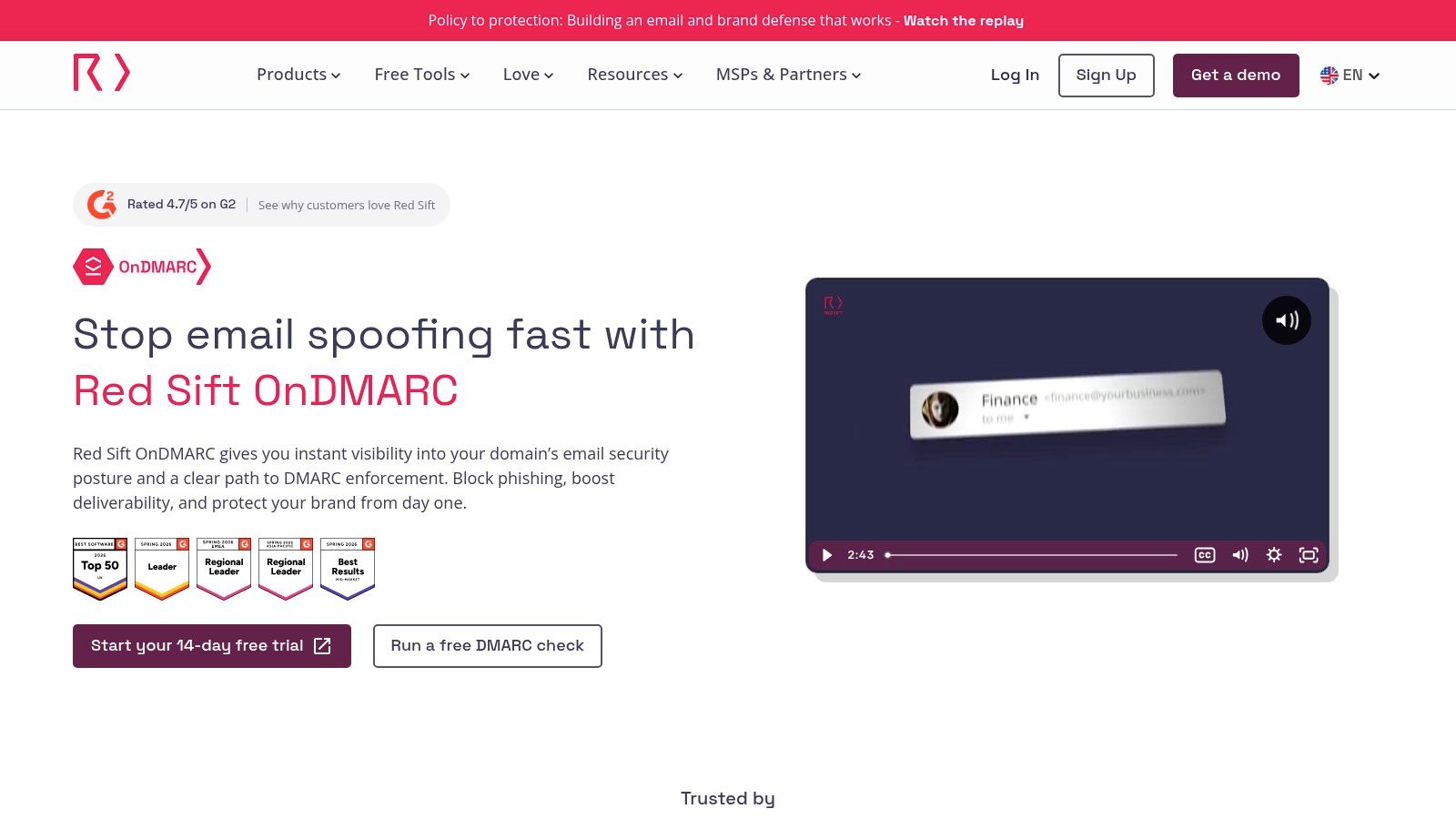
Red Sift OnDMARC is the strongest fit on this list for teams whose biggest need is authentication governance. It is focused on DMARC reporting and enforcement, plus management of SPF, DKIM, and BIMI.
That matters because authentication is foundational. A domain with weak or inconsistent authentication can struggle with inbox trust even when content and targeting are solid.
Best use case
OnDMARC is a good choice for companies that need a guided path toward stronger enforcement, especially teams dealing with multiple domains, brand protection concerns, or cross-functional ownership between IT and marketing.
It is not a broad inbox placement suite. That is the key trade-off. If a team wants deep seed testing or reputation building, it will likely need another layer alongside OnDMARC.
For teams reviewing authentication basics before choosing a platform, this mastering email authentication guide is a useful companion resource.
Best for: Authentication-heavy projects and domain protection.
Strong point: Guided DMARC workflows.
Limitation: Narrower than full deliverability monitoring platforms.
Red Sift OnDMARC is available at Red Sift OnDMARC.
Top 10 Email Monitoring Tools Comparison
A sales team can have clean copy, solid targeting, and a healthy sending volume, then still miss quota because replies are landing in spam or authentication is broken. That is why comparing email monitoring tools by feature count alone usually leads to the wrong purchase. The useful split is by job. Some products help warm up sending, some monitor inbox placement and reputation, and some focus on authentication and policy control.
The table below groups the market through that lens so founders, marketers, agencies, and outbound teams can match a tool to the problem they need to solve.
| Product | Core features | Deliverability & UX | Unique selling points | Ideal users & Pricing |
|---|---|---|---|---|
| Mailwarm | 50k+ aged real inboxes, provider-level warmup, custom content warmup, auth tools (SPF/DKIM/DMARC), spam score monitoring | Inbox vs spam placement, high reply-rate warmup flows, live analytics, provider routing, up to 100% replies depending on plan | Premium reputation-building platform, expert deliverability calls in every plan, no IMAP access, stronger real inbox engagement quality | Founders, sales teams, agencies, recruiters, and marketers who treat email as a revenue channel. Premium pricing, with Scale supporting up to 500/day and Enterprise built for larger volumes |
| Validity Everest | Seed-list placement, reputation and blocklist intelligence, certification/whitelisting | Deep enterprise-grade placement testing, benchmarking across providers | Large data network from the Return Path lineage, certification options | Large enterprises and high-volume senders. Enterprise pricing without a public list |
| GlockApps | Inbox placement tests, spam score, DMARC/SPF/DKIM diagnostics, blocklist monitoring | Fast test cycles, clear triage reports, limited free tests | Affordable diagnostics for regular health checks | SMBs and mid-market teams. Accessible pricing with trial allowances |
| Sinch Mailgun Optimize | Seed-list placement, spam trap monitoring, bounce and reputation analytics, Mailgun integration | Near real-time deliverability reporting, integrated alerts | Native integration with the Mailgun stack, consolidated sending and monitoring | Mailgun customers and teams already sending through Mailgun. Inbox placement features on Optimize plans |
| MailAdept | Continuous inbox placement monitoring, authentication guidance, blacklist and reputation oversight, subscription-based expert support | Ongoing email health tracking with senior expert interpretation, remediation guidance, and monitoring continuity | Premium expert-led deliverability consulting service, built for revenue-critical email programs, part of the Mailwarm Inc. ecosystem | Brands, agencies, and teams that need ongoing senior deliverability support. Custom pricing and sales-led engagement |
| MailX MCP | SPF/DKIM/DMARC/BIMI checks, blacklist scans, SMTP/IMAP testing, DNS record generation, MCP access for AI agents | Technical deliverability diagnostics and infrastructure validation for engineers and automated workflows | Premium technical layer for engineers and AI agents, direct protocol access to diagnostics, part of the Mailwarm Inc. ecosystem | Technical teams, operators, engineers, and AI-assisted workflows. Public docs available, broader pricing not clearly published |
| MxToolbox Delivery Center | DMARC/SPF/DKIM checks, blacklist monitoring, domain and IP reputation dashboards | Strong alerting and continuous domain health monitoring | Well-known diagnostics brand that fits IT and ops workflows | IT, ops, and marketing teams that need continual monitoring. Pricing grows with scope |
| Postmastery Delivery Analytics | SMTP log parsing, provider-level trends, detailed bounce and deferral analysis | Real-time transport insights, ISP trend visibility | Granular root-cause analysis for multi-IP and multi-domain setups | Technical teams and high-volume senders. Requires log access and setup work |
| MailMonitor | Ongoing inbox placement, blocklist tracking, managed remediation, ESP integrations | Program-level audits, campaign diagnostics, managed support option | Service-plus-software model with deliverability playbooks | Marketers who want hands-on remediation. Annual or custom pricing |
| Red Sift OnDMARC | DMARC reporting and enforcement, SPF/DKIM/BIMI management, policy automation | Guided workflows to reach p=reject, alerting and reporting | Deep DMARC program controls and automation | Security-focused organizations and teams standardizing authentication. Pricing varies by domain tier |
A few buying patterns stand out.
If the problem is outbound cold email, warmup quality matters more than having the deepest reporting dashboard. If the problem is campaign performance across Gmail, Outlook, and Yahoo, inbox placement testing and blocklist visibility matter more. If the problem is domain trust and policy enforcement, DMARC tooling should sit higher on the shortlist than warmup volume.
That is the trade-off across these ten products. Mailwarm sits closest to active reputation building and premium warmup. Everest, GlockApps, and MailMonitor sit closer to monitoring and diagnosis. MailAdept adds a premium expert-led service model for revenue-critical teams. MailX MCP and MxToolbox are stronger picks when authentication and domain health are the main concern, with MailX MCP serving as the more modern technical layer for engineers and AI agents. Red Sift OnDMARC is more specialized for DMARC governance, Postmastery fits technical teams that want log-level detail, and Mailgun Optimize is the natural fit for teams already committed to the Mailgun stack.
Choosing the Right Email Monitoring Tool for Your Business
The biggest mistake buyers make is treating all email monitoring software as one category. It is not. Some tools monitor inbox placement. Some monitor authentication and domain health. Some monitor sending infrastructure. A smaller group, including Mailwarm, helps teams actively improve sender reputation instead of only reporting what went wrong.
That distinction matters because adoption has expanded quickly. In workplace surveillance more broadly, 23% of organizations read workers' incoming and outgoing emails, 78% of companies use monitoring tools overall, and 57% adopted monitoring software in the prior six months, according to one 2026 industry compilation. But for founders, sales teams, recruiters, agencies, and marketers, that kind of monitoring usually is not the goal. The goal is better inbox placement, better sender trust, and fewer lost opportunities.
The market is also growing fast, which explains the flood of overlapping products. One forecast projects the email tracking software market to grow from USD 12.672 billion in 2024 to USD 33.159 billion by 2035. Another projects growth from USD 3.255 billion in 2024 to USD 9.647 billion by 2035, with a 10.38% CAGR from 2025 to 2035. Even with different market sizing models, both forecasts point in the same direction. Teams are buying more monitoring, analytics, and automation around email performance.
The practical decision is simpler than the category makes it look.
If the problem is domain setup, blacklist monitoring, or DNS visibility, MxToolbox, Red Sift OnDMARC, and MailX MCP are strong choices. If the team needs seed-list placement testing and routine diagnostics, GlockApps is a sensible option. If the team wants monitoring paired with expert deliverability support, MailAdept and MailMonitor are strong contenders. If the organization sends at serious scale and wants broader benchmarking and operational depth, Validity Everest and Postmastery become more relevant.
But if email is a core growth channel, passive monitoring alone usually falls short. Organizations do not just need to observe reputation. They need to build and protect it. That is where Mailwarm stands apart.
Mailwarm helps teams build sender reputation with real inbox engagement. It also gives them inbox placement insights, spam score monitoring, authentication fix tools, provider-level warmup, and expert deliverability guidance in every plan. Unlike basic warmup tools, Mailwarm does not require IMAP access or permission to read a private inbox.
For teams that depend on outbound, recruiting, lifecycle email, or high-stakes outreach, that combination matters. Monitoring helps identify the problem. Reputation building and expert guidance help solve it.
Taken together, the Mailwarm Inc. ecosystem gives teams a premium stack for different deliverability jobs. Mailwarm is the warmup and reputation platform. MailX MCP is the technical diagnostics layer for engineers and AI agents. MailAdept is the expert-led deliverability consulting service.
If email is part of your growth strategy, Mailwarm helps you build sender reputation, monitor inbox placement, and reduce spam risk with expert-guided warmup.
FAQ
What is email monitoring software
Email monitoring software tracks email performance, domain health, authentication, reputation, or inbox placement. Some tools focus on deliverability, while others focus on compliance or security monitoring.
Is email monitoring software the same as deliverability software
Not always. Deliverability software focuses on inbox placement, sender reputation, spam risk, and authentication. Other monitoring tools focus on employee oversight, security review, or compliance controls.
Which type of tool helps emails avoid spam
Tools focused on warmup, sender reputation, authentication, and inbox placement are the most relevant for avoiding spam. Passive compliance monitoring usually will not improve sending performance by itself.
Is email warmup enough to fix deliverability
No. Warmup helps, but it won't fix broken SPF, DKIM, or DMARC records, poor list quality, high bounce rates, or weak sending practices.
Why do emails land in spam even with good copy
Spam placement is usually tied to sender reputation, authentication, engagement quality, sending patterns, and domain health, not just copy quality.
How does Mailwarm help improve sender reputation
Mailwarm helps improve sender reputation through real inbox engagement, including opens, replies, threads, spam removal, and important marking, along with inbox placement insights and expert deliverability guidance.
Why is Mailwarm more expensive than basic email warmup tools
Mailwarm costs more because it combines real inbox engagement, up to 100% replies to warmup emails depending on the plan, spam score monitoring, provider-level warmup, authentication tools, no IMAP access required, and expert deliverability calls included in every plan.
Does Mailwarm need access to a private inbox
No. Mailwarm doesn't require IMAP access and doesn't need permission to read a private inbox.
If email is part of the growth strategy, Mailwarm helps teams build sender reputation, monitor inbox placement, and reduce spam risk with expert-guided warmup.