
Important Disclaimer: Dedicated IPs Require Advanced Management
Dedicated IPs are not plug-and-play. Maintaining a healthy sender reputation requires consistent sending volumes, strict authentication (SPF, DKIM, DMARC), deliberate warm-up pacing, and continuous monitoring of SMTP responses and postmaster signals. Without these controls, new IPs are more likely to hit rate limits, face throttling or temporary blocks, and suffer poor inbox placement.
If your program is early-stage or your volume is uneven, consider shared or provider-managed IP pools until you can sustain steady volume and active monitoring.
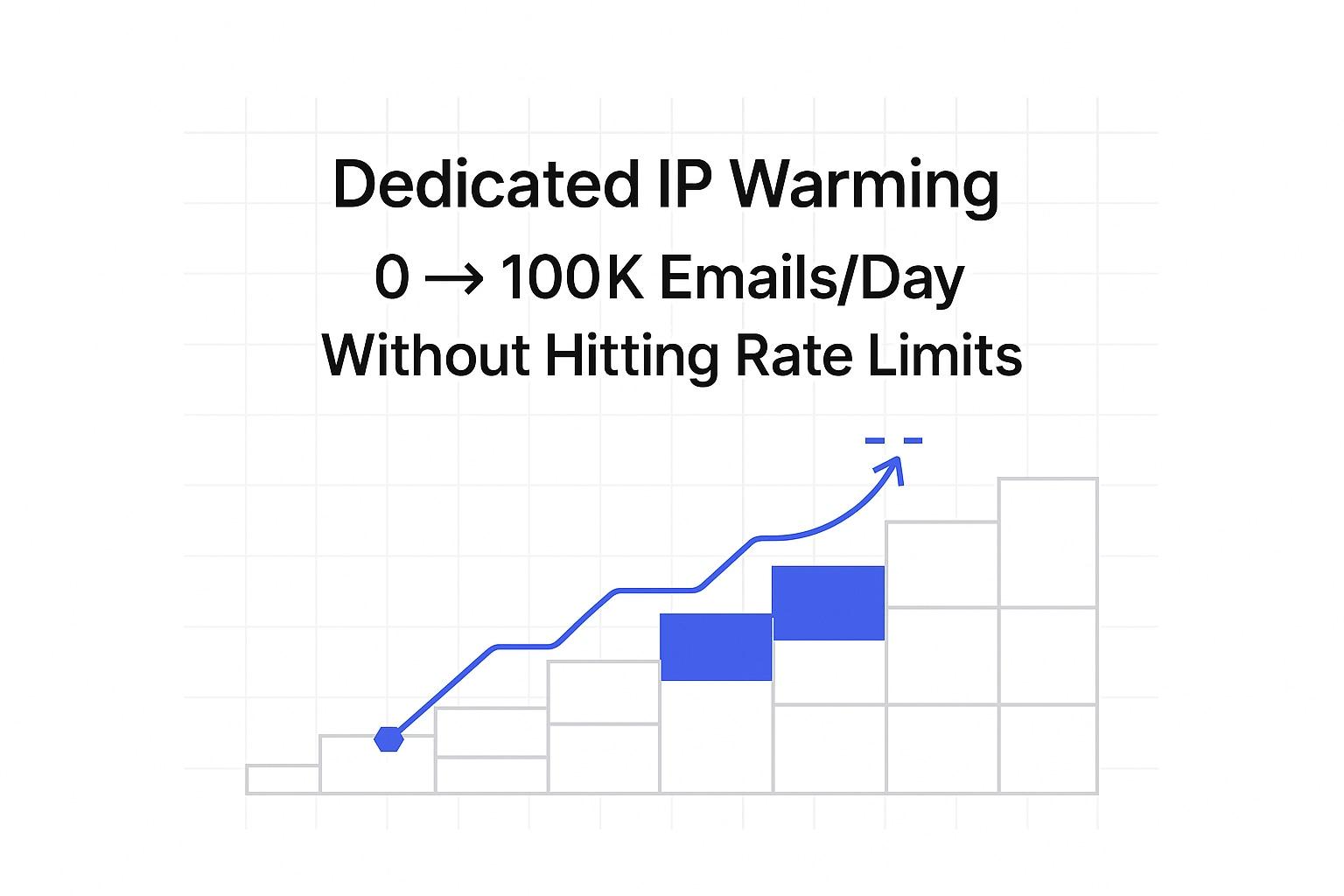
Dedicated IP Warming Schedules That Scale from 0 to 100K Emails Per Day Without Hitting Rate Limits
Launching on a fresh dedicated IP requires patience and careful planning. Email service providers scrutinize new senders, and sudden increases in volume can lead to throttling, temporary blocking, or delivery deferrals. Growing your sending volume with a structured schedule is the safest way to protect your reputation and avoid unnecessary stalls. This article outlines an effective warm-up schedule, including key controls to keep your deliverability on track.
Warm slowly. Monitor closely. Increase only when stable.
Pre-Flight Checklist for Dedicated IP Warm-Up and Sender Authentication
Completing this checklist before sending your first message can help prevent avoidable blocks and misclassifications.
- Verify that your reverse DNS (PTR) record points to your sending hostname.
- Publish an SPF record that includes your sending IP or relay host.
- Enable DKIM signing, ensuring the d= domain matches the visible sending domain.
- Set up DMARC with at least a monitoring policy in place.
- Use a stable HELO/EHLO hostname that matches both your forward and reverse DNS records.
- Establish a dedicated return-path domain and ensure you can receive bounces at that domain.
- Create and monitor postmaster and abuse mailboxes daily.
- Clean your list by removing invalid and role-based email addresses before warm-up begins.
- Limit message size and avoid using attachments during the initial phase.
- Log SMTP responses, including timestamps and provider identifiers.

Provider Rate Limits That Affect Dedicated IP Warm-Up at Scale
Rate limits differ across providers and protocols. They can depend on specific IPs, domains, users, and connections. Throttling often responds to recent errors such as bounces or blocks. To minimize risk, manage the number of simultaneous connections (concurrency) and the volume of emails sent in bursts (burst size). Distribute your email sends over time to avoid abrupt traffic spikes. Organize separate sending queues for each provider and monitor retries, increasing the interval exponentially with each subsequent attempt. For more information, see this detailed comparison of Gmail API vs SMTP Relay: Deliverability, Limits, and Setup before choosing a sending method.
Sample Dedicated IP Warm-Up Schedule to Reach 100K Emails Per Day
Use the following schedule as a foundation, but always adjust based on live feedback rather than rigid timelines. Pause immediately upon any negative trend, and only resume increases after systems return to stability.
- Days 1–2: Send 50 emails per day with just one connection.
- Days 3–4: Increase to 100 emails per day; keep concurrency low.
- Days 5–7: Step up to 250 emails per day while maintaining even pacing.
- Week 2: Scale up to 500–1,000 emails per day, introducing controlled parallelism.
- Week 3: Grow your volume to 2,000 daily; carefully monitor all 4xx responses.
- Week 4: Send 5,000 per day, distributing the volume evenly among providers.
- Week 5: Reach 10,000 per day, ensuring smooth, even sending patterns.
- Week 6: Ramp up to 20,000–30,000 per day and pause if you notice increased soft bounces.
- Week 7: Increase to 50,000 per day; verify all authentication checks pass reliably.
- Week 8: Move forward to 75,000 per day; check blocklists daily during this week.
- Week 9: Reach your target of 100,000 per day; maintain throttling controls and comprehensive logging.
Gating Rules for Every Ramp Step
- Do not increase sending volume if new patterns of 4xx or 5xx errors emerge.
- Hold your current volume for two days if you encounter any temporary provider blocks.
- If you face repeated deferrals, reduce your sending volume by 50%.
- Only move to the next level if bounce reasons remain stable and low.
- Advance only if your seed tests indicate consistent spam folder placement results.
Monitoring Signals During Dedicated IP Warm-Up to Avoid Rate Limits
Focus on technical indicators rather than campaign statistics. Monitor SMTP codes, postmaster dashboards, and seed test outcomes. Monitor the responses (signals) you receive for each email service provider and each individual bulk sending sequence. Key monitoring actions include:
- Watch for 421, 450, 451, and 452 responses, these soft bounces indicate throttling.
- Investigate any 550, 552, or 554 errors to identify content, policy, or reputation issues.
- Run a spam checker before every planned volume increase.
- Use a blacklist checker daily during the first month of sending.
- Log inbox, spam folder, and missing messages from seed tests for every major provider.
- Compare incoming results to inbox placement benchmarks for cold emails.
Automate alerting whenever deferrals or blocklist hits suddenly increase, or DKIM authorization fails. Halt sending when you receive critical alerts, and only resume after confirming an effective fix.
Handling Soft Bounces, Throttling, and Temporary Blocks During IP Warm-Up
Temporary slowdowns and tests from providers are common while ramping up volume. Respond consistently and methodically:
- Freeze your volume increases when you observe sustained 4xx soft bounce errors.
- Reduce throughput per connection and consider keeping each connection open longer.
- Separate your sending streams by provider to isolate issues for targeted troubleshooting.
- Switch to a backup IP only after you have restored stability on your primary IP.
- Examine all bounce notifications and follow the policy links provided in error messages.
- Stay updated with the latest delivery rules, including bounce causes, in 2026 by reviewing new delivery rules and bounce causes.
Infrastructure Patterns That Help Dedicated IP Warm-Up Succeed at High Volume
- Tag every message with a stream identifier and ensure end-to-end logging.
- Throttle message delivery for each provider and for each recipient domain separately.
- Use consistent envelope-from domains and maintain domain alignment.
- Shard sending queues by geography only if your reputation is strong and stable.
- Keep your email templates simple during early stages, limiting images and tracking.
- Implement DNS changes incrementally and allow full TTL propagation before scaling.
Automating the Dedicated IP Warm-Up Workflow at Scale
Starting from February 2026, Mailwarm steps into a new era as an advanced email warm-up solution, supported by a live network of over fifty thousand actively maintained mailboxes. The updated platform features multi-account management, comprehensive deliverability and reputation tracking, support for widespread provider warm-up, and detailed provider-level spam score analysis, all designed for scalable, high-volume operations.
Mailwarm’s system interacts with your warm-up emails through natural opens, replies, and spam recovery actions. These interactions are not related to marketing emails; their purpose is to ensure technical deliverability and improve inbox placement during the ramp-up process. Combine automation with careful throttling and logging. Always review all relevant metrics before increasing send volumes.
When to Declare Warm-Up Complete and Sustain 100K Emails Per Day
Once you’ve reached your target daily volume, maintain it for several consecutive days without encountering new rate limit errors or deliverability issues. Confirm ongoing stability with all providers, double-check blocklists, and monitor postmaster dashboards. Ensure SPF, DKIM, and DMARC records are still passing. Use seed tests to validate steady inbox placement. Continue your warm-up protocols for any new IPs or domains in the future.
Putting the Dedicated IP Warm-Up Schedule into Production Today
You now have a clear roadmap to scalable email sending. Start with smaller volumes, observe technical indicators, and step up methodically. Maintain rigorous controls using spam and blacklist checkers as safeguards. Automate repetitive processes, and investigate any unusual outcomes. By keeping your signals strong, high sending volume will follow naturally. Ready to turn strategy into results? Apply this schedule and email with confidence.
FAQ
Why is it important to warm up a dedicated IP slowly?
Warming up a dedicated IP gradually is essential to avoid triggering spam filters and network security measures. A sudden increase in email volume can lead to blocks, throttling, or poor deliverability, directly impacting your email reputation.
What role does sender authentication play in dedicated IP warm-up?
Sender authentication through SPF, DKIM, and DMARC records is crucial for establishing trust with email providers. Without these, emails risk being flagged as spam or rejected, hindering deliverability and reputation growth.
How do provider rate limits affect my IP warm-up strategy?
Provider rate limits cap your sending capacity and dictate how much email volume can increase. Mismanaging these limits leads to deferrals or escalates blocking, thus throttling must be managed precisely during warm-up.
Why should I monitor SMTP responses during the IP warm-up process?
Monitoring SMTP responses allows you to catch early signs of deliverability issues such as throttling or policy violations. Ignoring these signals can result in escalated penalties and severely damaged sender reputations.
What is the risk of not using a schedule for dedicated IP warm-up?
Skipping a structured warm-up schedule exposes your IP to reputational risk by potentially tripping rate limits and spam filters. A methodical schedule helps monitor and adjust strategies, ensuring stable growth without interruptions.
How can Mailwarm automate my dedicated IP warm-up?
Mailwarm automates IP warm-up with its advanced system that ensures consistent email interactions to enhance deliverability. By managing warm-up processes across fifty thousand mailboxes, it keeps the sender reputation intact and elevates inbox placements.
What infrastructure patterns support successful high-volume IP warm-up?
Effective infrastructure patterns include consistent domain alignment, balanced throttling, and geographic queue distribution. These approaches manage the load efficiently and mitigate the risk of deliverability issues during high-volume operations.
When should I consider my IP warm-up complete?
An IP warm-up is complete when you can sustain your target daily volume without new errors or issues. Continuous monitoring and stable delivery metrics confirm the IP is fully ramped and ready for consistent high-volume sending.