
A cold email campaign means outbound email to people who never asked to hear from you. It only has a chance if those messages land in the inbox, so we start with deliverability before we touch the copy.
Why Deliverability Comes Before Copy
We’re the Mailwarm deliverability team. We’ve worked with senders since 2020, backed by Y Combinator (S20), and the order we give SDR leads and founders is still the same: infrastructure, warmup, ramp, list, copy, then measurement.
Before writing, look at the reply math. One analysis of 1,288,605 cold emails found a 2.66% raw reply rate, yet only 0.70% produced human responses and 0.24% produced interested responses.
On 10,000 emails, that works out to roughly:
- 266 total replies, including responses that aren’t human.
- 70 human responses, which still don’t necessarily signal interest.
- 24 interested replies, the conversations worth separating from the headline number.
If a message never reaches the inbox, it cannot earn even those few interested replies. Fix placement before rewriting your pitch.
Set Your Launch Gates
We use these checkpoints before volume goes up. Treat them as operating guardrails rather than guarantees that a mailbox provider will accept or place every message.
| Stage | What Good Looks Like | Limit to Watch |
|---|---|---|
| Infrastructure | Separate domains, never the main domain | 2 to 3 mailboxes per domain |
| Warmup | Warmed mailboxes before outreach | 2 to 4 weeks |
| Ramp | Small increases after stable results | Start at 20 to 30 daily |
| List | Verified contacts before upload | Bounces under 2% |
| Copy | Plain text, one ask, unsubscribe line | 2 to 3 follow-ups |
| Measurement | Human replies and placement checks | Complaints below 0.1% |
Quick example: six mailboxes at 25 emails daily send 150 emails. That is a starting workload, so treat tomorrow as another review rather than an automatic increase.
Before launching your cold email campaign, test your email deliverability with the actual message at Gmail and Outlook. Get that baseline first, then judge copy or add volume.
Cold outreach never goes out from our main company domain. We run campaigns through separate sending domains, with 2 to 3 mailboxes on each one, so prospecting stays far away from customer conversations, invoices, and internal email.
Running 6 mailboxes? Both splits do the job:
- 2 domains holding 3 mailboxes each. Fewer moving parts, simpler admin.
- 3 domains holding 2 mailboxes each. The sending load spreads across more domains.
If one domain starts collecting reputation problems, we pause its mailboxes and let the rest keep sending. That separation lowers the exposure for your primary domain, though it won't shield you from every signal providers evaluate.
Separate domains are risk containment. They're not permission to send unwanted email.
Before anything launches, we make sure SPF, DKIM, and DMARC pass, and that the SPF and DKIM identities line up with the From domain recipients actually see. Run a DKIM record lookup to inspect the published signing record, then open a real received message and check the authentication results for yourself.
Check Authentication Before Connecting Campaigns
A clean result shows spf=pass, dkim=pass, and dmarc=pass. The sneaky failure is DMARC alignment: authentication passes, but for a different domain than the one sitting in your From address.
How often does this bite? Across 12,936 custom domains we tracked from July to October 2026, 45% still published p=none, 16% enforced reject, 16% quarantine, and 24% had no DMARC record at all. Treat these as rounded observations across legitimate senders and spammers alike, not proof that one policy setting causes deliverability problems. Source: Mailwarm network study, October 2026.
For the rest of the setup, work through our cold email deliverability guide before connecting your mailboxes to campaign software and uploading that first prospect list.
Plan on 2 to 4 weeks of warmup for every mailbox before the first cold campaign goes out. That window is where a steady sending history comes from: gradual activity, replies, and engagement that look like normal conversations instead of a sudden outbound blast.
Keep warmup running at maintenance level after launch. Do not turn it off once prospecting begins, and do not read warmup activity as a green light to push campaign volume before placement is checked.
- Before launch: ramp activity gradually instead of throwing a full campaign workload at a new mailbox.
- During outreach: keep maintenance warmup beside the campaign.
- Before raising volume: check real inbox placement, not just warmup stats.
Mailwarm is a premium email warmup and deliverability platform. The email warmup service pairs progressive warmup and ongoing maintenance with real inbox engagement, monitoring, and expert guidance, with no IMAP access and no permission to read a private inbox.
Run These Checks Before Launch
We check readiness mailbox by mailbox before anything goes out. Finishing the warmup window is not the same as approving the actual campaign message.
- Authentication passes and lines up. SPF, DKIM, and DMARC should pass, with the authenticated identities matching the visible From domain.
- Blocklists are clear. The sending domain and sending IP should not be listed.
- Warmup is complete. Each sending mailbox has finished its own 2 to 4 weeks.
- The list is verified. Contacts get verified before they are uploaded to the sequence.
- Placement is tested. Send the real campaign email to a placement test that covers Gmail and Outlook.
The calendar does not approve a launch. If the message still lands in spam after four weeks, find the cause before it goes near prospects.
Working from a new sending domain? Read how to warm up a domain before outreach gets scheduled. Run the checks first, because warmup by itself will not repair weak placement, failing authentication, or an unverified prospect list.
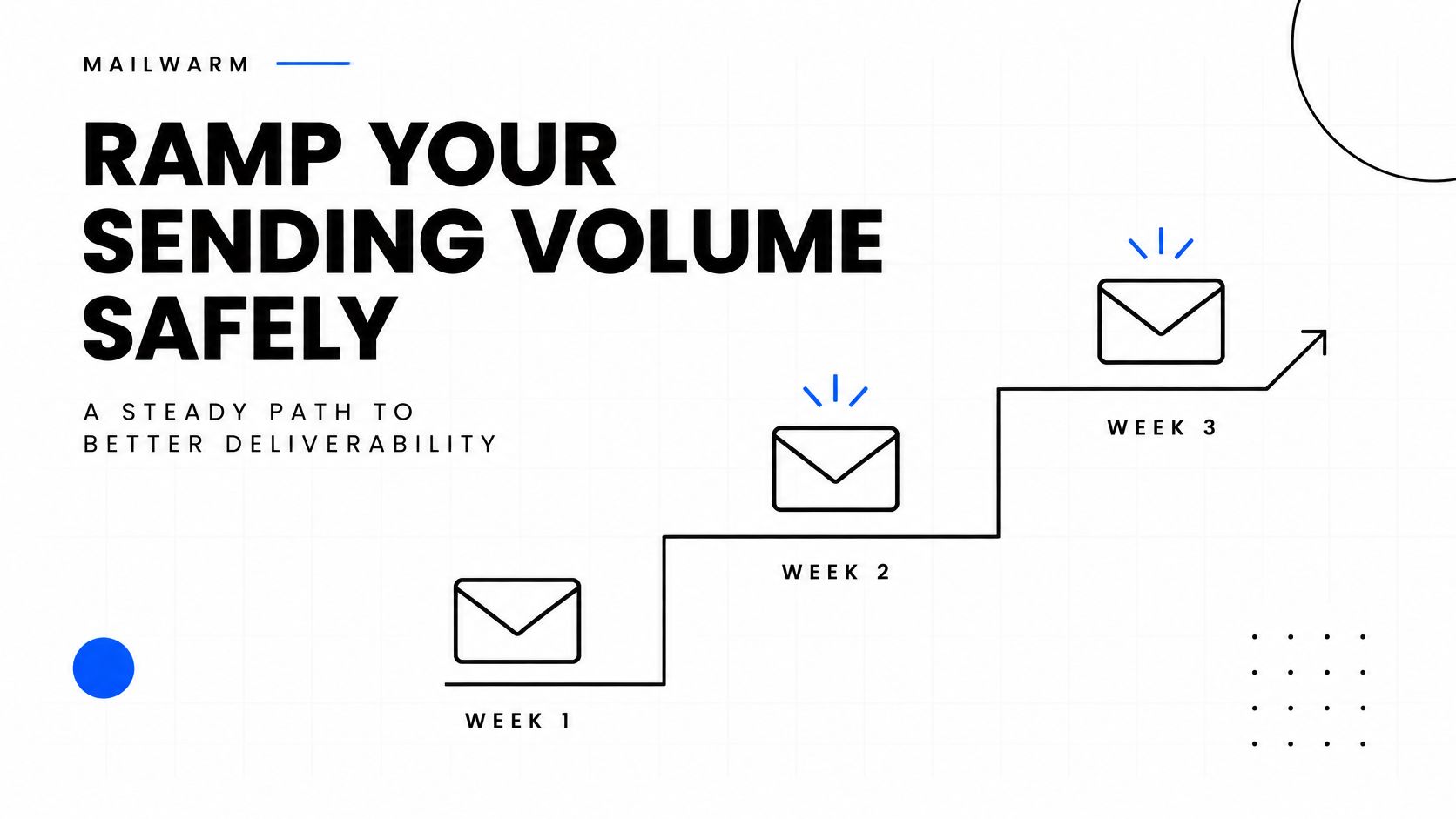
Start your cold email campaign at 20 to 30 cold emails per mailbox per day, then raise it by roughly 10 a week as long as bounce and complaint rates stay low. We publish this as a planning baseline, not a customer's private sending schedule or a promise of inbox placement.
Keep your working ceiling somewhere between 30 and 50 cold emails per mailbox daily. A healthy mailbox never has to touch 50, and plenty shouldn't.
Weekly Ramp for Each Cold Email Mailbox
Here's the schedule we use for planning. Notice that every increase depends on your numbers staying clean, not on the calendar saying it's time.
| Week | Daily Target per Mailbox | Move Up Only If |
|---|---|---|
| 1 | 20 to 30 | Bounces stay under 2%; complaints stay low |
| 2 | 30 to 40 | Bounces stay under 2%; complaints stay low |
| 3 | 40 to 50 maximum | Both checks remain healthy; otherwise hold |
Treat each row as conditional. If the metrics slide, hold your volume or pull it back instead of letting the week number trigger another bump.
The ceiling isn't a target. We'd rather see a mailbox hold steady at 30 than get pushed to 50 while warning signs pile up.
Add Capacity Without Overloading Mailboxes
Say you need more volume than one ramp can give you. Six mailboxes sending 25 emails each produce 150 emails daily. If your target grows to 240 daily, the answer is more warmed mailboxes on separate sending domains, not heavier loads on the inboxes you already run.
One workable plan is eight mailboxes at 30 daily, spread across three or four sending domains. That's planning arithmetic. It isn't permission to launch two fresh mailboxes at full volume on day one.
- Prepare the additional domains and mailboxes before you need the capacity.
- Warm them up and confirm placement before routing any campaign traffic through them.
- Run each new mailbox through the same gradual ramp.
An anonymized sender in our network went from 38.3% to 7.3% spam placement in seven weeks, while sending volume grew from 1,335 to 10,752 emails, with warmup running throughout. Source: Mailwarm network study, October 2026.
That result came from a gradual ramp on a clean setup, not from one single change. It's an individual observation, not an outcome every sender should expect.
Before scheduling your next increase, review our daily cold email sending limits, then approve capacity mailbox by mailbox rather than raising every account together automatically.
Check the list before it goes anywhere near the upload box. Once bad addresses are in the send, every failed delivery is a small vote against the sending domain, and those votes show up before the cold email campaign has earned a single reply.
The math is unforgiving. A 1,000-contact list with 3% invalid addresses gives you 30 bounces. That is a 3% bounce rate on the first touch, already over the 2% pause line we treat as the stop-and-fix point.
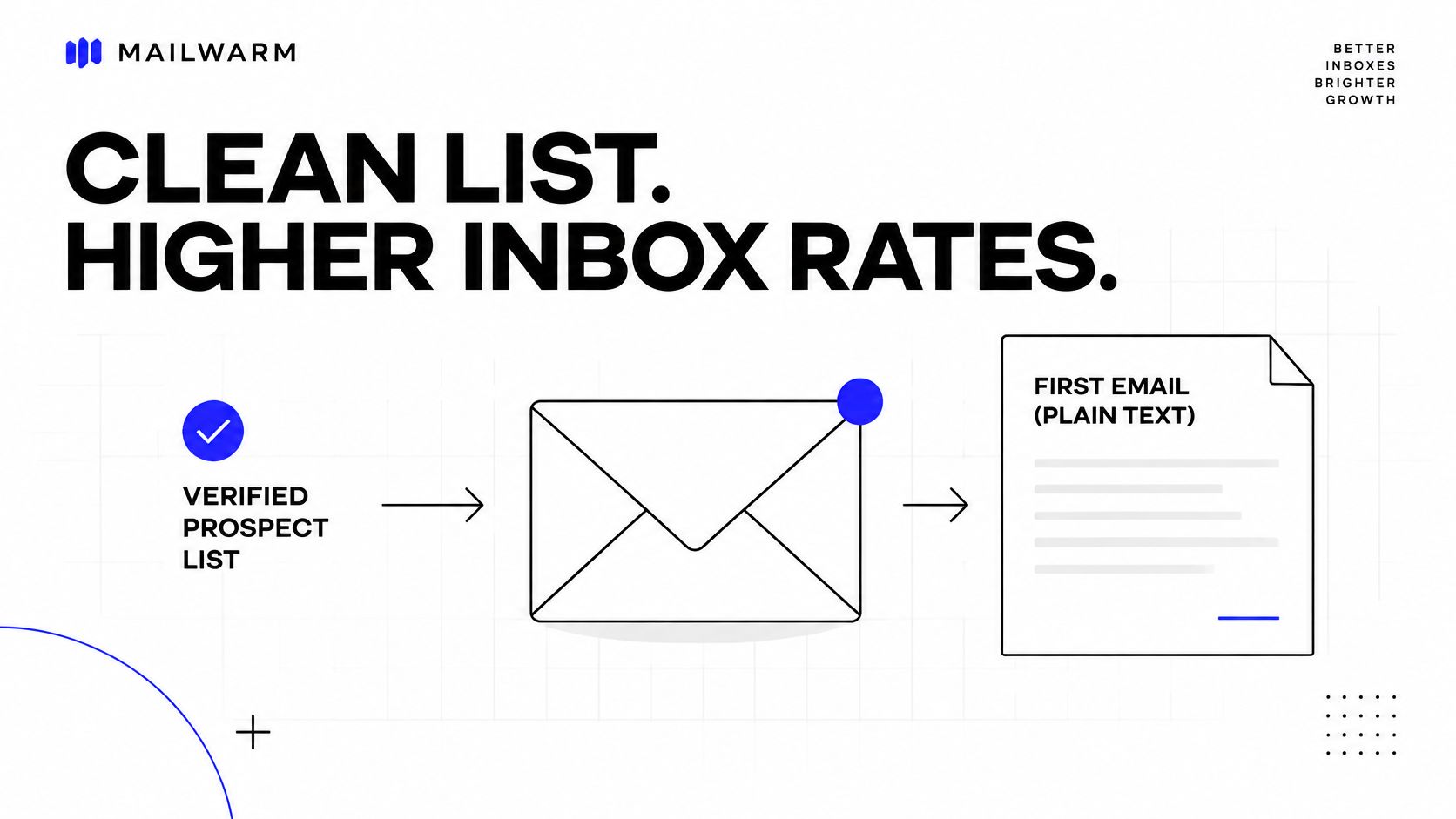
Before importing contacts, run through the boring work that saves the campaign later:
- Verify addresses and cut the invalid results instead of assuming a few will slip through.
- Review uncertain results on their own; “maybe” is not the same as verified.
- Remove duplicates and previous opt-outs so a second mailbox does not contact someone who already said no.
- Check relevance manually by confirming the person’s current role and the specific reason your offer belongs in their inbox.
Verification only tells you the address exists. It says nothing about whether the person wanted to hear from you, so open ten prospect records before launch and ask one blunt question: could this person reasonably guess why you emailed? If the answer is fuzzy, tighten the segment before you write another line.
Write One Reason and One Ask
The first email should stay plain text and under 90 words. Skip heavy HTML, image blocks, and templates loaded with tracking; if the message needs help loading, it is already doing too much.
For an illustrative recruiting offer, this structure works only when the hiring detail is actually true:
Subject: Onboarding your new SDRs
Hi Maya,
I noticed you’re hiring three SDRs. We help sales leads document prospect research and first-email reviews so new reps have a repeatable starting point.
Would you have 15 minutes on November 24 to compare your onboarding checklist with ours?
Alex
Don’t want more emails? Reply “unsubscribe” and I’ll stop.
The Codédex cold-email example makes the same point from the reader’s side: a specific reason earns attention faster than a polished pitch. Our rule is shorter still: one relevant reason and one ask beat a longer pitch that never gets opened.
- Send 2 to 3 follow-ups, spaced a few days apart.
- Add a useful detail rather than repeating the same ask.
- Stop after silence, and stop immediately after an opt-out.
Put a plain-language unsubscribe line in every email. Do not keep stretching the sequence because the tool allows one more touch; every unanswered message is another chance for an unsubscribe, a complaint, or both.
Verify the segment, then approve the message.
How to Measure a Cold Email Campaign
Judge a cold email campaign by the conversations it starts, not by auto-replies. Count human replies and interested replies against delivered emails, and leave out-of-office messages out of the math.
- Human reply rate covers real responses, including polite rejections.
- Interested reply rate is the smaller group showing actual buying intent.
- Bounce rate tracks failed deliveries against attempted sends.
- Spam complaint rate belongs in the provider dashboard, not in your campaign tool’s reply report.
Keep bounces under 2% and Google Postmaster Tools complaints under 0.1%, safely below the 0.3% Google and Yahoo sender limit. They measure different things, so keep their denominators separate.
Use Google Postmaster Tools while you review the signals below.
Read the dashboard’s complaint data before making calls; a clean-looking chart by itself won’t prove the campaign is healthy.
A low bounce rate doesn't prove inbox placement. Accepted messages can still miss the inbox.
Read Inbox Placement by Provider
Validity’s 2025 benchmark reported 89.8% Gmail inbox placement across 2024, dropping to 84.2% in Q4, compared with 75.6% for Microsoft. Microsoft also showed 14.6% spam and 9.8% missing. Read the full inbox placement benchmark.
Apply that to 10,000 Microsoft messages and the gap gets concrete:
| Outcome | Messages |
|---|---|
| Inbox | 7,560 |
| Spam | 1,460 |
| Missing | 980 |
That leaves 2,440 messages outside the inbox, far from proof that all 10,000 prospects saw the offer. Treat the benchmark as context, not as a forecast for your campaign.
When bounces pass 2%, complaints pass 0.1%, or replies suddenly fall off on a list that used to respond, we pause and work the same order:
- Cut sending volume first.
- Check authentication and blocklist status.
- Clean the list before resuming.
- Ramp back up only after checking recovery.
Before launch and while sending, test your email deliverability with a real campaign email at Gmail and Outlook. Compare providers side by side so weak Microsoft placement doesn’t get hidden inside a blended average.
Inbox placement insights and spam score monitoring sit next to campaign results in our review, so we can see reputation signals before approving the next volume increase. Check placement again before approving the next volume increase.
FAQ: Cold Email Campaign Basics
How Many Cold Emails Can You Send Per Mailbox Per Day?
Here's the number we give almost everyone: 20 to 30 cold emails per mailbox per day to start.
Once your bounces and complaints stay low, bump it up by about 10 emails per week. And even when things look great, hold the line at 30 to 50 per mailbox. That's your working ceiling.
Simple math helps here. Eight mailboxes sending 30 each gets you 240 sends a day. Need more than that? Add another properly warmed mailbox. Don't just squeeze one inbox harder.
How Long Should You Warm Up a Mailbox Before a Cold Email Campaign?
Give it 2 to 4 weeks of warmup before you send anything real.
That window lets the mailbox build a normal, consistent history first. No history, no trust. It's that straightforward.
And don't turn warmup off on launch day. Keep it running low in the background the whole campaign. Finishing warmup doesn't mean you're safe in the inbox, always test the actual message before you scale.
How Many Follow-Ups Should a Cold Email Sequence Include?
Keep it tight: 2 to 3 follow-ups, spaced a few days apart. Then you're done.
Every follow-up needs to add something. One useful detail. A quick check-in. Anything but a copy-paste of your first pitch.
What works well in practice:
- First email with the actual offer
- Follow-up with one relevant detail they missed
- Final note asking if they want to stay in touch
Got a reply? Got an opt-out? Stop right there.
What Should You Do if Your Bounce Rate Goes Above 2%?
Pause first, diagnose second. Pull the volume down immediately.
Then check the unsexy stuff that actually breaks deliverability:
- SPF, DKIM, and DMARC alignment
- Blocklist status
- List quality, clean it before you send another thing
Only ramp back up slowly, after bounces, complaints, replies, and placement all look healthy again. And watch replies too. If replies suddenly fall off a cliff, pay attention even if you're still under 2% bounces.
A clean cold email campaign starts before the first send. Verify the list, warm up every mailbox, begin at 20 to 30 sends per mailbox daily, and measure inbox placement before adding volume.
If email is part of your growth plan, Mailwarm helps build sender reputation, monitor inbox placement, and reduce spam risk with expert-guided warmup. Explore the email warmup service.