

Why do some emails get opened while others are ignored? The subject line usually decides that before the email body gets a chance. To test email subject lines well is to replace guesswork with a process that shows what people respond to.
The basic method is simple. Create two or more subject line variations, send them to a random sample, then send the winner to the rest. That works well in newsletters and larger marketing lists, but it breaks down in small outbound segments where sample sizes are too thin to produce trustworthy results.
Deliverability matters just as much as copy. If messages land in spam, the test is flawed before it starts. Mailwarm helps senders build reputation, monitor inbox placement, and improve deliverability through real inbox engagement, advanced warmup controls, and expert guidance. For teams that rely on email as a growth channel, that means cleaner test conditions and more reliable open data.
Actionable Subject Line Templates to Test
Before choosing a tool, the team needs a few solid angles to test.
For Cold Outreach and Sales
- Direct relevance:
Quick question about [Company Name] - Outcome focus:
Idea for [Their Goal] - Relationship signal:
[Mutual Connection] recommended I reach out - Specific ask:
15 minutes to discuss [Specific Topic] on [Day]?
For Marketing and Newsletters
- Recurring value:
Your weekly [Topic] digest is here - Personal follow-up:
[Name], here's that resource you wanted - Product update:
Don't miss our new [Product/Feature] - Team context:
A question about your [Team Name] goals
For Recruitment
- Role clarity:
Opportunity for a [Job Title] at [Your Company] - Name pairing:
[Recruiter Name] x [Candidate Name] - Interest follow-up:
Following up on your interest in [Your Company] - Profile match:
Your profile and our [Department] team
A practical framework matters more than clever wording alone. Teams that want a broader copy foundation can also review these email subject line best practices.
Practical rule: Cold outreach and newsletter testing aren't the same job. A sales email often wins with shorter, sharper phrasing, while a subscriber email can support a little more context.
1. SubjectLine.com
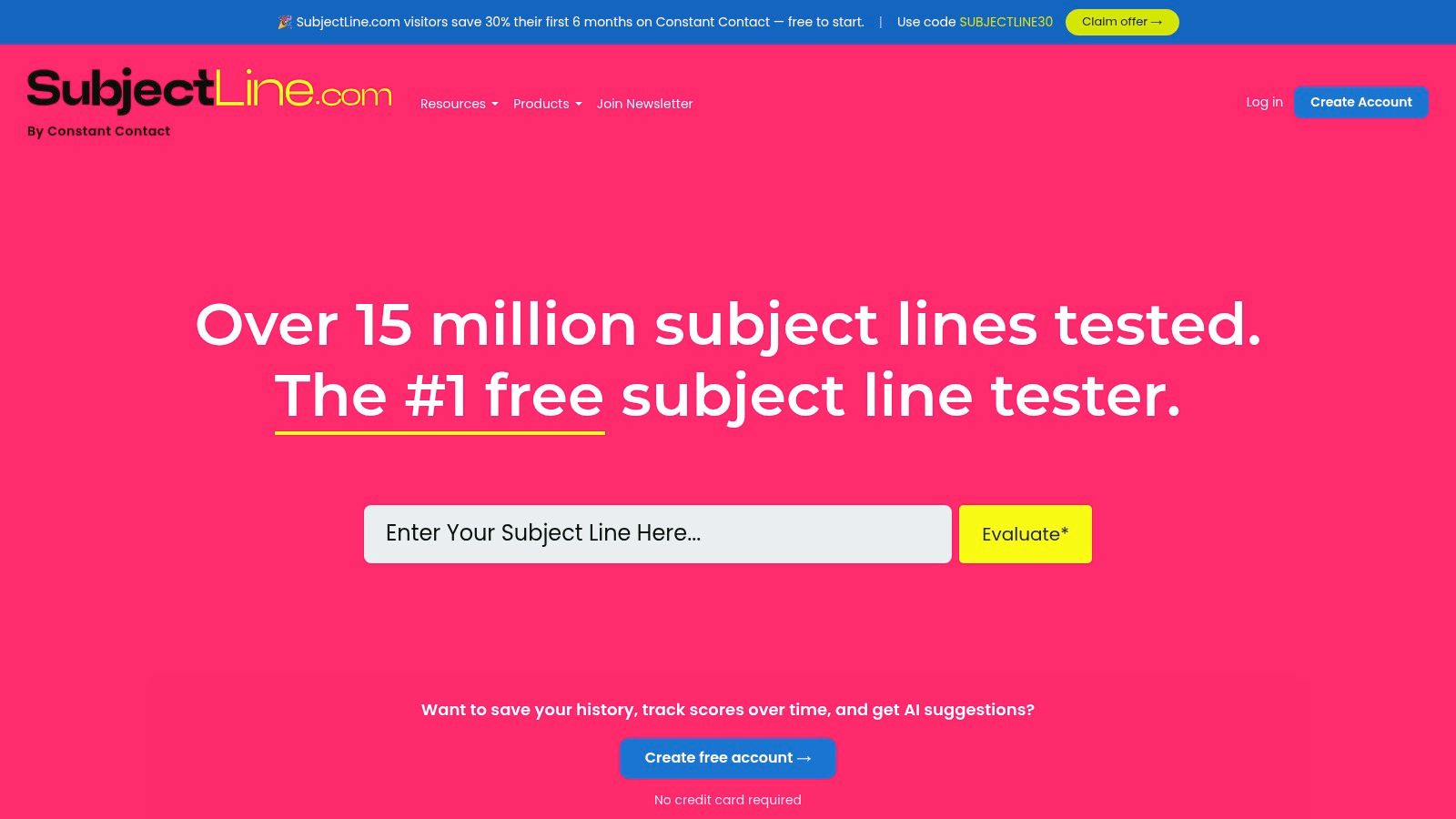
Suggested alt text: SubjectLine.com email subject line scoring interface with instant feedback.
SubjectLine.com is a fast baseline grader. Paste a draft, get a score, and scan for obvious issues before the team spends time on live testing inside an ESP.
That speed is the reason it stays useful. For marketers writing a campaign under deadline, it catches weak phrasing quickly and gives a rough sense of whether the line is too vague, too spammy, or too bloated.
Where it helps most
Its strengths are straightforward:
- Quick score: It gives an instant score with immediate feedback.
- Basic quality control: It checks length, wording, and likely spam triggers.
- Low friction: It works without login, which makes it easy during drafting.
The weakness is just as clear. The score can feel authoritative even when the logic is hidden. That means it works better as a first filter than a final decision-maker.
A strong use case is early QA. A team can run three to five draft lines through it, remove the weakest one or two, then move the survivors into real testing.
Where it falls short
It doesn't show how a subject line truncates across inboxes, and it doesn't tell the team whether the sender reputation is good enough for the test to mean anything. That's a real limitation, especially when spam trigger words in email subject lines already put a campaign at risk before the first send.
For that reason, SubjectLine.com is best treated like a spellcheck for subject strategy. Useful, fast, and imperfect.
2. SendCheckIt
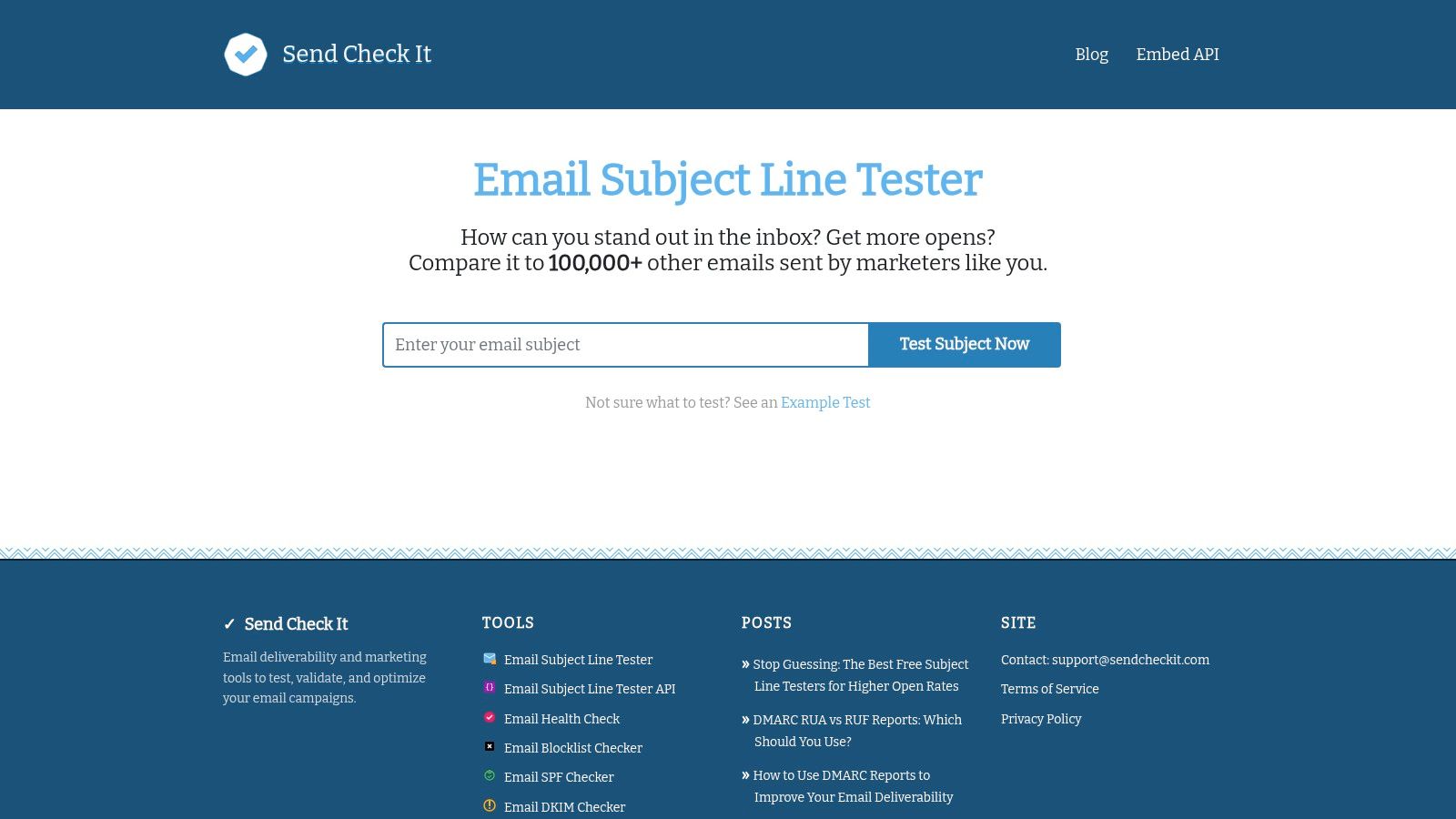
Suggested alt text: SendCheckIt email subject line tester showing score and plain-language feedback.
What makes a subject line test useful before you send a single email? Clear feedback that helps a writer produce better variants.
SendCheckIt does that well. It is especially useful for SDRs, recruiters, and marketers who need to improve cold or semi-personalized subject lines quickly. Instead of stopping at a score, it explains why a line may feel vague, cluttered, or too promotional.
That fits the bigger testing process this article covers. First, get the methodology right. Then create stronger variations for the scenario in front of you, whether that is outbound sales, lifecycle marketing, or recruiting. Then run the test in your sending platform. SendCheckIt sits in the middle of that process. It helps teams turn a rough idea into cleaner test candidates.
Why outbound teams use it
Outbound teams usually are not debating abstract brand voice questions. They are trying to answer practical ones. Is this line too long? Does the question mark help? Does a number add clarity or just make the email look manufactured?
SendCheckIt gives useful guidance on those decisions:
- Punctuation checks: It flags heavy use of question marks and other clutter that can make a line feel forced.
- Style cues: It reviews elements like numbers, capitalization, and emojis so teams can decide whether they support the message.
- Plain-language recommendations: It tells the writer what to change, which speeds up revision across multiple variants.
In cold email, clarity usually beats cleverness. If the line reads like ad copy, prospects often treat it like ad copy.
The trade-off
SendCheckIt helps with copy quality. It does not test inbox placement, rendering, or sender reputation. A polished subject line still underperforms if the message lands in spam or promotions, which is why teams also need to fix the deliverability issues that send campaigns to the spam folder before judging a test result.
Used well, SendCheckIt is a writing-stage tool. It helps teams create stronger subject line variations before they move into live A/B testing inside an ESP. That division of labor matters. Better drafts improve the test. The sending platform still decides the winner.
3. Mailchimp
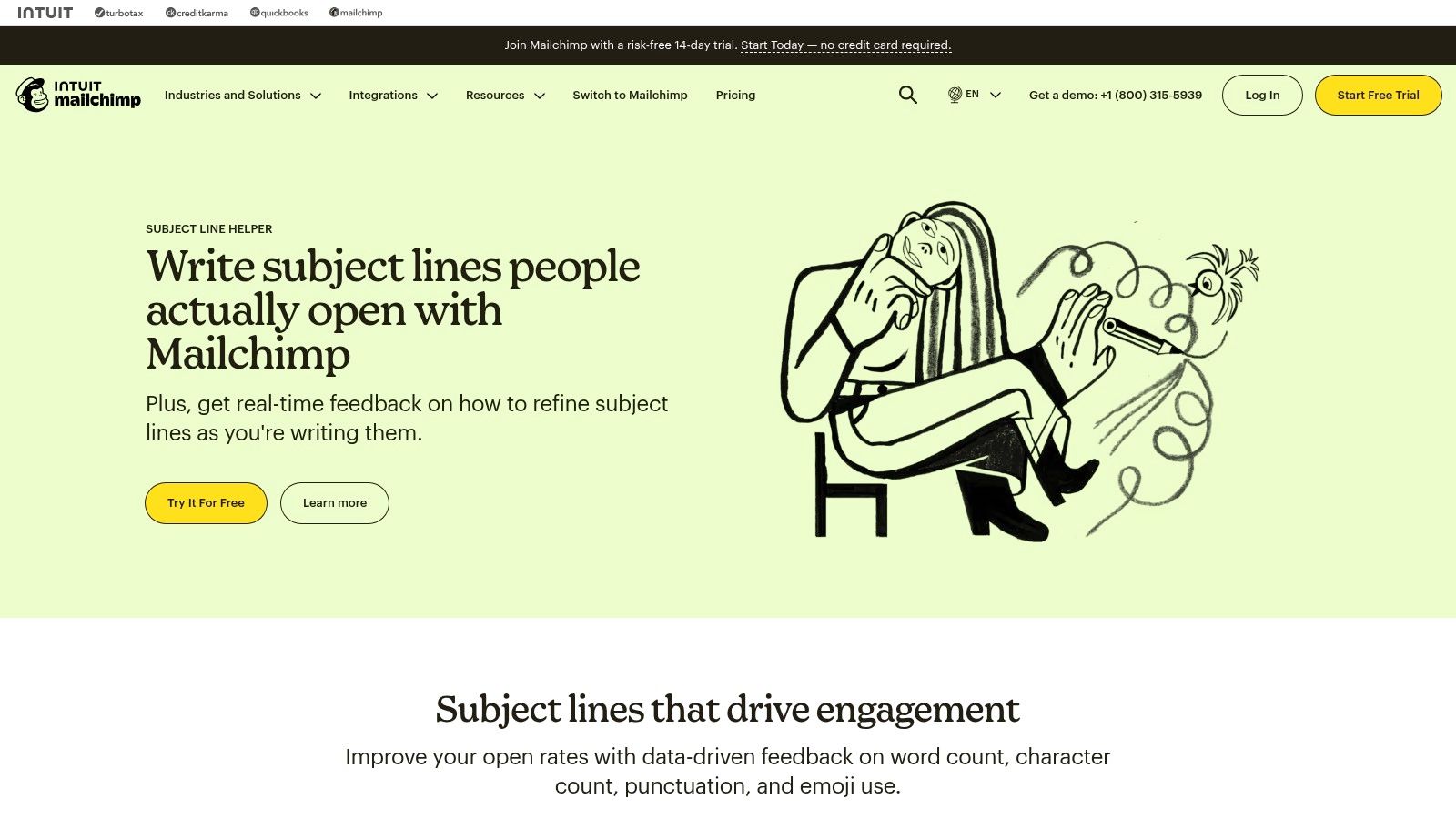
Suggested alt text: Mailchimp campaign editor with subject line helper and A/B testing options.
What happens after you write two strong subject lines and need a real winner? Mailchimp handles the execution step. It lets teams move from subject line ideas and best-practice theory into live testing on their own list, inside the same platform they use to build and send campaigns.
That matters because subject line testing is a process, not just a score. First, teams create better variants. Then they test them against a real audience segment. Then they roll the winner out without rebuilding the campaign in another tool. Mailchimp is strongest in that middle-to-final stage.
Where Mailchimp fits best
Mailchimp works well for newsletter, lifecycle, and promotional email teams already sending through the platform.
- Built-in A/B testing: Teams can test subject lines inside the campaign workflow instead of exporting copy to a separate tool.
- Subject line guidance while drafting: Mailchimp's helper reviews factors like length and formatting before the email goes out.
- Audience-specific results: The winning line is based on how that list responds, which is more useful than a generic score.
This makes Mailchimp a practical choice for marketers who want to connect testing methodology to execution. Draft the variants, send the test, pick the winner, and scale it.
The trade-off
Mailchimp is an execution tool first. Its value drops if the team does not send from Mailchimp, or if they need deeper diagnostics around inbox placement and rendering across clients.
That limitation matters because a clean A/B test still depends on delivery. If one variant reaches the inbox less often, the result can point the team in the wrong direction. Before reading too much into open-rate differences, it helps to fix the deliverability issues that send campaigns to the spam folder.
Mailchimp is a better fit for established campaign operations than SDR-style outbound. For marketers running recurring sends, though, it closes the gap between testing ideas and acting on them.
4. CoSchedule
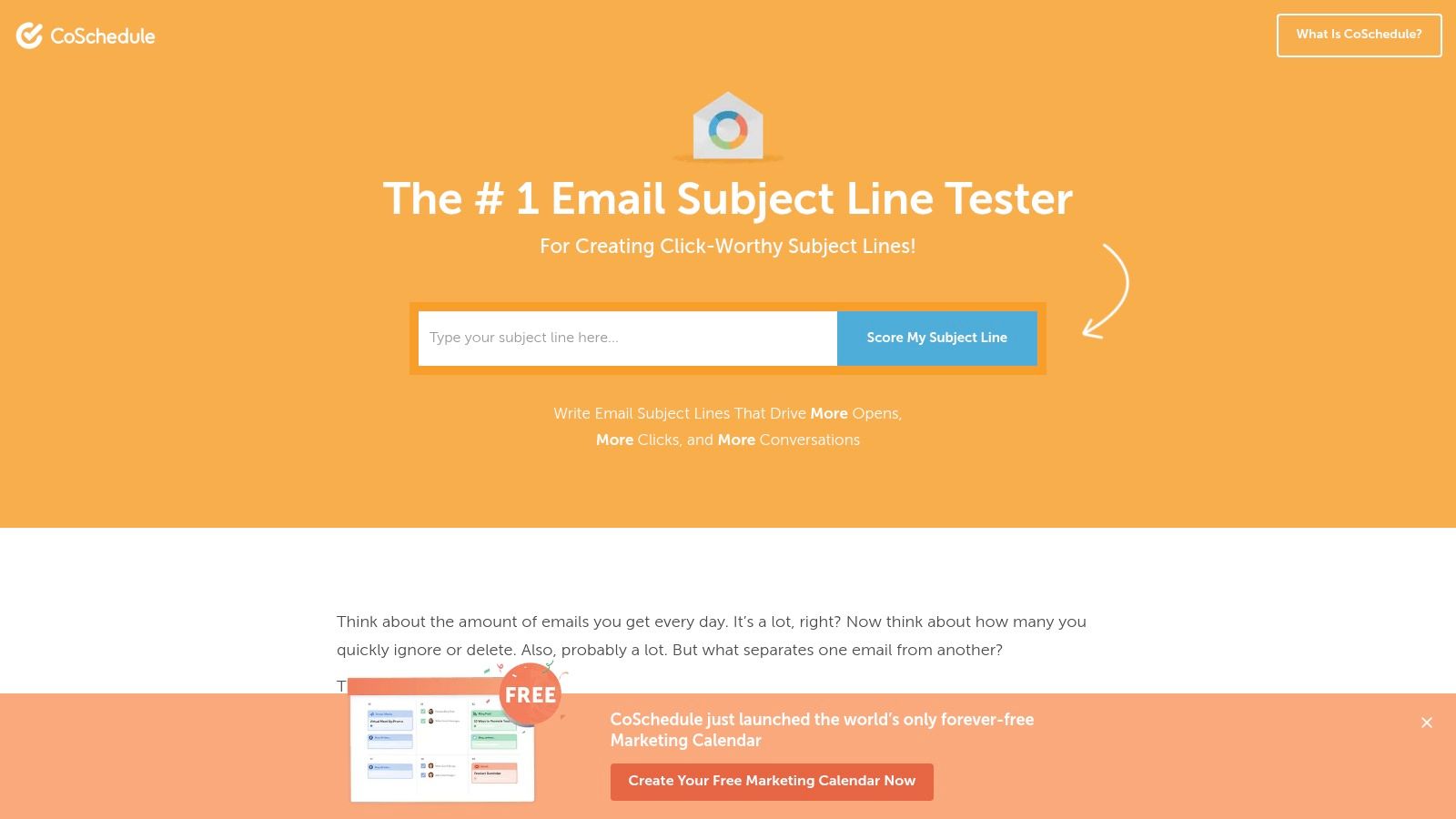
Suggested alt text: CoSchedule email subject line tester with score and copy recommendations.
CoSchedule is useful when email is one part of a larger content operation. Teams that manage newsletters, launches, blog promotion, and social calendars in the same workflow often like its structure because it evaluates subject lines with a content-first lens.
That makes it different from a pure deliverability or inbox tool. It helps answer whether the wording is balanced, clear, and skimmable before the campaign goes live.
What stands out
CoSchedule is strongest when the team wants editorial consistency.
- Breakdown beyond one score: It looks at balance, sentiment, and skimmability.
- Actionable edits: It pushes the writer toward clearer wording instead of merely warning them.
- Planning fit: It becomes more useful for teams already working inside CoSchedule products.
This suits content marketers and growth teams that care about tone discipline across channels.
What to watch
The deeper workflow value depends on using CoSchedule more broadly. If the team only wants a quick subject line check, a standalone grader may be simpler.
It also doesn't solve the hard part of subject line performance on its own. A polished line can still lose if the list is weak, the segment is wrong, or the sender reputation is slipping.
5. Litmus
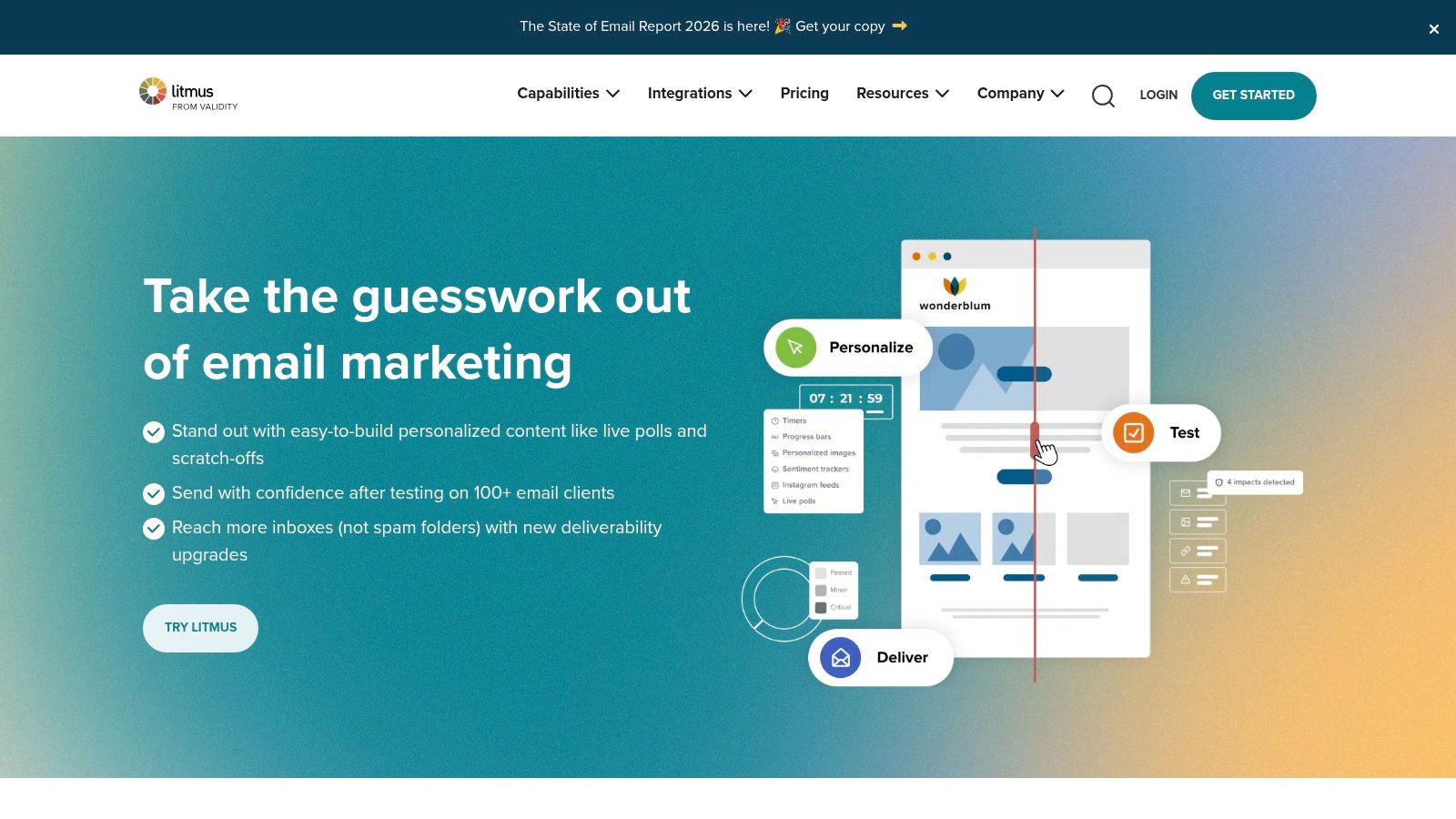
Suggested alt text: Litmus pre-send email testing dashboard with inbox previews and subject line checks.
Litmus is the tool for teams that treat subject testing as one piece of a full pre-send QA process. It isn't just about wording. It's about what the recipient sees across email clients and devices.
That matters because subject line display is part of performance. Research examining 1.4 billion subject lines across 18 sectors found that exactly 6 to 10 words delivered a 24.6% average open rate, and exactly 7 words performed highest at 27.1% overall, with 31.4% on mobile devices (GetResponse and Content Marketing Institute data summarized here). A rendering and preview tool helps teams see whether a strong line still works when real inboxes cut it off.
Where Litmus earns its place
Litmus is built for careful senders.
- Inbox previews: It shows how subject and preview text appear across major clients and devices.
- Pre-send validation: It catches issues before launch, not after underperformance.
- Team workflows: It supports centralized approval and review.
A winning subject line on desktop can lose on mobile if the meaningful words are buried too late.
The trade-off
Litmus is often more than small teams need. If the only goal is scoring a few lines, it's too heavy and too expensive for that job alone.
But for agencies, larger marketing teams, and brands with layered approvals, it can prevent expensive mistakes. It also pairs naturally with deliverability work, especially for teams trying to avoid the spam folder in cold and marketing email.
6. Email on Acid by Sinch
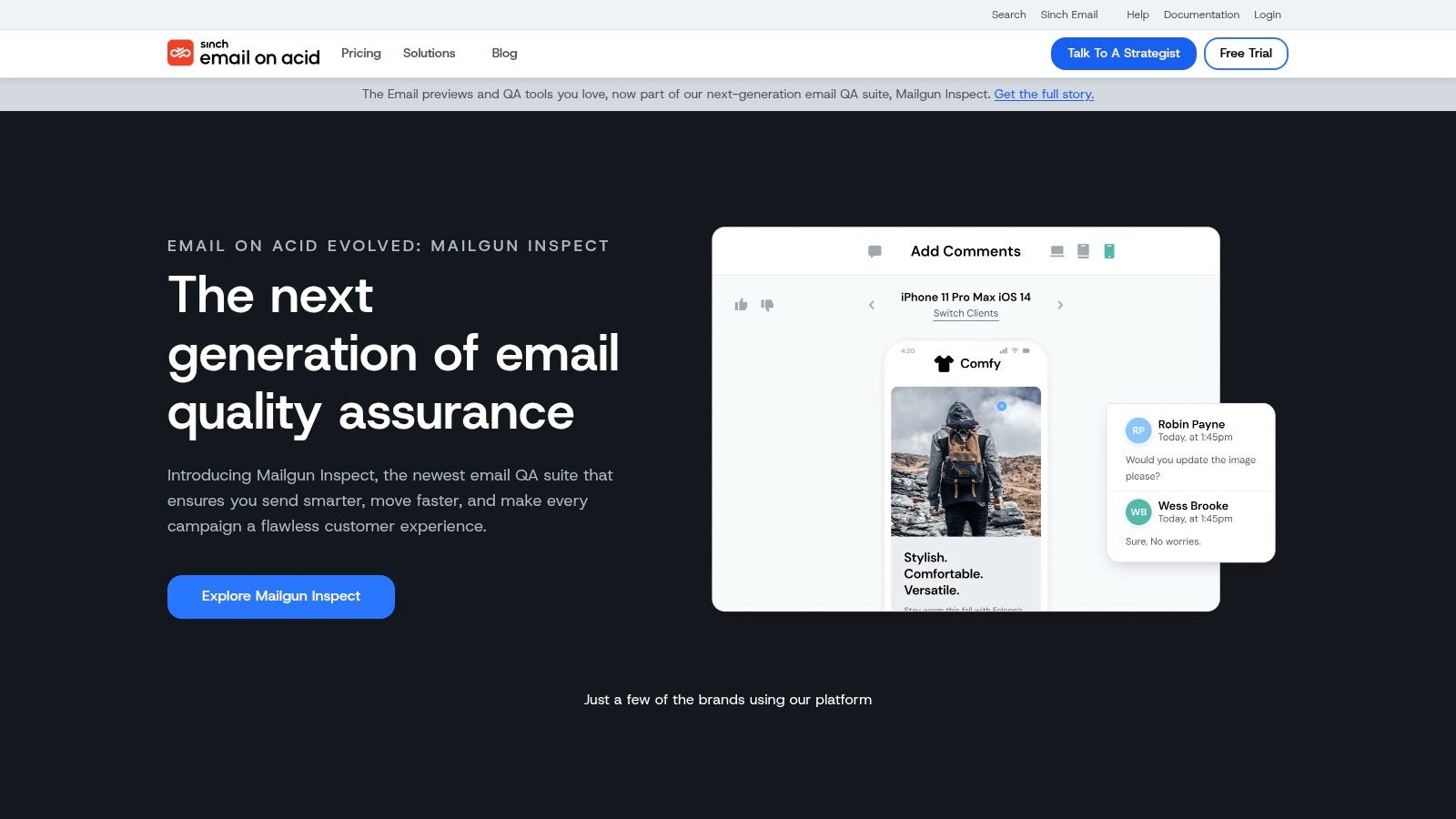
Suggested alt text: Email on Acid Campaign Precheck workflow with subject line and inbox display review.
Email on Acid approaches the problem from a campaign QA angle. Instead of obsessing over one line of copy, it lets the team check subject line, preview text, rendering, links, accessibility, and quality issues in a single run.
That workflow is attractive for teams that send many campaigns and can't afford sloppy final checks. The subject line sits in context, which is often where mistakes show up.
Why some teams prefer it
The benefit is consolidation. One pass can answer several practical questions at once.
- Display review: The team can inspect subject and preview text together.
- Pre-send checks: Spam and quality checks are part of the same process.
- Shared review: Results are easier to circulate across stakeholders.
That makes it more operations-friendly than a lightweight copy grader.
The downside
The migration toward Mailgun Inspect means buyers should evaluate the current interface and packaging carefully before committing. A changing product experience can create friction for teams that want a stable QA process.
Email on Acid is a strong fit when the organization cares as much about launch quality as it does about subject line creativity.
7. Omnisend
Suggested alt text: Omnisend subject line tester and AI generator inside an ecommerce campaign builder.
How much of your subject line testing happens inside the tool your team already uses to build campaigns? With Omnisend, that matters more than the headline feature list.
Omnisend is designed for ecommerce execution. The subject line tester sits alongside AI generation, preheader writing, campaign setup, A/B testing, and resend workflows. For a retail team sending promos, welcome emails, browse abandonment reminders, and cart recovery messages, that setup saves time because the test is part of production, not a separate research step.
Where Omnisend is strongest
Omnisend works best for brands that need to move from idea to send without switching tools.
- Built-in subject line checks: The editor reviews common issues like length, wording, and spam risk.
- AI drafting support: Teams can generate or refine subject lines and preheaders while building the campaign.
- Native campaign testing: A/B tests and resend-to-non-openers logic are available in the same workflow.
- Ecommerce fit: The product is built around repeatable campaign types that online stores send every week.
That last point matters. Good testing is a process, not a one-off score. Omnisend is useful when the team already understands what it wants to learn, such as whether urgency beats specificity in a sale email, and needs a fast way to run that test on a real audience.
What to watch for
The trade-off is scope. Omnisend makes more sense for lifecycle and promotional email than for outbound sales or recruiting, where the sending pattern, list quality, and success metrics are different.
Methodology matters too. Small outbound lists rarely produce clean A/B test results, so teams sending to a few dozen or a few hundred prospects should be careful about overreading subject line tests. In those cases, draft quality, audience segmentation, and reply relevance usually matter more than declaring a statistical winner from a tiny sample.
Omnisend is the better choice for ecommerce marketers who want to connect the full testing process: understand what to test, apply repeatable subject line patterns, then run and ship campaigns in the same platform.
Top 7 Subject Line Testers
| Tool | Implementation complexity | Resource requirements | Expected outcomes | Ideal use cases | Key advantages |
|---|---|---|---|---|---|
| SubjectLine.com | Very low, web-based, instant use | None; free, no login | Quick 0–100 score and best-practice flags | Fast QA before A/B tests or drafts | Free, fast, baseline grader informed by large dataset |
| SendCheckIt, Email Subject Line Tester | Very low, single-purpose web tool | None; no signup needed | Score with plain-English explanations for copy edits | SDRs and cold outreach writers iterating rapidly | Clear, specific suggestions; lightweight for writing sprints |
| Mailchimp, Subject Line Helper + A/B Testing | Medium, inside Mailchimp campaigns | Mailchimp account and audience; higher tiers for advanced tests | Data-driven guidance plus validated A/B/multivariate results on your list | Marketers running campaigns in Mailchimp who need real-audience validation | Native A/B testing on your list; integrated workflow and dataset-backed tips |
| CoSchedule, Email Subject Line Tester | Low–medium, web tool, better with CoSchedule | Optional CoSchedule account for full integration | Score with breakdowns and actionable copy edits | Content/growth teams managing cross-channel campaigns | Actionable editing guidance and calendar integration |
| Litmus, Previews and Pre‑Send Checks | High, enterprise QA platform | Paid subscription, team workflows, ESP integrations | Accurate inbox previews + pre-send subject/preview checks | Teams needing rendering accuracy and approval workflows | Industry-standard rendering accuracy and deep QA capabilities |
| Email on Acid (by Sinch), Campaign Precheck | High, comprehensive pre-send QA | Paid subscription; migration to Mailgun Inspect noted | Single-pass QA: subject display, spam/quality, accessibility and link checks | Teams doing final QA before deployment across clients | Combined previews, spam/accessibility checks, and shareable reports |
| Omnisend, Subject Line Tester + AI Generators | Medium, built into ESP composer | Omnisend account; full value when sending through platform | Tester + AI-generated variants, native A/B testing and resend workflows | Ecommerce teams running automated campaigns (welcome, cart recovery) | Built-in AI generators and ecommerce-focused testing/workflows |
From Testing to Inbox Placement
What good is a winning subject line if the message never reaches the inbox?
Subject line testing works best as a process, not a one-off tactic. Start with a small set of clear angles based on the goal of the email. Use a grader to catch obvious problems early. Test the strongest options in the sending platform when the audience size supports it. Then confirm how the subject line and preview text appear across inboxes before sending at scale.
The method should fit the type of email. Large marketing lists can support clean A/B tests because the sample is big enough to separate signal from noise. Cold outbound usually cannot. In that case, it is smarter to screen for clarity, relevance, and spam risk first, then validate performance over time across similar segments instead of forcing a weak split test.
Length matters, but context matters more. As noted earlier, shorter subject lines often do better on mobile because key words stay visible. That does not mean every line should be clipped down to three words. A webinar invite, renewal notice, and outbound prospecting email each need different levels of specificity. The practical rule is simple. Put the important words first, cut filler, and make sure the promise in the subject line matches the email body.
Spam risk changes the equation fast.
A subject line can hurt results before anyone reads the message. If it looks misleading, overhyped, or disconnected from the sender, open rate drops and complaint risk rises. Once complaints or poor engagement start affecting placement, the test itself becomes unreliable because you are no longer comparing subject lines under normal inbox conditions.
That is the true connection between testing and deliverability. Strong testing helps you choose better copy. Strong inbox placement makes those results worth trusting.
Mailwarm helps teams improve sender reputation, monitor inbox placement, and reduce spam risk with guided warmup built around real engagement signals. It includes access to 50,000+ aged real inboxes, provider-level warmup, spam score monitoring, inbox placement insights, authentication fix tools, bounce prevention, and expert deliverability calls in every plan. It also does not require IMAP access or permission to read your private inbox.
Frequently Asked Questions
What makes a good email subject line?
A good subject line is clear, relevant, and easy to understand fast. It should match the email content, create enough interest to earn the open, and avoid wording that feels vague or spammy.
How do you A/B test email subject lines correctly?
Change only the subject line, keep the audience random, and compare results on a meaningful sample. For small cold outbound lists, classic A/B testing is often too noisy, so pre-scoring variants and validating over multiple sends is usually a better approach.
Should subject lines be short or descriptive?
They should be as short as possible while still being specific. In practice, winning lines usually place the key idea early so mobile recipients can understand the message before the inbox cuts it off.
How does sender reputation affect subject line tests?
Sender reputation affects whether recipients see the email in the inbox at all. If messages are filtered into spam, the team is not really testing subject lines. It is measuring deliverability problems.
How does Mailwarm help improve sender reputation?
Mailwarm helps senders build reputation, monitor inbox placement, and improve deliverability through real inbox engagement, advanced warmup controls, and expert guidance. It uses engagement signals such as opens, replies, threads, spam removal, and important marking to support healthier sending patterns over time.
Why is Mailwarm more expensive than basic warmup tools?
Mailwarm costs more because it combines real inbox engagement, high reply coverage depending on the plan, spam score monitoring, provider-level warmup, authentication tools, no IMAP access required, and expert deliverability calls included in every plan.
If email is part of the growth strategy, Mailwarm helps teams build sender reputation, monitor inbox placement, and reduce spam risk with expert-guided warmup. It's a premium email warmup and deliverability platform designed for businesses that need real inbox placement improvement, not just basic warmup activity.