
Why Stream Separation for Email Protects Transactional and Marketing Deliverability
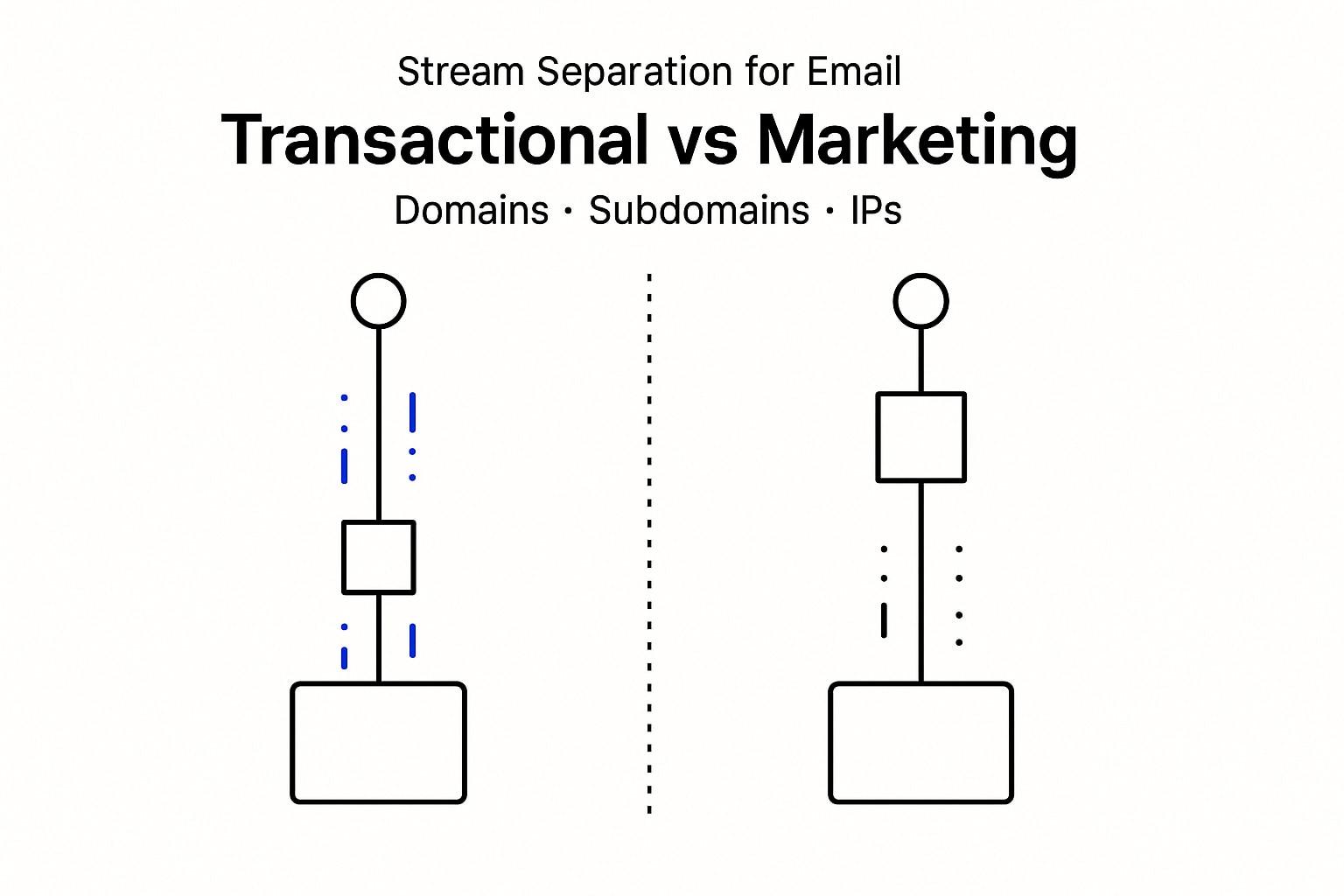
Transactional and marketing emails serve different purposes and face unique deliverability challenges. Critical communications like order receipts and password resets require prompt, reliable delivery, while promotions and newsletters are less time-sensitive but often draw closer scrutiny from spam filters.
When both types of messages are sent from the same domain or IP address, negative events in one stream, like high complaint rates from a promotional campaign, can damage the deliverability of essential transactional emails. Separating these streams ensures that if issues arise in marketing, your mission-critical notifications remain unaffected.
Treat transactional mail as sacred infrastructure. Isolate it, authenticate it, and monitor it like uptime.
As of May 2026, mailbox providers continue to reward logically structured and well-organized emails while penalizing those with cluttered or uncertain layouts. Stream separation delivers the clarity these providers expect, helping maintain high deliverability for each type of email.
How to Architect Domains and Subdomains for Separated Transactional and Marketing Email
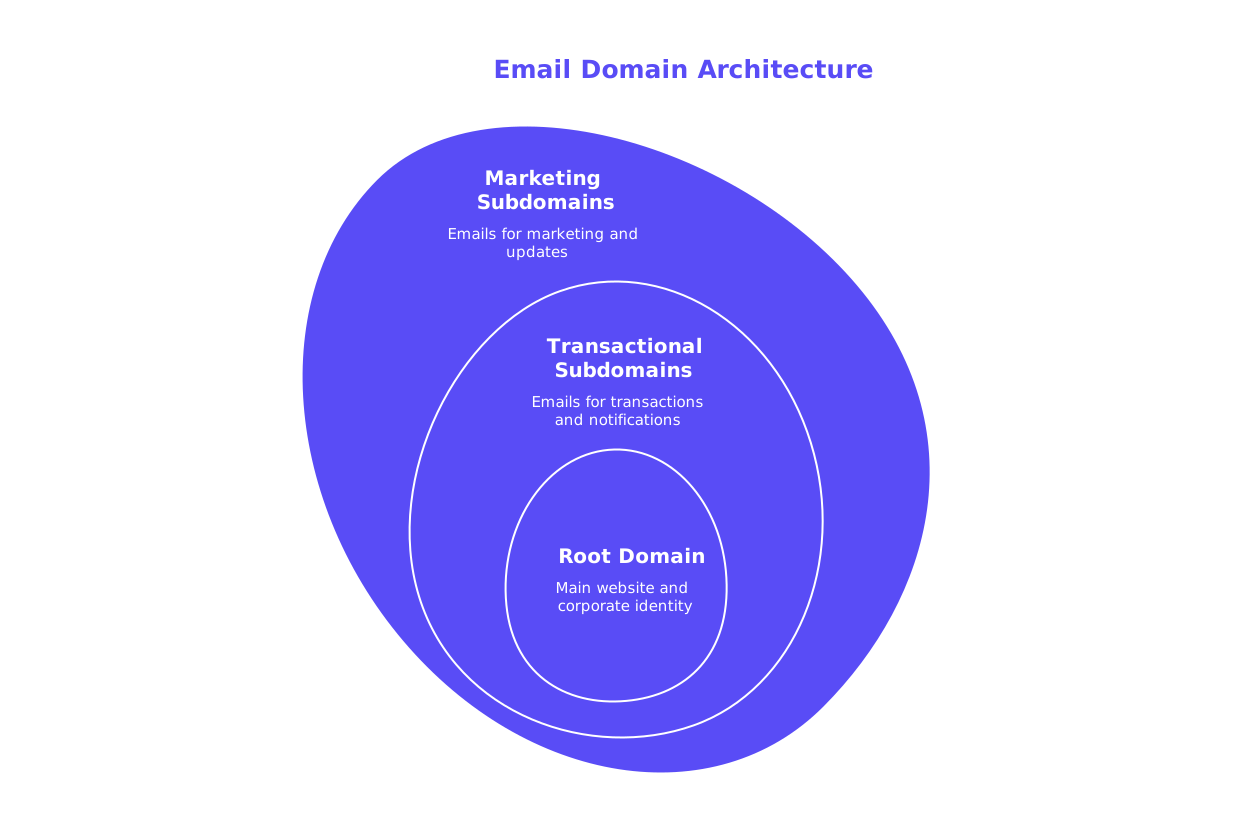
To maintain proper email categorization and avoid harmful cross-interference between streams, create distinct subdomains for each email type. Preserve your root domain for your main website and corporate identity while designing purpose-driven subdomains.
- Transactional:
notify.example.com,billing.example.com, orauth.example.com - Marketing:
news.example.com,updates.example.com, oroffers.example.com
Each subdomain should have its own set of SPF, DKIM, and DMARC records. Use unique DKIM selectors for every stream and ensure strict alignment, meaning the From address, DKIM domain, and Return‑Path should all match the corresponding subdomain.
Set separate DMARC (Domain-based Message Authentication, Reporting & Conformance) policies to reflect each stream’s unique risk profile. For example, transactional emails, which often contain sensitive information, can move toward a stricter policy (p=reject) more rapidly. Marketing emails can begin with a more relaxed policy (p=none) while data about engagement and delivery performance is collected. Route aggregate DMARC reports to individual mailboxes per stream for clearer, more actionable visibility.
As the number of subdomains and streams grows, SPF record size can become an issue. Plan in advance with record flattening or sub-delegation if needed. See our guidance on avoiding SPF record length limits in multi-domain setups for best practices.
How to Allocate Dedicated Versus Shared IP Addresses for Each Email Stream
Dedicated IP addresses let you build isolated reputations for each type of traffic. This is ideal for steady transactional volumes or mature marketing programs. If you’re a lower-volume sender, reputable shared IP pools can suffice, but maintain separation at the subdomain and envelope-from levels.
Never send marketing emails from the same IP as your transactional traffic. This fundamental rule helps prevent one stream’s issues from interrupting the other. If your marketing output expands beyond a single IP’s capacity, add new IPs dedicated by segment or region and increase sending in increments, documenting every step.
Ensure reverse DNS (rDNS) records align with each stream’s HELO/EHLO name, and use clear, descriptive hostnames to reflect each stream’s purpose.
Authentication and Protocol Alignment for Each Segregated Email Stream
Strong technical alignment between authentication methods and identifiers minimizes risk and reduces the likelihood of emails being misclassified. Configure these elements separately for each stream:
- SPF: Use streamlined SPF policies with minimal includes and keep them under the 10-lookup limit. Flatten records if necessary.
- DKIM: Set unique selectors, such as
dkim-txfor transactional anddkim-mktfor marketing, and rotate keys regularly. - DMARC: Align all identifiers and route DMARC reports using unique RUA and RUF addresses per stream.
- HELO/EHLO and rDNS: Match PTR records to HELO names by stream. For a deeper explanation, see why HELO/EHLO alignment affects sender reputation and learn how to resolve mismatches promptly.
Set unique Return‑Path domains for each stream, such as mkt-bounces.example.com and tx-bounces.example.com. This clean division ensures accurate handling of bounce notifications and feedback loops.
Warming Up New Domains and IPs Before Moving Marketing Volume
New domains and IPs might initially lack credibility in the eyes of mailbox providers because they do not yet have a reputation history. To ensure smooth onboarding, begin with low, consistent sending volumes and increase gradually, closely monitoring inbox placement and complaint metrics. Before each increase, run your emails through a spam checker using test accounts to identify and resolve content-based issues unrelated to send reputation.
Using a robust service like Mailwarm, for example, can provide you with a wide range of engagement across 50,000+ active and constantly updated mailboxes. Such tools simulate natural user interactions, like opens, replies, marking messages as primary, and pulling emails out of spam, to help develop trust with mailbox providers. These activities are designed for technical reputation building, not direct marketing efforts.
By February 2026, Mailwarm had evolved into a comprehensive deliverability infrastructure platform, supporting:
- Centralized multi-account and multi-domain management
- Cross-provider warm-up with intelligent distribution
- Real-time deliverability and sender reputation monitoring
- Spam score analysis for major providers (Gmail, Outlook, etc.)
- Simulated engagement through natural thread replies
- Automatic spam recovery and correction for inbox placement
- Adaptive, gradual ramp-up algorithms
- Continuous blacklist monitoring and reputation safeguards
- Detailed authentication (SPF, DKIM, DMARC, MX) diagnostics
- Performance analytics tailored to agencies and teams handling large-scale outreach
Leverage such infrastructure to prepare your marketing streams for scale, while keeping transactional delivery uncompromised.
Monitoring and Governance Across Separated Email Streams
Establish performance monitoring dashboards tailored to each email stream. Track spam complaint and bounce rates (both hard and soft), monitor potential spam trap activity, and check inbox placement. Review postmaster tools for each major mailbox provider weekly to track domain and IP reputations independently.
Routinely use a blacklist checker on both domains and IPs. If blacklisting occurs in one stream, you can isolate the problem and apply remedies without interrupting other critical email flows. Stay current with authentication requirements and provider policies, see why emails get bounced in 2026 and the delivery rules behind them for contemporary guidelines.
Feed DMARC reports into a parser to segment records by stream. Set up alerts for authentication drift, unrecognized sources, or breaks in alignment.
Common Pitfalls in Domain, Subdomain, and IP Separation for Email
- Mixing transactional and marketing traffic: Temporary shortcuts can lead to prolonged outages. Always keep streams separate.
- Overloaded SPF: Using too many includes can cause lookup failures. Periodically consolidate records and refer to SPF record length strategies for multi-domain setups.
- Inconsistent Return‑Path: Sharing a bounce mailbox across streams leads to tangled feedback. Maintain distinct Return‑Path addresses.
- Unaligned HELO and rDNS: Mismatches raise spoofing flags with providers. Align naming conventions by stream and document your standards.
- Rushing warm‑up: Increasing volume too quickly triggers provider filters. Ramp up cautiously, guided by placement and performance data.
- Tracking domain overlap: Reusing tracking domains across streams causes reputational leakage. Separate all analytical and tracking hostnames.
Practical Checklist for Email Stream Separation Architecture
- Map your email streams and estimate volumes (transactional, marketing, and others like product updates).
- Assign human-readable subdomains to each stream for clarity.
- Determine IP policies: dedicate IPs for critical transactional mail, use dedicated or reputable shared IPs for marketing.
- Publish and align SPF, DKIM, and DMARC per subdomain, targeting strict identifier alignment.
- Configure matching rDNS and HELO names per IP and stream.
- Set up separate Return‑Path domains and complaint feedback (FBL) mailboxes for each stream.
- Warm up new domains and IPs using a gradual, monitored approach and seed testing.
- Continuously monitor inbox placement, complaint rates, and block events for each stream.
- Regularly review logs and DMARC reports; rotate DKIM keys as scheduled.
- Document architectural standards to keep teams from inadvertently mixing streams.
Next Steps for Architecting Email Stream Separation with Domains, Subdomains, and IPs
Strict separation protects your most sensitive messages, like receipts and resets, while giving your marketing communications room to grow and evolve. Careful authentication alignment, deliberate warm-ups, and ongoing dedicated monitoring provide the foundation for long-term deliverability and resilience.
For further technical insights, explore HELO and its impact on sender reputation, update your DNS plan, and learn how to bypass SPF record length challenges in multi-domain architectures. When you’re ready to scale, always validate your placement signals before ramping up.
Start with our practical checklist, test your emails with a spam checker, and gradually increase your send volume (scheduling a measured warm-up). This process will not only keep your critical mail streams safe but will also minimize future incidents and disruptions.
FAQ
Why is it necessary to separate email streams for transactional and marketing emails?
Combining transactional and marketing emails jeopardizes delivery efficiency; a marketing campaign's poor reputation can affect crucial transactional emails. Separation ensures that issues in one won't backfire on the other, maintaining critical message integrity.
How can Mailwarm help in warming up new email domains and IPs?
Mailwarm offers robust deliverability infrastructure, engaging emulation activities such as reading and replying, enhancing credibility with mailbox providers. This structured engagement aids in gradually building a reputation for fresh domains and IPs.
What are the risks of not using separate subdomains for different email types?
Not segregating subdomains can lead to cross-contamination of deliverability reputations. High complaint volumes in marketing could spill over and impact the reach and reliability of transactional emails.
Should smaller email senders use dedicated IPs, and why?
Dedicated IPs benefit larger, consistent volumes where isolation maintains reputation. However, low-volume senders might find reputable shared IPs adequate, provided streams are separated at other levels like subdomains.
What are some common pitfalls in email stream separation and how can they be avoided?
Issues include mixed traffic and overstretched SPF records. Avoid shortcuts by maintaining strict boundaries and consolidating records to prevent failures and maintain deliverability.
Why is HELO/EHLO alignment important in email deliverability?
HELO/EHLO alignment ensures consistency between domain and server names, reducing spoofing flags. When misaligned, it triggers provider filters, which can lead to blocked or misdirected emails.