
Spam Traps 101: What Spam Traps Are and Why They Matter
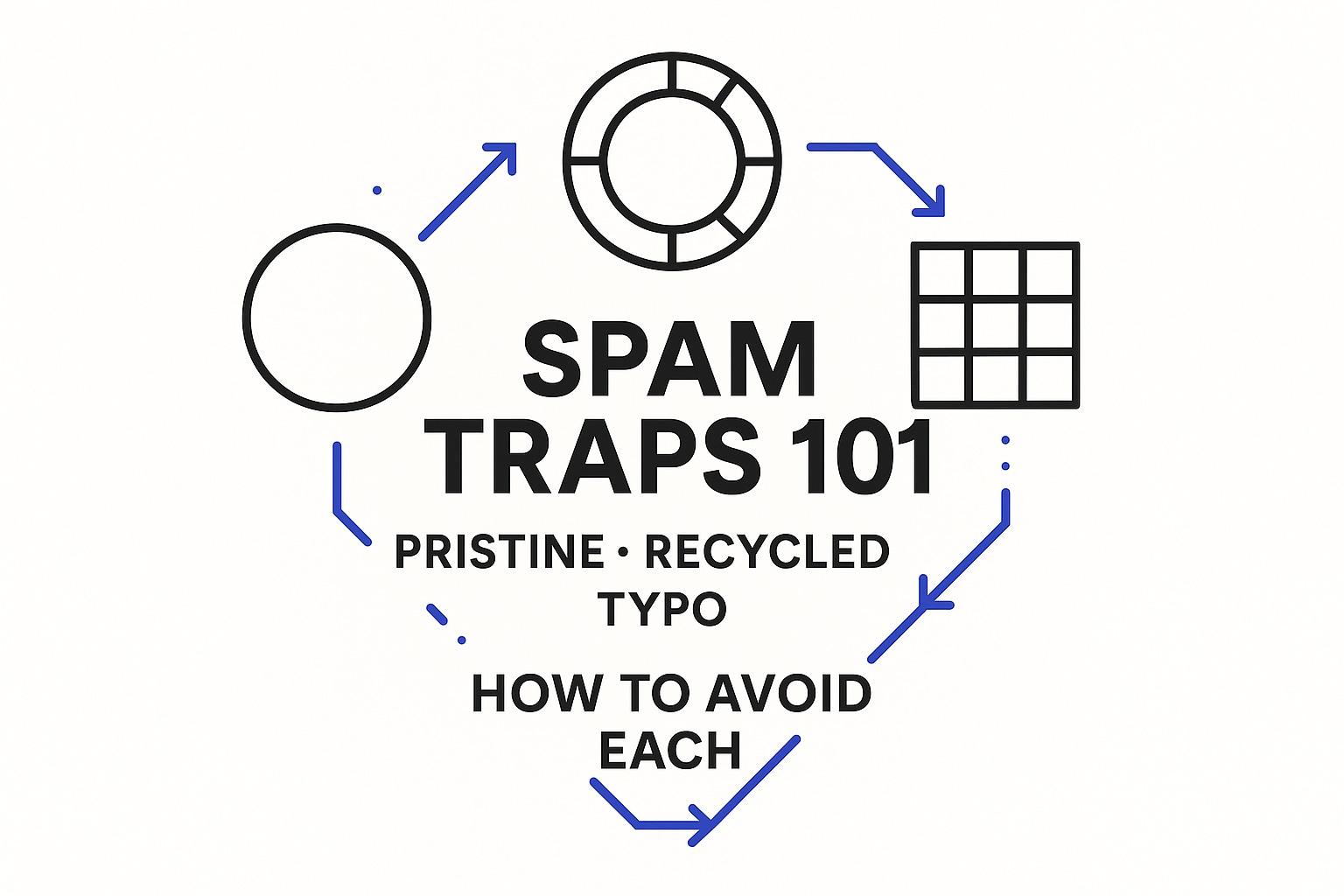
Spam traps are email addresses specifically designed to identify senders who use questionable email practices. These addresses appear legitimate to the untrained eye but are not associated with actual users and are not intended to receive emails. Sending messages to spam traps can quickly harm your domain’s reputation, leading to decreased inbox placement and eventual blocking. The most common types of traps are pristine, recycled, and typo traps. Each points to distinct issues within your data collection and management processes. Understanding these differences is crucial to proactively safeguarding your deliverability.
Spam traps are used by mailbox providers and filtering services to monitor and flag email harvesting, neglect, and sloppy list management. Maintaining a clean acquisition process and ongoing list hygiene are essential defenses. Strong technical setup and a careful approach, especially when starting or resuming campaigns, also go a long way in keeping your sending reputation intact.
Spam Traps 101: Pristine Spam Traps Explained with Real-World Triggers
Pristine spam traps are email addresses that were never intended for real use, no individual has ever owned them. Anti-spam organizations plant these addresses on websites or embed them in hidden locations online, waiting for unscrupulous senders who scrape sites or purchase dubious lists. These traps never opt-in or fill out forms, so any message received signals likely non-permission-based activity.
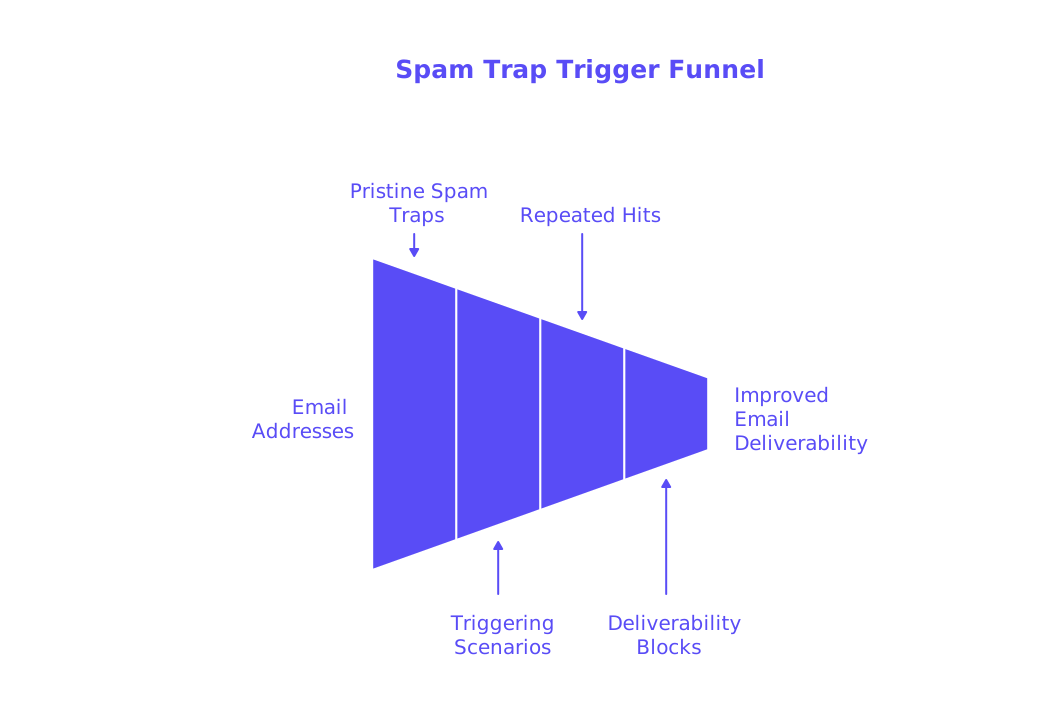
Typical scenarios that trigger pristine traps include scraping directories, using purchased or “enriched” contact files, and generating addresses through dictionary attacks. Even one pristine trap hit can indicate problematic sources, but repeated hits generally point to systemic failures and often result in severe deliverability blocks.
- Avoid buying or trading email lists, especially from sources that cannot guarantee data quality and cleanliness.
- Refrain from scraping public websites for email addresses to prevent collecting traps.
- Always verify source legitimacy and meticulously document consent for every contact in your lists.
Spam Traps 101: Recycled Spam Traps and the Cost of Poor List Hygiene
Recycled spam traps were once valid email inboxes, abandoned by their original owners years ago. Service providers first deactivate these addresses or send bounce messages; later, they may reactivate them as traps to catch negligent email senders. Contacting these addresses usually means you’ve been ignoring bounce data and not proactively managing list inactivity.
Watch for patterns where a contact that once delivered now soft bounces, then hard bounces after weeks. Monitor engagement rates and swiftly remove addresses with long-term inactivity. If you’re considering reactivating older lists or have inherited legacy contacts, proceed with caution and revalidate the data before sending.
- Honor hard bounces immediately by removing those addresses from your list permanently.
- Set and enforce a strict sunset policy for contacts showing prolonged inactivity.
- Reconfirm consent and validity for any older or dormant segments before reintroducing them into your sending cycle.
Spam Traps 101: Typo Spam Traps and How Data Entry Mistakes Cause Problems
Typo spam traps capture emails sent to misspelled domains, like gmai.com or yaho.com. Sometimes these are honest user mistakes, but certain lookalike domains are actively set up to catch emailers or signal data entry vulnerabilities. Whether accidental or intentional, typo traps are a clear indication of weak collection and verification processes.
To prevent typo trap hits, validation should happen at the point of entry. Use real-time email validation tools that check syntax, domain format, and MX records. Block disposable or obviously misspelled domains, and confirm each address before adding it to your active programs.
- Implement real-time email validation tools on your forms to verify each entry as it’s submitted.
- Confirm user ownership with a secondary verification step.
- Throttle submissions and add CAPTCHA challenges to forms to limit automated or bot-driven signups.
Spam Traps 101: Practical Tactics to Avoid Pristine, Recycled, and Typo Traps
- Commit to strict permission-based standards. Keep records of how and when you obtained consent for every contact.
- Use real-time validation at every point of entry; check for proper syntax, domain MX status, and block generic role addresses.
- Block high-risk sources, avoid purchased lists, scraped contacts, or “enriched” databases unless absolute quality is assured.
- Maintain regular list hygiene. Instantly suppress hard bounces and purge long-dormant contacts.
- Segment lists by engagement and risk before reactivation; thoroughly validate dormant addresses.
- Employ blacklist checking tools on your domains and sending IPs each week to spot early trap hits or deliverability issues.
- Run test sends through spam checking tools to identify and fix risky headers or missing authentication.
Spam Traps 101: Technical Authentication and Sending Posture That Support Trap Avoidance
Effective data management isn’t enough on its own. Deliverability filters also measure the technical integrity and consistency of your sending practices. Align authentication protocols like SPF, DKIM, and DMARC with your sending domains. Consistently use appropriate HELO/EHLO greetings, set up reverse DNS correctly, and segregate transactional and marketing emails onto separate subdomains. Also, ensure that any domains used for links or images align with your From domain.
Remember that bounce behaviors, both hard and soft, continue to evolve with provider policies. Regularly review how mailbox providers respond to unknown users, rate limits, or policy blocks. For detailed insights about current bounce management, see why emails get bounced in 2026 and how delivery rules apply. While solid authentication practices won’t protect you from trap-heavy lists, they do help reduce false positives and make remediation more effective.
Spam Traps 101: Monitoring and Remediation Steps When You Suspect Spam Trap Hits
If you suspect your list is hitting spam traps, first pause or dramatically slow down sending from the affected stream or domain. Higher volume will not outpace provider filters. Review bounce reports, look for sudden spikes in complaints, and monitor whether your emails start landing in the spam folder. Analyze sending logs and gather feedback from your ESP (Email Service Provider).
Immediate Checks
- Run blacklist checks on your sending domains and IPs to catch blocklist appearances.
- Test your content and headers with a spam checking tool for hidden risks.
- Audit any recent list additions to determine if new sources have introduced traps.
- Immediately remove addresses added from scraping, list purchases, or any unverified uploads.
Stabilization and Safe Ramp
After remediation, warm up sending gradually. Start with your most recently verified, active contacts and slowly increase volume. Continuously monitor inbox placement rates, bounce patterns, and blocklist status as you rebuild your reputation.
Email warm-up systems provided by reputable vendors can also help improve your sender reputation by simulating natural inbox activity, triggering opens, replies, and positive engagement signals across multiple providers such as Gmail, Microsoft, and Yahoo. These warm-up activities are strictly technical, intended to build trust before resuming standard outreach, not for marketing purposes.
Track your emails’ inbox placement rates as you work towards improving your sending reputation and avoiding further spam trap hits. For clear guidance on metrics and ranges to monitor, consult cold email inbox placement benchmarks and practical best practices. Continue risk assessments until your deliverability metrics have stabilized consistently over several weeks.
Spam Traps 101: Ethical Data Collection and Scraping Risks That Trigger Traps
Scraping websites for email addresses may seem like a shortcut, but it’s a fast track to pristine traps and high-risk typo traps. Beyond deliverability risks, such methods can raise serious legal and contractual concerns. The safer and more sustainable approach is to build lists through compliant, permission-based forms, verifying each submission at the point of capture.
Explore the detailed operational and legal implications of scraping, along with safer alternatives, in this guide to scraping tools, risks, and compliance considerations. Ethical list building and clean data acquisition will keep your reputation strong and greatly limit your exposure to spam traps.
Spam Traps 101: Field Checklist to Avoid Pristine, Recycled, and Typo Traps
- Avoid using purchased or scraped data sources for your email lists.
- Deploy real-time validation tools at the point of capture to verify addresses upfront.
- Block disposable and role-based email addresses by default.
- Remove hard bounces from your lists immediately and permanently.
- Apply a clear and consistent inactivity window to suppress unengaged contacts.
- Ensure SPF, DKIM, and DMARC records align with your From domain for all mail streams.
- Maintain a consistent, reasonable sending pattern and volume.
- Use blacklist and spam checking tools every week to identify problems early.
- Implement a cautious, step-by-step warm-up process after any sending interruption.
- Carefully document consent and acquisition sources for all contacts.
Spam Traps 101: Conclusion and Next Steps for Safer Sending
In summary, spam traps are designed to penalize shortcuts in email marketing, whether it’s poor data practices, list neglect, or careless collection. The best defense is to capture emails ethically, keep your lists healthy, and ramp up sending carefully, especially after any deliverability incident. Using robust validation, authentication, and monitoring systems will help you avoid most traps and remediate quickly if issues arise. For continuous safe sending, always document your permissions, run routine checks, and commit to keeping your list pristine and fully verified.
FAQ
What are spam traps and why should I care?
Spam traps are fake email addresses used to catch irresponsible senders, damaging your email deliverability and reputation. Ignore them, and you'll find yourself blocked and scrambling to regain trust.
How can pristine spam traps affect my email campaign?
Pristine spam traps catch senders who use questionable data sources like scraped emails or purchased lists. One hit from a pristine trap signals a significant flaw in your acquisition process, potentially leading to severe deliverability declines.
What are recycled spam traps?
Recycled spam traps were once real addresses but are repurposed to detect poor list hygiene. Overlook them, and you're admitting negligence in managing bounces and inactivity, resulting in declining engagement rates over time.
How can typo spam traps be avoided?
Prevent typo spam traps by validating emails in real time during collection. Neglect this, and you'll consistently face deliverability blockages from mistyped or misspelled entries in your lists.
Is buying email lists worth the risk of hitting spam traps?
Purchasing email lists is a shortcut riddled with risks, including hitting spam traps. It's a gamble that can quickly degrade your sender reputation, making ethical list-building through verified submissions the smart, long-term choice.
How does Mailwarm assist in avoiding spam traps?
Mailwarm aids in rebuilding your sender reputation after an incident by simulating productive interactions. Don't mistake it for a cure-all; it complements, but doesn't replace, ethical email practices and robust data hygiene.
What technical steps help prevent spam trap issues?
Align authentication protocols like SPF, DKIM, and DMARC with your domains, and segregate your marketing emails from transactional ones. Failing to maintain technical integrity exposes you to greater risks of unauthorized access and spam trap hits.
What should I do if my emails start hitting spam traps?
Immediately pause sending and reevaluate your list sources and health. React aggressively by removing suspicious entries, and leverage tools like Mailwarm to gradually restore your sender reputation.
Why is list hygiene crucial in email marketing?
Regular list cleaning prevents being flagged by spam traps, which are major obstacles to inbox placement. Neglecting list hygiene partners you with poor deliverability and inaccurately targeted audiences.
What are the consequences of ignoring hard bounces?
Hard bounces signal bad addresses; ignoring them leads to potential spam trap activations and deteriorating sender credibility. Swift removal is non-negotiable if positive engagement and deliverability are your goals.