

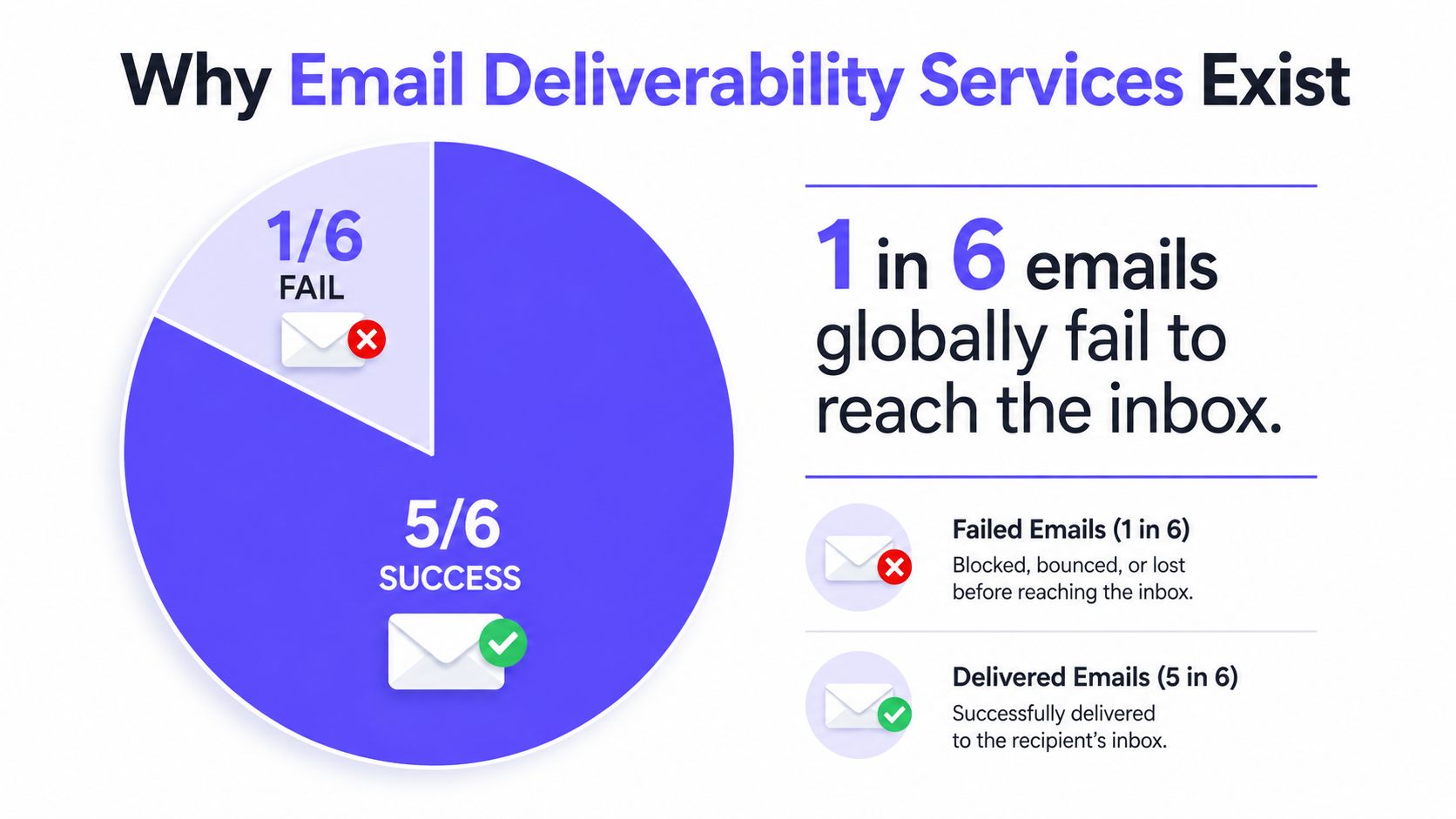
Email deliverability services help senders improve inbox placement through authentication management, sender reputation building, warmup automation, inbox placement monitoring, and deliverability analytics. A recent Validity benchmark found that 84.8% of messages reached the inbox globally, while 6.1% landed in spam and 9.1% went missing, meaning roughly 1 in 6 emails failed to reach the inbox even before content, targeting, or reputation were considered (Validity's 2025 benchmark report).
That gap explains why a simple warmup tool isn't always enough. Basic tools automate sending activity, while a full deliverability service connects engagement, authentication, provider-level monitoring, list hygiene, and expert diagnosis into one operating system for email.
Why Email Deliverability Services Exist
A campaign can report strong delivery while producing weak visibility because accepted messages may still miss the inbox. Inbox placement tracks what happens after a receiving provider accepts the message: it may reach the inbox, enter spam, or disappear into another filtering layer. That distinction matters because delivery reports alone cannot show whether recipients can see a campaign (Mailjet's explanation of inbox placement).
The commercial impact is significant. Global inbox placement stands at 84.8%, while 6.1% of messages reach spam and 9.1% go missing, according to Validity's 2025 benchmark report. Senders therefore lose part of their audience before copy, segmentation, or conversion strategy can affect results. At scale, small changes influence large volumes across Gmail, Outlook, Microsoft 365, Yahoo, and other providers.
What the category actually includes
Email deliverability consulting services include platforms, consultants, and software-and-expert teams that improve the conditions affecting inbox placement. That can include software-led platforms, in-house deliverability teams, and specialist consulting providers such as MailAdept, which focuses on email deliverability consulting. Their work typically covers:
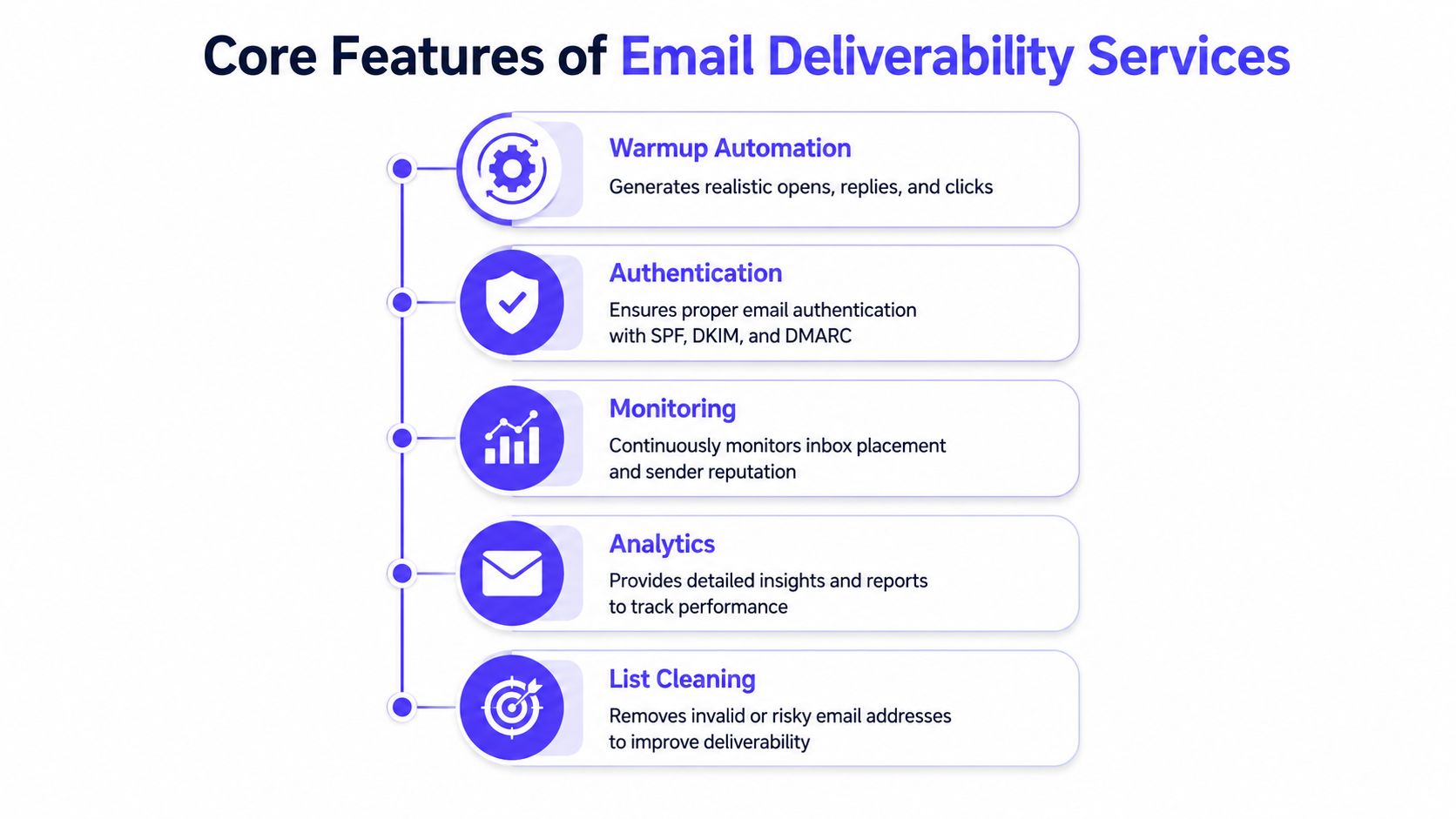
Authentication management: SPF, DKIM, and DMARC setup, alignment checks, reporting, and policy enforcement.
Reputation management: Monitoring sender behavior, complaints, bounces, and engagement signals.
Warmup automation: Generating controlled interactions to establish or rebuild sending reputation.
Inbox placement monitoring: Testing message placement across specific mailbox providers.
Deliverability analytics: Connecting technical issues with campaign and sender-level outcomes.
Expert guidance: Diagnosing problems that dashboards cannot explain.
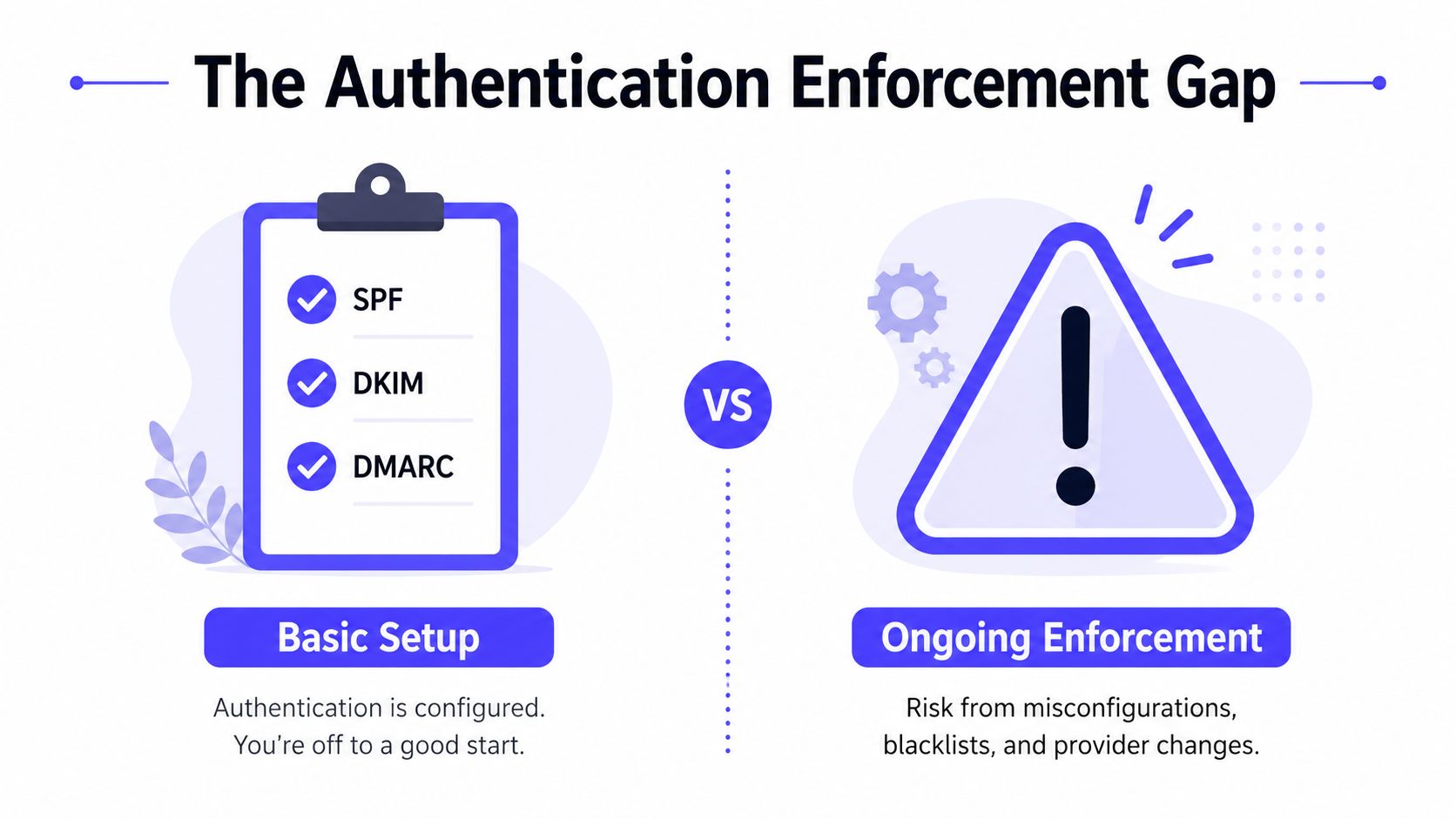
Authentication configured in DNS does not guarantee that a sender is enforcing it. A warmup tool may exchange messages or automate opens, yet leave a misaligned DMARC policy, provider-specific filtering, or uneven Gmail and Outlook performance undetected.
A basic warmup tool can suit a lightly used mailbox with clean authentication and modest sending. A fuller service fits teams scaling outreach, managing several domains, sending marketing campaigns, serving multiple clients, or recovering from spam placement. The trade-off is straightforward: warmup automates one behavior, while broader services add monitoring, diagnosis, and provider-specific controls.
Core Features of Email Deliverability Services
A strong service doesn't treat warmup as the whole solution. It combines several controls because inbox providers evaluate technical identity, sending behavior, recipient response, and reputation together.
Warmup automation
Warmup should create realistic engagement signals, not just a rising send count. Useful activity can include opens, replies, conversation threads, spam removal, and marking messages as important. Provider-level controls matter because a sender may perform well with Gmail while struggling with Outlook or Microsoft 365.
Warmup also needs restraint. Artificially increasing volume without monitoring complaints, bounces, or authentication can make a weak sending system appear active without making it trustworthy.
Authentication management
SPF identifies authorized sending servers. DKIM helps prove that a message wasn't altered in transit. DMARC applies a policy when SPF or DKIM checks fail and provides reporting visibility. Microsoft's authentication guidance explains these roles, while NIST notes that DMARC can pass when either SPF or DKIM succeeds and aligns with the visible From domain (Microsoft's email authentication guidance).
The practical issue is coordination. A company may have several sending platforms, forms, CRMs, and outbound tools. Each source must preserve alignment, or legitimate messages can fail policy even when individual records exist.
Testing, analytics, and list cleaning
Inbox placement testing shows where accepted messages land. Analytics then connect those results with spam complaints, reputation indicators, bounces, and engagement. List cleaning removes risky or inactive recipients before they continue damaging sender signals.
Teams that also manage customer communication may find operational guidance useful, including this resource on boosting business with CallZent email support. The same principle applies to deliverability: reliable processes matter more than isolated sending activity.
Expert support
A specialist can distinguish a content issue from an authentication issue, a provider-specific reputation problem, or a list-quality failure. That diagnosis prevents teams from repeatedly changing subject lines when the problem sits in DNS alignment or complaint handling.
Practical rule: Warmup activity without authentication, monitoring, and list hygiene is incomplete deliverability work.
The Authentication Enforcement Gap
SPF, DKIM, and DMARC records establish identity, but inbox protection depends on how consistently those controls are enforced. Teams often leave DMARC in monitoring mode while sending platforms, domains, and provider rules change around it.
DMARC adoption has grown faster than enforcement. Mailgun's 2025 State of Email Deliverability report found that 53.8% of senders used DMARC in 2024, up from 42.6% in 2023, while only 25.5% of DMARC users planned to enforce a stricter policy that year. It also reported that only 13% of senders used inbox placement testing (Mailgun's 2025 State of Email Deliverability report).
Why configured doesn't mean protected
Authentication can fail operationally even when DNS records exist. Review these failure points:
A third-party sender is missing from SPF authorization.
DKIM signs with a domain that does not align with the visible From domain.
A newly added platform sends mail outside the authentication plan.
DMARC reports are not reviewed, leaving legitimate failures undiagnosed.
A policy remains in observation mode instead of progressing toward Quarantine or Reject.
The practical work is maintaining alignment across every sending source. A CRM, form, outbound tool, or marketing platform can introduce a failure after the original setup is complete. Teams also need a defined process for reviewing reports, approving new senders, and responding to unauthorized traffic.
Provider rules are operational requirements
Gmail may mark unauthenticated messages as spam or reject them with a 5.7.26 error. Since February 2024, senders delivering 5,000 or more messages per day to Gmail accounts must authenticate outgoing email, avoid unwanted or unsolicited messages, and provide a clear unsubscribe option, according to Gmail's sender guidelines.
Relevant implementations also require SPF, DKIM, DMARC, one-click list-unsubscribe, and valid reverse and forward DNS under Google's bulk-sender requirements. A practical process for avoiding the spam folder therefore includes policy enforcement, alignment checks, report review, and provider-specific monitoring. Basic warmup tools can help establish sending history, while full-service platforms are better suited to managing multiple sources and ongoing enforcement.
Deliverability Needs by Sender Type
Sender type determines which reputation risks deserve attention first. Sales teams sending personalized outreach need controlled warmup, realistic engagement, and complaint protection. Marketing teams need testing, segmentation, and list hygiene. High-volume senders must meet stricter provider requirements while enforcing consistent controls across every sending source.
Google and Yahoo guidance sets a spam complaint limit below 0.30%, while industry guidance identifies 0.10% as a safer operating target (bulk-sender deliverability guidance). Audience quality and unsubscribe handling therefore affect deliverability directly. They are operating controls, not secondary campaign details.
Deliverability Requirements by Sender Type
| Sender Type | Primary Challenge | Critical Features | Volume Considerations |
|---|---|---|---|
| Sales outreach teams | Building reputation without generating unwanted-mail complaints | Provider-level warmup, realistic replies, bounce prevention, complaint monitoring | Increase sending cautiously and separate domains or streams where appropriate |
| Marketing teams | Maintaining engagement across campaigns and segments | Inbox placement testing, list cleaning, spam score monitoring, analytics | Segment audiences and suppress risky or inactive recipients |
| High-volume senders | Meeting layered provider requirements at scale | SPF, DKIM, DMARC enforcement, one-click unsubscribe, reporting, provider monitoring | Apply the Gmail requirements discussed earlier to Gmail-bound volume |
| Recruitment agencies | Managing mixed recipient and provider environments | B2B warmup, provider-specific testing, content controls, reputation monitoring | Keep recruiter, client, and marketing streams distinguishable |
| B2B companies | Uneven performance across Gmail, Outlook, and Microsoft 365 | Provider-level warmup, placement insights, authentication checks, expert review | Avoid assuming one provider's results represent the whole audience |
Outlook and Office365 can behave differently from Gmail, particularly in mixed B2B environments. Benchmark coverage reports provider-level variation, including weaker performance for some Outlook, Hotmail, and Office365 segments (B2B deliverability benchmark coverage).
A single warmup schedule cannot account for those differences. Sales outreach may need gradual volume control and reply monitoring, while marketing programs need stronger suppression and campaign-level testing. High-volume operations also need authentication enforcement and report review across each sending source, not merely a completed DNS setup.
The right service should identify where reputation is weak, then let the sender adjust volume, engagement, and monitoring by provider. Basic warmup tools can support sending-history development. Full-service platforms are more suitable when several domains, providers, or sending systems require ongoing oversight.
How to Evaluate Email Deliverability Services
Start by asking whether the service explains and improves real inbox placement, not just how many emails it sends. A useful evaluation connects warmup activity with provider behavior, authentication status, reputation, and the reasons messages are filtered.
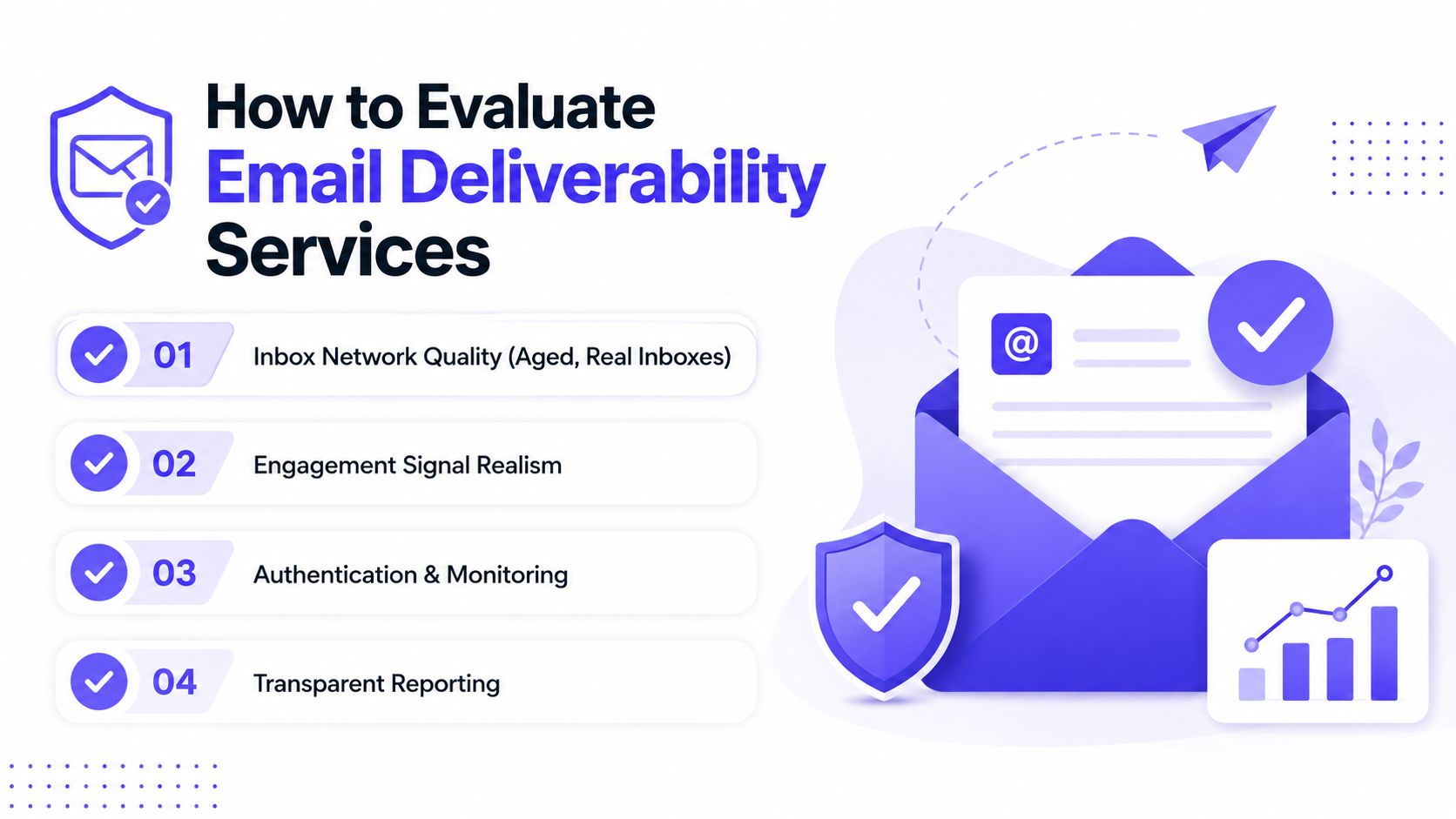
Examine the network first. Aged, real inboxes can produce more meaningful engagement signals than newly created or obviously artificial accounts. The provider should explain how its network operates, which interactions it generates, and how senders can control the warmup profile.
Six practical buying criteria
Network quality: Look for aged real inboxes distributed across the providers that matter to the sender's audience.
Signal realism: Check for replies, threads, opens, spam removal, and important marking, rather than automated opens alone.
Provider control: Confirm that Gmail, Outlook, Microsoft 365, Yahoo, and other relevant destinations can be monitored or targeted separately.
Authentication depth: The platform should identify SPF, DKIM, and DMARC problems, including alignment failures and policies that are configured but not enforced.
Reporting clarity: Reports should distinguish delivery from inbox placement and show reputation, spam score, bounces, and provider-level outcomes.
Human support: Specialists should help when the evidence points to a DNS, content, list, or provider-policy problem.
Red flags worth rejecting
Avoid services that guarantee inbox placement. Mailbox providers make independent filtering decisions, and sender behavior can change results after a warmup program begins.
Other warning signs include:
Private inbox access: IMAP access or permission to read a user's inbox creates unnecessary security concerns.
No authentication tools: Warmup cannot correct broken alignment or unmanaged sending sources.
No provider detail: A blended score can conceal weak Outlook or Gmail performance.
Activity without diagnosis: More automated sending does not explain why messages are filtered.
No expert access: Self-service dashboards leave complex enforcement and reputation problems unresolved.
Authentication deserves particular scrutiny. A completed DNS setup does not prove that every sending source is aligned, authorized, and subject to the intended DMARC policy. Check whether the service can expose those gaps and help teams enforce the policy across transactional, marketing, and sales systems.
Teams comparing low-cost options can review Mailwarm's free email deliverability tools before deciding whether a broader platform is justified. Premium pricing makes sense when it covers real engagement, monitoring, authentication support, reputation protection, and specialist access, rather than send automation alone.
A lower subscription price is not a saving if the service cannot show where messages land or why providers distrust them.
How Mailwarm Approaches Deliverability
Mailwarm was built for teams that treat inbox placement as a system, not a checkbox. Its product positioning combines warmup with monitoring, authentication support, provider-level controls, and access to deliverability specialists. That broader scope explains why it is evaluated differently from a basic warmup utility.
The implementation choice that matters most is separation by provider. Gmail, Outlook, Microsoft 365, Yahoo, and SMTP environments can produce different results for the same sender. Mailwarm lets teams examine and direct activity by provider, so a weak Outlook result does not disappear inside one blended score.
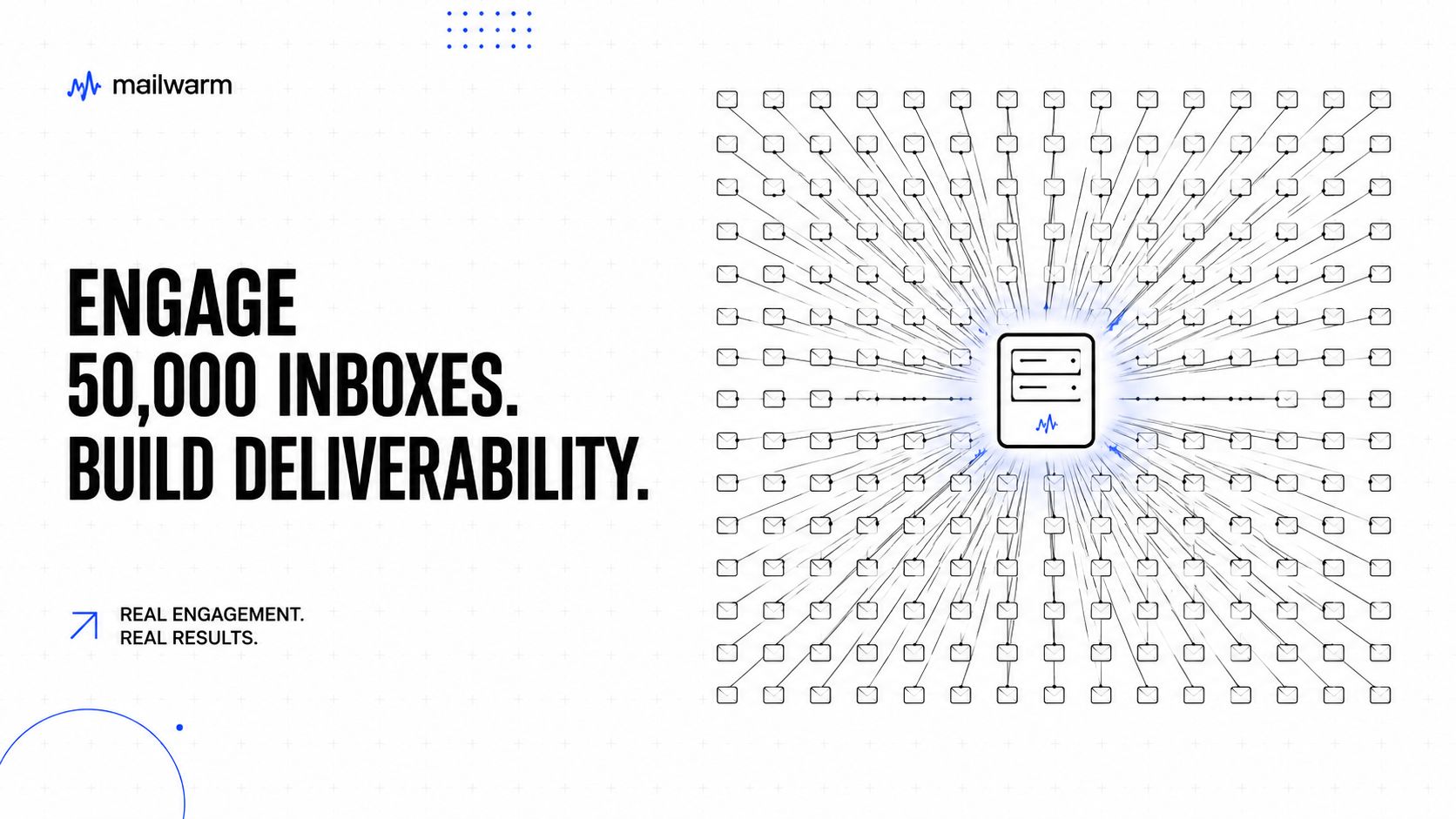
Security also affects the buying decision. Mailwarm operates without requiring IMAP access or permission to read a private inbox, reducing the mailbox data a team must grant to a third-party service. That can matter for companies with stricter security reviews or multiple client accounts.
The platform's differentiation is the operating layer around warmup:
Spam score monitoring
Inbox placement insights
Authentication fix tools
Bounce prevention
Custom email content warmup
B2B and B2C warmup
Deliverability analytics
Each plan includes expert deliverability calls. Specialists can review SPF, DKIM, DMARC, DNS configuration, content, volume, bounce patterns, sender reputation, and provider-specific filtering. That support is useful when authentication is configured but not enforced consistently across marketing, transactional, and sales systems.
Teams assessing the trade-off can review the Mailwarm features page. A basic tool may suit a single mailbox and a narrow warmup objective. Mailwarm's broader cost is easier to justify when the team needs provider-level diagnosis, enforcement help, ongoing monitoring, and specialist review rather than activity generation alone.
Frequently Asked Questions About Email Deliverability Services
What is email warmup?
Email warmup is a controlled process for building or rebuilding sender reputation through gradual sending and positive engagement. A serious warmup system uses interactions such as opens, replies, threads, spam removal, and important marking rather than relying only on message volume.
How long does email warmup take?
The appropriate timeline depends on mailbox history, authentication, list quality, sending volume, and current reputation. A new or damaged sender should increase activity carefully and monitor provider-level placement instead of following a rigid schedule.
Does email warmup improve inbox placement?
Warmup can support sender reputation by generating positive engagement signals, but it doesn't guarantee inbox placement. Authentication alignment, complaint rates, bounce prevention, content, audience quality, and provider-specific behavior also influence results.
Is email warmup enough to fix deliverability?
No. Warmup won't resolve a misaligned SPF or DKIM setup, weak DMARC enforcement, poor list hygiene, excessive complaints, or provider-specific filtering by itself. Those issues require authentication checks, monitoring, testing, and operational changes.
Why do emails go to spam?
Messages can go to spam because of weak sender reputation, unwanted engagement, authentication failures, alignment problems, bounces, complaints, or content and audience signals. A delivery report alone can't identify the cause because accepted mail may still land outside the inbox.
How does Mailwarm help improve sender reputation?
Mailwarm helps senders build reputation, monitor inbox placement, and improve deliverability through real inbox engagement, advanced warmup controls, and expert guidance. Its platform includes provider-level warmup, spam score monitoring, authentication fix tools, bounce prevention, inbox placement insights, and deliverability analytics.
Why is Mailwarm more expensive than basic warmup tools?
Mailwarm costs more because it combines real inbox engagement, up to 100% replies to warmup emails depending on the plan, spam score monitoring, provider-level warmup, authentication tools, no IMAP access required, and expert deliverability calls included in every plan.
Does Mailwarm need access to a private inbox?
No. Mailwarm doesn't require IMAP access or permission to read a user's private inbox. That gives teams a less intrusive way to use warmup and deliverability monitoring.
Your Next Steps for Better Inbox Placement
Deliverability is a system, not a single feature. Authentication, enforcement, reputation, engagement, list quality, provider-specific testing, and ongoing monitoring must work together.
A practical decision path looks like this:
Light sending: A sender using a modest volume with clean authentication may only need a simple warmup tool.
Growing outreach: Sales teams, agencies, and recruiters need real engagement, bounce prevention, and provider-level warmup.
Campaign operations: Marketing teams need placement testing, list cleaning, complaint monitoring, and analytics.
High-volume sending: Teams delivering 5,000 or more messages per day to Gmail accounts need layered authentication, unsubscribe controls, and careful provider compliance (Gmail bulk-sender requirements).
Audit the current authentication setup, check inbox placement across the providers that matter, and determine whether the existing approach addresses the full deliverability stack. If it only automates warmup activity, the sender likely needs broader controls.
Mailwarm helps teams build sender reputation, monitor inbox placement, and reduce spam risk with real inbox engagement, provider-level warmup, authentication tools, and expert deliverability calls. Visit Mailwarm to evaluate the platform and start with a clearer view of what mailbox providers see.