

Email authentication tools matter because SPF, DKIM, and DMARC are not a one-time setup task. They are the baseline for getting accepted by mailbox providers, and they only do part of the job. A domain can publish the right records and still miss the inbox if alignment is broken, forwarding is mishandled, or domain reputation is already weak.
That is why a feature list is not enough. The useful way to evaluate this category is by primary job: full deliverability suites for teams that need inbox placement and reputation help, DMARC platforms for policy control and reporting, and lightweight utilities for smaller teams that just need visibility and basic enforcement. If you are also working on the broader deliverability side, it helps to pair authentication work with practical guidance on how to avoid emails going to spam and the operational steps to keep your emails out of the spam folder.
Requirements from Gmail, Yahoo, and Microsoft made authentication harder to ignore, but buying the wrong tool is still common. A solo operator does not need the same reporting, delegation, and forensic visibility as a large enterprise with multiple sending services, subsidiaries, and security stakeholders.
This guide sorts the tools by real fit, not hype. Some products are built for ongoing deliverability work. Others are better at DMARC enforcement, third-party sender mapping, and policy rollout. A few are simple utility tools that do enough for lean teams without adding another platform to manage.
1. Mailwarm
Alt text suggestion: Mailwarm dashboard showing email warmup, deliverability, and authentication monitoring
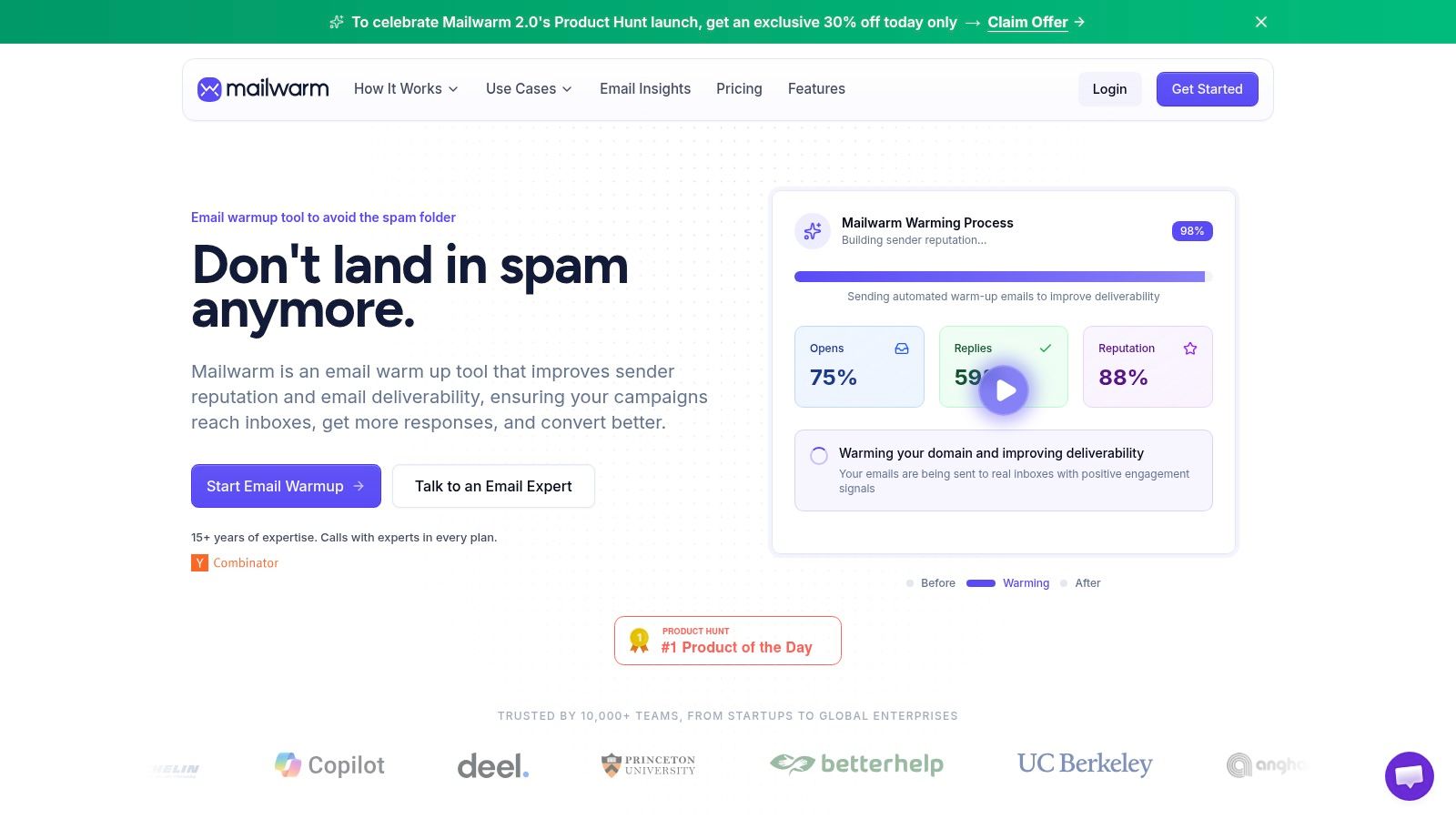
Mailwarm belongs in this list for a different reason than the pure DMARC vendors. It's a premium email warmup and deliverability platform that includes authentication fix tools, but its real value is what happens after the records are live.
Mailwarm helps senders build reputation, monitor inbox placement, and improve deliverability through real inbox engagement, advanced warmup controls, and expert guidance. That matters because authentication alone still leaves a gap between technical compliance and actual inboxing.
Why Mailwarm stands out
The strongest differentiator is the engagement layer. Mailwarm uses 50,000+ aged real inboxes and generates real engagement signals such as opens, replies, threads, spam removal, and important marking. It also supports provider-level warmup, B2B and B2C warmup, custom email content warmup, bounce prevention, deliverability analytics, and authentication fix tools.
Unlike basic warmup tools, Mailwarm doesn't require IMAP access or permission to read a user's private inbox. For security-conscious teams, that's a real operational advantage, not a nice extra.
Practical rule: If a domain passes SPF, DKIM, and DMARC but mailbox providers still don't trust its behavior, authentication won't rescue the campaign on its own.
That's the hidden issue many teams miss. Industry analysis cited by Email on Acid's guide to authentication protocols notes that 26% of authenticated emails still land in spam folders despite valid SPF, DKIM, and DMARC records. Mailwarm is built for that gap.
Who it's for
Mailwarm is built for teams that care about real inbox placement, not just automated warmup activity.
It's especially strong for:
- Founders and sales teams: They need sender reputation help before outbound volume scales.
- Agencies and recruiters: They often juggle multiple inboxes, providers, and content types.
- Marketing teams: They need inbox placement insights, spam score monitoring, and deliverability guidance in the same workflow.
The premium pricing is justified when email directly affects pipeline. Mailwarm costs more because it combines real inbox engagement, up to 100% replies to warmup emails depending on the plan, spam score monitoring, provider-level warmup, authentication tools, no IMAP access required, and expert deliverability calls included in every plan.
A cheaper tool may be enough for basic activity simulation. Mailwarm makes more sense when the team wants reputation protection, monitoring, and expert support in one system. The product website is Mailwarm, and teams working on broader inboxing issues can also review Mailwarm's guide on staying out of the spam folder.
2. Red Sift OnDMARC
Alt text suggestion: Red Sift OnDMARC platform interface for DMARC enforcement and sender management
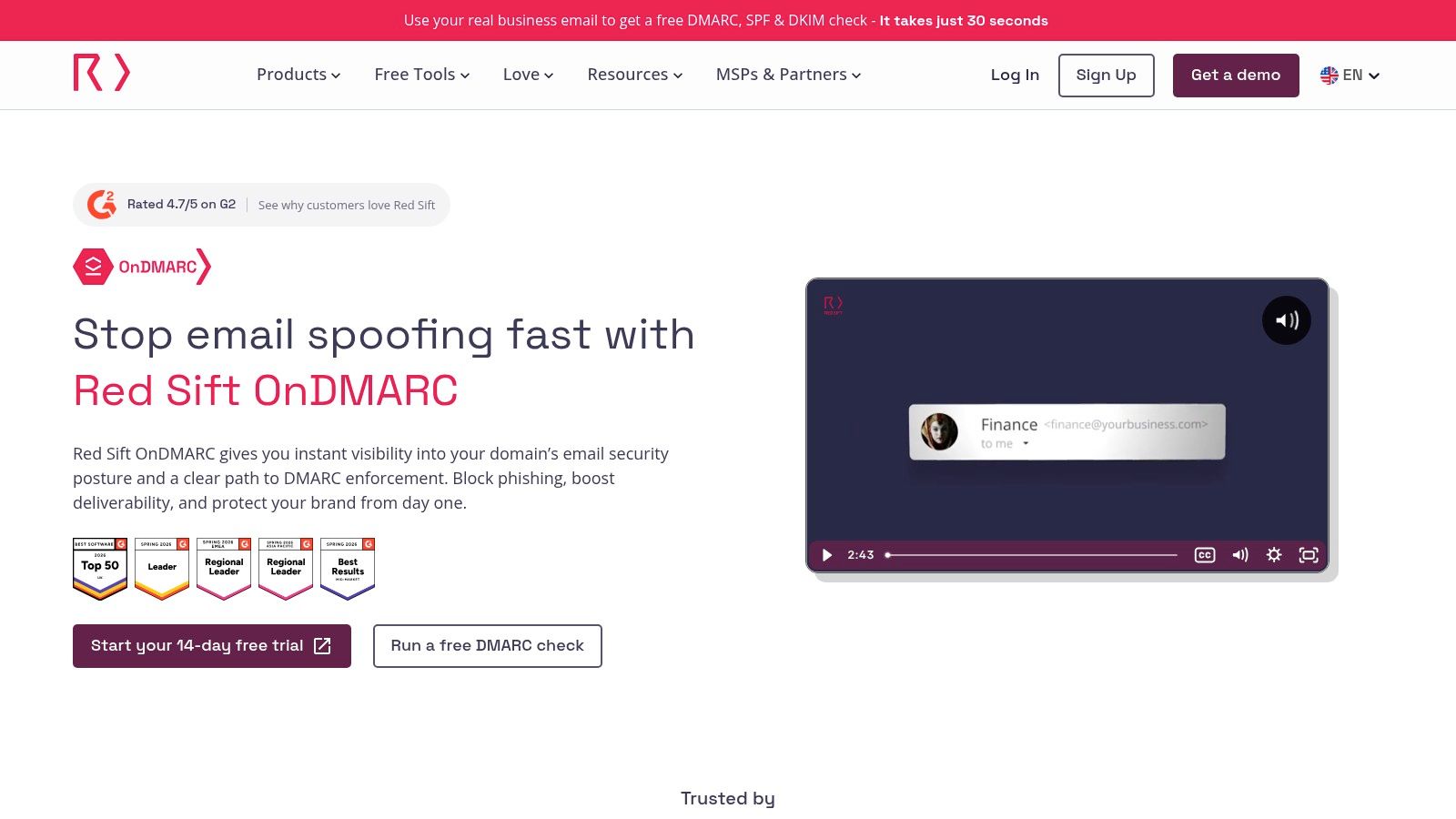
Red Sift OnDMARC is a strong fit for teams that want a guided path from visibility to enforcement. That usually means enterprises, mid-market teams, and MSPs that can't afford to break legitimate mail while tightening policy.
The product emphasizes sender discovery, DMARC rollout, and multi-tenant control. That combination is useful when several domains and third-party senders are involved.
Where it fits best
OnDMARC is most useful when the problem isn't just writing a DMARC record. The main challenge is discovering all authorized senders, handling SPF complexity, and moving toward enforcement without disrupting business mail.
Proofpoint describes modern authentication as a structured process that includes infrastructure assessment, domain mapping, DKIM setup, starting DMARC in monitoring mode, testing, ongoing monitoring, and gradually moving policies from p=none to p=reject, with quarterly reviews recommended and third-party sender inventories maintained, in its email authentication reference. Red Sift aligns well with that kind of operational rollout.
Teams usually struggle less with publishing DMARC than with identifying every service sending on their behalf.
That's why Red Sift tends to work well for complex environments. It's not the cheapest option, and pricing often requires a sales conversation, but the product is built for governance and scale. The platform website is Red Sift OnDMARC, and teams that need a refresher on the underlying mechanics can review Mailwarm's guide to mastering email authentication.
3. Valimail
Alt text suggestion: Valimail homepage for automated DMARC and SPF management
Valimail is one of the more established names in this space, and that matters for cautious buyers. Teams often choose it when they want a recognized DMARC vendor, a lower-friction starting point, and automation around SPF and DKIM complexity.
Its free reporting tier also gives smaller organizations a way to start without committing to a broader suite on day one.
Why teams choose it
Valimail is especially useful when SPF is messy. Organizations that rely on many SaaS tools often run into include-chain sprawl and lookup issues, and they need more than a basic DMARC parser.
Its strengths usually come down to:
- Free entry point: Good for teams that need visibility before budget approval.
- Automation to enforcement: Helpful for organizations that want a staged move to stricter policy.
- SPF complexity handling: Useful when multiple vendors send on behalf of one domain.
There's a practical trade-off, though. The free tier is a starting point, not an end state. Multi-domain management and deeper automation usually push teams into paid plans. The product website is Valimail.
4. dmarcian
Alt text suggestion: dmarcian dashboard for DMARC reporting and domain security
dmarcian has long been popular with sysadmins and smaller teams because it feels accessible without feeling oversimplified. It's a practical choice for organizations that want clear pricing, understandable reporting, and enough guidance to get DMARC under control.
That positioning makes it especially useful for first-time DMARC projects.
Best for smaller teams and admins
dmarcian is often the right call when the team needs to answer a simple question first. Who is sending from this domain, and which streams are aligned versus broken?
Its appeal usually comes from:
- Clear onboarding: Easier for lean teams without a dedicated deliverability specialist.
- Educational tooling: Helpful for admins who want to understand what the reports mean.
- Free personal option: Good for testing and early evaluation.
The trade-off is depth. Teams that need broader brand protection, takedown workflows, or a bigger enterprise governance layer may outgrow it. The platform website is dmarcian, and teams setting up the core records can pair it with Mailwarm's walkthrough on SPF, DKIM, DMARC, and BIMI setup.
5. EasyDMARC
Alt text suggestion: EasyDMARC interface for monitoring DMARC, SPF, and DKIM
EasyDMARC is one of the more approachable platforms for businesses that want guided setup without wrestling with raw XML reports. The interface tends to appeal to MSPs, agencies, and in-house teams that want clean dashboards and a gentler learning curve.
It also goes beyond DMARC parsing with blacklist and reputation checks.
Good UX matters here
Email authentication tools are often technically correct and operationally annoying. EasyDMARC's value is that it lowers the friction for teams that need progress fast.
A few strengths stand out:
- Guided recommendations: Helpful for teams moving from passive monitoring to tighter policies.
- Reputation visibility: Useful when DNS is correct but mailbox trust still needs work.
- White-label options: A practical feature for MSPs and agencies managing client domains.
One important implementation detail matters regardless of vendor. EasyDMARC's own guidance says organizations should start with a p=none policy to monitor results and collect reports before moving to quarantine or reject, in its article on email authentication and why it matters. That approach prevents legitimate traffic from getting blocked too early.
The platform website is EasyDMARC.
6. PowerDMARC
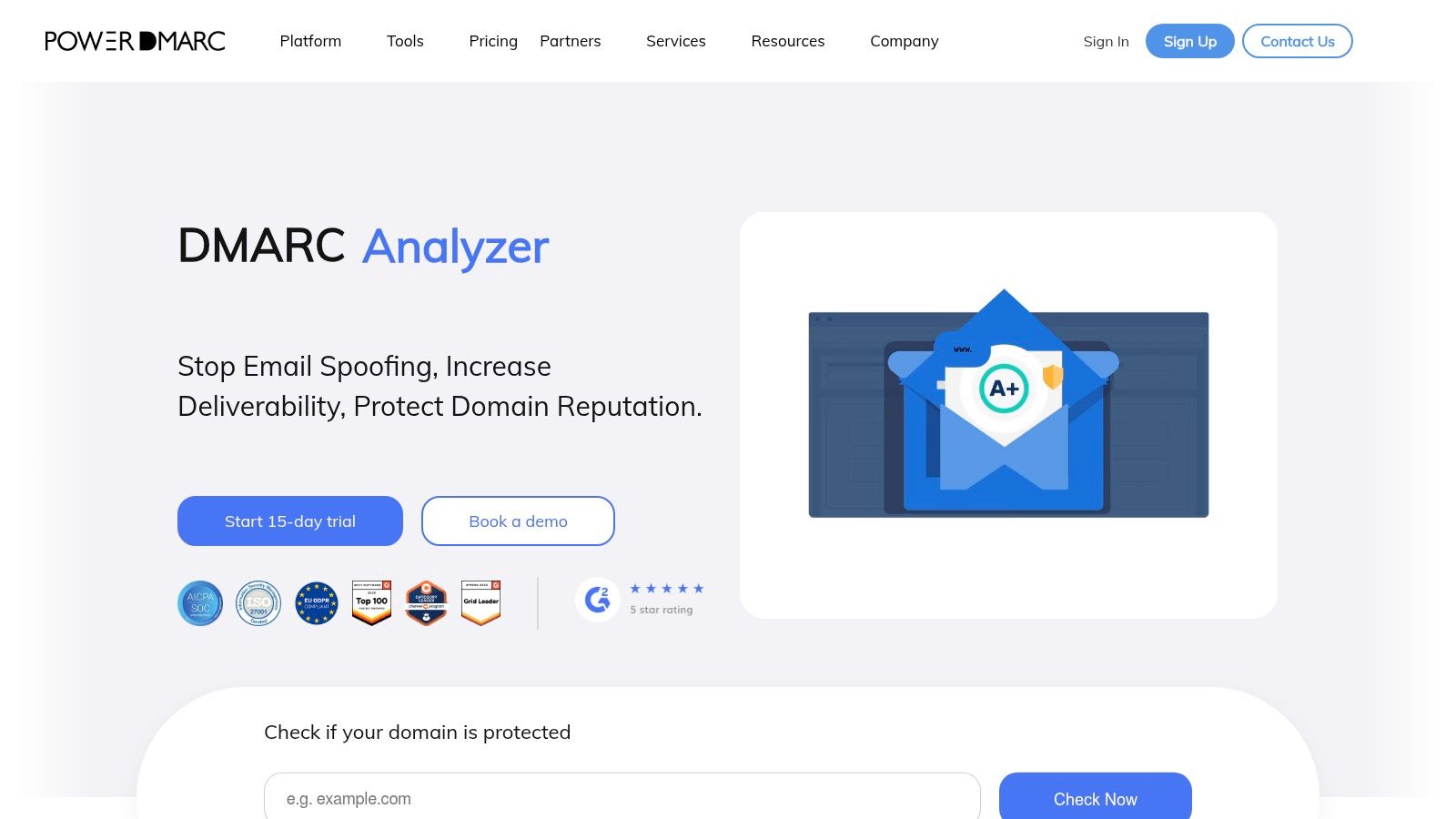
Alt text suggestion: PowerDMARC console for DMARC, BIMI, and MTA-STS management
PowerDMARC fits teams that have already outgrown a DMARC-only dashboard. It brings DMARC, SPF, DKIM, hosted BIMI, MTA-STS, and TLS-RPT into one console, which is useful when email authentication is shared across security, IT, and marketing rather than owned by one admin.
That broader scope is the main selling point.
In this guide's use-case split, PowerDMARC sits closer to a full platform than a lightweight utility. It makes sense for organizations that want to manage sender authentication, transport policy, and brand display signals in one place instead of buying separate tools and stitching the reporting together by hand.
The trade-off is straightforward. More protocol coverage usually means more setup, more decisions, and a busier interface. If the only goal is to publish DMARC, read aggregate reports, and move to enforcement, simpler platforms can feel faster. If the goal is to standardize policy across many domains and add BIMI or MTA-STS without introducing another vendor, PowerDMARC is easier to justify.
It tends to fit three groups well:
- Security and infrastructure teams that want DMARC plus transport-layer controls in the same workflow
- Organizations with multiple domains or business units that need centralized visibility
- Teams planning beyond baseline authentication and want room to add BIMI or TLS reporting later
That last point matters more than feature tables suggest. A lot of companies get SPF, DKIM, and a basic DMARC record in place, then stop. PowerDMARC is better suited to teams that want to turn authentication into an operating standard, not a one-time DNS project.
The product website is PowerDMARC.
7. Sendmarc
Alt text suggestion: Sendmarc DMARC platform with workflow and remediation controls
Sendmarc is built with automation and partner operations in mind. It's a strong candidate for MSPs and service providers that need to manage multiple client domains and keep remediation moving without endless manual follow-up.
That sounds narrow, but it's a real use case. A lot of DMARC work fails because nobody owns the follow-through.
Strong choice for MSP workflows
Sendmarc's task and workflow orientation is what sets it apart. It's less about elegant theory and more about getting domains configured, investigated, and advanced toward enforcement.
A DMARC platform should make unknown senders obvious and next actions boringly clear.
That's where Sendmarc tends to help. It offers guided setup, real-time alerts, discovery helpers, and multi-tenant reporting that partner teams can operate. Public pricing is lighter than some buyers would like, and it's not the deepest option for brand protection, but the workflow design is practical. The product website is Sendmarc.
8. Cloudflare DMARC Management
Alt text suggestion: Cloudflare dashboard showing DMARC management and domain security settings
Cloudflare DMARC Management is the obvious first stop for teams already using Cloudflare DNS. The biggest advantage is simplicity. There's no separate vendor relationship to manage, and the tool lives where the records already live.
For smaller companies, that can be enough.
Best low-friction option for Cloudflare DNS users
This tool is best treated as a practical starting point, not automatically a forever platform. It gives visibility into DMARC, SPF, DKIM, and BIMI record status and offers guidance inside the DNS workflow.
That's especially useful for teams that need:
- A low-cost starting point: Good for getting basic control without buying a dedicated suite.
- Integrated record management: Faster when DNS already sits in Cloudflare.
- Source investigation: Helpful for understanding suspicious senders.
The catch is scope. It's newer than specialist DMARC platforms and won't satisfy every enterprise workflow. But for teams already on Cloudflare DNS, the convenience is hard to ignore. The product page is Cloudflare DMARC Management.
9. Mailhardener
Alt text suggestion: Mailhardener dashboard for DMARC, MTA-STS, and BIMI management
Mailhardener fits a specific gap in this category. It is stronger than a basic DMARC reporting tool, but it is not trying to be a full deliverability suite for large enterprises with heavy workflow needs.
Best for teams adding MTA-STS, TLS-RPT, and BIMI without extra infrastructure
This is a practical choice for companies that already handle SPF, DKIM, and DMARC reasonably well and now need help with the next set of protocols. Hosted MTA-STS and TLS-RPT support remove the hassle of standing up and maintaining those pieces yourself. For many small and mid-sized teams, that matters more than having the deepest DMARC analytics on the market.
Mailhardener is useful for:
- IT and security teams with limited bandwidth: They can publish and maintain advanced email security records without building supporting services internally.
- Organizations expanding beyond DMARC: BIMI, MTA-STS, and TLS reporting are part of the same program here, which keeps management simpler.
- Teams that want a focused platform: It covers email authentication and transport protections without the sprawl of a larger security product.
The trade-off is straightforward. If the main job is detailed sender investigation, policy rollout across many domains, or enterprise-grade reporting for multiple stakeholders, other DMARC platforms on this list go further. If the core problem is operational, getting these protocols deployed correctly and kept running, Mailhardener solves that problem well. The product website is Mailhardener.
10. Postmark DMARC Digests
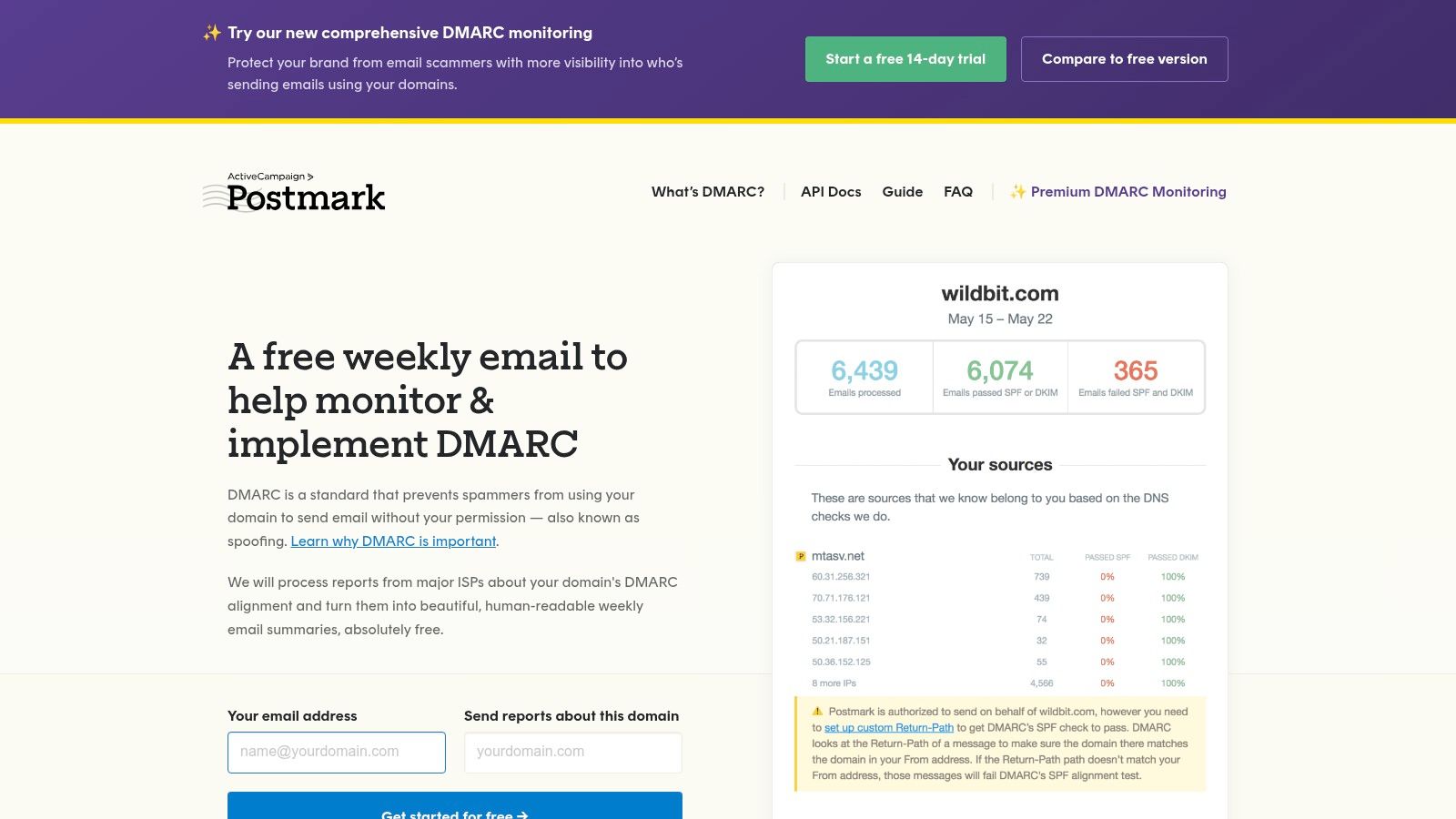
Alt text suggestion: Postmark DMARC Digests interface for simple DMARC summaries
Postmark DMARC Digests is the lightest option on this list. That's not a criticism. For a small business or lean technical team, digest-level visibility may be exactly the right level of complexity.
Not every domain needs a heavyweight suite.
Best for simple visibility
This is a good pick when the goal is straightforward. Receive human-readable DMARC summaries, stop ignoring XML reports, and get basic per-domain monitoring without building a larger program.
It works well for:
- Small organizations: They need clarity, not enterprise process.
- Budget-conscious teams: Predictable per-domain pricing is easier to approve.
- Low-overhead operations: Minimal setup matters when nobody owns deliverability full time.
The limitation is depth. Postmark DMARC Digests won't replace a full platform for sender discovery, enforcement workflows, or multi-tenant management. But for simple reporting, it's useful and easy to live with. The product website is Postmark DMARC Digests.
Top 10 Email Authentication Tools Comparison
| Product | Core features | UX & deliverability | Target audience | Price & notes |
|---|---|---|---|---|
| Mailwarm (Recommended) | Warmup network (50k+ real inboxes), provider‑level control, replies, spam‑score & auth checks, expert calls | Measured inbox lifts (eg. +31% MSFT), up to 100% reply rates, secure (no IMAP) | Founders, sales/SDR teams, agencies, recruiters, marketers | Premium pricing; Scale: up to 500/day, tailored = unlimited; no traditional free trial |
| Red Sift OnDMARC | Guided DMARC enforcement, dynamic SPF, sender discovery, multi‑tenant | Fast path to p=reject (6–8 weeks typical), enterprise controls | Mid‑market, enterprises, MSPs | Higher, quote‑based pricing; enterprise focused |
| Valimail | Automate‑to‑enforce, free DMARC reports tier, SPF complexity tools | Mature platform, automated workflows | Organizations seeking automation + free entry | Free basic tier; paid for advanced/multi‑domain |
| dmarcian | DMARC parsing, simulation, sender discovery, volume‑based pricing | Clear, transparent pricing; good for admins & small teams | Small teams, sysadmins, MSPs starting DMARC | Predictable volume‑based pricing; free personal plan |
| EasyDMARC | DMARC/SPF/DKIM monitoring, AI report insights, blacklist checks, white‑label | UX‑friendly onboarding, clear dashboards | MSPs/agencies and non‑technical teams | Tiered pricing; advanced features limited to higher plans |
| PowerDMARC | DMARC/SPF/DKIM, hosted BIMI, MTA‑STS, TLS‑RPT, multi‑domain | Broad protocol coverage; some UI complexity | Orgs needing full protocol suite across domains | Competitive feature value; retention/tiers vary |
| Sendmarc | Guided setup, SPF optimization, remediation workflows, MSP tools | Strong task automation and discovery for rollouts | Partners, MSPs managing many client domains | Quote‑based; designed for managed services |
| Cloudflare DMARC Management | DMARC/SPF/DKIM checks, source investigation, SPF audit, integrated UX | Simple, integrated for DNS customers; early GA features | Cloudflare DNS customers and small teams | Free for Cloudflare DNS users; requires hosting DNS with Cloudflare |
| Mailhardener | DMARC monitoring, hosted MTA‑STS, TLS‑RPT processing, BIMI hosting | Fast MTA‑STS/BIMI deployment; strong docs | Teams needing transport security & BIMI without self‑hosting | Euro‑denominated pricing; DMARC analytics lighter than full suites |
| Postmark DMARC Digests | DMARC XML → human digests, per‑domain summaries, simple onboarding | Lightweight, low overhead, predictable visibility | Small teams wanting readable DMARC reports | Budget‑friendly per‑domain pricing; not a full remediation suite |
Take Control of Your Sender Reputation
Sender reputation usually breaks for a simpler reason than teams expect. The problem is not choosing from a long feature list. It is choosing the wrong category of tool for the job.
A full deliverability suite makes sense when authentication problems sit alongside inbox placement issues, spam foldering, and weak domain or mailbox reputation. A DMARC platform fits teams that need visibility into every sender, clean reporting, and a controlled path from monitoring to enforcement. Utility tools are enough when the goal is basic reporting, readable digests, or low-cost coverage for a small number of domains.
As noted earlier, DMARC adoption still trails far behind where it should be, and enforcement lags even further. That gap leaves plenty of domains open to spoofing, partner abuse, and forwarding-related surprises that only show up once reports start coming in.
Authentication also needs to be treated as part of deliverability operations, not as a one-time DNS task. Analysts at Digital Applied found a clear inbox placement advantage for domains that fully implement SPF, DKIM, and DMARC. The same research points to complaint control and list-unsubscribe support as part of the baseline mailbox providers expect. In practice, that means a clean DMARC record will not save a sender with bad list hygiene or rising complaint rates.
The rollout pattern is straightforward. Audit every sending source first, including CRMs, support tools, invoicing systems, and any platform a department connected years ago and forgot about. Then set SPF carefully, publish DKIM with modern key sizes, and move DMARC from monitoring to quarantine or reject only after alignment is confirmed. SmartBug Media's guide to email authentication protocols recommends at least 1,024-bit DKIM keys, with 2,048 bits as the current standard.
If I were advising a team from scratch, I would sort the decision this way. Choose Mailwarm if the primary problem is sender reputation and inbox placement, not just DNS records. Choose Red Sift OnDMARC, Valimail, dmarcian, EasyDMARC, PowerDMARC, or Sendmarc if the main job is DMARC reporting, source discovery, and policy enforcement across one or many domains. Choose Cloudflare DMARC Management, Mailhardener, or Postmark DMARC Digests if the team wants lighter-weight coverage and already has the core sending setup under control.
That distinction matters more than any single feature. The right tool category saves weeks of cleanup and makes enforcement much safer.
FAQ
What is email warmup?
Email warmup is the process of building sender reputation by gradually increasing sending activity and generating positive engagement signals. It helps mailbox providers see a sender as more trustworthy over time.
Does email warmup improve inbox placement?
It can help, especially when reputation is weak or a mailbox is new. But warmup works best alongside proper SPF, DKIM, and DMARC setup, list hygiene, and strong complaint control.
Is email warmup enough to fix deliverability?
No. Authentication, infrastructure, complaint rates, content, bounce management, and recipient engagement all affect inbox placement. Warmup is important, but it isn't a complete fix by itself.
Why do emails go to spam?
Messages often go to spam because of missing authentication, weak sender reputation, high complaint rates, poor list quality, or suspicious content patterns. Sometimes mail passes authentication and still lands in spam because providers don't trust the sender's behavior.
How does Mailwarm help improve sender reputation?
Mailwarm helps improve sender reputation through real inbox engagement, advanced warmup controls, inbox placement insights, spam score monitoring, authentication fix tools, and expert guidance. It's built for teams that want real inbox placement improvement, not just automated warmup activity.
Why is Mailwarm more expensive than basic warmup tools?
Mailwarm costs more because it combines real inbox engagement, up to 100% replies to warmup emails depending on the plan, spam score monitoring, provider-level warmup, authentication tools, no IMAP access required, and expert deliverability calls included in every plan.
Does Mailwarm need access to my inbox?
No. Unlike basic warmup tools, Mailwarm doesn't require IMAP access or permission to read a user's private inbox. That makes setup less intrusive and more secure for many teams.
If email is a real growth channel, Mailwarm is built for the work that starts after DNS records go live. It helps teams build sender reputation, monitor inbox placement, reduce spam risk, and improve deliverability with real inbox engagement, authentication tools, and expert support.